



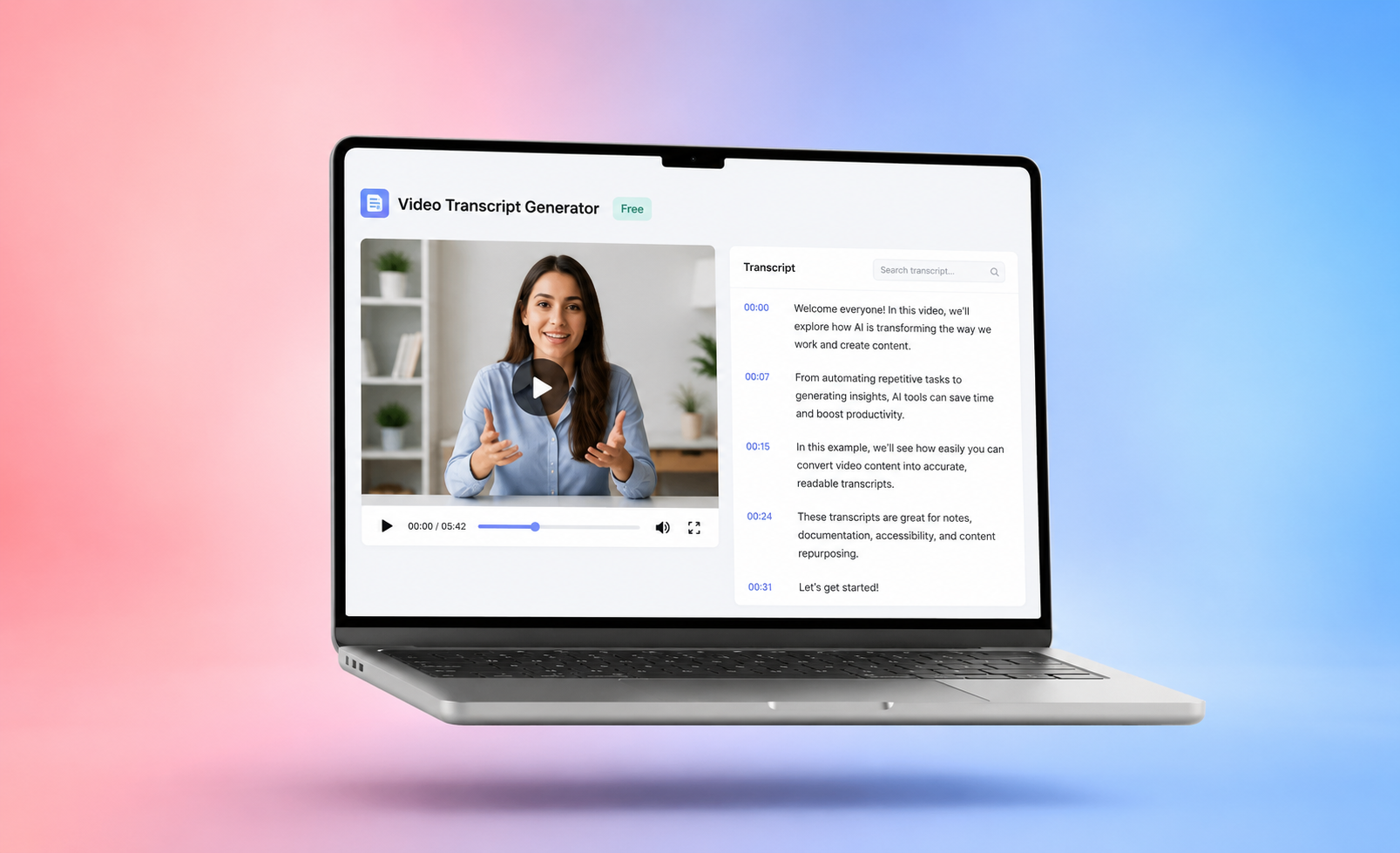




Video content is everywhere, from meetings and webinars to podcasts and social media clips. But when you want to use video for work, it is not always easy to search, scan, or reuse. That is where a free video transcript generator can be helpful.
These tools turn spoken content into written text, making videos easier to work with. Whether you are a marketer or student, video transcription tools can save hours of manual work and give you new ways to use your video content.
What Is a Video Transcript Generator?
A video transcript generator is a tool that converts spoken audio from a video into written text using AI transcription with the help of voice to text technology.
Instead of manually typing everything you hear, the tool automatically does it for you. It processes the audio and produces a transcript. Most tools also include other useful features like timestamps, speaker labels, summaries with the key points highlighted, and editing tools.
For example, if you upload a recorded Zoom webinar, the tool will generate a full transcript that you can edit, download, or recycle as other formats such blog content or newsletters.
How Free Video Transcript Generators Work
Most free video transcript generators follow a similar process powered by AI and machine learning.
Upload a video file or share a video link
Users start by uploading a video file or pasting a link from platforms like YouTube. Some tools also integrate with cloud storage or meeting platforms, making it easy to import recordings automatically.
AI speech recognition converts audio into text
The core technology that video transcripts use is automatic speech recognition. The AI listens to the audio, identifies spoken words, and converts audio into text. Models are trained on large datasets, which allows them to recognize different accents, speech patterns, and languages.
Detect speakers and generate timestamps
Many tools don’t only give you a basic transcript, but add a bit of structure, which makes it easier to navigate the text.
- Speaker identification separates different voices.
- Timestamps show when each section occurs in the video.
- Paragraph formatting improves readability.
This makes transcripts easier to navigate and reference.
Transcript editing and export options
After the transcript is generated, users can:
- Edit text.
- Highlight key sections.
- Export in TXT, DOCX, or SRT formats.
- Share transcripts with team members.
This step is important because even the best AI transcription may need small corrections.
Limits of Free Video Transcript Generators
Free tools are convenient, but they often come with a few limitations as a trade-off.
Limit on usage
Many free platforms only allow you a certain number of tokens and limit how many minutes you can transcribe per month or day.
Restrictions on file size
Free plans may not support large files or long recordings.
Limited options for exports
Some tools only allow certain types of basic downloads, which limit how you can use the transcript.
Fewer features
Premium features like detailed summaries, advanced analytics, or integrations are often locked behind paid plans.
Inaccuracy across languages and accents
The accuracy of your transcripts can vary depending on:
- Audio quality.
- Background noise.
- Speaker accents.
- Language.
For content in foreign or multiple different languages you may need to review the transcript manually to ensure it is accurate.
Top 10 Free Video Transcript Generators
Here are some of the most popular tools available today.
1. Summary AI
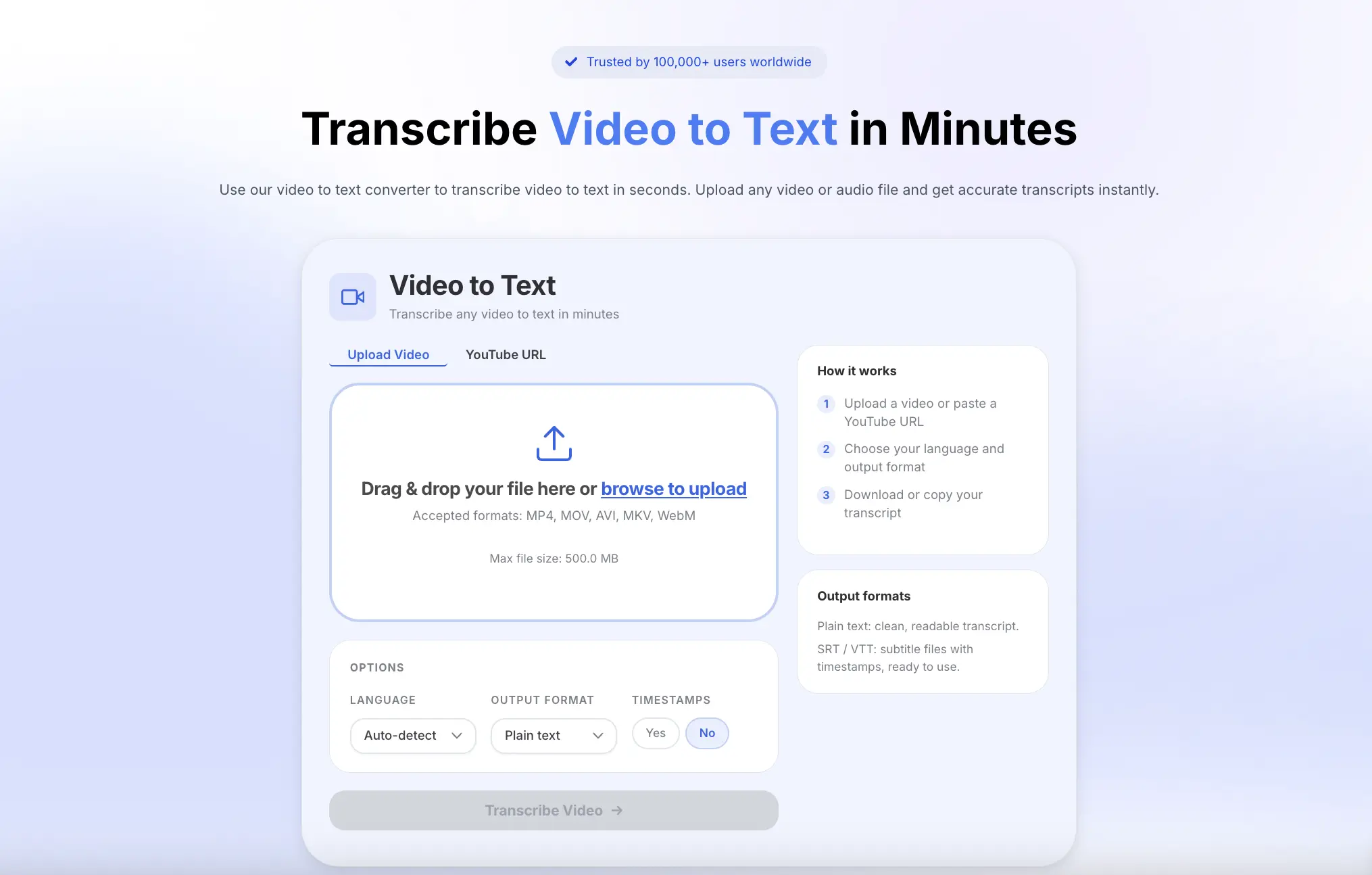
Overview: Summary AI is an AI transcription platform that converts video and audio recordings into accurate text transcripts, summaries, meeting notes, and action items. Click to use the free video transcript generator. It’s purpose is to help users get more value from recorded content quickly. The company behind Summary AI focuses on building productivity tools. They help teams save time when working with recorded information, especially meetings.
Key Features
- Video-to-text transcription
- AI-generated summaries
- Meeting notes and action items
- Searchable transcripts
- Multiple export options
2. Happy Scribe
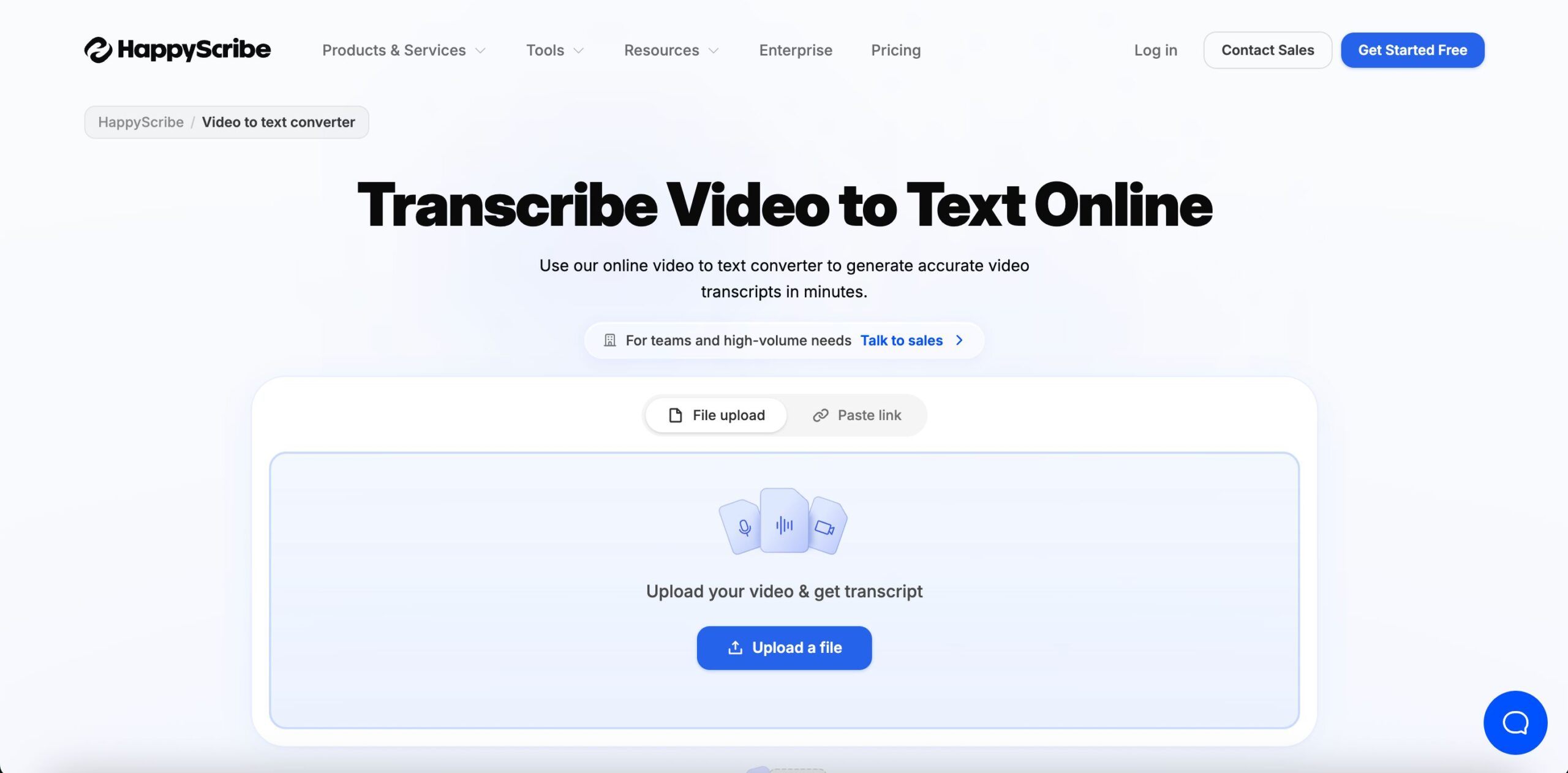
Overview: Happy Scribe gives you the option to choose between AI transcription and human transcription, which is handy if you need extra accuracy for important projects. It covers a wide range of languages and includes tools for subtitles and translation, making it a solid pick for teams working across different markets.
Key Features
- Automatic transcription
- Generating subtitles
- Multi-language support
- Translation tools
- Collaborative editing
3. Evernote AI Transcribe
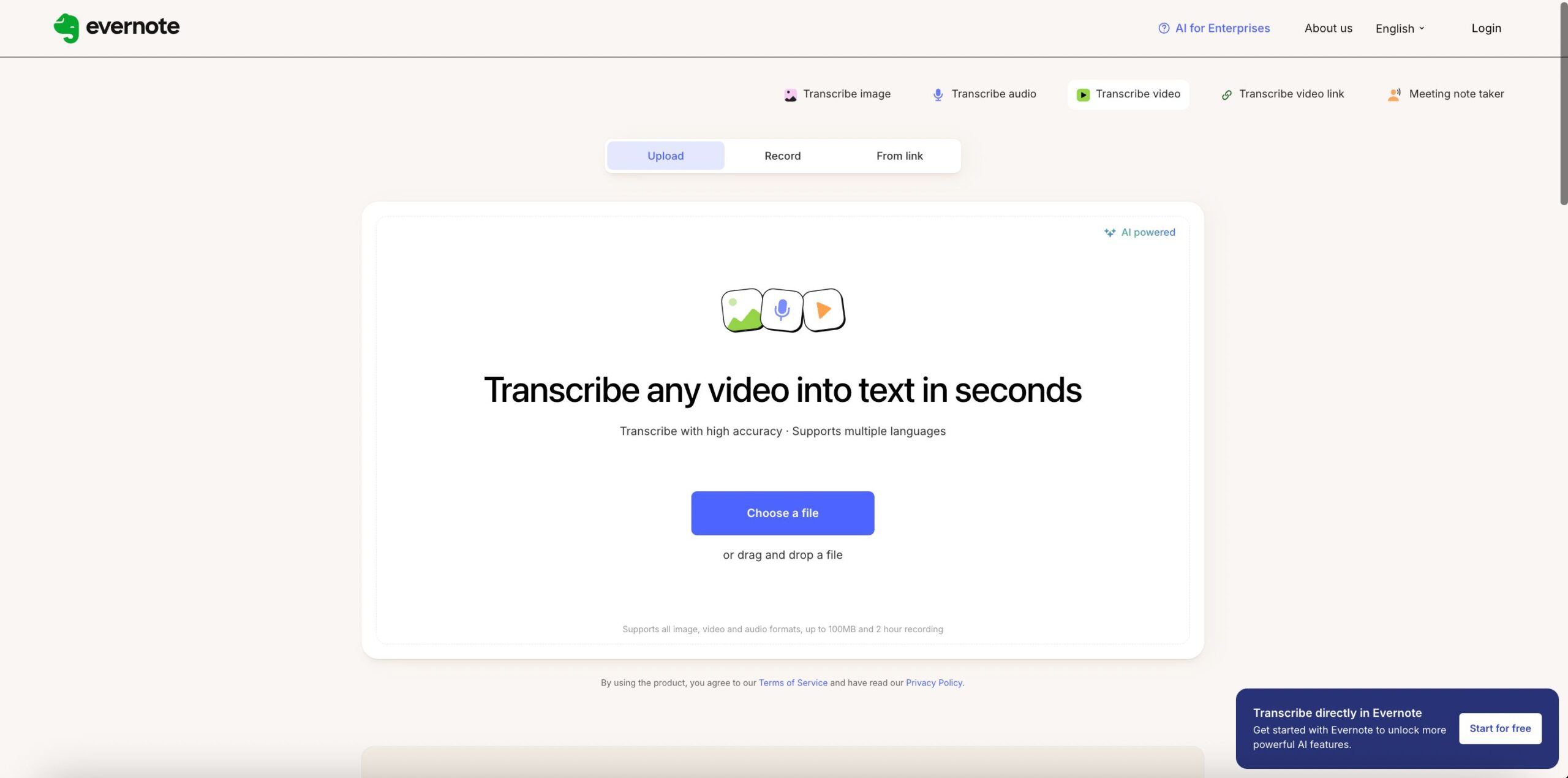
Overview: Evernote has been a go-to productivity app for years, and its AI transcription feature fits right into that ecosystem. Instead of switching between tools, you can transcribe audio and drop it straight into your notes, keeping everything searchable and organized in one place.
Key Features
- AI transcription
- Integrated Notes feature
- Transcripts you can search
- Organizing content
- Productivity workflows
4. Vizard
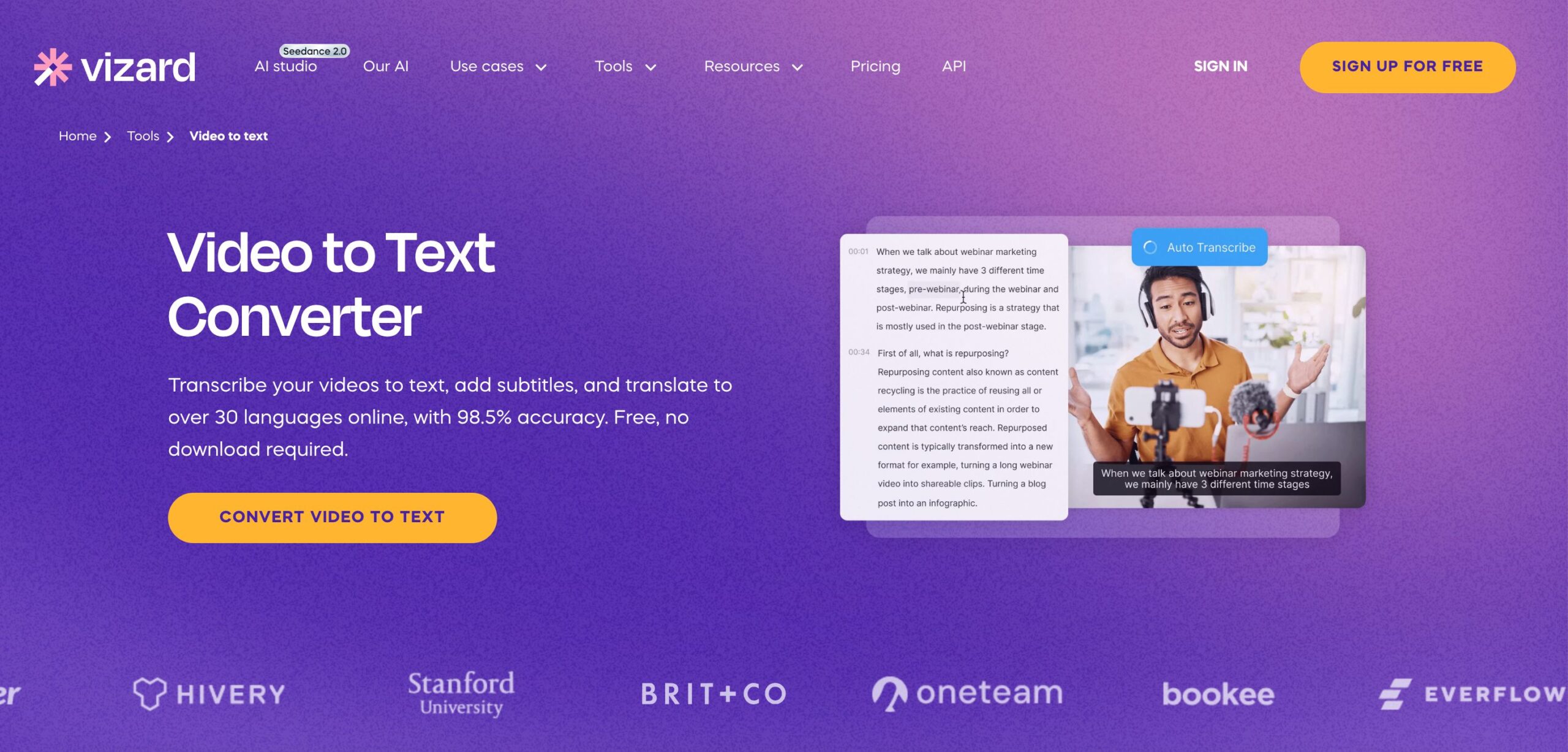
Overview: Vizard is built for creators and marketers who want to do more with their video content. On top of transcription, it uses AI to trim video, pull out short clips and generate captions, so you can take one long video and turn it into several pieces of content ready for social media.
Key Features
- Video transcription
- AI clip generation
- Caption creation
- Content repurposing
- Social media optimization
5. Canva Video to Text
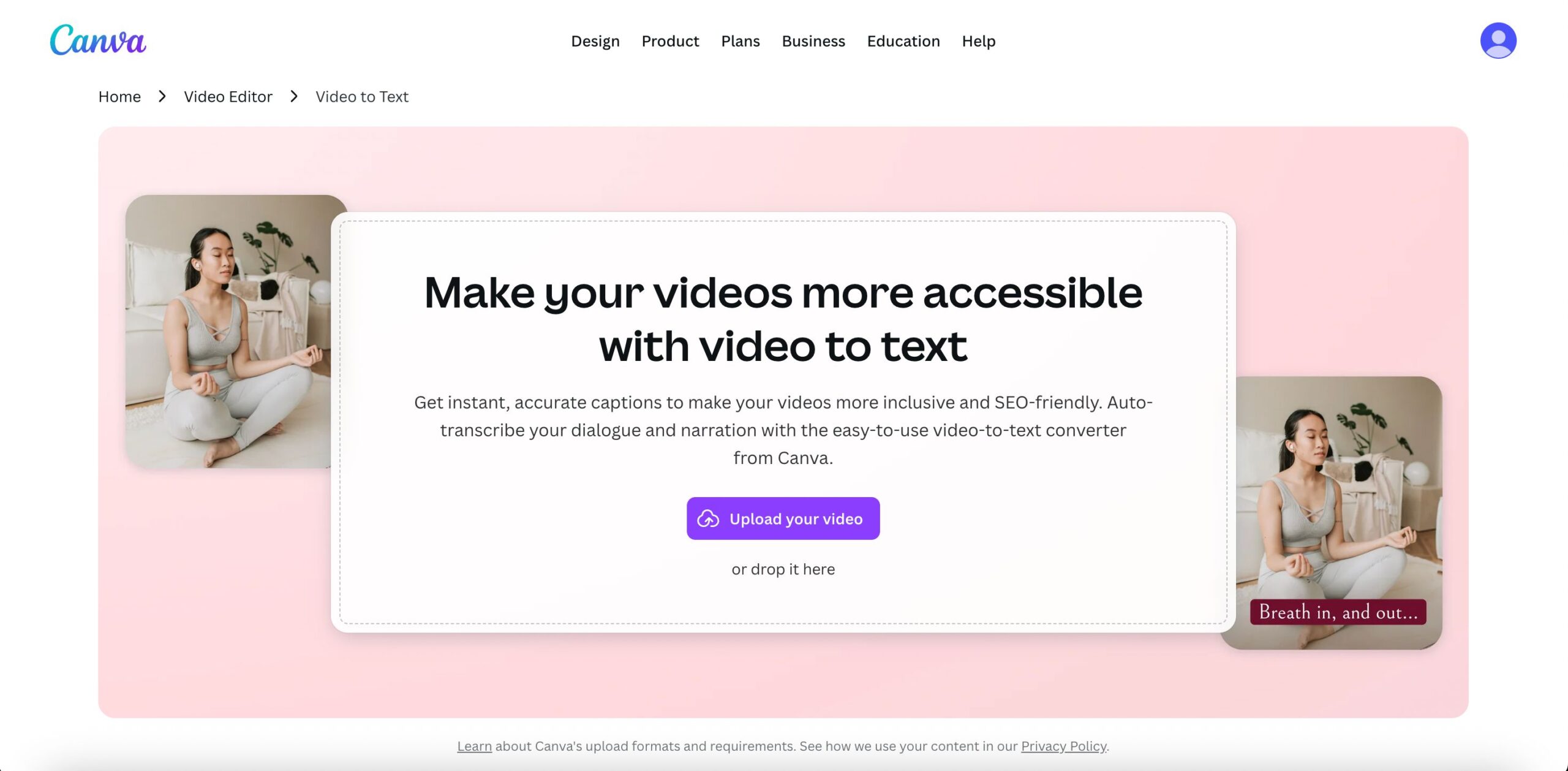
Overview: Canva is already one of the most popular design tools in the world used in some cases as an AI marketing tool, and its transcription feature makes it easy to add captions and text directly inside your existing workflow. If your team is already using Canva for visuals, this is a convenient way to handle transcription without adding another tool to the mix.
Key Features
- Automatic transcription
- Caption generation
- Video editing integration
- Team collaboration
- Easy exports
6. Manus Video Transcript Generator
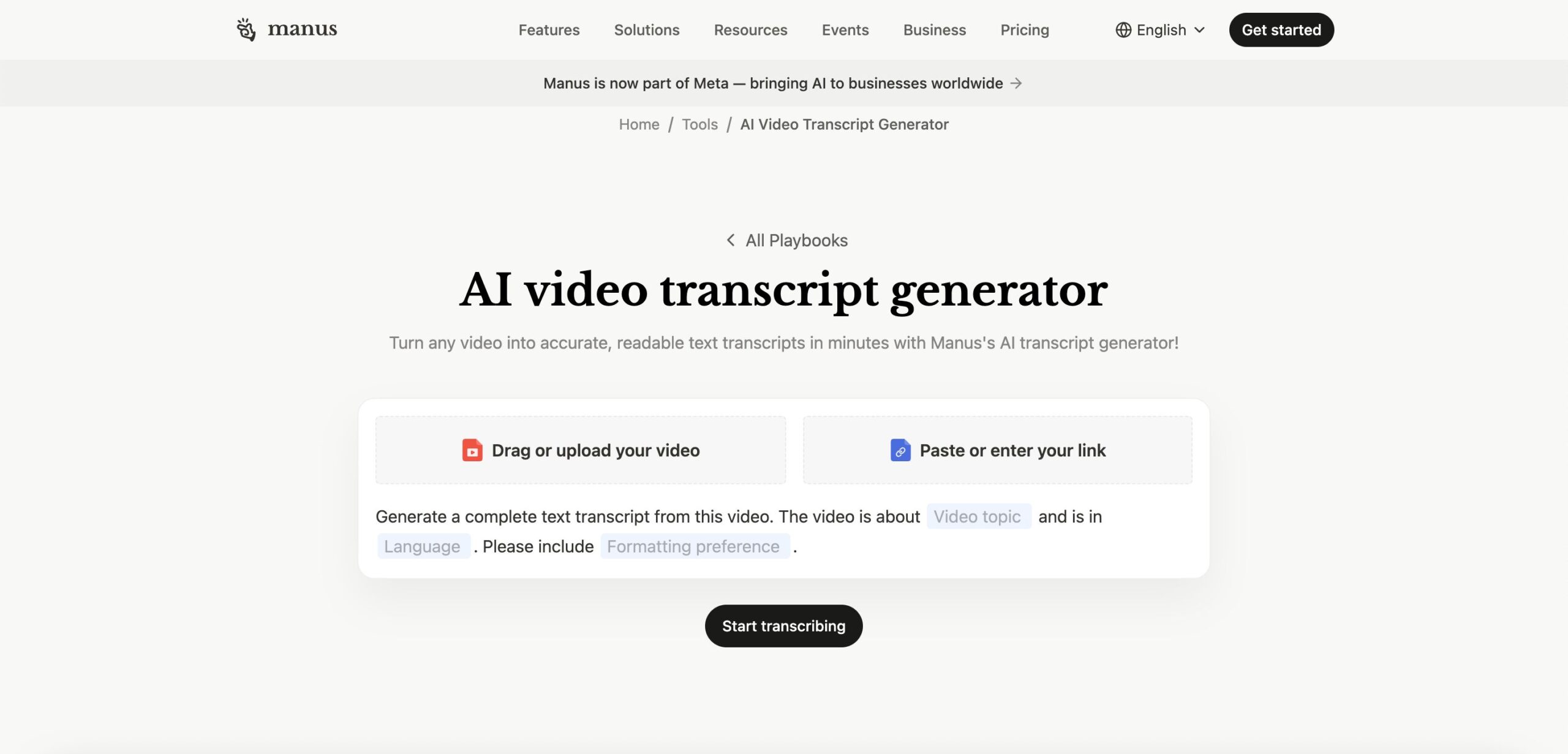
Overview: Manus is focused on speed and clean output. It runs entirely in the browser, so there’s nothing to install, and it delivers transcripts in a structured format that’s easy to work with right away. Useful if you’re pulling content from videos for articles, summaries, or reports.
Key Features
- AI transcription
- Content extraction
- Fast processing
- Structured output
- Browser-based workflow
7. Tactiq YouTube Transcript Generator
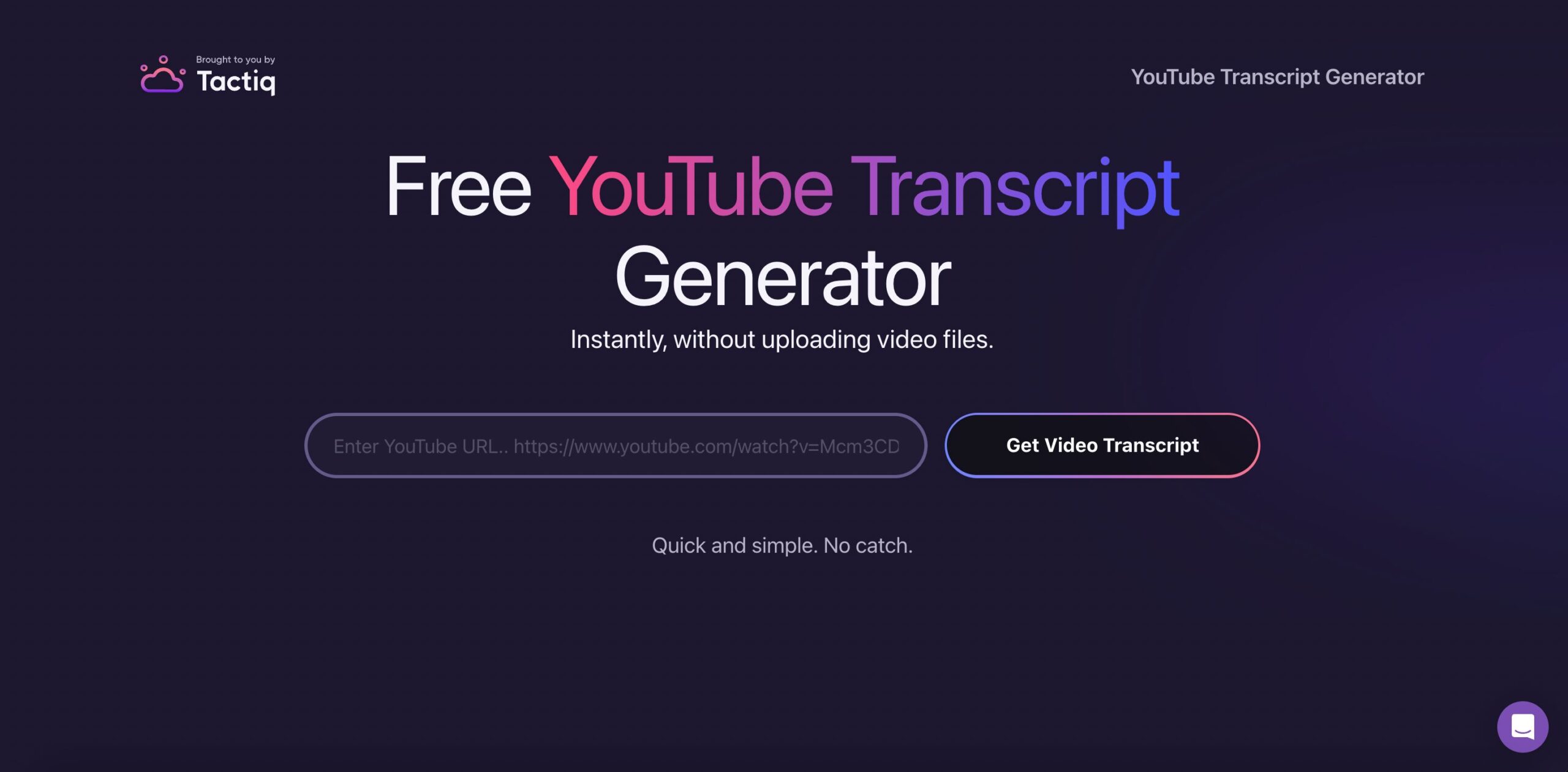
Overview: Tactiq is designed specifically for pulling transcripts from YouTube videos and online meetings. It goes beyond basic transcription by generating AI summaries and highlights, so you don’t have to read through an entire transcript to find what matters.
Key Features
- YouTube transcript extraction
- AI summaries
- Highlight generation
- Meeting notes
- Searchable transcripts
8. ElevenLabs Video to Text
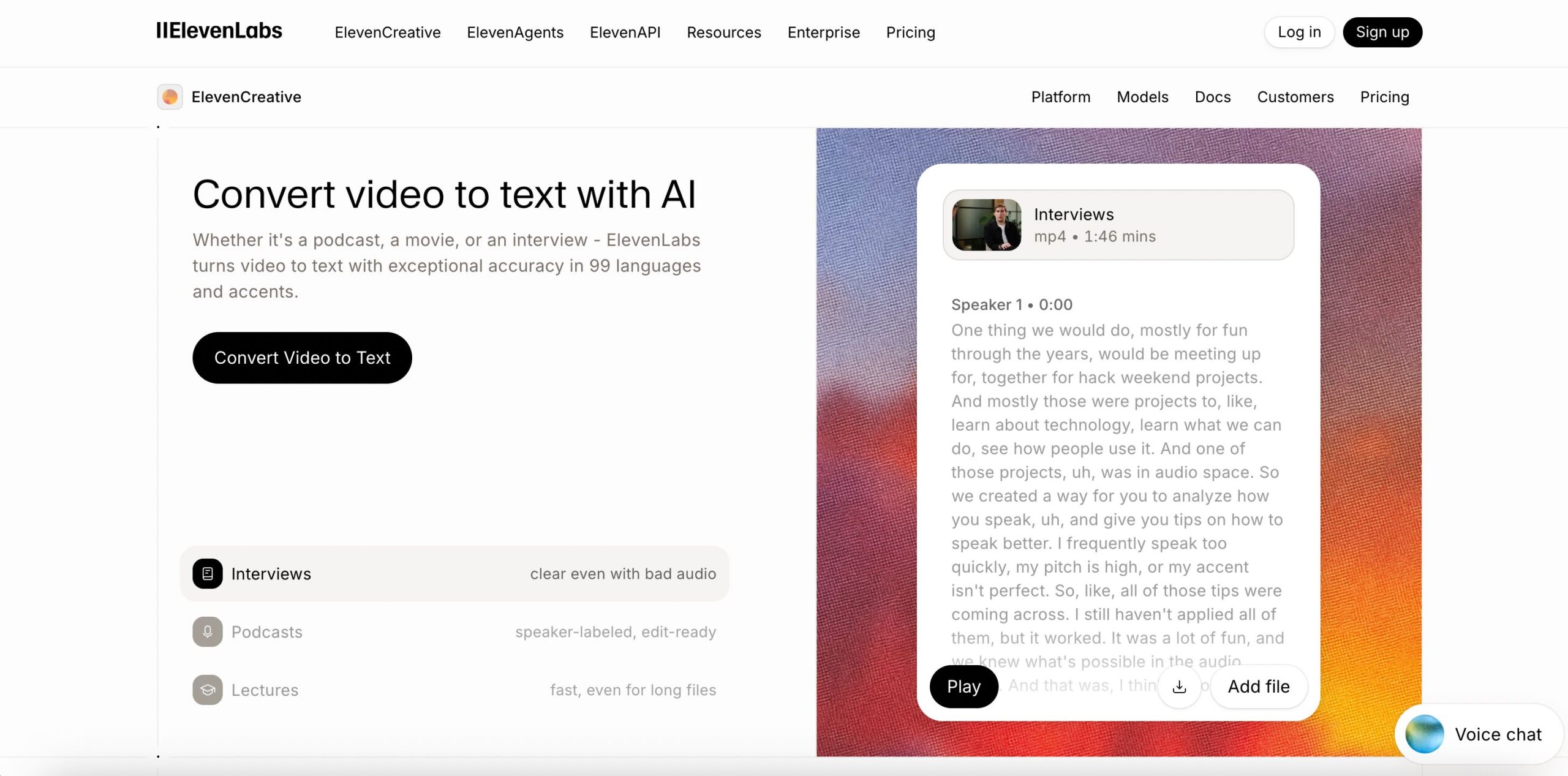
Overview: ElevenLabs is best known for its advanced AI voice technology used for AI voice assistants, and that expertise carries over into its transcription tool. It handles multiple languages, identifies different speakers, and delivers high accuracy, which makes it a good choice for complex audio with more than one person talking.
Key Features
- Video transcription
- Multilingual support
- Speaker recognition
- High accuracy
- Integration with audio tools
9. Wayin Video Transcript Generator
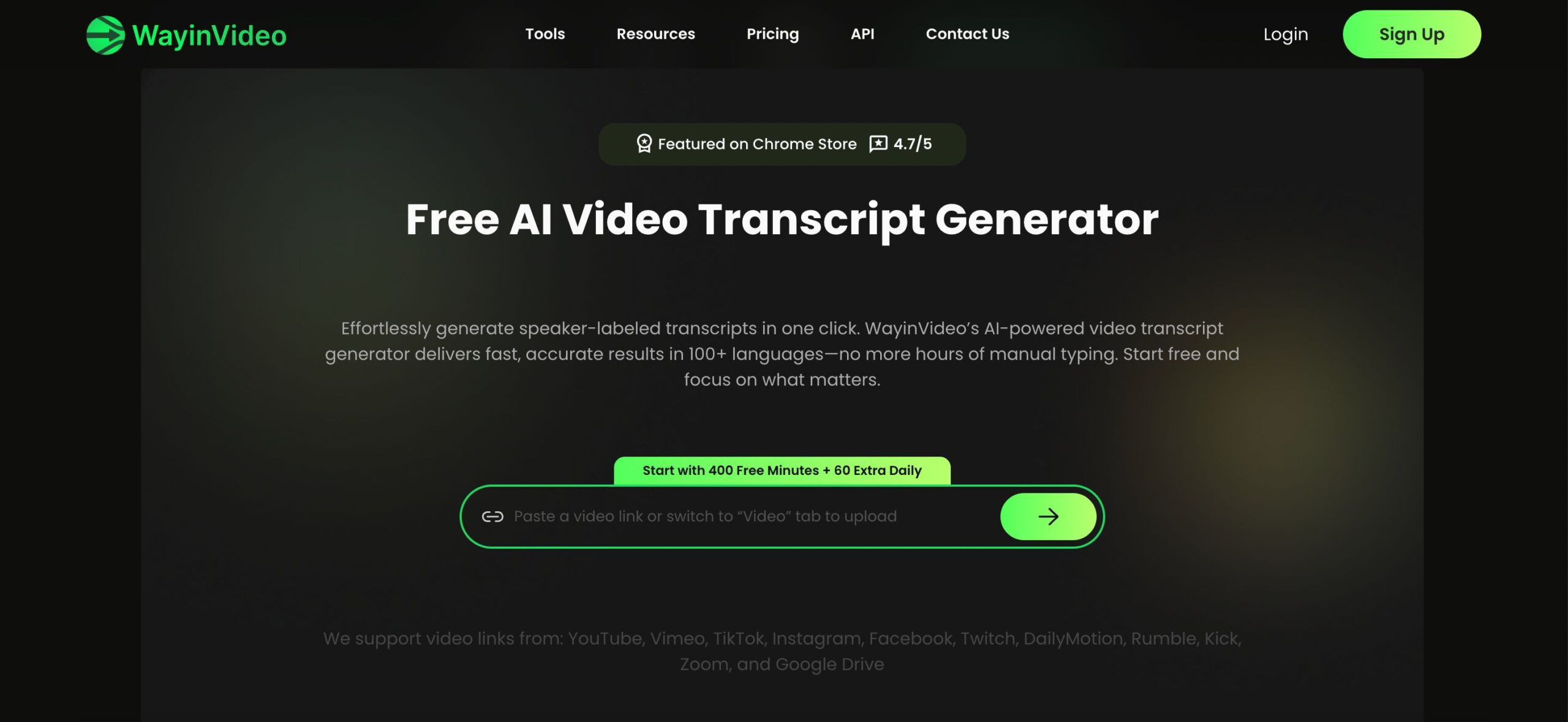
Overview: Wayin is a simple tool. You upload your video, get your transcript, and you can use it however you need. It’s built for content and workflow automation, so the process is fast and the output is ready to repurpose into blog posts, social captions, or summaries with minimal editing. It is a good tool to use for your AI marketing strategy as part of your marketing automation workflow.
Key Features
- Video-to-text conversion
- Fast transcription
- Content repurposing
- Simple workflow
- Export options
10. VideoToTextAI
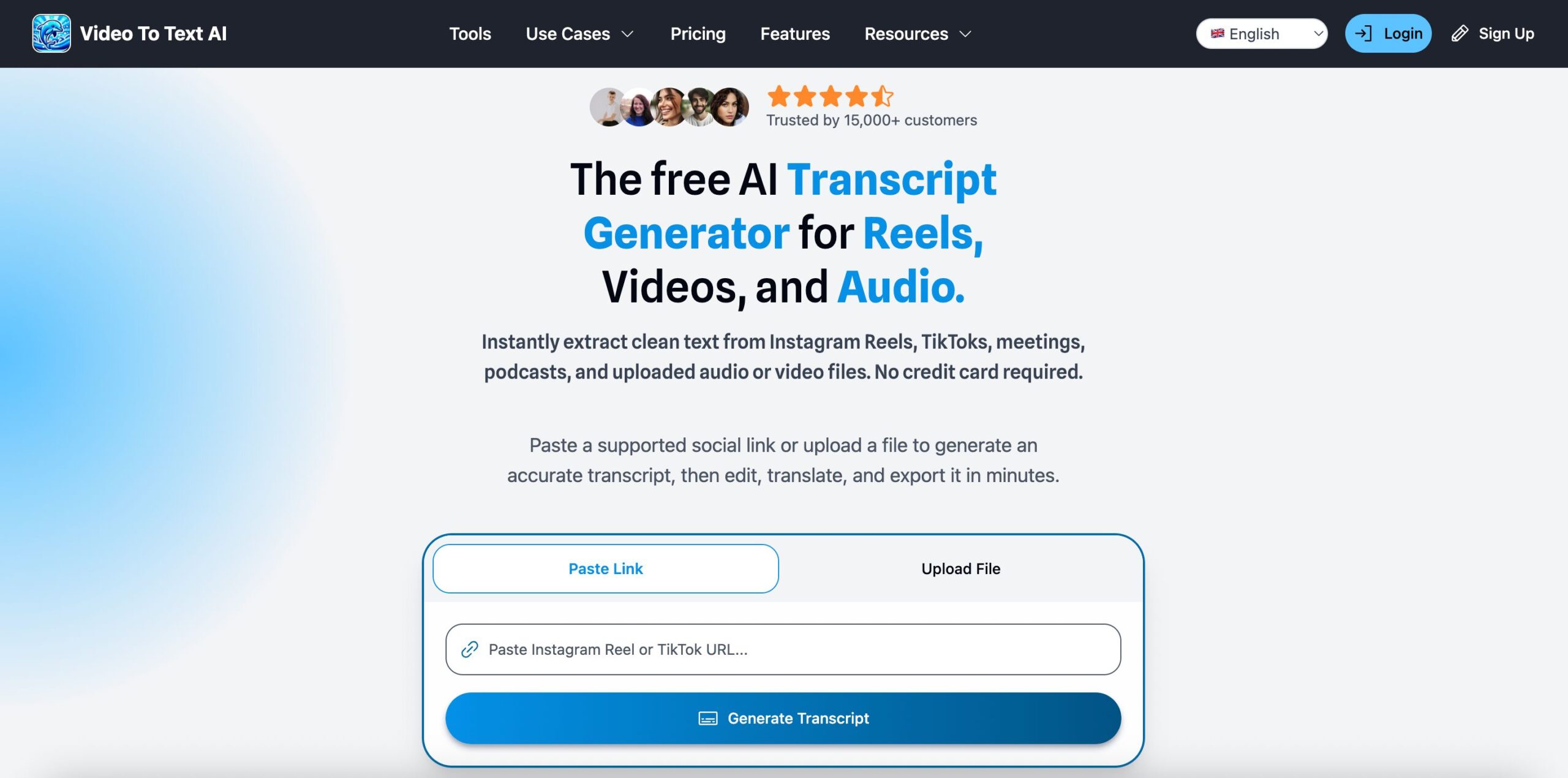
Oveview: VideoToTextAI does exactly what the name says. It converts video to text quickly, without unnecessary extras. It supports multiple file formats and lets you edit the transcript before exporting, which makes it a practical choice for anyone who just needs a clean, fast transcription tool.
Key Features
- Automatic transcription
- Transcripts you can edit
- Fast processing
- Multiple file formats
- Export functionality
How to Choose a Free Video Transcript Generator
Not all tools are equal, so it is important to choose one that fits your needs.
- How accurate is the tool? Accuracy is the most important factor. Look for tools that handle different accents and noisy audio well.
- What languages and accents does it support? If you work with international content, make sure the tool supports your required languages.
- What are the upload limits and usage restrictions? Free plans often have limits, so check maximum file length, monthly transcription minutes, and file size restrictions.
- Can it identify speakers? Speaker labels are essential for meetings, interviews, and podcasts.
- What are options for export and sharing? Make sure you can export transcripts in formats that match your workflow, such as DOCX or SRT.
- What else can it do? Some tools go beyond transcription with summaries, keyword extraction, action items, and more.
When evaluating a tool, you should first and foremost choose a tool that matches your use case.
Transcribe Meetings With Summary AI
Besides a free video transcript generator, Summary AI gives people who spend many hours a day in meetings a tool to translate, transcribe and summarize meetings live using AI transcription. Invite Summary AI to your calls and watch it work it’s magic as you focus only on the discussion. Then get the perfect summary delivered straight to you inbox.

