
Nº1 Live Transcription App
AI Note Taker for Meetings, Calls, and Conversations
Automatically record, transcribe, and organize meeting notes from Zoom, Microsoft Teams, interviews, and conversations with AI powered note taking.


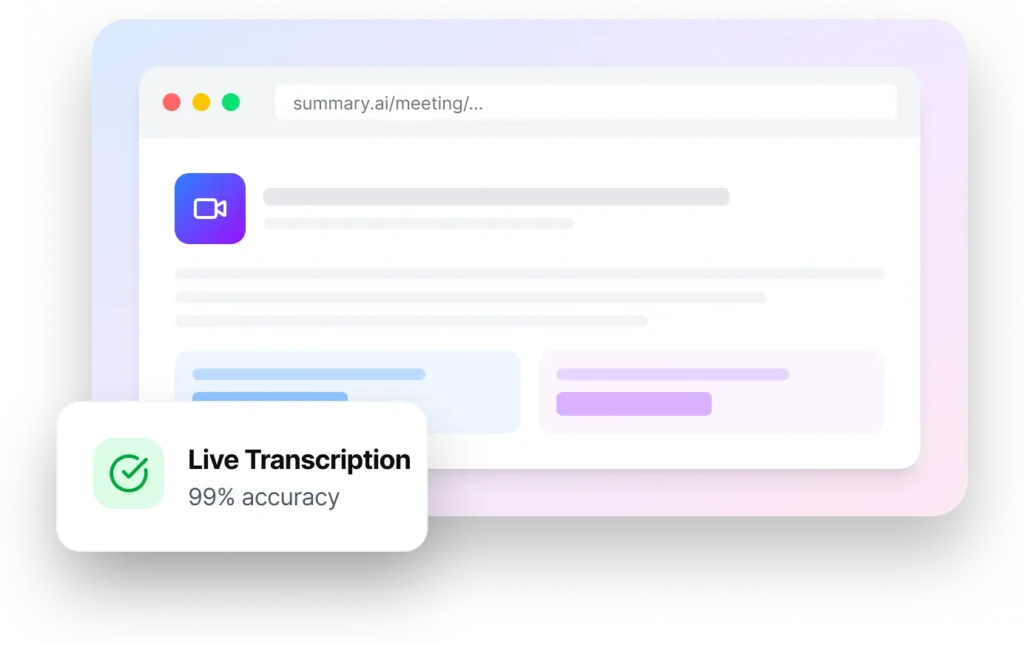







AI Meeting Notes in Just a Few Clicks
Connect your meetings, capture conversations automatically, and generate organized notes without manual typing or distractions.
Step 1

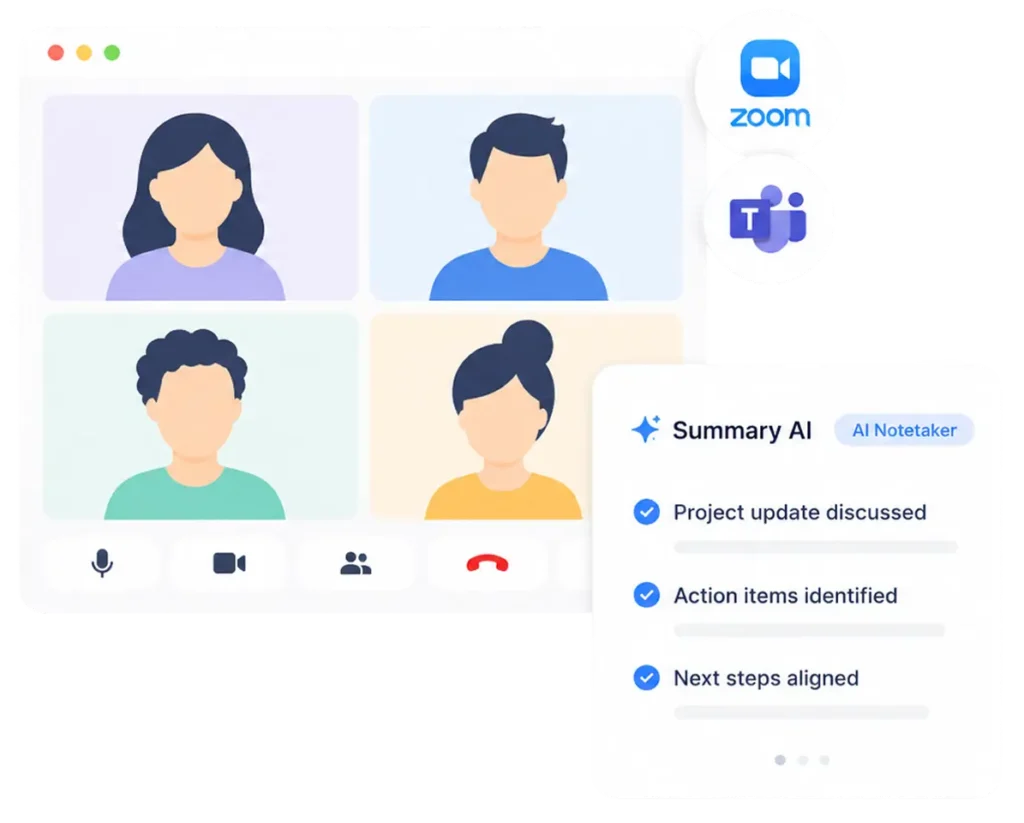
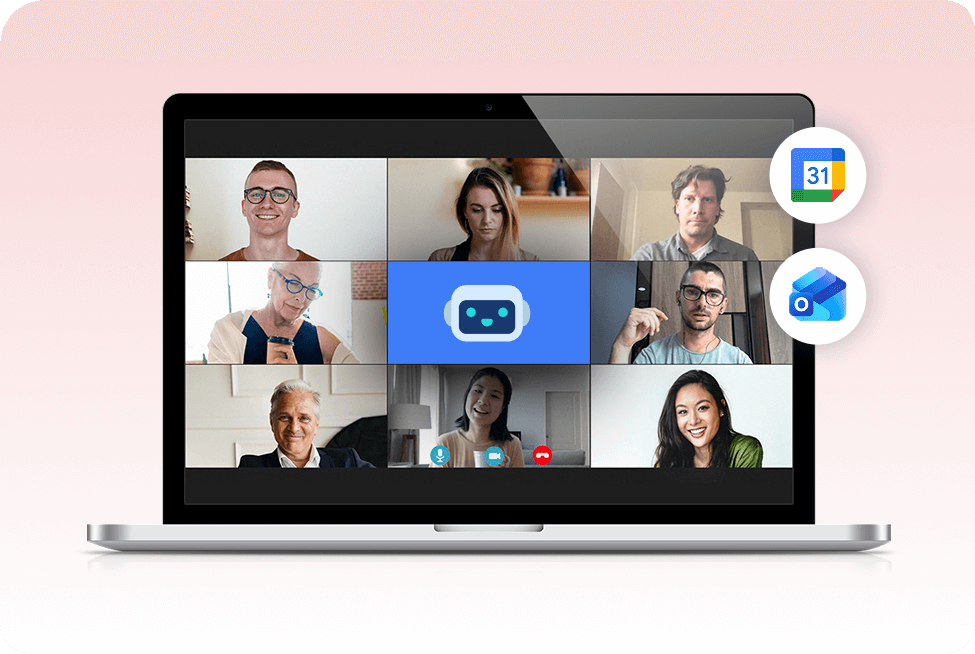
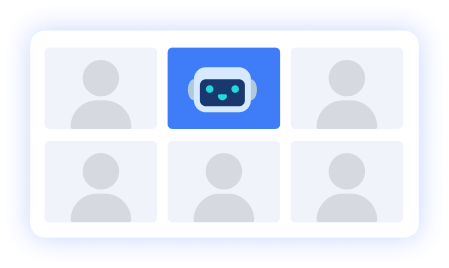
Join Zoom and Teams Meetings with an AI Notetaker
Connect Summary AI to Zoom meetings, Microsoft Teams calls, interviews, webinars, and online conversations to automatically capture discussions in real time.
- Join meetings automatically with AI powered note taking
- Capture conversations without manual typing
- Record discussions across Zoom and Teams meetings
- Stay focused on the conversation instead of taking notes
Step 2

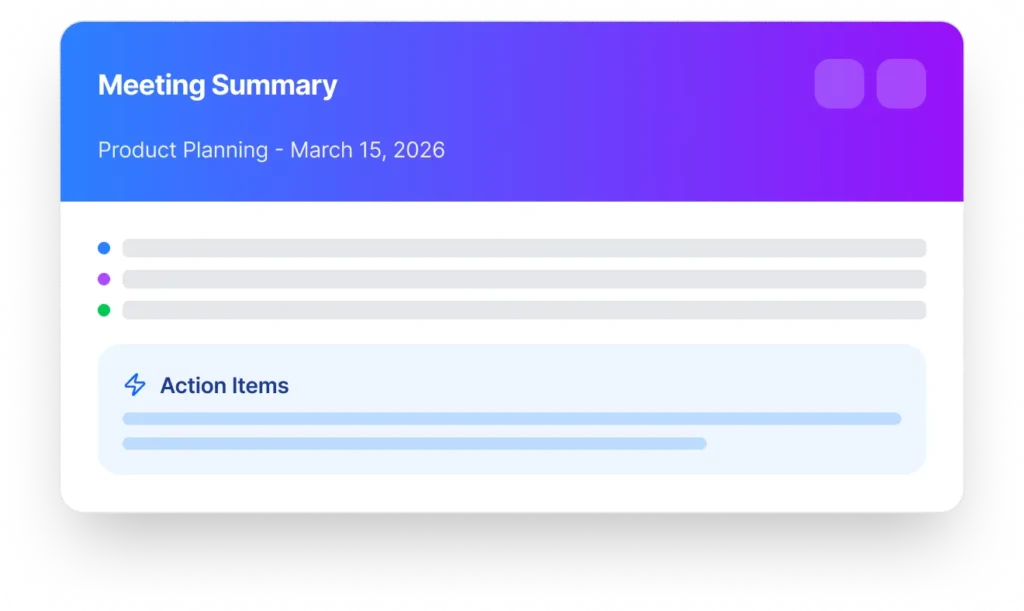
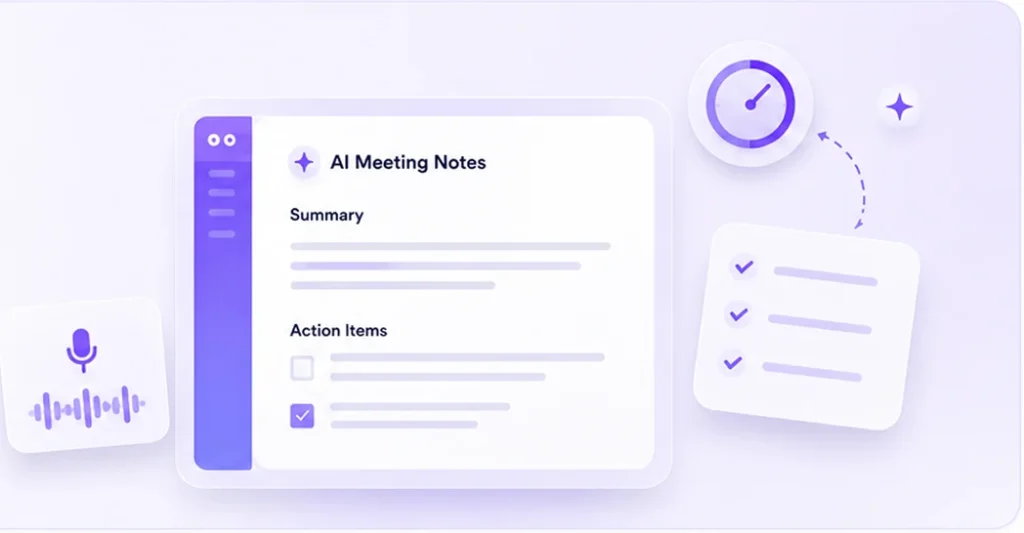
Generate AI Meeting Notes and Action Items
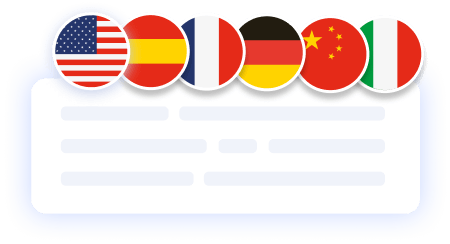
Turn conversations into organized summaries, searchable notes, and action items instantly with AI meeting note taker workflows built for teams and professionals.
- Generate structured meeting notes automatically
- Capture important decisions and next steps
- Create searchable summaries from conversations
- Simplify follow ups after meetings
Step 3

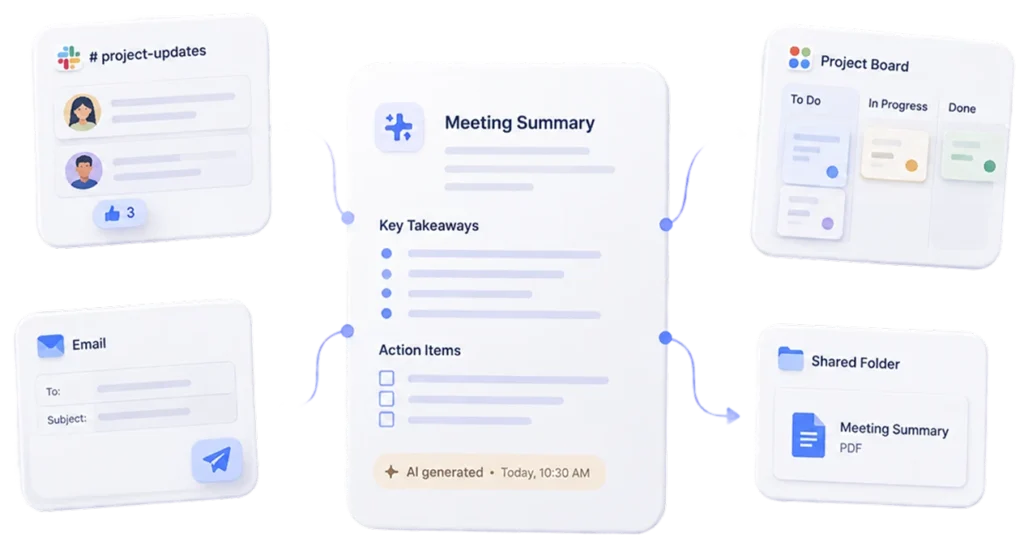
Share Notes Across Teams and Workflows
Export meeting summaries, organize notes, and collaborate faster across projects, teams, clients, and internal discussions.
- Share notes instantly after meetings
- Organize conversations across projects
- Improve collaboration across remote teams
- Keep important discussions easy to access
Spend Less Time Writing Notes and More Time Leading Meetings
Summary AI helps teams, creators, agencies, and businesses capture conversations automatically so every meeting stays organized, searchable, and actionable.
Never Miss Important Meeting Details Again
Capture key decisions, action items, deadlines, and discussion points automatically with AI powered meeting notes designed for fast moving teams.
- Track important decisions automatically
- Review conversations anytime
- Reduce missed follow ups and tasks
- Keep teams aligned after meetings
Built for Zoom, Microsoft Teams, and Remote Workflows
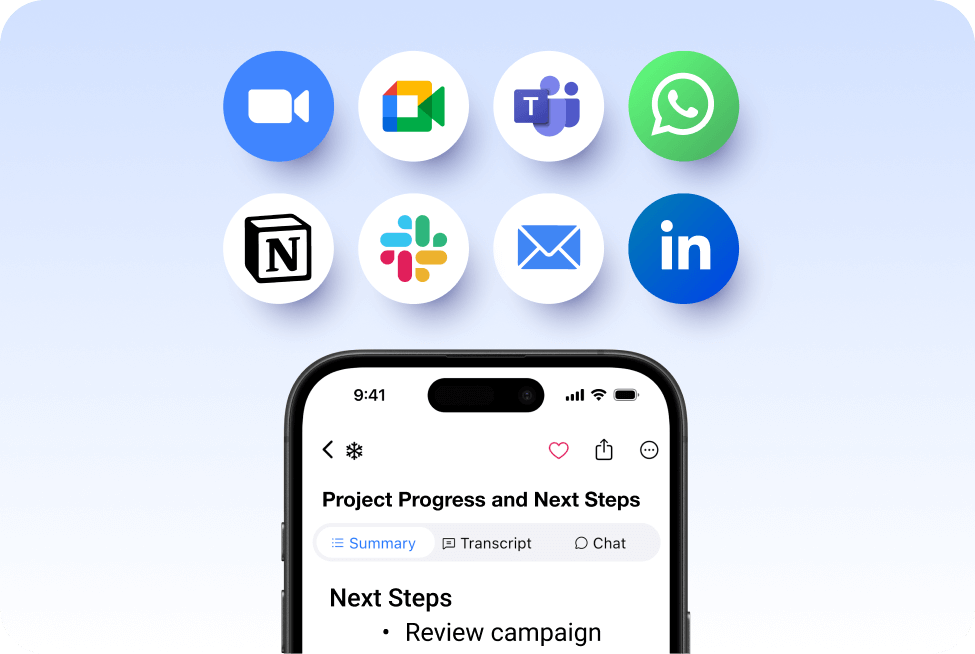
From client calls and webinars to internal discussions and remote meetings, Summary AI helps teams organize conversations without interrupting productivity.
- Works with Zoom meetings and Microsoft Teams
- Simplify remote collaboration workflows
- Create searchable meeting records
- Keep discussions organized automatically
More AI Tools for Meetings and Productivity
Meeting Assistant
Your AI meeting assistant that assist to meetings, gets action points, and provides answers with AI.
Our results in numbers
+10M
active users
cloud-based
in the App Store
Trusted by Teams That Want Smarter Meetin


Rated 4.9 out of 5 from +16,000 reviews
“I used to spend half the meeting writing notes and the other half trying to keep up. Now Summary AI captures everything automatically so I can actually focus on the conversation.”
– Sarah M., Operations Manager




Summary AI Learning Hub
Explore guides, tips, and best practices for recording meetings, organizing conversations, improving collaboration, and simplifying note taking workflows.



FAQs About Our AI Note Taker
How does Summary AI automatically take meeting notes?
Summary AI uses artificial intelligence to record conversations, transcribe meetings, and generate organized notes automatically. The platform captures discussions, action items, and important decisions in real time so you can stay focused on the meeting instead of writing notes manually.
Does Summary AI work with Zoom and Microsoft Teams meetings?
Yes. Summary AI works with Zoom meetings, Microsoft Teams meetings, webinars, interviews, and online calls to automatically capture conversations and create searchable meeting notes.
Is Summary AI free to use as an AI note taker?
Yes. You can start using Summary AI for free to record meetings, generate AI meeting notes, and organize conversations before upgrading to larger workflows or advanced collaboration features.
What makes Summary AI one of the best AI meeting note takers?
Summary AI combines AI powered transcription, smart meeting summaries, searchable notes, and automatic action items in one workflow. It is designed to help teams, creators, consultants, and businesses simplify meetings and save hours every week.
Can I edit, organize, and share notes after meetings?
Yes. Summary AI allows you to review meeting notes, edit summaries, organize conversations, and share notes instantly across teams, projects, and client discussions after every meeting.
Is it legal to use an AI notetaker during meetings?
AI note taking tools are legal in many regions when meeting participants are informed or consent to recordings. Summary AI is built to support transparent and professional meeting workflows for businesses, remote teams, and online collaboration.
Let Every Meeting End with Clear Notes and Action Items
- Capture meetings automatically without manual notes
- Generate searchable summaries and action items
- Works with Zoom and Microsoft Teams meetings
- Keep conversations organized across every workflow

