ChatGPT Atlas is OpenAI’s web browser that has ChatGPT built in. Instead of your usual workflow of opening a separate chat in ChatGPT, copying text from a webpage, and pasting it into ChatGPT, Atlas brings AI features into the browser itself.
The idea behind this is that a lot of work happens within the browser. People use browsers for research, writing, email, and more. Instead of moving between ChatGPT’s chat interface and a browser window, ChatGPT Atlas takes AI to the browser instead. It is designed to make AI part of that same workflow.
With Atlas, you can browse the web and ask ChatGPT for help in the same window. You can ask ChatGPT through Atlas to summarize a page, explain an article, compare information, or write in a form field. You can even use agent mode for certain tasks on the web.
This guide will introduce you to ChatGPT Atlas’s features and explain how you can use them in your daily workflows.
What is ChatGPT Atlas?
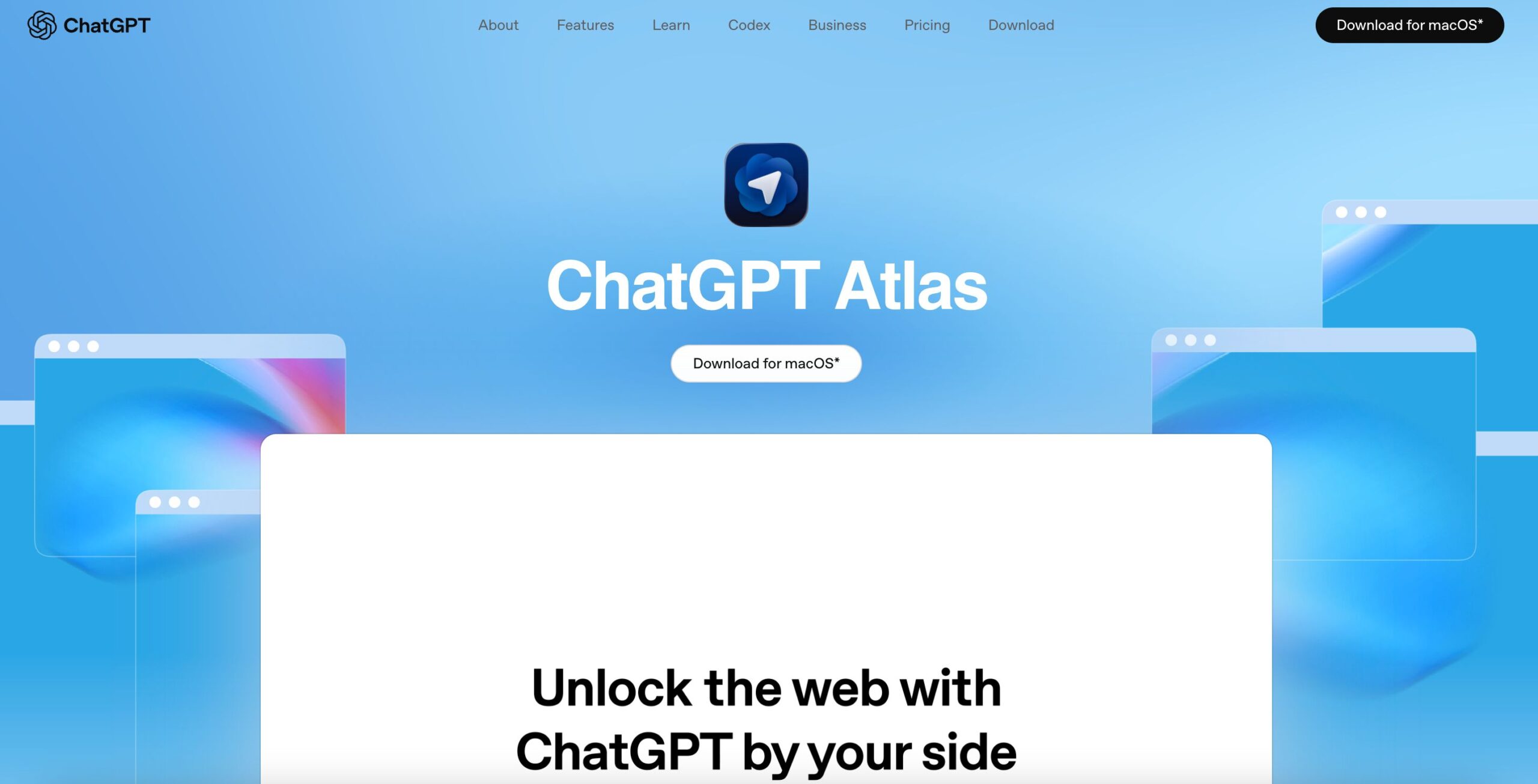
ChatGPT Atlas is a browser made by OpenAI. Its main feature is that ChatGPT is built into the browsing experience bringing AI capabilities to your regular web experience.
In your normal workflow during a browsing session, you might open a webpage, copy text from the page, open ChatGPT in another tab, paste the text, and ask for a summary. With ChatGPT Atlas, this process is easier. You can ask ChatGPT for a summary of the page, for example, while staying on the page.
For example, you can use Atlas to summarize a long article, explain a a complex topic, compare prices, draft a reply to an email, turn a webpage into notes, or ask questions in plain language about what you are reading.
This makes Atlas different from a normal browser. Besides visiting websites, you can use it to help you understand and work with what you find online.
If ChatGPT is an AI workspace, ChatGPT Atlas is an AI browser. It’s a great tool for people who already use ChatGPT every day. Atlas can make AI easier to access while browsing and easier to make a part of your workflow more seamlessly.
OpenAI is a Silicon valley AI startup developing AI tools like ChatGPT and Atlas, both of which use conversational AI. To learn more about the science and technology behind how AI works, read our guide on what artificial intelligence is to learn more about AI.
How does ChatGPT Atlas work?
ChatGPT Atlas works like a normal browser, but with ChatGPT added to the experience on the page you are on.
You can still visit websites, open tabs, search the web, save bookmarks, manage passwords, use browser history, fill forms, and install supported extensions, but with the difference that ChatGPT is available inside the browser.
One of the main tools in Atlas is the Ask ChatGPT sidebar. It is available on the sidebar of the page you are viewing and lets you ask questions, summarize text, explain ideas, or draft content without leaving the page.
For example, Atlas can help while you are doing common browser tasks like:
- Reading a report and asking for the key points
- Reviewing a help article and asking for simpler steps
- Comparing products and asking for pros and cons
- Filling out a form and asking ChatGPT to improve your wording
- Researching a topic across several pages
Atlas can also use the context of the page you are on in answers. This means ChatGPT may understand the page you are viewing and use that information in its answer. This removes a lot of copying and pasting and helps ChatGPT give answers that fit what you are actually looking at.

ChatGPT Atlas features explained
ChatGPT Atlas includes normal browser features plus AI features. The most useful features are built around search, reading, writing, memory, and task support.
Its main AI features include:
- Ask ChatGPT sidebar
- Inline writing bubble
- New tab search
- Browser memory
- Page visibility controls
- Agent mode
- Incognito browsing
- Privacy settings
These features make Atlas useful for people who spend a lot of time reading and working online. Atlas is more than just a chatbot in a browser window. It helps create a browsing workflow where ChatGPT can help you while using the web as you normally would.
Ask ChatGPT sidebar
The Ask ChatGPT sidebar is one of the most useful features of Atlas that lets you talk to ChatGPT while staying on the page.
You can use the sidebar to summarize a page, explain a section, pull out key points, turn content into notes, compare facts, draft text, help with a form, or answer questions about the page.
This is useful because you do not have to switch tabs. You can keep reading while ChatGPT helps beside the page.
For students, the sidebar can also be really helpful in explaining articles and providing additional study materials. For work, it can help review documents, product pages, reports, and competitor websites. For everyday use, it can make information easier to understand.
The sidebar is best for quick answers while browsing.
Inline writing assistant
ChatGPT Atlas can also help you write on webpages. This is useful when you are typing in a text box, email field, form, comment box, or document editor.
Instead of drafting in ChatGPT and copying the answer back, you can get help where the writing happens. This is useful for emails, job applications, support messages, document edits, and forms.
Atals can help with writing to:
- Rewrite a sentence
- Clean up text and grammar
- Shorten a message
- Fix tone
- Draft a reply
- Turn notes into text
This can save time, but you should still read the final text before sending it. AI can write something that sounds good but may miss what you mean.
Browser memory
Browser memory means that when you allow it to, ChatGPT Atlas can remember useful details from your browsing. This only works if the feature is enabled. The purpose of browser memory is to make ChatGPT more helpful over time as it gains more context of what you search for.
For example, thnks to browser memories, Atlas may help you later with a topic you researched, products you compared, job posts you viewed, travel destinations you researched, tools you looked at, or articles you read.
This can be useful when you return to a topic after a few days. Instead of starting over, ChatGPT will have context from your earlier browsing.
You can review memory settings if you use Atlas often to make sure it only uses memory for things you want it to remember. You can manage browser memories, archive them, and delete browsing history when needed.
Page visibility controls
ChatGPT Atlas has settings that allow you to control whether ChatGPT can see content of a page or not. This is useful because some pages may include private or sensitive information that you don’t want AI to touch.
You may not want ChatGPT to read pages that include bank details, medical information, legal documents, private messages, customer data, company dashboards, password pages, or internal tools.
Page visibility controls help you decide where ChatGPT can assist and where it should not read the page. This is one of the most important settings in Atlas. The more AI is built into browsing, the more users need to understand what the assistant can access. A good rule is to turn off page access for anything sensitive.
Agent mode
Agent mode lets ChatGPT actually take action in the browser. Instead of only answering questions, it can carry out tasks step by step across the web.
For example, it can research options, compare products, fill out forms, plan trips, or complete simple workflows that normally take multiple steps.
You can watch what it’s doing, pause it, or step in at any time to take over. It will also ask for confirmation before doing anything important.
Agent mode is helpful for saving time, but it’s not perfect. It can make mistakes or misunderstand instructions, so it’s best to use it with supervision, especially for tasks involving money or personal data.
Overall, agent mode shows how AI is changing from something that just gives answers to actually helping you get things done.
ChatGPT Atlas vs ChatGPT
ChatGPT Atlas and ChatGPT are related, but these two tools serve different purposes.
ChatGPT is the AI assistant you use in a chat. You use it to ask questions, write content, edit emails, or get help with tasks like coding or planning.
ChatGPT Atlas is a web browser that uses ChatGPT. It lets you use AI while you browse the internet. You can ask questions about a page, make a summary, or get help with writing without leaving the site.

Benefits of ChatGPT Atlas
ChatGPT Atlas is useful because it reduces switching between tools. You can browse, read, ask questions, and write in the same place.
The biggest benefit is convenience. You do not have to move information between a browser and a separate AI app as often. ChatGPT is available where your web work already happens.
Atlas can also make research easier. When you are reading a page, you can ask for a summary, key points, or a simpler explanation right away. When you are comparing pages, you can ask ChatGPT to help organize the differences.
The main benefits are:
- Less copying and pasting
- Faster summaries of webpages
- Filling forms faster
- Easier search across tabs
- Explanations while reading
- Agent mode for some tasks with multiple steps
Atlas is especially helpful when you work with many web pages. It can help you stay focused and turn browsing into a more streamlined, yet advanced workflow.
Limits of ChatGPT Atlas
ChatGPT Atlas can be useful, but it is not perfect. Here are the main limitations of Atlas and what you should be aware of.
Accuracy
ChatGPT can still make mistakes, even as a browser. Like Google AI overviews, it may summarize a page incorrectly and miss details. Or it may hallucinate an answer that sounds confident, but is actually incorrect.
Context
Some webpages are complicated, especially when they include images, dashboards, and interactive elements that may include details ChatGPT can not fully access.
Privacy
Atlas connects browsing and AI, which can expose a lot of sensitive information that users may not want ChatGPT to have access to. Because of this, you need to know what ChatGPT can see, what it can remember, and how to manage your settings.
Agent mode and availability
There are also limits around agent mode and availability. Agent mode can help with web tasks, but it should not be treated like an all-knowing human. It can make mistakes and needs to be supervised. Atlas has also been rolled out first on macOS for consumer users, while availability for business, enterprise, school, and other platforms can depend on your type of account, settings, and product updates.
Is ChatGPT Atlas safe and private?
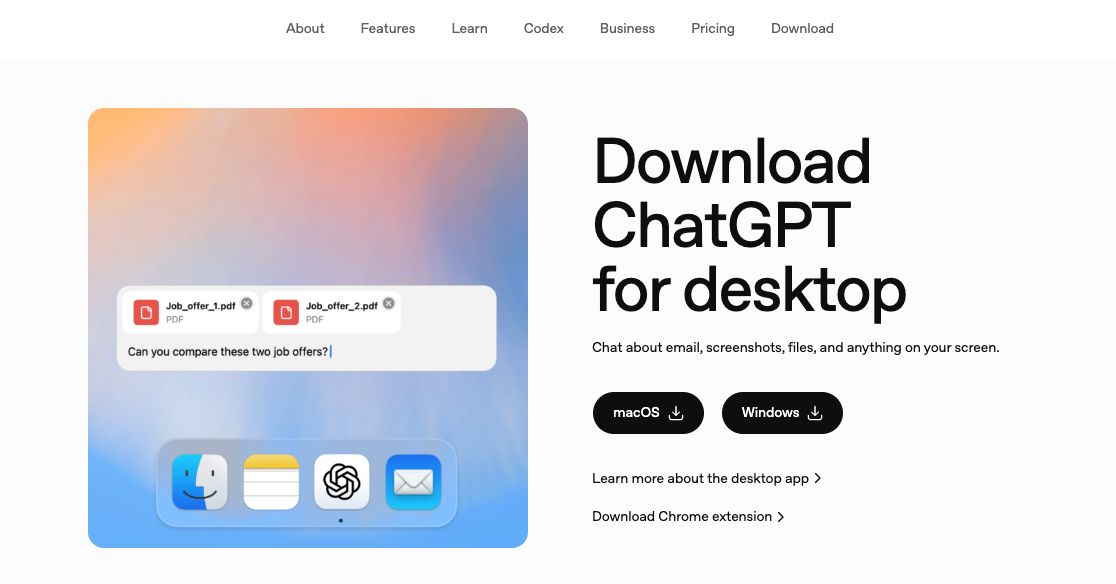
ChatGPT Atlas includes built-in privacy and security controls, but users should still review and manage their settings.
Because Atlas combines web browsing with AI features, it may use page content to provide responses. You can control this through settings such as page access permissions, browsing history, cookies, and data controls.
Atlas also includes browser memory features that can store context. These are separate from standard ChatGPT memory and can be turned off, reviewed, or deleted at any time.
You can choose when ChatGPT is allowed to read page content, which is important for sites that contain sensitive information.
For personal use, it’s recommended to check your privacy settings before using Atlas. For organizations, it’s best to follow internal policies and avoid using Atlas with confidential or regulated data unless it has been approved.
Overall, Atlas is designed with giving users control in mind, but using it safely depends on understanding and managing its privacy settings.
Take meeting notes with Summary AI
ChatGPT Atlas brings AI into everyday browsing. Meetings need something similar. Summary AI is an AI note taker that helps you capture meetings, create transcripts, and turn your calls into clear summaries with key points and action items you can share with your team.
Atlas helps with browsing and writing. Summary AI helps organize meetings. Together, they save time and make your work easier.