





Artificial intelligence is all around us and because of it the world is changing fast. Whether you are a student who is trying to stay on top of lectures or a marketer managing several content deadlines or perhaps a developer building a new app there is an AI tool built for exactly what you need.
Today the challenge isn’t finding an AI tool anymore but knowing which AI tools are actually worth your time.
This guide is for you if you want to know what AI tools are available out there and what each one does. We will go through a list of the top tools available and look at features, pros, cons, and top use cases to see how these tools change how people work.
1. Summary AI: Best AI for meeting notes and transcription
Have you ever sat through a 2-hour meeting only to realize you missed half of what was said? Then Summary AI was made for you.
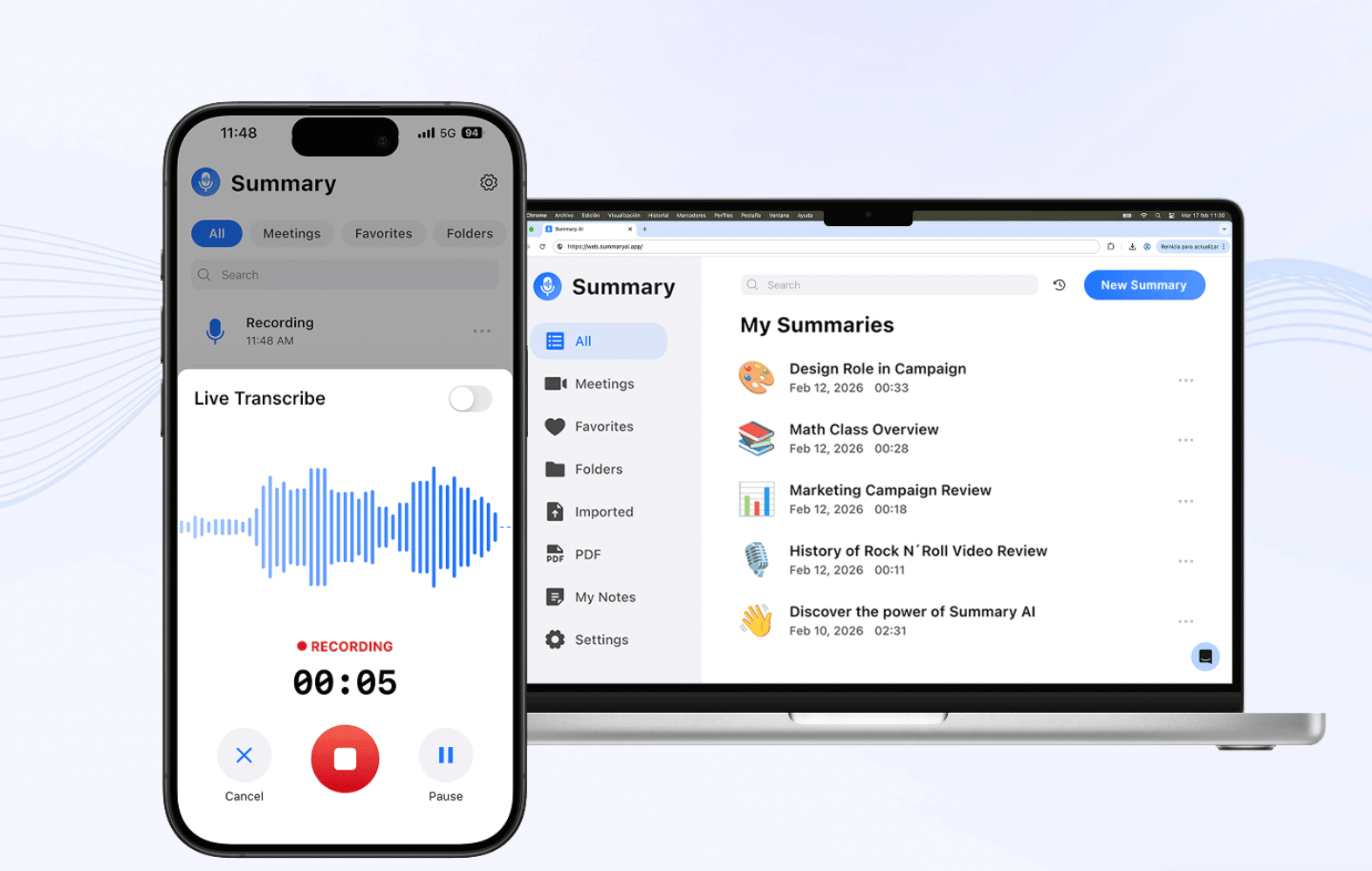
Summary AI is an AI meeting assistant that can join your meetings and record, transcribe, and summarize conversations in real time. This way you can pay attention to the meeting instead of furiously scribbling notes. Summary AI captures key insights from the meeting and then generates a summary with the action items and key points highlighted.
Transcripts include labels for each speaker and timestamps. You can also search the transcript and jump to any moment in the conversation. Conversational AI lets you ask questions and get instant answers about your meetings.
Key features:
- Unlimited recording time
- Transcription with speaker labels
- AI summaries with bullet points
- Highlighted key points
- Ask questions about your recording
- Background recording
- Export notes and share them with your team
- Live translation during the meeting (120+ languages supported)
2. ChatGPT: Best general AI assistant
Charge GPT is an AI tool that started the AI boom most recently. Since then it has gone through several updates making it even more useful. ChatGPT is built by the company OpenAI and it has evolved beyond being a simple chatbot.
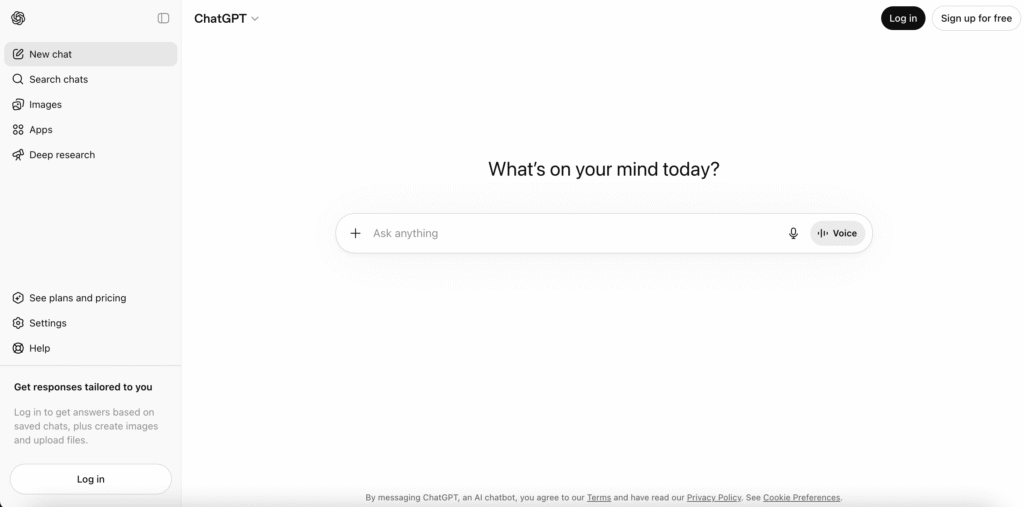
It can now do many other types of tasks besides just writing and giving answers. It can now code, do research, analyze files, and even generate images and sound.
The most recent models (GPT-5.3 and GPT-5.4) support memory, custom instructions, and deep research, which are the newest tools built into ChatGPT. According to experts, you can now add up to 20 files in a single conversation and get responses from ChatGPT to your questions.
Key ChatGPT features:
- Input text, images, PDFs, spreadsheets, code files
- Newest models can do hard tasks with stronger reasoning
- Memory adds personalization to responses over time
- Deep Research mode can browse and synthesize multiple sources
- Voice mode for spoken conversations
3. Copilot: Best AI for Microsoft Users
If you work mostly using Microsoft 365, you must have heard of Copilot. It is the AI that Microsoft developed to be used directly with Microsoft 365.
Microsoft Copilot is the AI embedded across all sorts of Microsoft tools like Word, Excel, PowerPoint, Teams, and Outlook. This means it can work with all of these tools to draft documents, analyze spreadsheets, and summarize meetings. It is especially useful to have an AI that knows its way around within the apps you already use.
Because Copilot works within the Microsoft ecosystem, you can allow it to access your company’s documents in a secure way so you can do AI tasks with emails, calendars, and more. Copilot Studio even allows you to build custom agents for SharePoint and Outlook.
Key features:
- AI writing and document drafting in Word
- Python integration and data referencing in Excel across files
- Meeting summaries and action items in Teams
- AI agents that answer queries and summarize documents in SharePoint
- Support for 42 languages
- Customization through Copilot Studio
4. Google Gemini: Best AI for Context
Google Gemini is built to handle complexity. Natively multimodal from the start, it can understand and reason across text, images, audio, and video simultaneously.
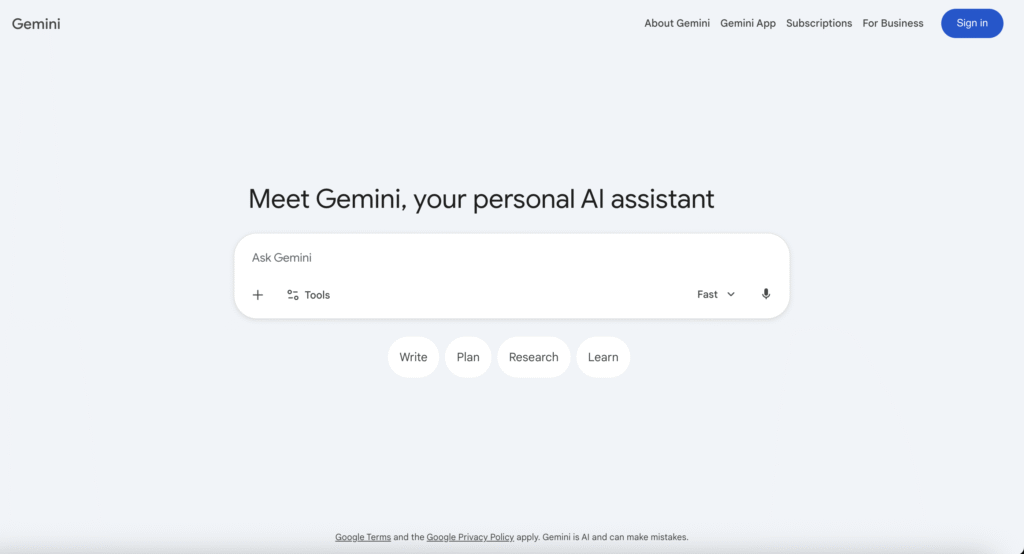
Gemini 2.5 and 3.0 Pro offer context windows up to 2 million tokens which is enough to analyze hours of video or thousands of pages at once.
Gemini integrates across the entire Google Workspace suite:
- In Gmail, it writes and summarizes emails.
- In Docs, it helps draft and brainstorm content.
- In Sheets, it creates tables and formulas.
- In Maps, it answers questions about places and plans itineraries.
- The Gemini app on mobile also connects to your Google Photos, Calendar, and other services for fully personalized help.
Google Gemini is the AI Google created that can understand and reason across several different types of complex tasks. It can work with text, images, audio, and video all at once. The amount of information this AI can keep track of at once (context window) is enough to analyze hours of video or thousands of pages at once.
Key features:
- 2 million token context window
- It processes text, images, audio, and video
- Integrates seamlessly with Google Workspace
- Create custom Gems (AI agents) for specific tasks
- Deep Research for detailed reports and summaries
5. Grammarly: Best AI Writing Assistant
Grammarly started out as a grammar checker, but since then, it has become an “AI writing partner.” That means that Grammarly helps you not only fix grammar mistakes, but it can also generate ideas, create outlines, and rewrite entire sections in your voice.
Its AI is designed to analyze your document and get a feel for your tone and voice. That way suggestions always fit what you’re writing. This is great for writers who want consistency in what they produce.
Grammarly also has a plagiarism checker as an added safeguard for professional and academic work.
Key features:
- Proofreading for grammar, spelling, and punctuation
- AI text generation from prompts
- Tone detection and adjustments
- Suggestions for clarity and conciseness
- Paraphrasing and rewriting
- Plagiarism checker
6. Notion AI: Best for Productivity
Notion is a well-known productivity tool that has been around for quite a while. But Notion AI is new. This addition to the platform turns the workspace into an AI platform with extra bells and whistles. Notion AI allows you to write and edit with AI, but what is even more useful for teams are the project summaries you can generate with a simple prompt.
Ask Notion to summarize what something is about and it can reach across up to 50 pages and return an answer. The AI meeting notes feature now triggers from a simple keyboard shortcut, and it automatically transcribes and summarizes conversations.
Key features:
- AI writing, editing, and brainstorming directly inside Notion pages
- 50-page context window for project summaries
- You can run custom code inside Notion
- AI Meeting Notes with auto-summaries
- Autofill databases with AI
- Research Mode for generating detailed reports
- Search with prompts across your entire workspace
7. Midjourney: Best AI for Image Generation
Midjourney is an AI image generator that allows users to create very detailed images and other visual materials using text prompts.

The visuals that it generates show attention to composition, lighting, mood, and detail. Midjourney supports text-to-video and image-to-video generation up to 10 seconds at 60 frames per second.
Key features:
- Text-to-image generation in 2K
- Text-to-video generation
- Character consistency across multiple images
- Style reference and image-to-image tools
- Available via web app, Discord, and mobile
Choose the best AI tool for the task
There are AI tools for everything nowadays and it isn’t easy to choose the best AI tool. Luckily, there is no need to, either. Next time you are lost at what to do and need a tool to solve a problem, you can simply come back to this article and choose one from this list. AI assists you in everything you could ever need. The only challenge is choosing the right tool for the right task.
The best AI tool for meetings
If you find yourself in way too many meetings and unable to keep up with what you agreed on in the meeting, choose a tool like Summary AI. Invite it to your meeting next time and let it transcribe everything said during the meeting. The app then creates a summary with key points and to-dos highlighted and sends it to the participants. See it in action for yourself! Go try it today.

