





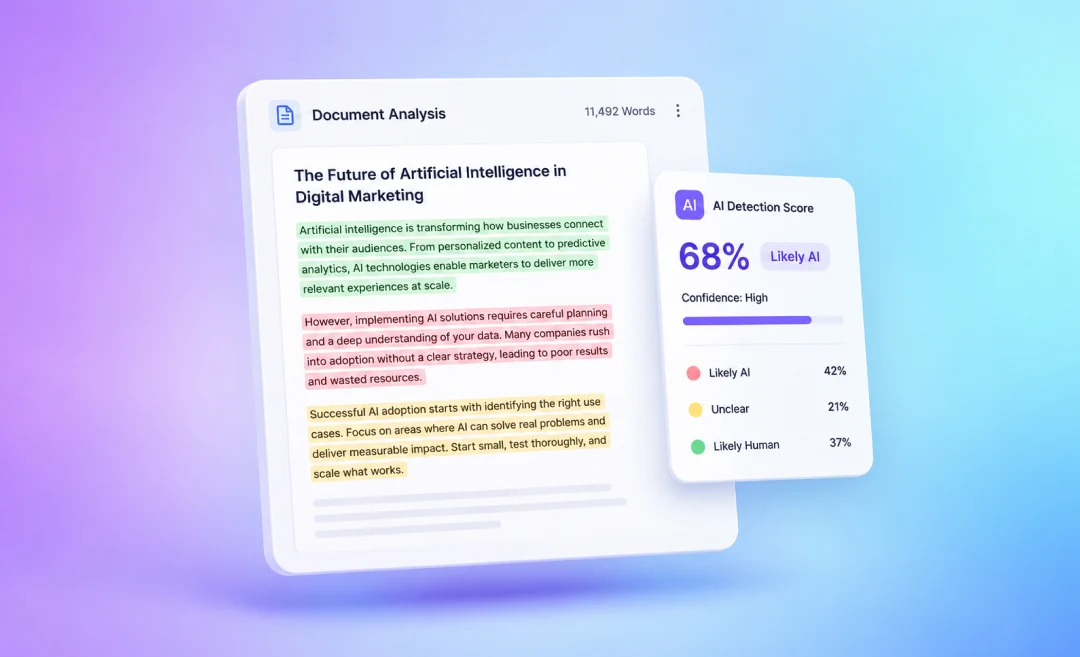
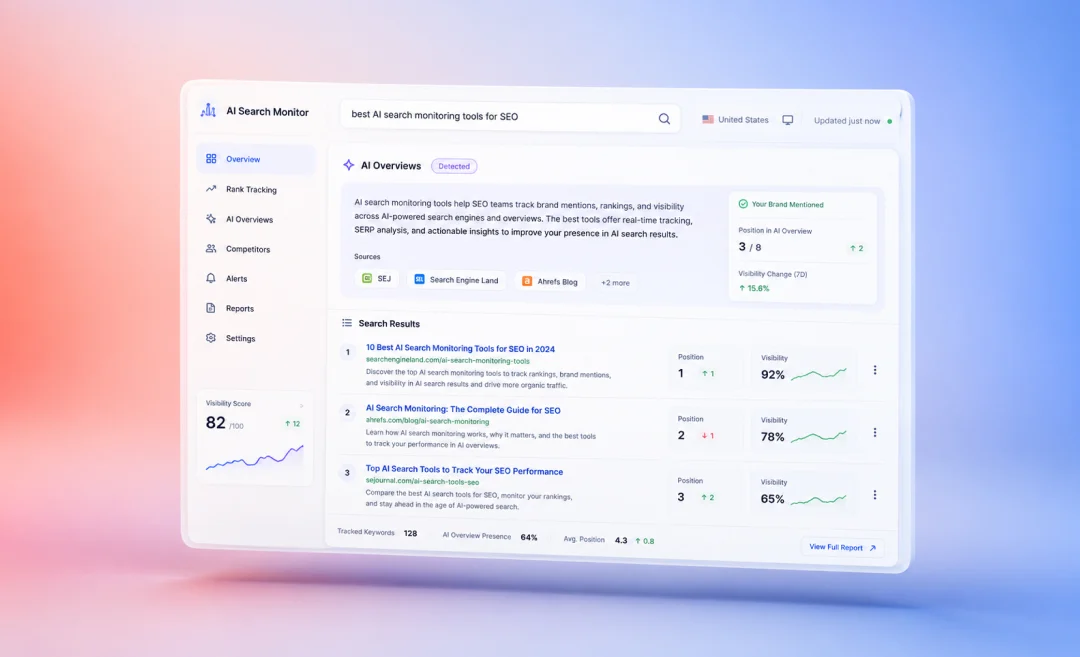

Productivity tools help teams manage tasks and automate repetitive work. They let you reclaim hundreds of hours lost to meetings and administrative tasks. They automate certain repetitive tasks that are the biggest time-wasters and free you up to focus on strategy instead.
Whether you need meeting summaries, task management boards, or workflow automation, this guide covers the best productivity tools for 2026 and how to pick the ones that fit your work.

Types of productivity tools
Productivity tools solve different problems, so it helps to know the main categories.
Project management tools
Project management tools like Asana, Monday.com, and Trello help teams plan, assign, and track tasks. They give everyone clear visibility into deadlines and progress made by everyone in the team.
AI productivity tools
AI productivity tools like ChatGPT and Claude handle writing, research, data analysis, and content creation. This space is really changing fast. Ai is everywhere and the other categories of productivity tools also include it in their systems.
Communication tools for productivity
Communication tools like Slack keep teams connected with real-time messaging and deep app integrations. Time tracking tools like Clockify reveal where your hours actually go. Automation tools like Zapier connect your apps and eliminate manual, repetitive tasks.
Meeting tools for productivity
Then there are meeting and transcription tools, which turn conversations into searchable text, summaries, and action items. If your team spends hours in calls each week, learning how to transcribe audio to text is a simple first step toward reclaiming that time.
What productivity tools do you need
According to Microsoft’s Work Trend Index, the average employee gets interrupted 275 times per day by meetings, emails, and notifications. Communication alone takes up 60% of the workday.
Not every team needs every tool. Using too many tools can also lead to a lot of time spent on unnecessary syncing of tools. Start with solving the problems that cost you the most time.
Choose your tools wisely
If your team loses track of tasks and deadlines, a project management tool is the first move. If meetings dominate your calendar, an AI meeting summarizer can save you hours each week.
Research from Atlassian found that meetings are ineffective 72% of the time, and 78% of workers say too many meetings makes it hard to finish actual tasks.
For teams using multiple apps simultaneously, an automation platform connects everything. If you produce a lot of content or handle complex research, an AI assistant is essential. There are also several free AI apps that are worth exploring. Many of the free plans are great for testing the app so you can see how it fits your workflow before you commit to a paid plan.
The most effective approach to using productivity tools is to pick one or two tools per category, integrate them into your workflow, and move forward from there.
If meetings eat up most of your work week, try Summary AI free. It joins your calls, takes notes, and delivers summaries with action items straight to your inbox.
Top productivity tools you should try
Here are the strongest productivity tools in 2026 across every major category.
1. Summary AI: Productivity tool for meeting summaries
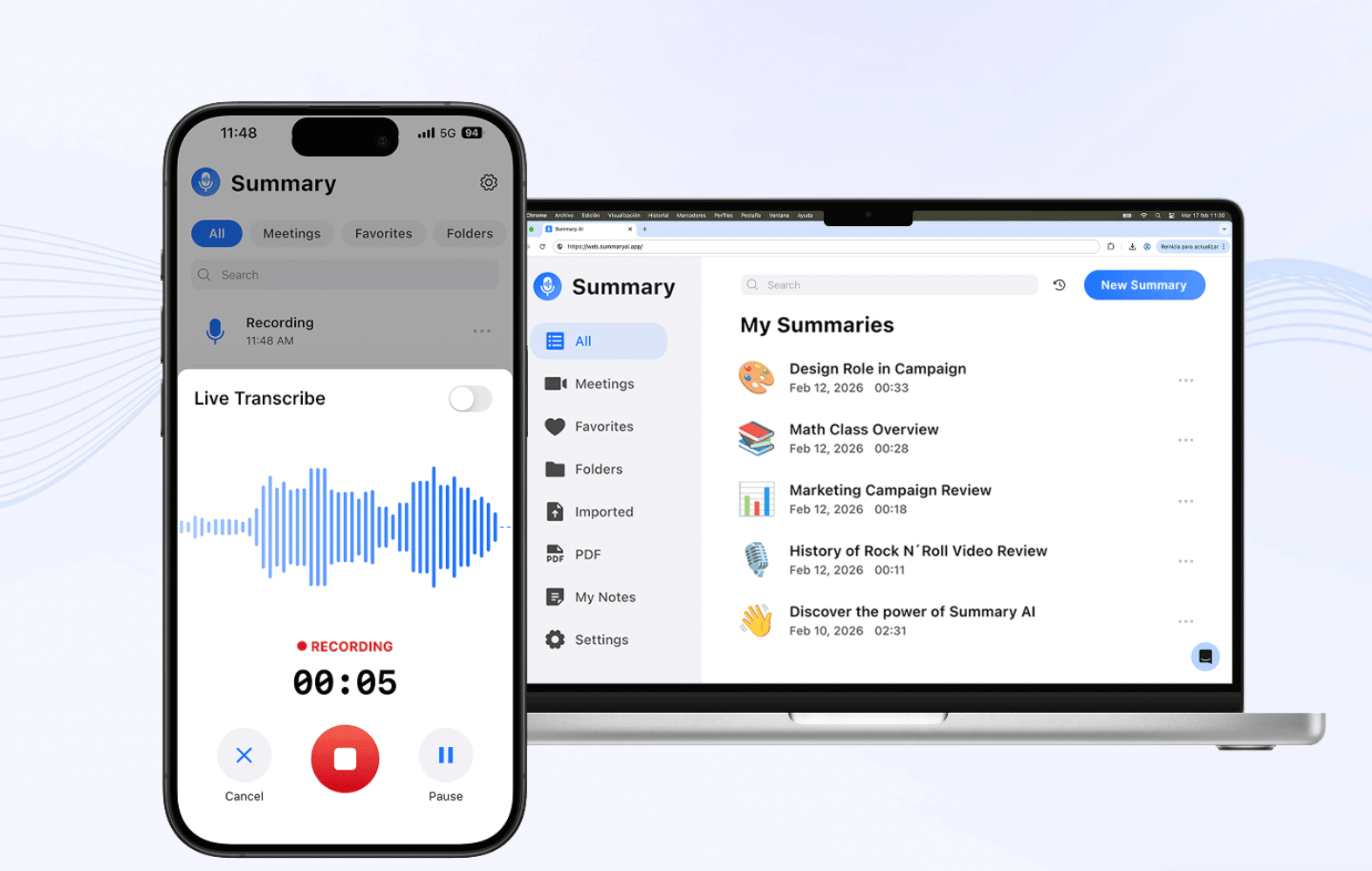
Summary AI is an AI meeting summarizer that frees you up and helps you focus on the meeting by eliminating manual note-taking. Invite it to any Zoom, Google Meet, or Microsoft Teams call, and it joins automatically. It records, transcribes, and translates meetings in over 120 languages, then generates summaries instantly when the call ends.
The summaries are complete with key points and action items and you can have them sent directly to your team’s inbox automatically. The AI Chat for meetings feature lets you search, summarize, and ask questions across all your past recordings.
2. Notion: Knowledge base and task tracking
Notion is a great workspace for combining documents and databases. You can use it as a knowledge base for your company with wikis and project tracking. The platform recently introduced AI features that can run workflows across your entire workspace and give you summaries of projects and documents. Notion is one of the best productivity tools for teams that want a single hub for information shared across their organization and for planning projects.
Pricing: Free for individuals and paid plans start at $10/user/month.
3. ClickUp: Task and time tracking
ClickUp combines task management with docs, goals, and time tracking in one platform. AI search and automation across your workspace helps save time. It has a complete set of features you would expect from the best project management tool, though the learning curve can be steep.
Pricing: Free tier available. Paid plans from $7/user/month.
4. Asana: Productivity tool with task management and workflows
Asana is a productivity tool that gives you a very thorough way to manage tasks. You can organize tasks in projects with different views: lists, boards, timeline, and Gantt charts. Its new AI features bring you ways to automate project workflows.
Pricing: Free for small teams; paid plans from $10.99/user/month.
5. Monday.com: Productivity tool with dashboards
Monday.com uses colorful, visual boards for team collaboration across departments. The platform now offers separate modules for project management, client relationship management, and more. You can automate tasks with custom workflows without technical skills thanks to conversational AI.
Pricing: Free for up to two users. Paid plans from $9/seat/month.
6. Trello: Simple productivity tool for task management
Trello is the simplest project management tool on this list. It has Kanban boards, lists, and cards to make task tracking really easy for small teams and freelancers. AI marketing automation can also help with repetitive actions.
Pricing: Free tier available. Paid plans from $5/user/month.
7. ChatGPT: AI assistant that helps with productivity
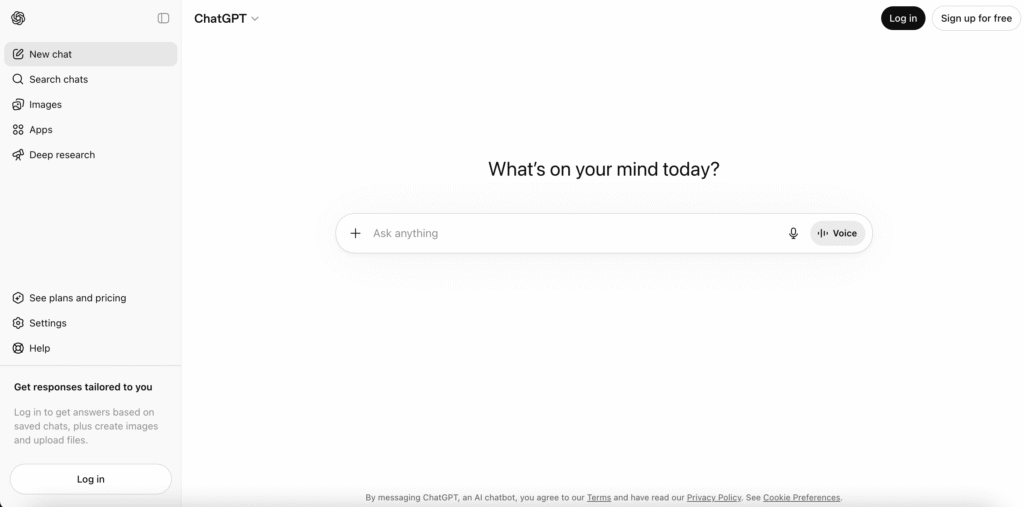
OpenAI’s ChatGPT is the most widely used AI assistant that works like a general AI chat app. People use it to boost their productivity for all sorts of simple tasks like writing, coding, data analysis, image generation, and deep research.
New features are added with every update to the AI model. Compare tools for AI research and writing with our article on Perplexity vs ChatGPT.
Pricing: Free tier available. Plus is $20/month.
8. Claude: AI for deep research and reporting
Claude is the LLM of the AI company Anthropic that is especially useful as a productivity tool when it comes to coding and analyzing longer documents. It has a wider context window which means that is produces fewer hallucinations in general than most of its competitors.
Pricing: Free tier available. Pro is $20/month.
9. Microsoft Copilot: Increase your productivity in Microsoft’s tools with AI
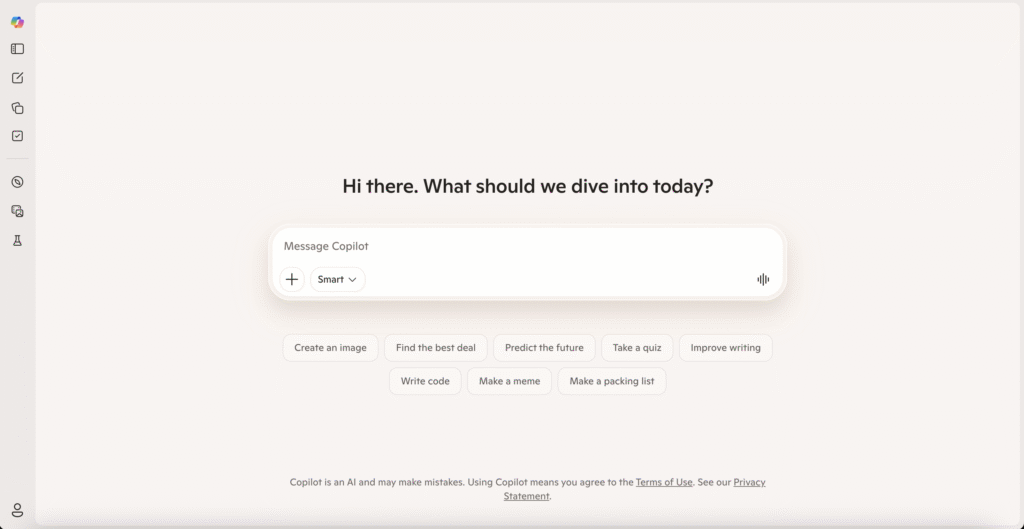
Microsoft Copilot is a great tool for productivity AI that is directly available in tools many already use for work including Word, Excel, PowerPoint, Outlook, and Teams. You can use it to create and analyze documents from your company because, when connected, it understands your company’s documents, emails, meetings, and relationships.
Best for teams already using Microsoft tools who want to boost their productivity with AI tools.
Pricing: Starts at $18/user/month with a qualifying Microsoft 365 plan.
10. Canva: Tool to boost your productivity in design
Canva turns anyone into a designer with drag-and-drop templates and simple design tools. Great for making designs for social media, presentations, and marketing materials. AI features save you and your team even more time and boost your productivity by letting you generate designs and copy, and remove backgrounds automatically.
It’s the go-to productivity tool for non-designers who need to create close to professional visuals fast.
Pricing: Free plans with limited templates. Pro is $15/month.
11. Slack: Communication tool that boosts team productivity
Slack is the default messaging platform for many companies. It lets you create separate channels for teams and topics and allows replies in threads. It can integrate with thousands of apps so you can connect the data from these platforms with your communication app.
Slack also has AI features for summaries and todo lists to further increase your productivity. It keeps your team communication fast and organized.
Pricing: Pro starts at $7.25/user/month.
12. Zapier: Automations for increased productivity
Zapier can be used as a productivity tool that connects over 8,000 apps through workflow automation. The best thing about it is that you don’t need to know how to code in order to use it.
You can build “Zaps” (which is what Zapier calls automations) that sync data between tools automatically. You can use it for all sorts of tasks like syncing meeting notes to a project board or triggering email follow-ups from form submissions.
Pricing: Free with limits. Paid plans from $19.99/month.
13. Clockify: Time tracking tool to measure productivity
Clockify is considered one the easiest time tracking tools to use for small teams. The free plan gives unlimited users unlimited projects, timers, timesheets, and reporting features.
The paid tiers add other features like invoicing and scheduling for teams. It is ideal for freelancers and smaller teams that need to understand where their hours go so they can optimize for productivity.
Pricing: Free plans available. Paid plans from $3.99/user/month.
Get instant AI summaries for any meeting
Summary AI is an AI meeting summarizer that turns long meetings into clear summaries in seconds. It captures key points and highlights action items automatically, saving teams hours every week.
Whether you’re in back-to-back calls or catching up on all the meetings you missed, Summary AI delivers everything you need without watching a single recording. Every team member gets the same clear summary, so nothing falls through the cracks. For global teams, it can translate your meeting live in over 120 languages.
Ready to reclaim your meeting time? Try Summary AI free and get AI meeting summaries for every call.

