
Claude AI is an AI assistant made by Anthropic. It can answer questions, write text, summarize files, review code, explain topics, and help you do different tasks with AI.
Most people use Claude like a chatbot. You type a question, upload a file, or describe a task. Claude then gives you an answer in plain language.
Claude has a set of AI models which can be used through APIs on cloud platforms and apps.
Claude is known for:
- Long document analysis
- Clear writing
- Careful answers
- Coding help
- Transcript summaries
- Step-by-step explanations
- Research support
- Business writing
Claude is useful, but it is not perfect. Like all AI models, it can make mistakes, miss context, or give answers that sound right but are wrong. Like any AI tool, the results should be checked for accuracy.
What is Claude AI?
Claude AI is Anthropic’s AI assistant and family of large language models and one of the biggest AI startups in Silicon Valley. You can use Claude and its models in the Claude web app or the mobile app, desktop app, API, and some third-party tools like Perplexity.
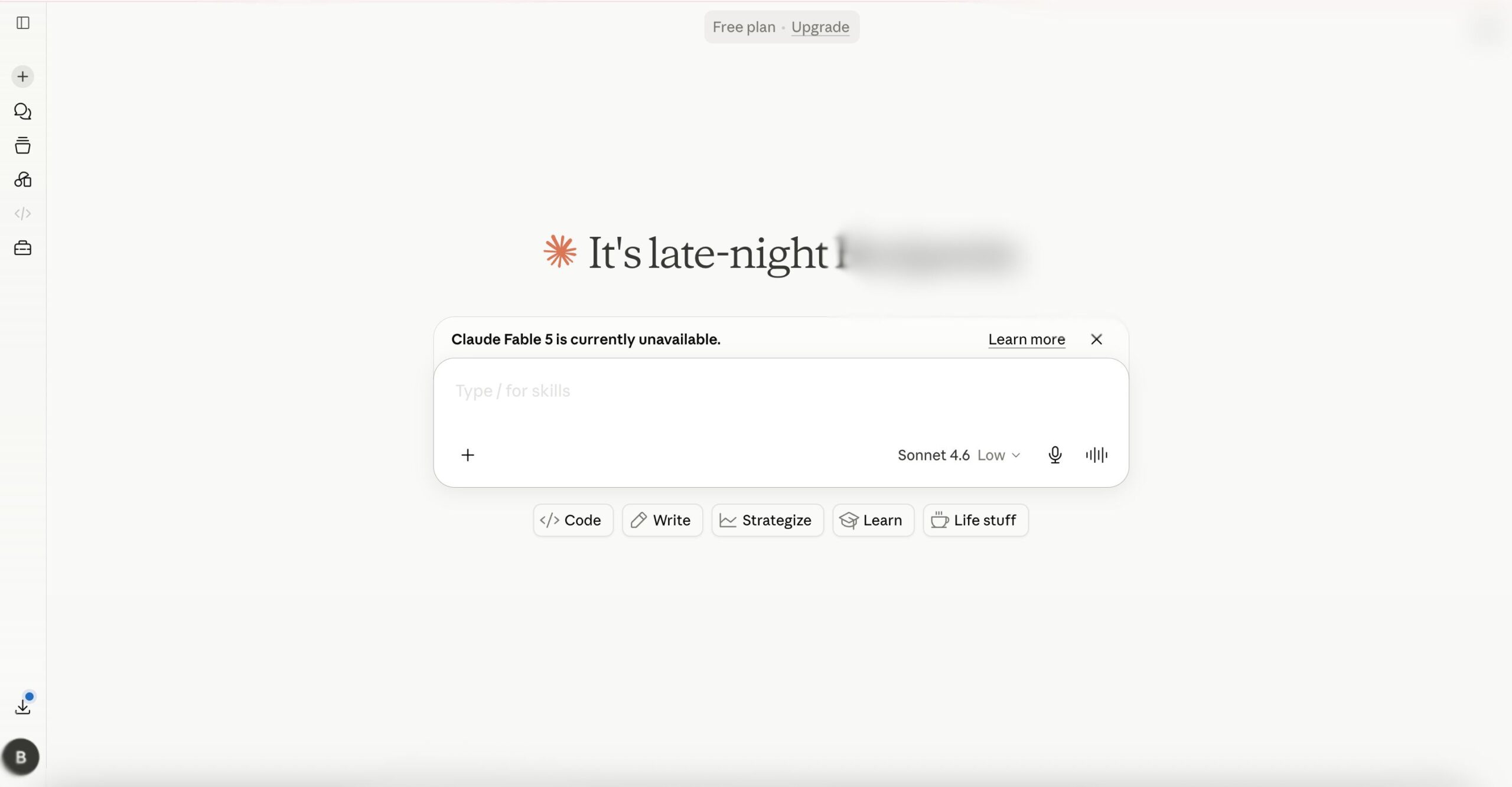
The easiest way to understand Claude is this: it is an AI tool that can read, write, summarize, reason, and respond in a chat format using conversational AI. To learn more about the science and technology behind how AI works, read our guide on what artificial intelligence is. You can also explore our tutorial with sources for learning AI.
There are many different types of tasks you can ask Claude to help with. For example:
- Summarizing an article
- Rewriting a Slack message
- Explaining a complex topic
- Reviewing code
- Comparing products
- Turning notes into a strategy
- Summarizing an email
- Drafting a content calendar
- Reading long documents
You can even use Claude for marketing automation by connecting it to AI marketing tools or creating AI workflows for automating tasks in your work that you normally spend a lot of time completing but don’t require too much of a personal touch, for example data entry during lead generation.
Claude’s different models
Claude is powered by large language models, also called LLMs. These models are trained to understand patterns in language and create responses that mimic human speech.
Newer Claude models can also work with images and documents. This makes Claude useful as a productivity tool for tasks like reading PDFs, reviewing screenshots, summarizing charts, and finding key points in transcripts.
Claude is not just one single tool. It is actually a family of several products. The exact model and features you get with our subscription depends on your plan, settings, and where you use Claude.
How does Claude AI work?
Claude works by reading your prompt and creating a response based on the context you give it. The context can include your message, earlier parts of the chat, uploaded files, tool results, and instructions.
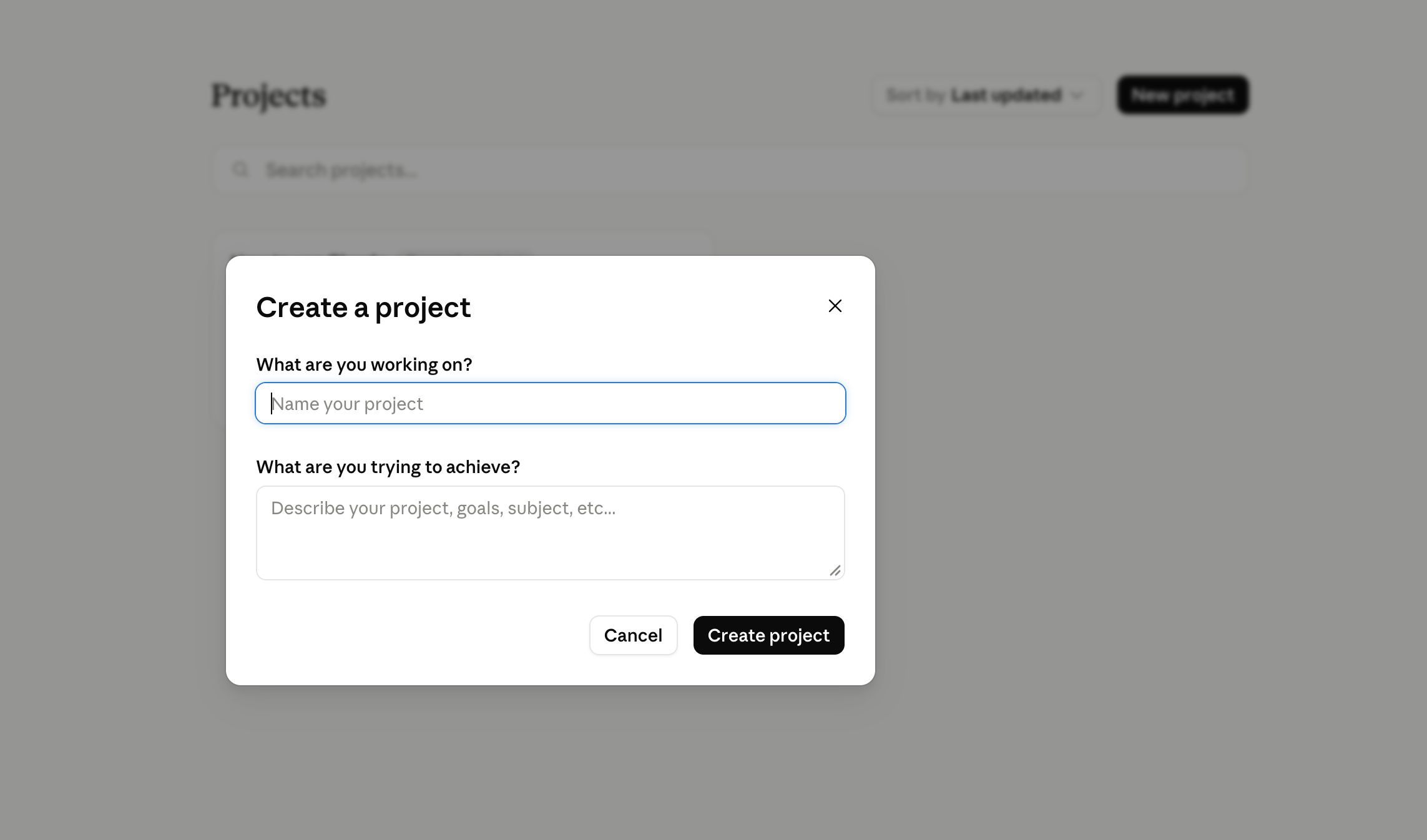
For example, you can ask Claude to:
- Summarize a long meeting transcript
- Find action items in notes
- Explain a research paper
- Rewrite a blog post
- Review a code file
- Compare two documents
Claude works best when you give clear instructions. A vague prompt like “summarize this” may give a basic answer. A clear prompt gives better results.
For example:
- A vague prompt would be: “Summarize this meeting.”
- A better prompt would be: “Summarize this meeting for a project manager. Include decisions, action items, owners, deadlines, and risks.”
Claude can also access certain tools and do other things as well. For example, Claude Code is an agentic coding tool that can work as part of a developer workflow. This Anthropic product can read a codebase, suggest edits, run commands with approval, and help complete coding tasks.
Still, Claude does not have the capabilities of human judgment. It can help you work faster and provide you with tools for research, but it should not be treated as the final source of truth.
Tokens explained in Claude AI
Tokens are what AI models use to measure computing power. It is what they use to measure units of data they can process.
When you use Claude, you don’t need to count tokens by hand, but tokens matter because they affect how much Claude can read and write at once. They also impact Claude’s context window, which is the amount of information an AI model can retain during a conversation.
In very simple terms, this is how tokens impact how Claude functions while doing tasks:
- More tokens mean Claude can see more text.
- A bigger context window means Claude can handle longer prompts.
- Long documents use more tokens.
- Long chat history uses more tokens.
- Long answers use more tokens.
- More tokens can also mean higher costs in API use.
The context window is the total amount of text Claude can work with in one request or conversation window. This includes your prompts and input, past chat messages, uploaded content, tool call results, and Claude’s responses.
For example:
- A short email uses few tokens.
- A meeting transcript uses many tokens.
- A full research report uses more tokens.
- A large codebase can use a lot of tokens.
Some Claude models can handle very large context windows compared with many other AI tools, which often makes Claude useful for long documents and transcripts.
Claude model token limits
Claude models have different token limits. These limits can depend on the model, product, plan, API, and platform.
The numbers below are a simple guide for current Claude model limits in Anthropic’s official model docs.
Claude Haiku 4.5
- Context window: 200K tokens
- Max output: 64K tokens
- Best for: Fast tasks, short summaries, extraction, support workflows
Claude Sonnet 4.6
- Context window: 1M tokens
- Max output: 128K tokens
- Best for: Daily work, writing, coding, research, long documents
Claude Opus 4.8
- Context window: 1M tokens
- Max output: 128K tokens
- Best for: Hard reasoning, agentic coding, complex analysis
Other models like Fable 5 and Mythos 5 are currently unavailable.
These are model-level limits. They do not always mean every user can use the full limit in every chat. Claude app limits can depend on your plan, usage level, file size, project setup, and whether you use Claude in the app, API, Claude Code, or a cloud platform.
A few simple rules:
- Using Haiku is good for doing simple tasks and quickly.
- Sonnet is suitable for most daily work.
- Opus is good for harder reasoning and coding.
- Larger-context models are better for long documents and transcripts.
- When your conversation gets too long it is best to start a fresh chat.
The main point is this: Claude’s larger context windows are one of its biggest strengths. They let Claude read more text at once, which is useful for long PDFs, transcripts, codebases, research notes, and large documents.
Claude file limits
Claude can also work with uploaded files. This is useful if you want Claude to summarize or analyze a document instead of pasting the text into chat.
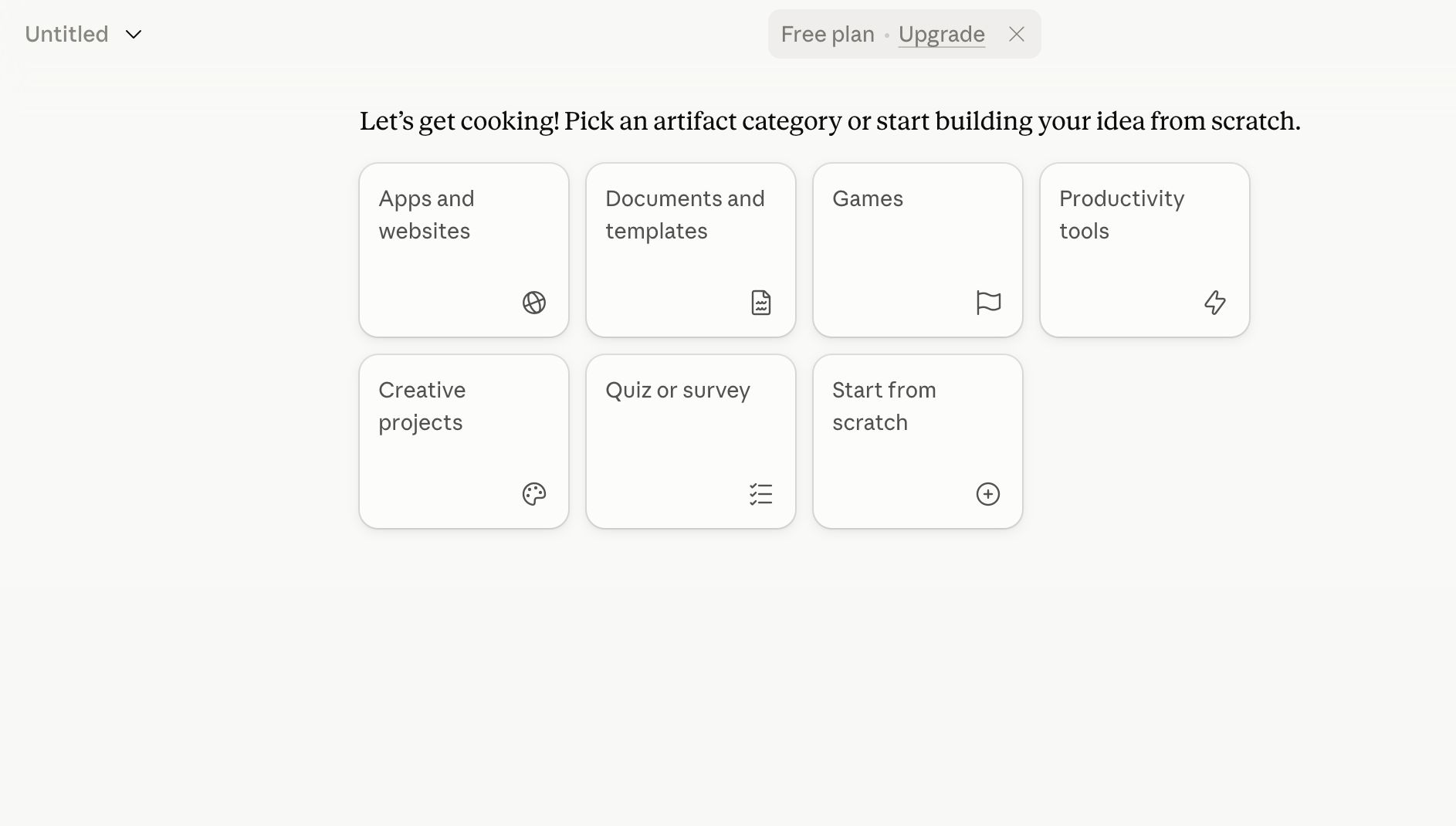
Common supported file types include:
- DOCX
- CSV
- TXT
- HTML
- ODT
- RTF
- EPUB
- JSON
- XLSX
- JPEG
- PNG
- GIF
- WebP
There are also file limits. In regular chat uploads, Claude supports files up to 500MB each and up to 20 files per chat. For project files, files can be smaller, and the total content still needs to fit within Claude’s context or retrieval limits.
This matters because file size is not the same as token size. A file may upload successfully, but if it contains a lot of extracted text, token limits can still apply.
For best results:
- Upload only the files Claude needs.
- Remove duplicate pages if possible.
- Ask specific questions about long files.
- Use project files for repeated reference.
- Split very large work into sections when needed.
Claude’s capabilities are strong when working with files, but clean input still gives better output.
What is Claude AI good for?
Claude is best for tasks that involve reading, writing, reasoning, and long text.
It is especially useful when you want to work with a lot of information at once.
Claude is good for:
- Long document summaries
- Transcript analysis
- Research notes
- Business reports
- Email rewrites
- Blog outlines
- Code reviews
- Study help
- Policy reviews
- Customer support drafts
- Meeting notes
- Project planning
Claude is also useful when you want a thorough answer. It often formats answers by default giving clear sections with bullet points.
Claude may not be the best tool if you mainly need image generation, voice chat, or custom AI bots. Other tools, like ChatGPT, may offer more all-in-one features for those tasks.
But if your work includes long documents, transcripts, research, or code, Claude can be a good choice.
Limits of Claude
Claude can save a lot of time, but it has clear limits that you should understand before using it, especially for work.
Accuracy
The first limit is accuracy. Claude can make things up. This is called hallucination. It can invent facts, sources, numbers, quotes, or explanations that sound convincing but are actually factually incorrect.
Outdated information
The second limit is freshness. Claude may not know the latest information unless browsing with web search, connected tools, or updated documents are available.
Context quality
The third limit is context quality. Claude can handle long inputs, but that does not mean it understands everything perfectly. If a transcript is messy or a document has contradicting information, Claude may miss the details.
Usage limits
Claude also has usage limits. Paid plans usually give you more access, but they are still not unlimited. Heavy use with long prompts or large files, and forcing Claude to give high-effort responses can use more of your limit.
Safety and censorship
Claude also has safety limits. It is designed to refuse harmful or illegal requests. This can be useful of course, but it can also be frustrating to users who expect an answer to every question.
Be careful and fact-check information when using Claude for legal, medical, and financial topics. Remember that Claude does not always search the web to retrieve the most up-to-date information regarding to fresh news items. Technical information may also need to be validated as Claude may hallucinate certain details that it does not have information on.
Claude should always be used as a tool and an assistant or helper, not a final decision-maker. For important work, check the facts yourself.
What is Claude Code
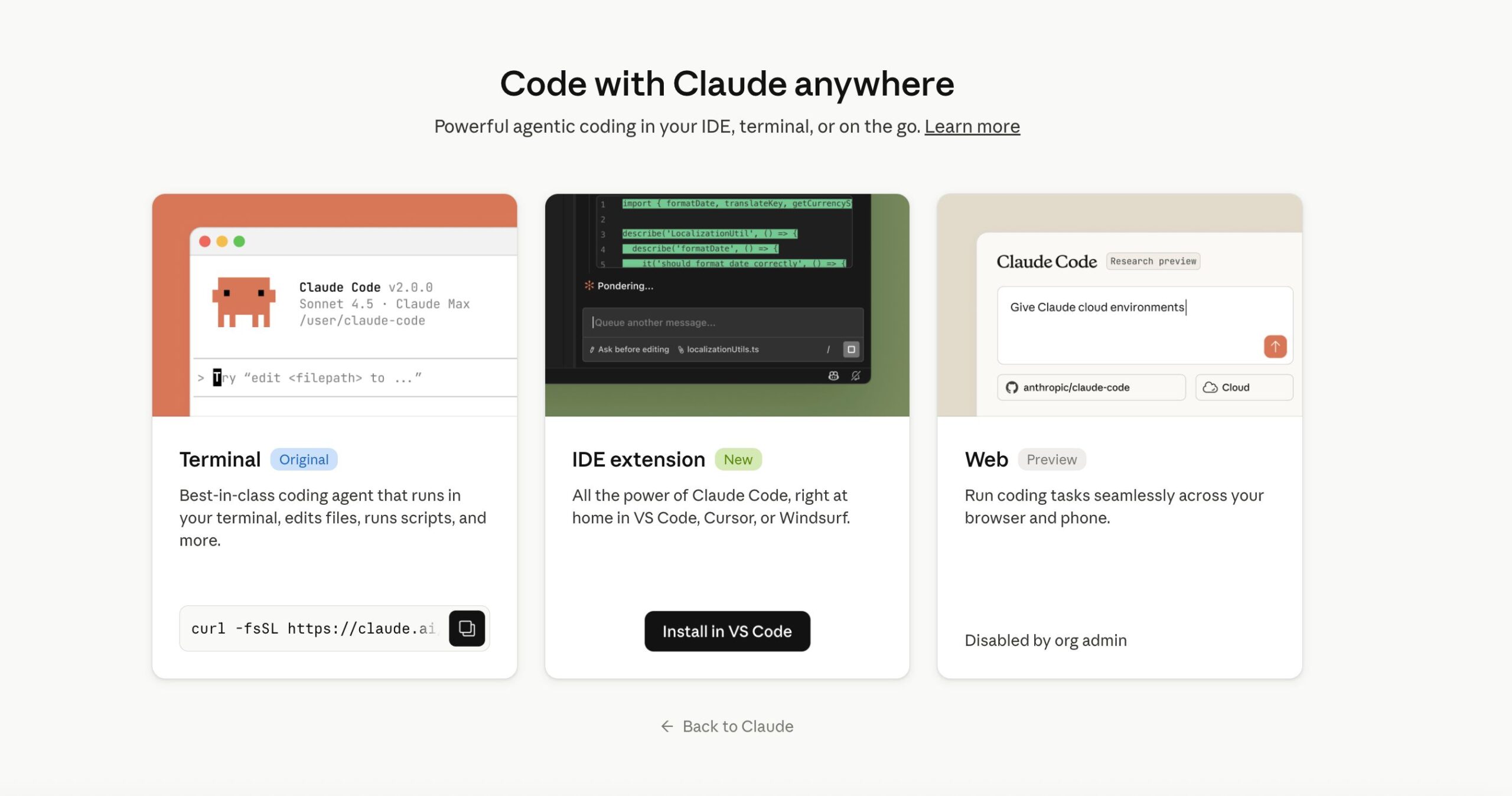
As mentioned before, Claude Code is Anthropic’s agentic coding tool. It is made for developers who want Claude to work with a codebase.
Instead of only answering questions in a chat, Claude Code can work inside a terminal or supported coding tools. It can read files, understand project structure, suggest changes, and help complete coding tasks.
Claude Code can help with:
- Reading a codebase
- Finding bugs
- Writing tests
- Refactoring code
- Explaining how a project works
- Updating files
- Running commands with approval
- Planning technical changes
Claude Code is useful because coding tasks often depend on many files. A normal chatbot may only see the code you paste. Claude Code can work with the actual project.
But code still needs review if you want it to work well. AI-generated code can have bugs, Claude can misunderstand your architecture, and what will happen is it will fix one issue while creating another.
Because of this, developers should always review and understand changes in code before commiting pull requests from Claude in production.
Is Claude AI worth using?
Claude AI is worth using if you work with text, documents, transcripts, code, or research. It is especially helpful when you need to understand a lot of information and turn it into something clear. For long-context work like writing, coding, and analysis, Claude is one of the most useful AI assistants available.
Get perfect summaries with Summary AI
If you spend a lot of time in meetings, an AI tool that will be useful for you is Summary AI, a meeting recorder that can join your calls and use AI transcription to turn them into perfect summaries. Once you invite it to your meetings, the platform records everything discussed and labels speakers, then creates a summary you can send straight to your colleagues’ inboxes with action items so everyone knows what the next steps are.