#1 Transcription App 2025.

stars

Rated 4.9 out of 5

Trusted by 100,000+ users worldwide

MP3 to Text Converter - Convert Audio Files to Text

Turn your audio recordings into accurate text with just a few clicks. Upload MP3 files, transcribe conversations automatically, and create searchable transcripts that are easy to review, edit, and share without hours of manual work.

Audio to Text

Convert speech and audio recordings to text

Drag & drop your file here or browse to upload

Accepted formats: MP3, WAV, M4A, OGG, FLAC

Mode

+ 50M

Minutes
transcribed

100K +

Happy
users

95% +

Accuracy
rate

100 +

Languages
supported

Convert Audio Files into Text with Ease

Listening, pausing, rewinding, and typing notes by hand can quickly turn a short recording into hours of work. Instead, convert spoken content into accurate text automatically and focus on what matters most. Whether you’re reviewing interviews, meetings, lectures, or podcasts, our converter software helps you find key information faster and keep every detail organized.

Capture Every Word Automatically

Skip manual note-taking and let advanced audio transcription technology create reliable text from your recordings.

Search Important Information Instantly

Find names, quotes, action items, and key insights without replaying long audio files.

Save Hours on Every Recording

Transform lengthy voice recordings into clear text transcription in minutes instead of hours.

How to Convert Your mp3 to Text in 3 Simple Steps

Get started with three easy steps to transcribe audio files.

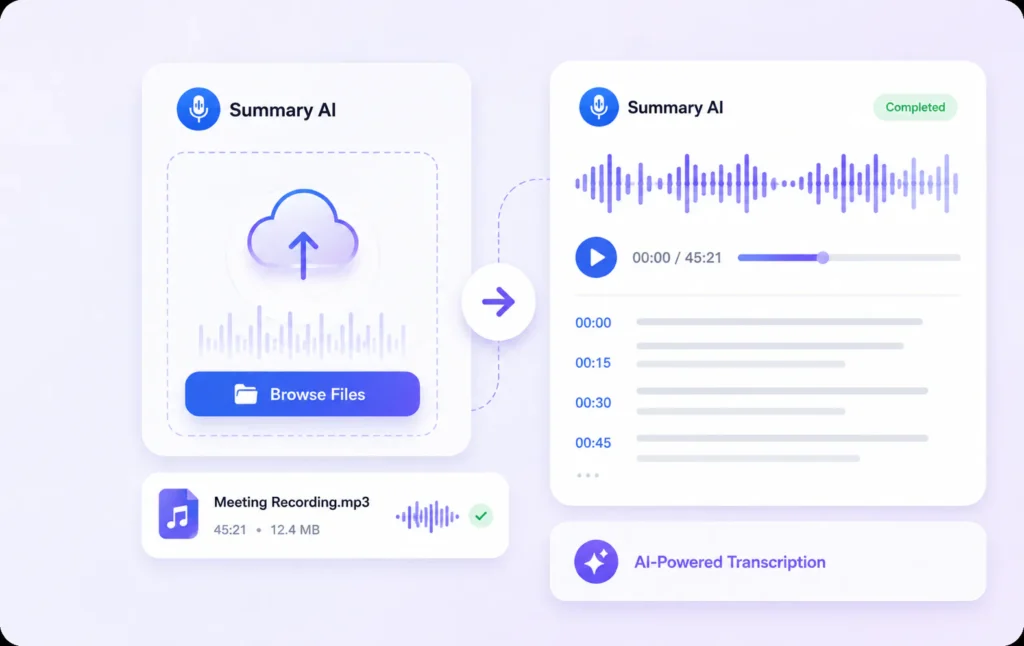
1. Upload Your Audio File

Drag and drop your MP3 file or voice recording into the platform or upload it directly from your device. It’s quick and convenient, with no need for complicated setups.

2. Let AI Transcribe the Audio

Our audio transcription software automatically processes your recording and converts spoken words into accurate text transcription.

3. Download Your Transcribed Text

Once the transcription is complete, download your text file and use it as needed for reports, content creation, or documentation.
Efficiency

Faster MP3 Transcription for Every Recording

Drag and drop your MP3 file or voice recording into the platform or upload it directly from your device. It’s quick and convenient, with no need for complicated setups.
Flexibility

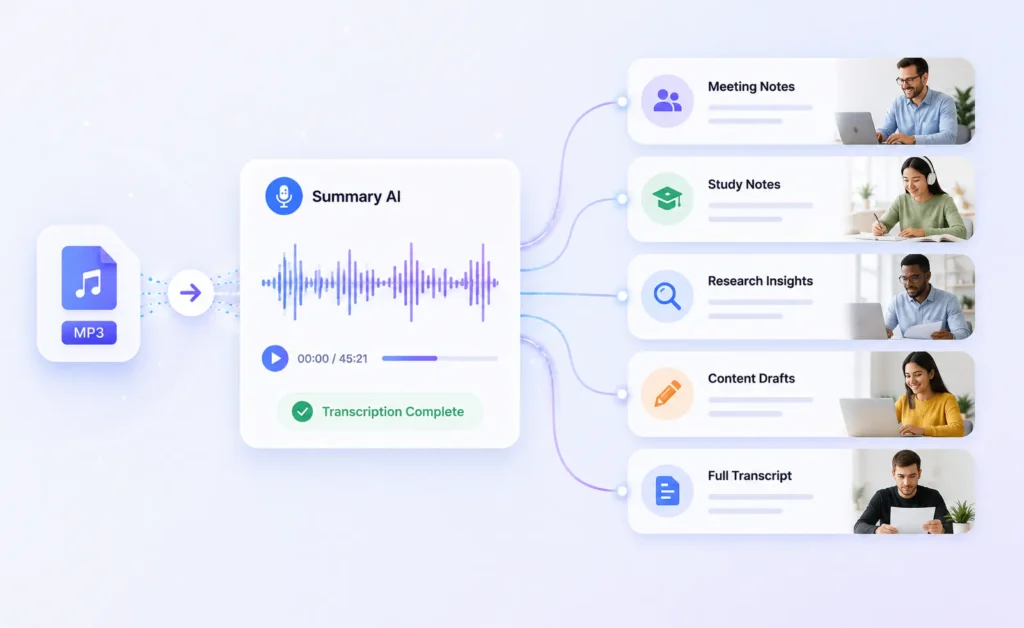
Transcribe MP3 to Text for Work, Study, and Content Creation

Whether you’re studying for exams, creating content, documenting meetings, or conducting research, you can easily convert audio files to text and capture every important detail. Turn lectures, interviews, podcasts, and voice recordings into accurate transcripts that are easier to review, share, and reference whenever you need them.
Productivity

Transcribe MP3 to Text and Never Miss Key Details

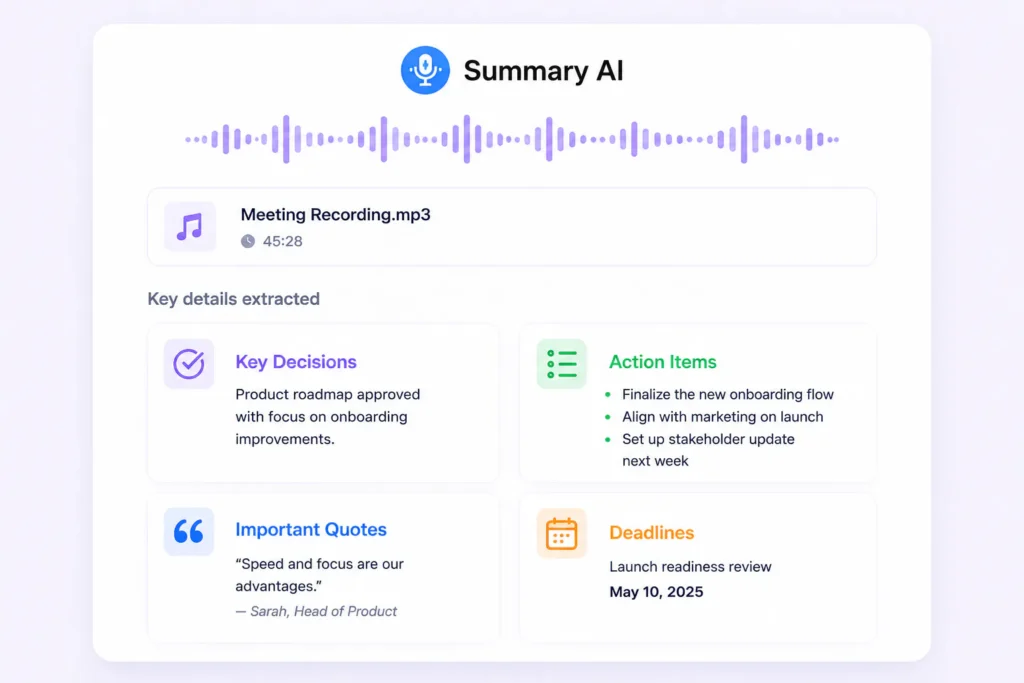
Important ideas are often buried inside long recordings. Transcribe MP3 to text and quickly capture decisions, action items, quotes, and insights from meetings, interviews, podcasts, and voice recordings. Instead of searching through hours of audio, you’ll have a clear text record that’s easy to review and reference.

MP3 Transcription for Every Industry

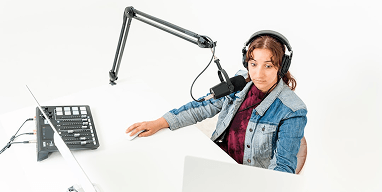
From business meetings and academic research to content creation and podcast production, our MP3 to text converter helps professionals turn audio into accurate, usable text. Whether you need audio transcription for documentation, analysis, publishing, or collaboration, Summary AI adapts to the way you work.

Business Teams

Translate meetings and conversations into searchable text for global collaboration

Students & Researchers

Convert lectures and recordings into translated notes for studying and analysis

Content Creators

Turn videos and audio into multilingual text for captions, scripts, and content reuse

Legal & Medical

Generate accurate translated documentation from recorded conversations

Journalists & Writers

Translate interviews and reports quickly without missing key insights

Podcasters

Convert episodes into translated text to expand reach and accessibility

Real results, real time saved

People use this AI video summarizer every day to turn hours of content into minutes of insights

stars

“Absolute lifesaver during finals! I summarized 20+ hours of lecture videos in one afternoon. The AI picks up every important detail.”

MS

Maria Santos

YouTuber

stars

“I use this every day for research. Competitor analysis that used to take hours now takes 5 minutes. Best $15/month I’ve ever spent!”

JW

James Wilson

Product Manager

stars

“Game-changer for remote work. Our team uses it to catch up on meetings they missed. No more ‘can you recap that call?'”

EC

Dr. Emily Chen

Researcher

More than just an MP3 to Text Converter

Explore powerful AI tools that help you transcribe audio, summarize YouTube videos, convert speech into text, and turn recordings into useful content faster.

Transcribe video to text

Convert video files into accurate text transcripts.

Youtube video summarizer

Get AI-powered summaries of YouTube videos instantly.

Transcribe audio to text

Transform audio recordings 
into written text.

Speech to text

Convert spoken words into written text in real-time.

Podcast summarizer

Get quick summaries and key takeaways from podcasts.

Audio summarizer

Generate concise summaries from any audio content.

Subtitles generator

Automatically generate accurate subtitles for your videos.

Online video compressor

Compress video files while maintaining quality.

Online audio compressor

Reduce audio file size without
losing quality.

Summary AI Learning Hub

Expert advice, tips & how to guides about transcriptions, summaries and productivity. 
Get the most out of our summaries.

descript ai video editing

Descript Review: Edit Podcasts and Videos by Editing Text

13 mins read.
what is chatgpt atlas

What Is ChatGPT Atlas? Features, Limits and Uses

12 mins read.
what is claude

Claude AI Explained: Models, Features, Limits and Uses

12 mins read.

Frequently Asked Questions About Our MP3 to Text Converter

Explore answers to common questions about audio transcription.
An MP3 to text converter, like the one offered by Summary AI, uses advanced machine learning algorithms to analyze and process the audio input. It transcribes the spoken words into written text with high accuracy. The process is usually automatic and requires only that you upload the audio file you wish to convert. This software can handle various audio formats, making it a versatile tool suitable for different transcription needs, such as turning voice recordings from meetings into text notes. With the assistance of AI, users save significant amounts of time that would otherwise be spent on manual transcription tasks.
Yes, you can transcribe the audio from YouTube videos using our AI transcription tool. Simply extract the audio, upload the MP3 file to Summary AI, and let the software convert it into text. This feature is particularly useful for content creators who need to create transcripts for accessibility or SEO purposes. By transcribing audio recordings from YouTube, you ensure that your content is more discoverable for search engines and more accessible to hearing-impaired audiences, thus reaching a broader audience.
Yes, audio transcription software, such as Summary AI, is quite reliable. It employs state-of-the-art AI technologies for accurate and efficient transcription of audio files, including voice recordings and lectures. While no software is infallible, ongoing advancements continue to enhance accuracy and user experience. Many users find that AI tools significantly outpace manual options in terms of speed and convenience. Summary AI also supports different dialects and background noises, making it adaptable to various environments and use cases.
Using an MP3 transcription tool saves time and effort by automating a normally manual task. It enhances accuracy compared to manual transcription and supports various audio file formats. With Summary AI, you gain the added benefit of speed and the convenience of accessing your transcriptions anywhere, anytime. This automation is particularly beneficial for businesses that regularly deal with audio content and need seamless operations across multiple users and teams. Additionally, it allows professionals to focus more on content creation rather than transcription.
Yes, Summary AI supports transcription for a wide range of audio formats beyond MP3. This includes WAV, OGG, and more, providing flexibility for different transcription needs. With its powerful converter software, you can ensure that all your audio files can be effortlessly converted into text. This capability is essential for anyone who works with various types of audio recordings and needs a reliable method to convert them for further analysis or documentation without needing separate tools for each format.
To begin transcribing MP3 files, simply upload your audio file to Summary AI’s platform. The intuitive interface guides you through the process, ensuring you can quickly and effectively convert your files to text. Utilize the available free daily transcriptions to get started without any initial investment. Users appreciate the platform’s simplicity, allowing even those without technical expertise to transcribe audio files easily. As you become familiar with the tool, the transcription process becomes faster and more integrated into your usual workflow.
More Tools

Start Transcribing Audio with AI for Free

Convert audio files quickly and accurately with 3 free daily uses. Try without credit card.
summary ai app in desktop and phone

Start for free

To download the mobile app, point your smartphone camera at the QR code