#1 Transcription App 2025.

stars

Rated 4.9 out of 5

Trusted by 100,000+ users worldwide

Convert MOV to MP4 Without Losing Quality

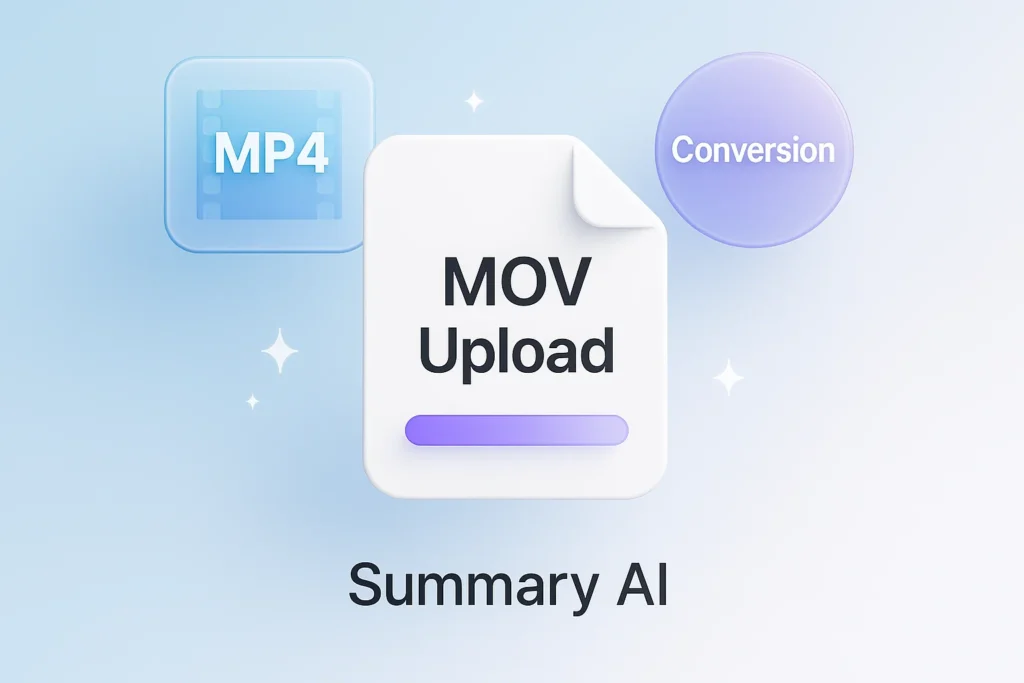
Effortlessly change your MOV file to MP4 format in seconds with SummaryAI’s intuitive converter tool.

Online Video Converter

Convert video files to any format online

Drag & drop your file here or browse to upload

Accepted formats: MP4, MOV, AVI, MKV, WebM, FLV

+ 50M

Minutes
transcribed

100K +

Happy
users

95% +

Accuracy
rate

100 +

Languages
supported

Transform MOV to MP4 for Any Device

Not every platform handles MOV files the same way. Transform MOV to MP4 and enjoy a format that works seamlessly across smartphones, Windows PCs, Macs, tablets, smart TVs, video editors, and online platforms. One conversion gives your content the flexibility to go anywhere.

Convert Instantly

Transform your MOV files to MP4 quickly and effortlessly.

High-Quality Output

Ensure your video retains excellent quality in the new format.

Device Compatibility

Make your videos playable across different devices and platforms.

Change MOV Into MP4 in 3 Easy Steps

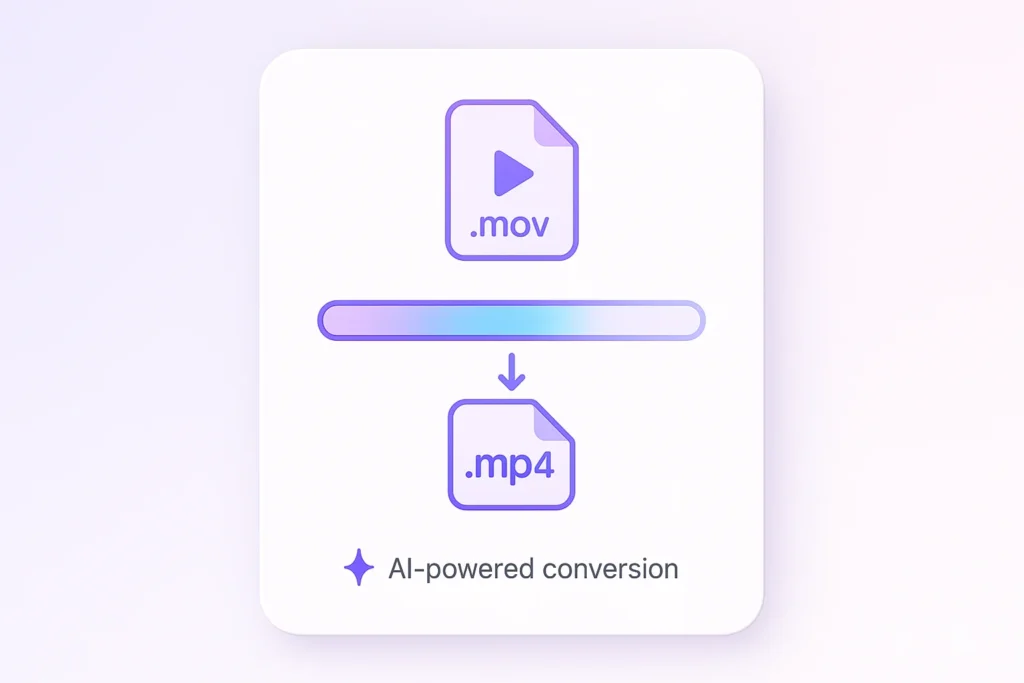
Turn any MOV file into an MP4 format ready for sharing, editing, and publishing in seconds.

1. Upload Your MOV Video File

Select a MOV file from your iPhone, Mac, camera, or device.

2. Choose MP4 Format

Our converter automatically prepares the MOV file for conversion to MP4. Just confirm your desired settings for consistency.

3. Export MP4

Download your converted file and use it anywhere.
Video Conversion

Convert MOV Format to MP4 for Work, School, and Content Creation

Select a MOV file from your iPhone, Mac, camera, or device.
convert-mov-to-mp4 grid image 1
convert-mov-to-mp4 grid image 2
User-Friendly

MOV and MP4 Made Simple

Understanding video formats shouldn’t be complicated. Our converter ultimate solution handles the technical work for you, making it easy to switch between MOV and MP4 without worrying about codecs, compatibility issues, or software downloads.
Seamless Integration

Convert MOV Format to MP4 for Easy Sharing

Recorded a video on your iPhone or Mac? Convert MOV format to MP4 and make your video file easier to upload, share, edit, and play across devices. Whether you’re posting to social media, sending videos to clients, or storing personal memories, our converter software delivers fast, reliable results while preserving video quality and creating a universally compatible MP4 format.
convert-mov-to-mp4 grid image 3

Who Needs to Convert MOV to MP4?

From students and researchers to content creators, business teams, and podcasters, everyone needs video files that work everywhere. Whether you’re recording on an iPhone, editing on a Mac, sharing presentations, publishing content online, or collaborating with clients, converting a MOV file to MP4 format ensures smoother playback, easier sharing, and greater compatibility across devices and platforms.

Business Teams

Translate meetings and conversations into searchable text for global collaboration

Students & Researchers

Convert lectures and recordings into translated notes for studying and analysis

Content Creators

Turn videos and audio into multilingual text for captions, scripts, and content reuse

Legal & Medical

Generate accurate translated documentation from recorded conversations

Journalists & Writers

Translate interviews and reports quickly without missing key insights

Podcasters

Convert episodes into translated text to expand reach and accessibility

Real results, real time saved

People use this AI video summarizer every day to turn hours of content into minutes of insights

stars

“Absolute lifesaver during finals! I summarized 20+ hours of lecture videos in one afternoon. The AI picks up every important detail.”

MS

Maria Santos

YouTuber

stars

“I use this every day for research. Competitor analysis that used to take hours now takes 5 minutes. Best $15/month I’ve ever spent!”

JW

James Wilson

Product Manager

stars

“Game-changer for remote work. Our team uses it to catch up on meetings they missed. No more ‘can you recap that call?'”

EC

Dr. Emily Chen

Researcher

More than just a video converter

Converting MOV to MP4 is just the beginning. Explore powerful AI tools for video transcription, audio-to-text conversion, YouTube summaries, podcast insights, and content creation. Whether you’re working with a video file from your iPhone, editing content on a Mac, or managing media at scale, Summary AI helps you save time and get more value from every file.

Transcribe video to text

Convert video files into accurate text transcripts.

Youtube video summarizer

Get AI-powered summaries of YouTube videos instantly.

Transcribe audio to text

Transform audio recordings 
into written text.

Speech to text

Convert spoken words into written text in real-time.

Podcast summarizer

Get quick summaries and key takeaways from podcasts.

Audio summarizer

Generate concise summaries from any audio content.

Subtitles generator

Automatically generate accurate subtitles for your videos.

Online video compressor

Compress video files while maintaining quality.

Online audio compressor

Reduce audio file size without
losing quality.

Summary AI Learning Hub

Expert advice, tips & how to guides about transcriptions, summaries and productivity. 
Get the most out of our summaries.

descript ai video editing

Descript Review: Edit Podcasts and Videos by Editing Text

13 mins read.
what is chatgpt atlas

What Is ChatGPT Atlas? Features, Limits and Uses

12 mins read.
what is claude

Claude AI Explained: Models, Features, Limits and Uses

12 mins read.

Frequently Asked Questions about Convert MOV to MP4

Have questions? We’ve answered the most common ones here.
Converting MOV to MP4 is simple with SummaryAI. Upload the MOV file, select MP4 as your output format, and use our converter ultimate tool for a fast, quality conversion. This ensures your video file is ready for use on different devices such as iPhone, and offers seamless integration with Mac systems. Additionally, our tool provides advanced options to tailor video settings, which is crucial for maintaining high-quality output in professional videography. Whether for personal projects or professional presentations, SummaryAI streamlines the process efficiently.
Yes, you can easily convert MOV to MP4 on a Mac using SummaryAI’s tool. It provides an intuitive interface for Mac users, allowing you to transform mov files to mp4 quickly. This converter software is specially optimized for Apple devices, ensuring compatibility and efficiency for your video files. Whether you’re a creator editing content for iOS devices, or someone needing simplicity, our tool accommodates your conversion needs with ease and precision across the ecosystem.
The MP4 format is widely used due to its versatility and compatibility across various devices. It compresses video files without significant loss of quality, making it ideal for streaming online or storing on mobile devices. Converting mov file to mp4 ensures your videos are more playable on gadgets like iPhone and systems like Mac. Moreover, MP4’s widespread acceptance across platforms makes it easier to share content seamlessly, facilitating better file management and distribution.
Yes, SummaryAI offers a free tier for video conversion that allows you to change mov into mp4 without any cost, up to three times a day. This provides a convenient solution for users needing fast and reliable conversion software, without incurring extra charges for occasional use. Our no-credit-card-required approach ensures that trying out the service is as simple as possible. Users can explore our premium features for enhanced functions as their needs grow.
Absolutely. By using SummaryAI’s conversion tool, your mov files are transformed into mp4 while keeping the video quality intact. Our service uses advanced compression techniques to ensure your content maintains its integrity and is optimized for playback on iPhone and Mac. This is particularly important for creators focusing on high-quality output for professional platforms, as it allows seamless integration into content workflows without sacrificing visual acuity.
Using MOV to MP4 conversion software like SummaryAI allows you to manage video formats flexibly. This kind of software ensures your mov files become versatile, wide-reaching mp4 files, ideal for sharing across platforms or boosting accessibility, particularly on Apple devices and beyond. Furthermore, our tool’s user-friendly interface provides an efficient workflow for users of all experience levels, from novices needing straightforward solutions to professionals demanding nuanced control over file output.
More Tools

Start Converting MOV to MP4 Today

Change your video files with ease and maintain quality across formats. Try free with 3 uses per day.
summary ai app in desktop and phone

Start for free

To download the mobile app, point your smartphone camera at the QR code