#1 Transcription App 2025.

stars

Rated 4.9 out of 5

Trusted by 100,000+ users worldwide

Convert AVI to MP4 Online

Convert AVI videos into MP4 format in seconds with our fast online video converter while maintaining video quality and compatibility across devices.

Online Video Converter

Convert video files to any format online

Drag & drop your file here or browse to upload

Accepted formats: MP4, MOV, AVI, MKV, WebM, FLV

+ 50M

Minutes
transcribed

100K +

Happy
users

95% +

Accuracy
rate

100 +

Languages
supported

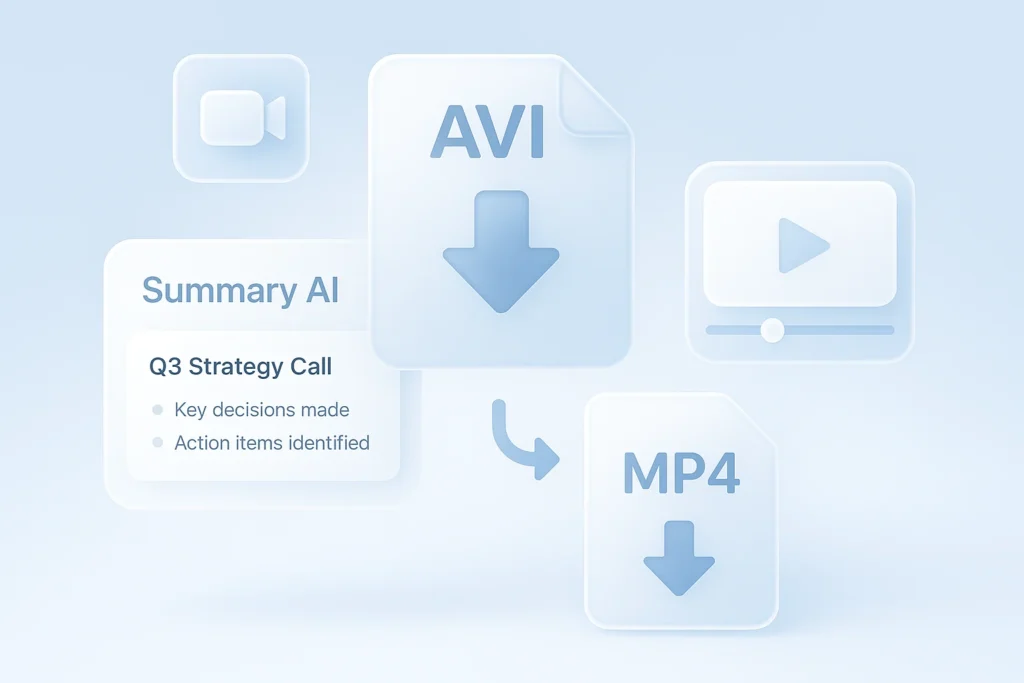
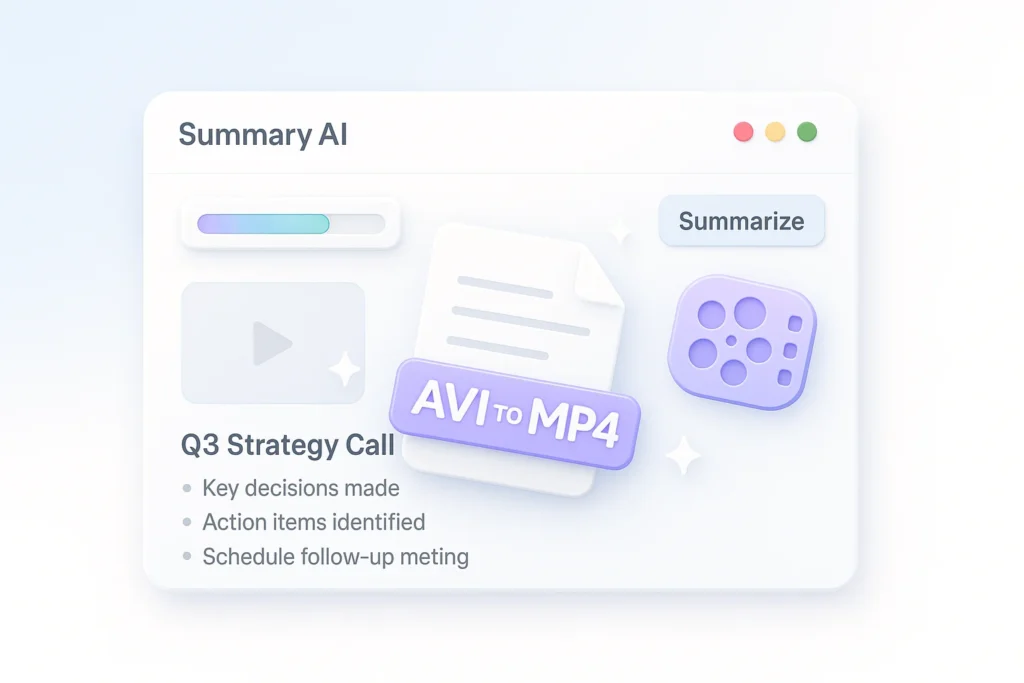
Stop Struggling with AVI Format to MP4

Trying to manage incompatible video formats can be incredibly frustrating. AVI files often pose playback issues and can lead to compatibility headaches across devices and platforms. Using a video converter like Summary AI’s tool, you can transform your AVI to MP4 effortlessly, ensuring your videos play smoothly anywhere, anytime. Whether you’re archiving home videos, editing for YouTube, or ensuring compatibility for distributed marketing clips, our converter saves you time and ensures quality.

Maintain Quality

Convert without losing video and sound quality, ensuring your output is as crisp as the original.

Fast Conversion

Experience rapid conversion speeds, with outputs ready in moments.

Device Compatibility

Ensure your videos can be played on a wide variety of devices and platforms.

Video Converter AVI to MP4 in Easy Steps

See how easy it is to convert your files with these three steps.

1. Upload Your AVI File

Choose your AVI file from your computer or drag and drop it into our converter interface. Our tool supports files of all sizes, providing you the flexibility you need.

2. Let AI Process the File

Our MP4 converter software adapts the file to ensure the highest quality conversion with minimal input on your part.

3. Download Your MP4 Video

Once converted, your MP4 file is ready to be downloaded and viewed across any device or platform, hassle-free.
Compatibility

Avi Video Converter for All Devices

Choose your AVI file from your computer or drag and drop it into our converter interface. Our tool supports files of all sizes, providing you the flexibility you need.
avi-to-mp4 grid image 1
avi-to-mp4 grid image 2
Efficiency

Effortless AVI Format to MP4

The time you spend managing and converting files could be better spent producing content. Our tool automates the conversion process, reducing hours of manual effort down to a few clicks. With zero loss in quality and rapid processing, you can focus more on creation and less on technical details.
User-Friendly

Transfer AVI to MP4 with Ease

User experience is at the core of Summary AI’s design philosophy. Our converter is engineered with simplicity in mind, requiring no prior technical knowledge. Effortlessly drag and drop, click convert, and download – it’s that simple.
avi-to-mp4 grid image 3

Transfer AVI to MP4 for Creators and Pros

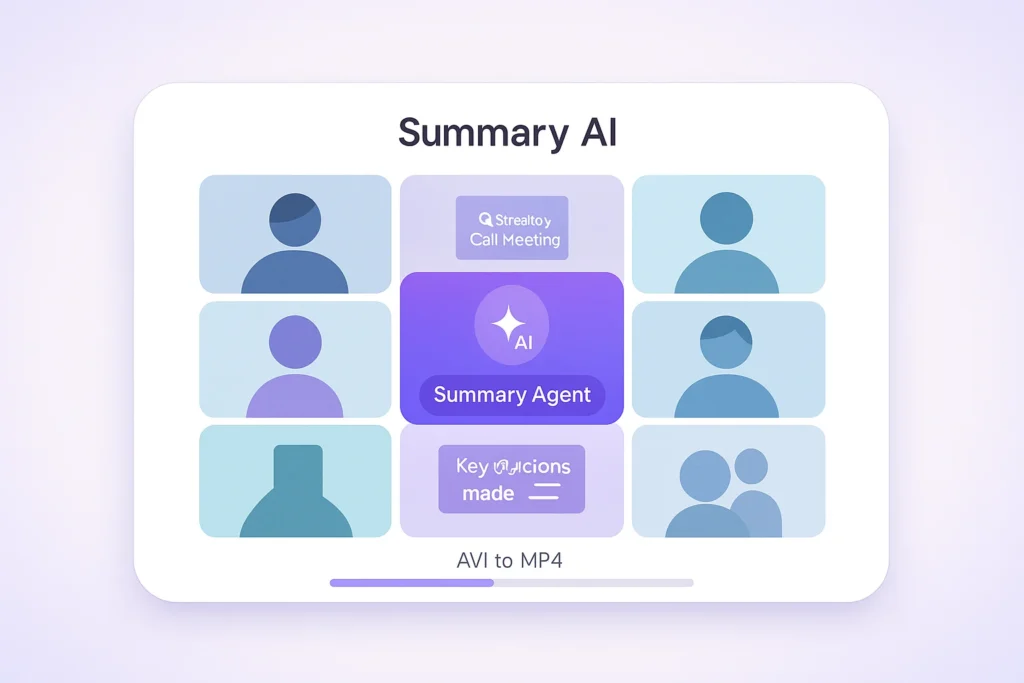
Our video converter is meticulously designed for creators, educators, and professionals who need a reliable method to convert AVI files to MP4. Whether you’re an influencer making content for social platforms, an educator needing to ensure students can watch lectures without compatibility issues, or a marketer launching a global campaign, Summary AI equips you with tools to handle your video files with ease. Explore the adaptability of our tool to optimize your workflow and enhance productivity without sacrificing quality.

Business Teams

Translate meetings and conversations into searchable text for global collaboration

Students & Researchers

Convert lectures and recordings into translated notes for studying and analysis

Content Creators

Turn videos and audio into multilingual text for captions, scripts, and content reuse

Legal & Medical

Generate accurate translated documentation from recorded conversations

Journalists & Writers

Translate interviews and reports quickly without missing key insights

Podcasters

Convert episodes into translated text to expand reach and accessibility

Real results, real time saved

People use this AI video summarizer every day to turn hours of content into minutes of insights

stars

“Absolute lifesaver during finals! I summarized 20+ hours of lecture videos in one afternoon. The AI picks up every important detail.”

MS

Maria Santos

YouTuber

stars

“I use this every day for research. Competitor analysis that used to take hours now takes 5 minutes. Best $15/month I’ve ever spent!”

JW

James Wilson

Product Manager

stars

“Game-changer for remote work. Our team uses it to catch up on meetings they missed. No more ‘can you recap that call?'”

EC

Dr. Emily Chen

Researcher

More Than Just an AVI Video Converter

Explore AI tools for text generation, content rewriting, and meeting notes

Transcribe video to text

Convert video files into accurate text transcripts.

Youtube video summarizer

Get AI-powered summaries of YouTube videos instantly.

Transcribe audio to text

Transform audio recordings 
into written text.

Speech to text

Convert spoken words into written text in real-time.

Podcast summarizer

Get quick summaries and key takeaways from podcasts.

Audio summarizer

Generate concise summaries from any audio content.

Subtitles generator

Automatically generate accurate subtitles for your videos.

Online video compressor

Compress video files while maintaining quality.

Online audio compressor

Reduce audio file size without
losing quality.

Summary AI Learning Hub

Expert advice, tips & how to guides about transcriptions, summaries and productivity. 
Get the most out of our summaries.

top ai companies

Top AI Companies to Watch in 2026

8 mins read.
what is artificial intelligence​

What Is Artificial Intelligence? AI Explained for Beginners

10 mins read.
Leadership team from enterprise company doing a zoom meeting after downloading zoom video communications.

Hottest AI Startups in Silicon Valley to Watch in 2026

9 mins read.

Frequently Asked Questions about AVI to MP4

Explore detailed answers to common queries.
An AVI file, standing for Audio Video Interleave, is a multimedia container format introduced by Microsoft. It’s notable for storing both audio and video data in a standard container, allowing synchronous audio-with-video playback. However, despite its historical prevalence, many modern devices, software, and platforms encounter compatibility issues with AVI, often requiring specific codecs to decode the format properly. Converting AVI to a more widely accepted format like MP4 facilitates smoother playback across different devices, from mobile phones to tablets and even smart TVs, enhancing accessibility and viewing experience.
To convert an AVI file to MP4, you need a reliable converter like Summary AI’s tool, which specializes in video format conversion. Simply upload your AVI file into the tool, and it processes the file, optimizing both audio and video streams for MP4 format. This ensures compatibility while maintaining the quality of the original video. Ideal for users without technical expertise, it simplifies the conversion process into merely a couple of clicks, enabling you to focus more on watching your media rather than managing file formats.
Yes, when converting with Summary AI’s MP4 converter software, the original quality of the AVI file is preserved meticulously. Our advanced conversion techniques ensure that both video clarity and audio depth are maintained, preventing any loss of quality. This is crucial for both personal and professional uses where maintaining high quality is needed — whether you’re presenting a project or curating a family video collection, you get the best output without the compromise often seen in conversion processes.
Certainly! Mac users can effortlessly access Summary AI’s web-based converter, which is designed to function seamlessly across all major operating systems, including Mac OS. This accessibility is significant for users operating in diverse environments, as it ensures that high-quality conversion isn’t restricted to only one type of system. Whether you’re editing on an iMac or a MacBook, you can drag and drop your AVI files with ease, convert them, and have them optimized for playback across multiple platforms, all with a user-friendly interface.
Summary AI’s converter accommodates a wide range of file sizes, managing most standard video files with efficiency. However, when it comes to particularly large files, the tool utilizes optimization techniques to handle data effectively without quality loss. This is especially beneficial for professionals dealing with lengthy footage and large-scale video projects, as our system ensures seamless processing and conversion across formats, preserving the integral quality and details of the original file regardless of size.
We prioritize the security and privacy of user data throughout the conversion process. Using end-to-end encryption, uploaded files are temporarily stored, with guaranteed deletion after the conversion is complete. This approach ensures that your files, whether personal or professional, remain confidential and protected. Our commitment to data safety is a cornerstone of our service, providing peace of mind alongside efficient video conversion capabilities. You can trust Summary AI to handle your media assets with discretion and care, respecting your privacy fully.
More Tools

Start Your Free AVI to MP4 Conversion

Change your videos from AVI format to MP4 effortlessly. No credit card required. Start now.
summary ai app in desktop and phone

Start for free

To download the mobile app, point your smartphone camera at the QR code