#1 Transcription App 2025.

stars

Rated 4.9 out of 5

Trusted by 100,000+ users worldwide

MP4 File Compressor to Reduce Video Size Instantly

Easily compress MP4 videos online in seconds and reduce file size without losing quality. Our fast compressor software helps you optimize videos for sharing, storage, or platforms like Discord.

Online Video Compressor

Compress videos online while keeping great quality

Drag & drop your file here or browse to upload

Accepted formats: MP4, MOV, AVI, MKV, WebM

Quality

+ 50M

Minutes
transcribed

100K +

Happy
users

95% +

Accuracy
rate

100 +

Languages
supported

Compress My Video Online in Seconds

Ever faced long wait times just to send a large video? Reducing file size with traditional methods can be slow and cumbersome. With advanced features, our compressor streamlines this process and delivers fast results. Whether it’s for saving space, quicker uploads, or easy sharing, our tool is designed to simplify video compression for all users.

Fast File Compression

Shrink videos to smaller sizes quickly without compromising quality.

Universal Access

Works on any device, be it Windows, Mac, or mobile platforms.

High-Quality Output

Maintain video clarity after compression

Advanced Video Compression in 3 Steps

Follow these steps to efficiently reduce your video file size.

1. Upload your MP4 video

Select and upload the MP4 file you wish to compress. Our tool supports a wide range of video formats.

2. Compress with One Click

Our advanced video compression software will optimize your file size automatically.

3. Download your compressed video

Once compressed, download your file and share it without worrying about large file sizes.
Speed

Fast MP4 File Compression for Any Video Size

Select and upload the MP4 file you wish to compress. Our tool supports a wide range of video formats.
mp4-file-compressor grid image 1
mp4-file-compressor grid image 2
Compatibility

Compressor Software for All Platforms

Use our compressor app directly in your browser across any device. Whether you’re on Mac, Windows, or mobile, Summary AI´s compression software makes it easy to reduce video size anywhere.
Efficiency

Compressor App Without Quality Compromise

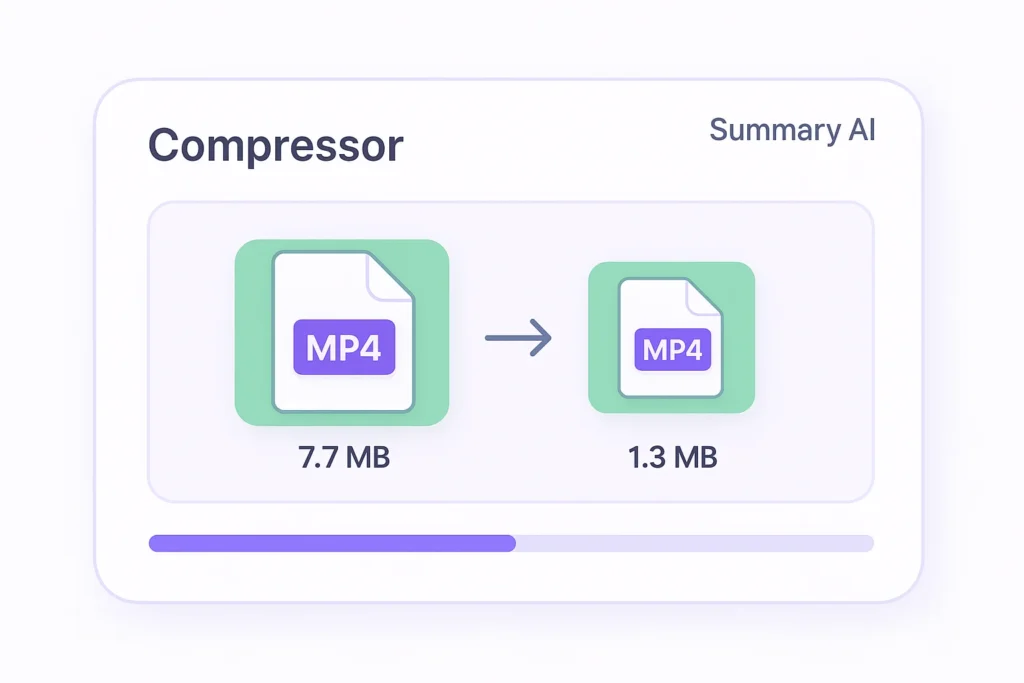
Experience the efficiency of reducing video file sizes while preserving the original quality. Our software combines advanced technology to compress high-quality MP4s, ensuring you never sacrifice quality for size.
mp4-file-compressor grid image 3

Built for File Compression Needs

Our MP4 file compressor is perfect for content creators, marketers, and students needing to manage large video files efficiently. By reducing file size without quality loss, it meets diverse needs from quick sharing on platforms like Discord to providing compressed copies for academic presentations. As one of the most reliable compressor software tools available, it stands out for ease of use and practical functionality. Explore different usage scenarios based on your unique requirements.

Business Teams

Translate meetings and conversations into searchable text for global collaboration

Students & Researchers

Convert lectures and recordings into translated notes for studying and analysis

Content Creators

Turn videos and audio into multilingual text for captions, scripts, and content reuse

Legal & Medical

Generate accurate translated documentation from recorded conversations

Journalists & Writers

Translate interviews and reports quickly without missing key insights

Podcasters

Convert episodes into translated text to expand reach and accessibility

Real results, real time saved

People use this AI video summarizer every day to turn hours of content into minutes of insights

stars

“Absolute lifesaver during finals! I summarized 20+ hours of lecture videos in one afternoon. The AI picks up every important detail.”

MS

Maria Santos

YouTuber

stars

“I use this every day for research. Competitor analysis that used to take hours now takes 5 minutes. Best $15/month I’ve ever spent!”

JW

James Wilson

Product Manager

stars

“Game-changer for remote work. Our team uses it to catch up on meetings they missed. No more ‘can you recap that call?'”

EC

Dr. Emily Chen

Researcher

More than just a compressor app

Explore AI tools for text generation, meeting notes, and story creation.

Transcribe video to text

Convert video files into accurate text transcripts.

Youtube video summarizer

Get AI-powered summaries of YouTube videos instantly.

Transcribe audio to text

Transform audio recordings 
into written text.

Speech to text

Convert spoken words into written text in real-time.

Podcast summarizer

Get quick summaries and key takeaways from podcasts.

Audio summarizer

Generate concise summaries from any audio content.

Subtitles generator

Automatically generate accurate subtitles for your videos.

Online video compressor

Compress video files while maintaining quality.

Online audio compressor

Reduce audio file size without
losing quality.

Summary AI Learning Hub

Expert advice, tips & how to guides about transcriptions, summaries and productivity. 
Get the most out of our summaries.

top ai companies

Top AI Companies to Watch in 2026

8 mins read.
what is artificial intelligence​

What Is Artificial Intelligence? AI Explained for Beginners

10 mins read.
Leadership team from enterprise company doing a zoom meeting after downloading zoom video communications.

Hottest AI Startups in Silicon Valley to Watch in 2026

9 mins read.

Frequently Asked Questions about MP4 File Compressor

Explore common inquiries users have about video compression.
An MP4 file compressor is a tool designed to reduce the file size of MP4 videos. This ensures quicker loading times and easier storage, making it essential for online sharing. In scenarios where bandwidth is limited, such as mobile data environments, a compressor can be particularly beneficial. Additionally, a reduced file size allows for seamless uploading to various platforms, including social media and video sharing sites. Compact files also result in faster downloads for end users, enhancing user experience.
Video compression reduces the size of a video file by eliminating redundancies and employing efficient encoding techniques. This is achieved through algorithms that compress data without significant loss of quality. Using compression software ensures the file is structured to store information more compactly. Furthermore, because less data is transferred, compressed videos speed up upload and streaming times, beneficial for platforms like Discord. The compression process is vital in streaming services where bandwidth is often a restriction.
Yes, quality is maintained. Our advanced video compression techniques ensure that while file size is reduced, the original video quality remains largely intact. This is achieved by using meticulous algorithms that select the best parameters for quality retention. For professional content makers who require pristine video quality for platforms or presentations, this is a crucial feature. The compressor app provides flexibility in adjusting the level of compression according to the need, ensuring optimal balance.
Absolutely, our compressor software is fully compatible with Mac. Users can effortlessly compress videos without the need for additional tools, leveraging our platform’s user-friendly interface. This accessibility empowers Mac users to efficiently manage video sizes for both personal and professional projects. Coupled with the tool’s ability to maintain video quality, Mac users will find it especially useful for quick sharing and storage optimization. Its integration with macOS further supports hassle-free operations.
Yes, you can use our MP4 file compressor without any charges. There’s a free tier available which allows you to compress videos efficiently. With this free version, users can discover numerous features, such as quick file size reduction and easy device compatibility. Those seeking enhanced options can opt for premium plans, which offer additional features and advanced compression techniques. This ensures even larger files can be managed with ease, highlighting the tool’s capabilities.
To reduce file size for Discord, simply upload your video to our compressor online. The tool will automatically shrink the video size, making it perfect for uploading on Discord. This helps in maintaining a smooth interaction flow within the platform by reducing upload times. It’s particularly useful for gamers and community hosts who need to share content quickly without loss of time. Since large file uploads can slow down servers, ensuring smaller file sizes can enhance overall system performance.
More Tools

Start Compressing Your Videos Now

Enjoy fast and efficient video compression with our compression software. Try it out now. No credit card needed.
summary ai app in desktop and phone

Start for free

To download the mobile app, point your smartphone camera at the QR code