#1 Transcription App 2025.

stars

Rated 4.9 out of 5

Trusted by 100,000+ users worldwide

PDF to Text: Extract and Edit Text Easily

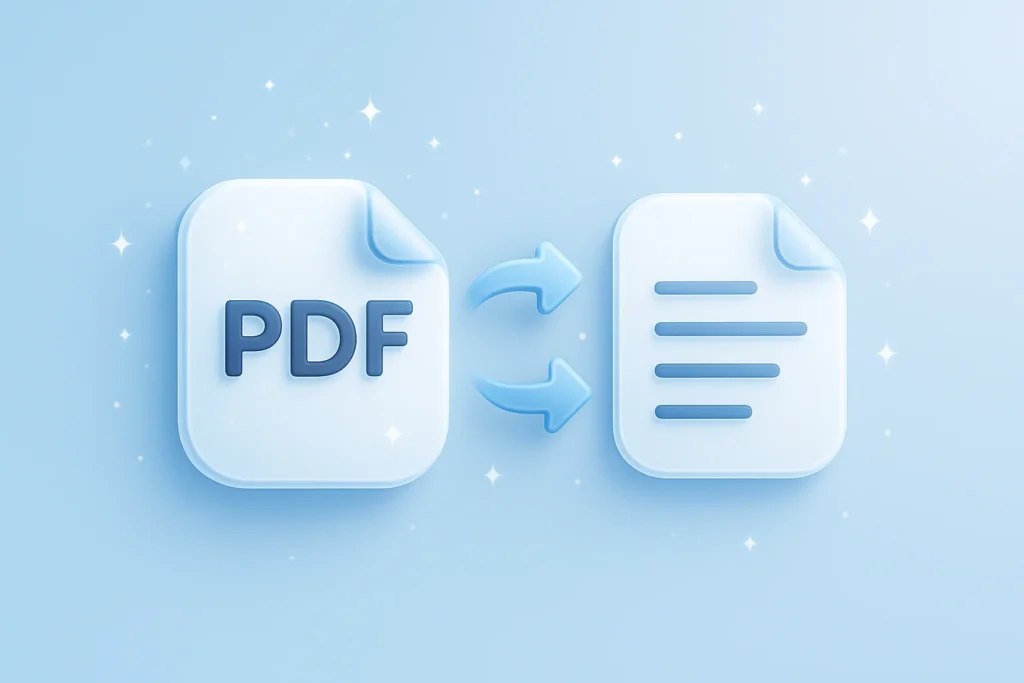
Convert your PDF into a clean text file and extract readable content you can copy, edit, and reuse without formatting issues.

PDF to Text

Extract all text from any PDF instantly

Drag & drop your PDF here or browse to upload

Accepted format: PDF

+ 50M

Minutes
transcribed

100K +

Happy
users

95% +

Accuracy
rate

100 +

Languages
supported

PDF to Text Editor: Simplify Your Workflow

Are you tired of manually retyping PDF content into text files? Converting documents into editable text improves flexibility and accessibility. With this PDF to text editor, you can turn files into clean text in just a few clicks. Use it for document editing, academic notes, or legal paperwork without the extra effort.

Instant Conversion

Convert your PDF into a text file in seconds without delays.

Clean Text Output

Extract readable text while keeping the structure clear and usable.

Ease of Use

Convert files in a few simple steps with no technical knowledge required.

Convert PDF to TXT in Simple Steps

Transform your PDF into clean text documents in just a few simple steps.

1. Upload Your PDF

Select the PDF document you wish to convert and upload it into the converter. Our tool supports various file sizes and formats.

2. Process Your File

Our advanced algorithms will swiftly extract the text while preserving the layout and style.

3. Download and Edit

Once converted, download your text file to your device. You can now edit the text or format it as needed, enhancing productivity.
Accessibility

Turn PDF into Text for Easy Access and Use

Select the PDF document you wish to convert and upload it into the converter. Our tool supports various file sizes and formats.
pdf-to-text grid image 1
pdf-to-text grid image 2
Editing

Edit PDF Content with Ease

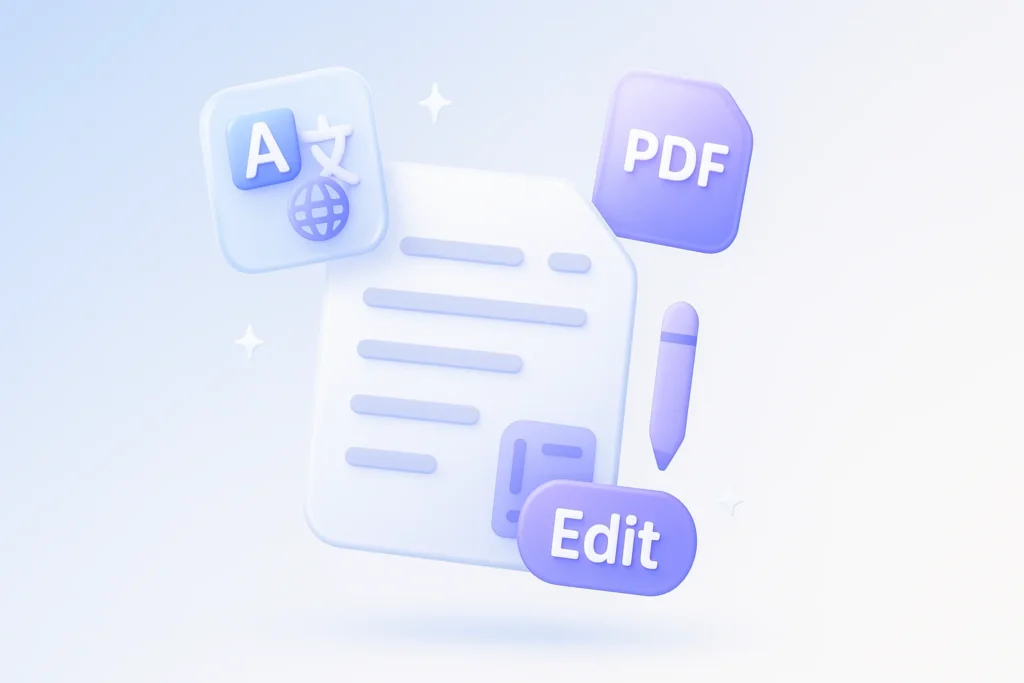
Converting PDFs to text files makes it simple to edit content in programs such as Word or Google Docs. This is essential for updating contracts, research papers, or other important documents.
Efficiency

Effortlessly Extract PDF to Text File

Convert your file into a clean text file that is easy to read and ready to use. The extracted content stays clear and structured, even for longer or more detailed documents.
pdf-to-text grid image 3

PDF to Text File Conversion for Professionals

Our tool is perfect for researchers needing to extract data from academic articles, legal professionals requiring text from legal documents, and administrators who need to modify existing paperwork. Whether on an iPhone or using Acrobat Pro, transform your PDFs swiftly and efficiently.

Business Teams

Translate meetings and conversations into searchable text for global collaboration

Students & Researchers

Convert lectures and recordings into translated notes for studying and analysis

Content Creators

Turn videos and audio into multilingual text for captions, scripts, and content reuse

Legal & Medical

Generate accurate translated documentation from recorded conversations

Journalists & Writers

Translate interviews and reports quickly without missing key insights

Podcasters

Convert episodes into translated text to expand reach and accessibility

Real results, real time saved

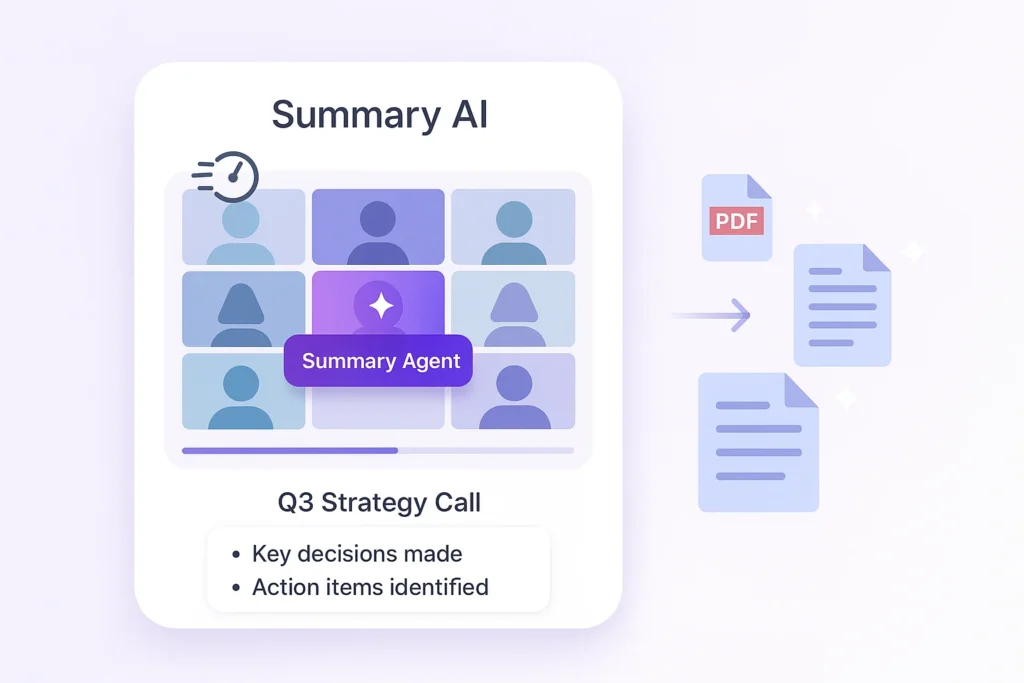
People use this AI video summarizer every day to turn hours of content into minutes of insights

stars

“Absolute lifesaver during finals! I summarized 20+ hours of lecture videos in one afternoon. The AI picks up every important detail.”

MS

Maria Santos

YouTuber

stars

“I use this every day for research. Competitor analysis that used to take hours now takes 5 minutes. Best $15/month I’ve ever spent!”

JW

James Wilson

Product Manager

stars

“Game-changer for remote work. Our team uses it to catch up on meetings they missed. No more ‘can you recap that call?'”

EC

Dr. Emily Chen

Researcher

More than just a PDF converter

Explore AI tools for story writing, text rewriting, and video summaries

Transcribe video to text

Convert video files into accurate text transcripts.

Youtube video summarizer

Get AI-powered summaries of YouTube videos instantly.

Transcribe audio to text

Transform audio recordings 
into written text.

Speech to text

Convert spoken words into written text in real-time.

Podcast summarizer

Get quick summaries and key takeaways from podcasts.

Audio summarizer

Generate concise summaries from any audio content.

Subtitles generator

Automatically generate accurate subtitles for your videos.

Online video compressor

Compress video files while maintaining quality.

Online audio compressor

Reduce audio file size without
losing quality.

Summary AI Learning Hub

Expert advice, tips & how to guides about transcriptions, summaries and productivity. 
Get the most out of our summaries.

top ai companies

Top AI Companies to Watch in 2026

8 mins read.
what is artificial intelligence​

What Is Artificial Intelligence? AI Explained for Beginners

10 mins read.
Leadership team from enterprise company doing a zoom meeting after downloading zoom video communications.

Hottest AI Startups in Silicon Valley to Watch in 2026

9 mins read.

Frequently Asked Questions about PDF to Text

Explore common queries about converting PDFs to text files.
To convert a PDF to text, use our intuitive online tool. Start by uploading your PDF document to the platform. Our system employs sophisticated algorithms to efficiently extract text, transforming it into a plain text file without compromising on quality. This process is not only fast but also ensures the integrity of your data. You’ll receive a downloadable file that can be easily edited or formatted as needed. This method is ideal for students extracting research articles, businesses updating contracts, or anyone who needs to modify the contents of a PDF.
PDF to text conversion is legal, especially for personal or authorized use. If you own the document or have obtained necessary permissions, transforming your PDF into a text file respects intellectual property laws. This is especially relevant for businesses digitizing documents for easier management. It’s crucial to ensure that any conversion complies with the terms set by document creators, especially in professional environments handling sensitive or proprietary information.
Yes, after converting your PDF to a text file, you can edit it in any word processor such as Word or Google Docs. This is particularly useful for quick edits, updates, and reformatting. For example, legal professionals frequently need to alter contract terms or adjust document details swiftly. Our PDF to text conversion facilitates such modifications by producing a manageable and flexible text format that you can easily manipulate to fit your specific requirements.
While our tool is designed to retain basic formatting, complex layouts with intricate tables or multimedia might require minimal adjustments post-conversion. For straightforward paragraphs and text, the layout largely remains intact, preserving original fonts and spacing where possible. This capability is beneficial for documents where structure knowledge is critical, such as formatted reports or structured research papers. Our system prioritizes content accuracy while maintaining essential aspects of the document’s visual format.
Absolutely, once converted to text, these files are compatible with most smartphone applications, including iPhone text readers. This is highly beneficial for users who need to access documents on the go, allowing seamless reading and editing through mobile devices. By converting PDFs into text, you enhance the portability and versatility of your documents across various platforms, including using features such as speech-to-text that cater to diverse user needs. This flexibility supports accessibility and productivity whether you are traveling or working remotely.
No special software like Adobe Acrobat Reader or Python scripts is needed to convert PDFs to text using our tool. Everything is done online, making it accessible from any browser without additional downloads. This approach saves you from installing unnecessary software and makes the service versatile across different platforms, supporting both PC and Mac users. The ease of access and lack of technical barriers make it an ideal solution for everyone from casual users to business professionals looking for efficient document management.
More Tools

Start Converting PDFs to Text Now

Experience seamless conversion with no registration required, and it’s free to use. Get started today!
summary ai app in desktop and phone

Start for free

To download the mobile app, point your smartphone camera at the QR code