



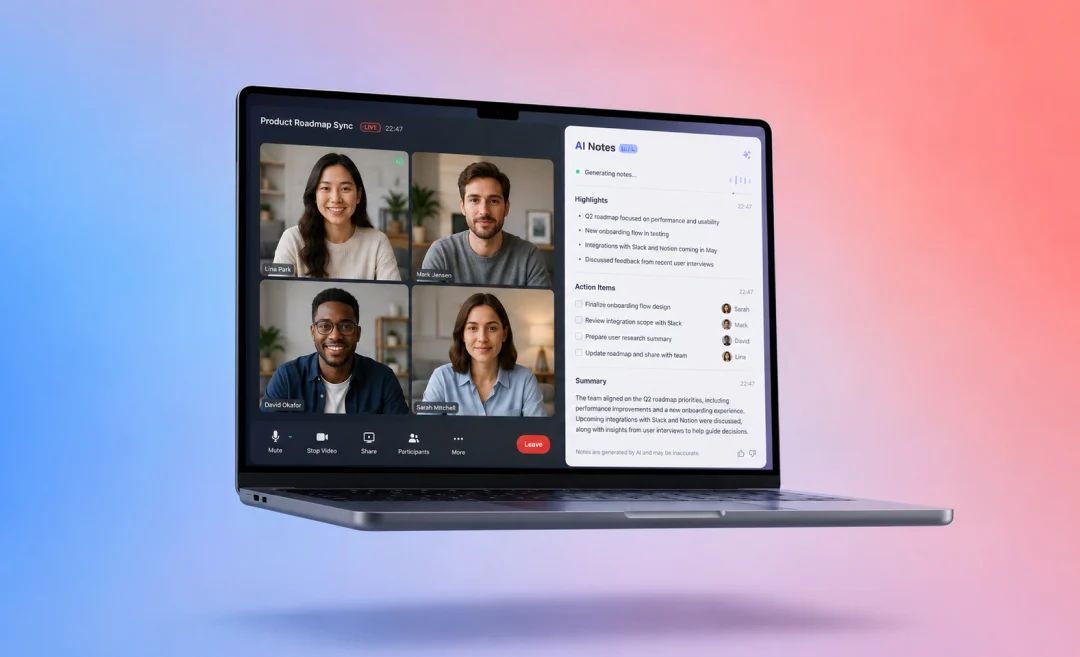




Looking for the best AI note taking app? If you want an a pp that can help you save time, stay organized, and have a clear set of notes to review faster, an AI note taking app will be your best friend. People take notes in all sorts of areas for work and study. Notes come from articles, lectures, podcasts, interviews, emails, research documents, videos, and personal to-do lists. The right app can help you organize all of that.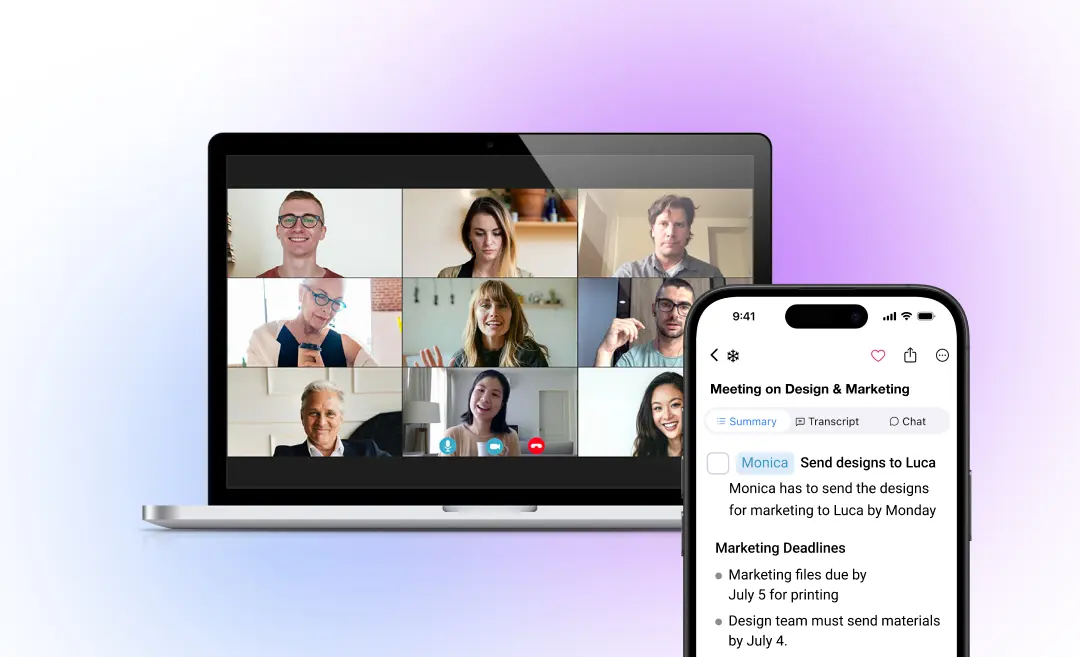 Overview: Summary AI is an AI note taker that can help you turn long transcribed notes into into clear notes that you can search easily. It is made for translating, transcribing, and summarizing meetings and turning them into short summaries with the key points highlighted. The platform is useful for spoken scenarios such as meetings, lectures, podcasts, interviews, calls, and videos.But Summary AI is not only useful for meetings. It also has a free text summarizer, which means you can paste written content and turn it into a shorter version. This makes it helpful for articles and other long text.Summary AI is best for people who want notes from conversations that focus on the main ideas. It helps you find the key points, create summaries, and get action items so you always know how to follow up dicussions.
 Overview: Notion AI is a good option if you want a knowledge base to manage your notes and track projects. It’s a good place for your documents and tracking tasks. Notion helps you summarize notes, rewrite text, brainstorm ideas, create outlines, and organize information inside a workspace.Notion AI is useful because you can use it to create pages, databases, project trackers, content calendars, and more, all in one place.Notion is most useful as a place to collect things. It’s great if you already have written notes or documents that you want to summarize or organize.
 Overview: NotebookLM is a AI note taking tool that works really for studying and research. You can add all sorts of sources such as documents, articles, PDFs, websites, and other materials, then ask questions about them or even condense them into slideshows and explainer videos.This makes it useful for anyone who works with long source material and wants it explained to them. Instead of reading everything, you can use NotebookLM’s features to understand the main ideas and explore the sources you add.NotebookLM is not a regular AI notes app for quick reminders. It is better for research and studying.
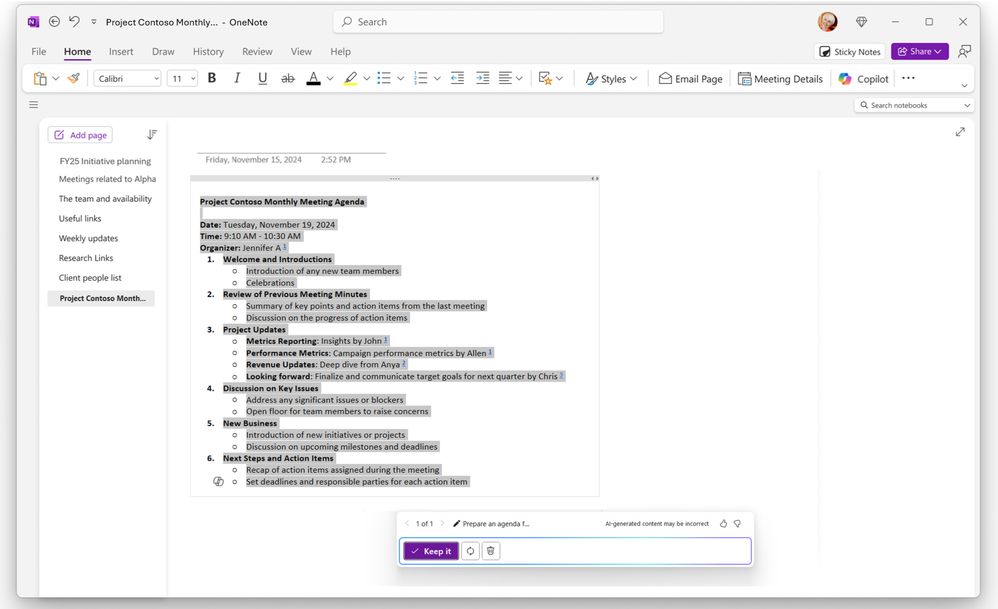 Overview: OneNote is Microsoft’s note taking app that includes AI in the form of Copilot. If you already work inside Microsoft 365 this app will be useful for your note taking needs.You can use OneNote to take all sorts of notes from project notes, meeting notes, research, class notes, handwritten notes, screenshots, and organize them. Copilot can help generate, summarize, and organize your notes. You can work inside and connect Outlook, Teams, Word, Excel, and other Microsoft tools.
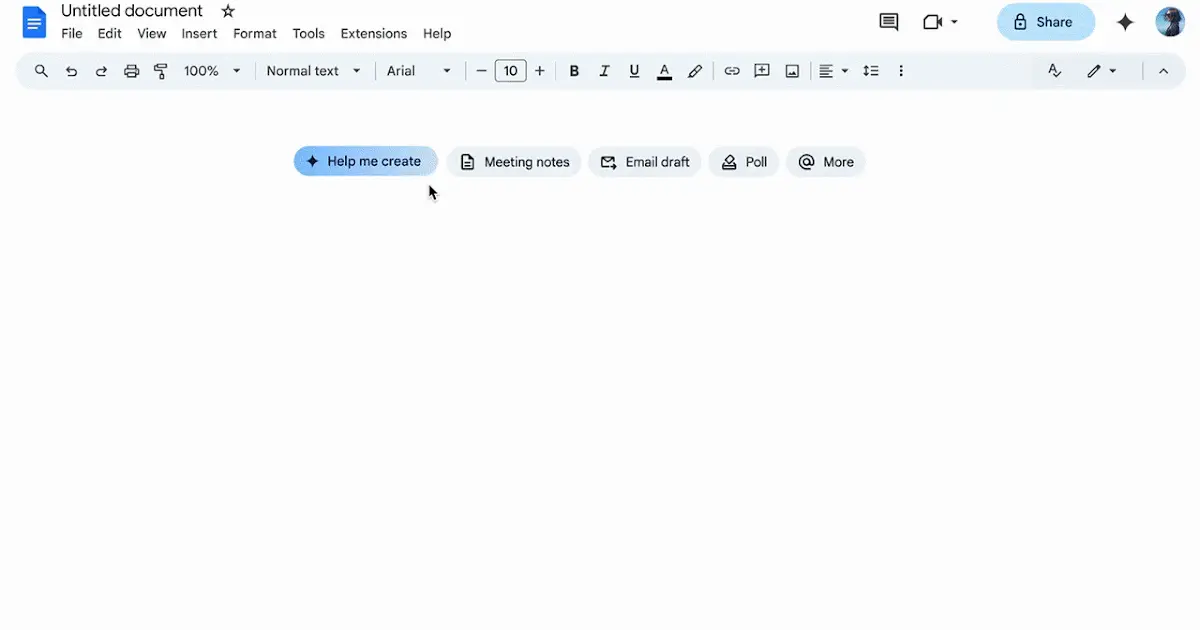 Google has several tools that you can use for AI note taking.Google Docs is good for taking longer notes and writing. Google Keep is useful for jotting down quick notes, lists, and reminders. Gemini can help summarize, rewrite, and organize your notes.This setup is most useful if you already use Gmail, Google Drive, Google Docs, and Google Calendar. That way your note taking can be connected to the same tools you already use every day. This is more of a toolkit than a single AI note taking app.
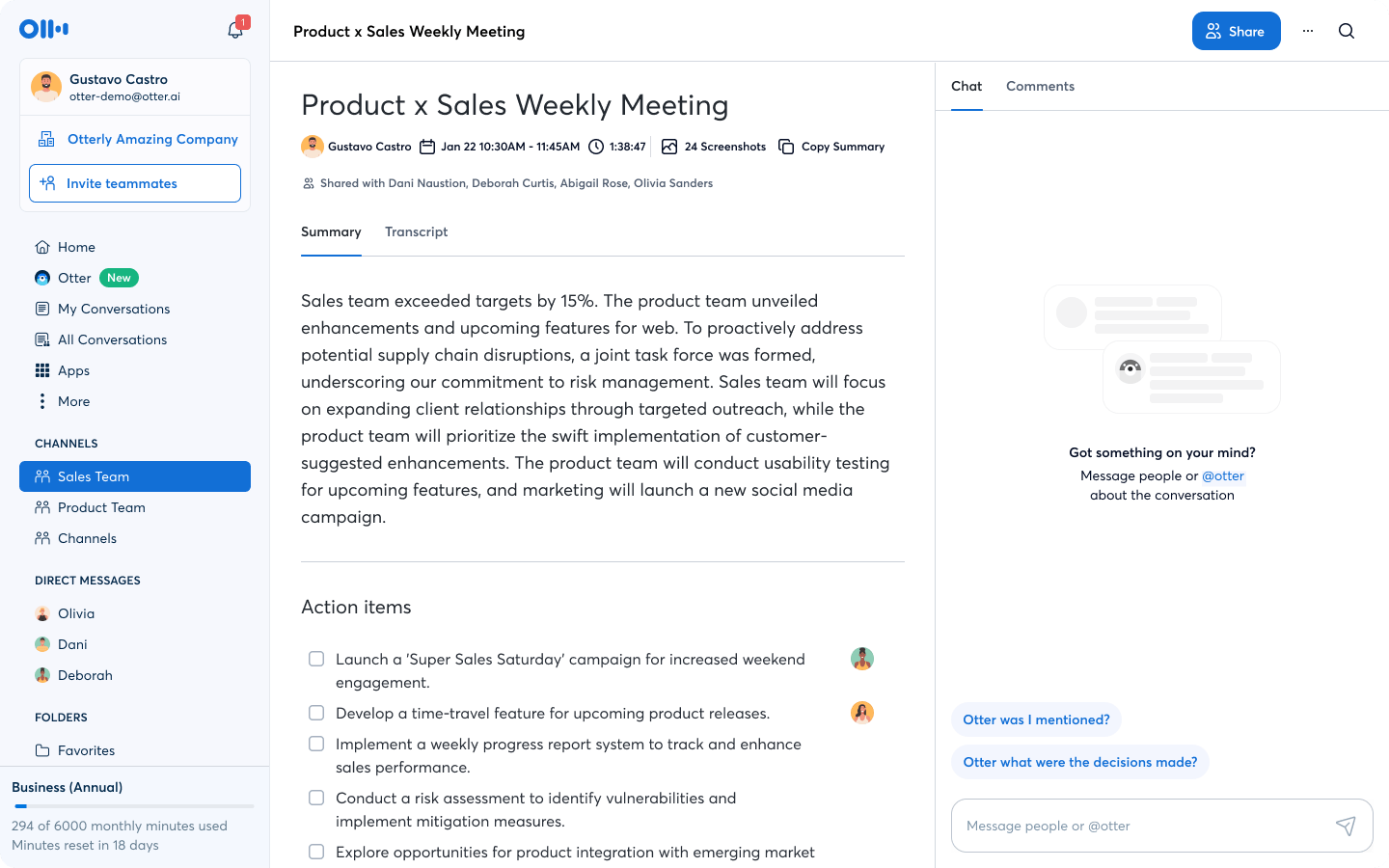 Overview: Otter.ai is an AI transcription and note taking tool that is made mostly for meetings. It records conversations and creates transcripts of them that you search through.Otter is useful for meetings, interviews, classes, and team conversations. It is especially helpful if you want to be able to search through a record of what was said during your meetings.It is more focused on transcripts than summaries. That means it is good if you want the full conversation available later, but you may still need to clean up or shorten the notes.
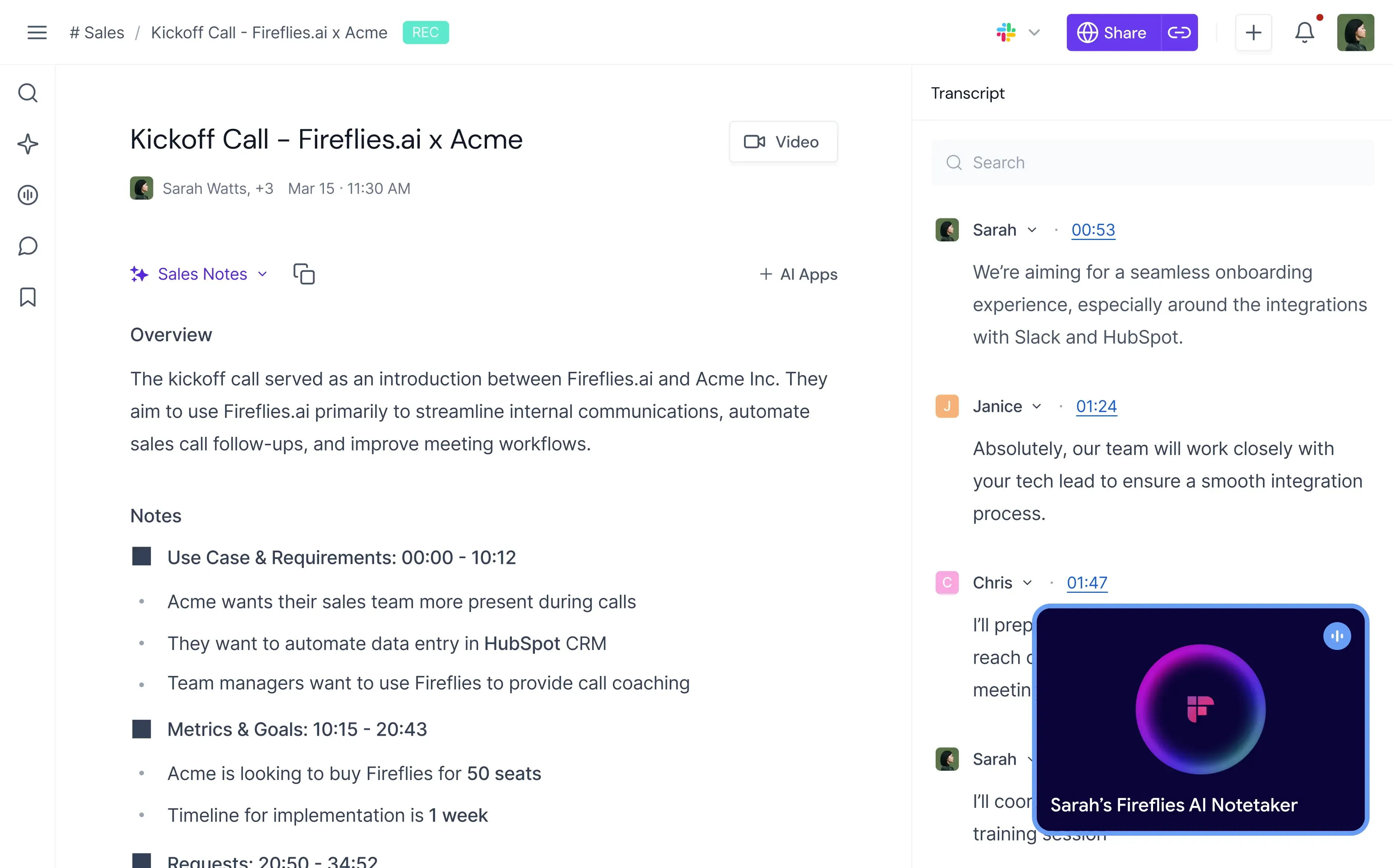 Overview: Fireflies.ai is an AI note taking app for conversations and team calls that can record meetings, create transcripts, and make conversations easier to review.It is useful for sales teams, recruiters, managers, agencies, and client-facing teams. It helps teams keep track of what was said and what needs to happen next.Fireflies is best for people who have many conversations and want a shared record across the team.
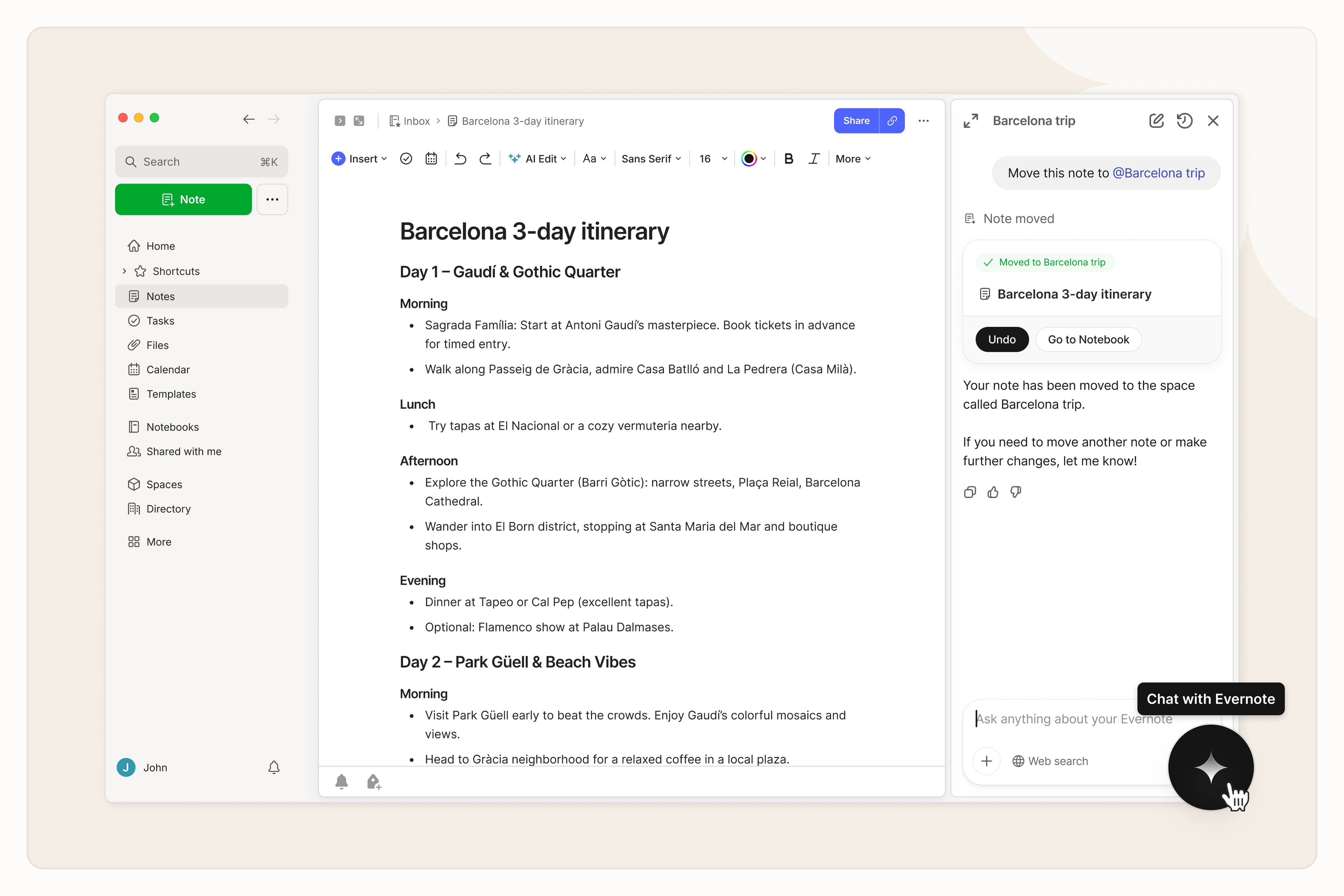 Overview: Evernote is an note taking app that includes AI features. It is useful for people who want to save all sorts of things from notes, web clips, and documents to images, videos, and short notes in one place.Evernote’s main strength is organization. You can store information in notebooks, tag notes, search across content, and build a long-term personal knowledge system.It is a good choice if you need an app for collecting and organizing information over time.
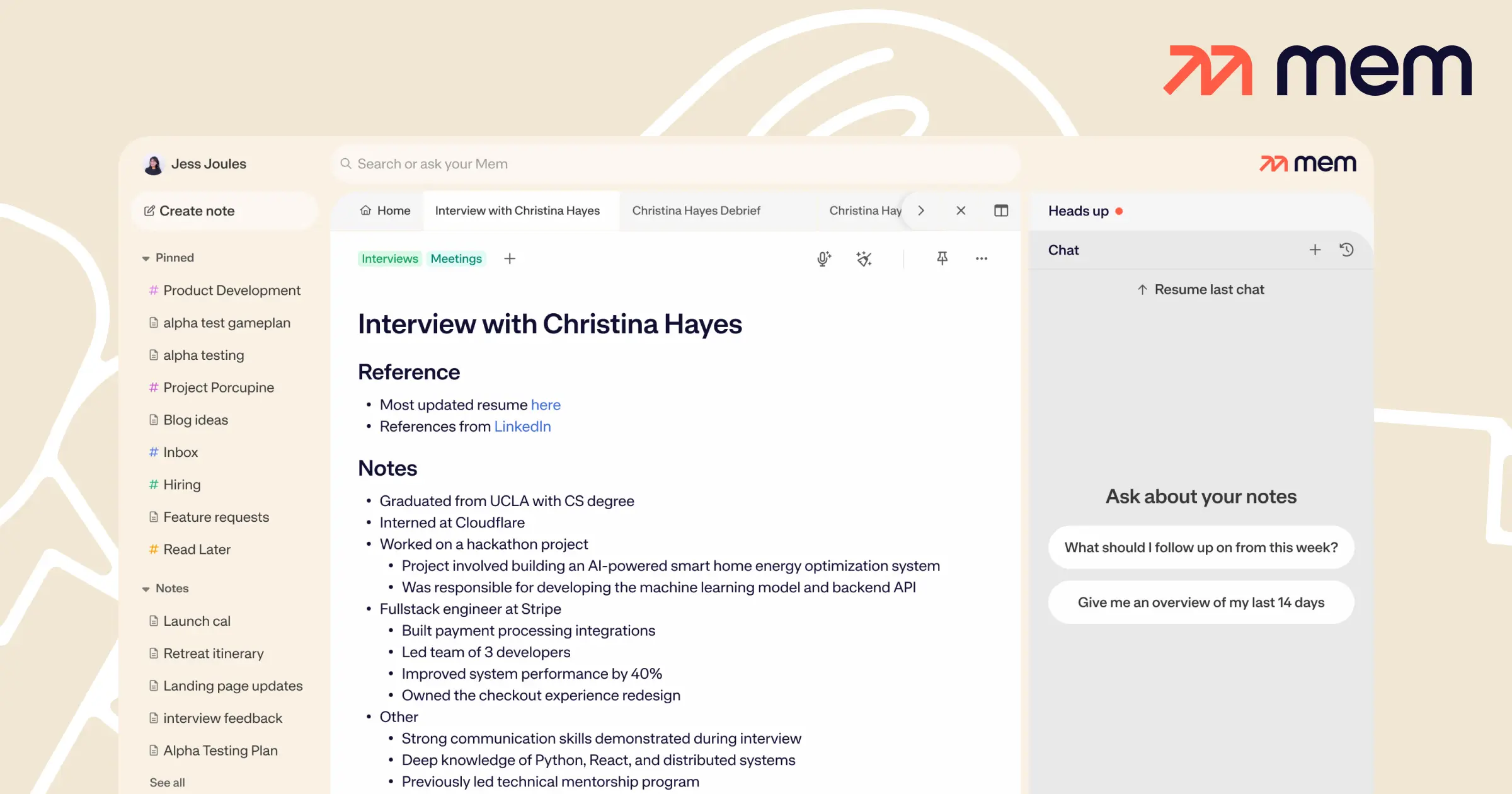 Overview: Mem is an AI-powered note taking app that can capture ideas and connect information. It is made to help you save notes quickly and find related ideas later.Mem is useful if you want a personal knowledge base. Instead of spending a lot of time organizing folders, you can focus on writing notes and using AI to find useful information.It is a good option for people who take many personal notes, brainstorm a lot, or want a more connected system for taking notes.
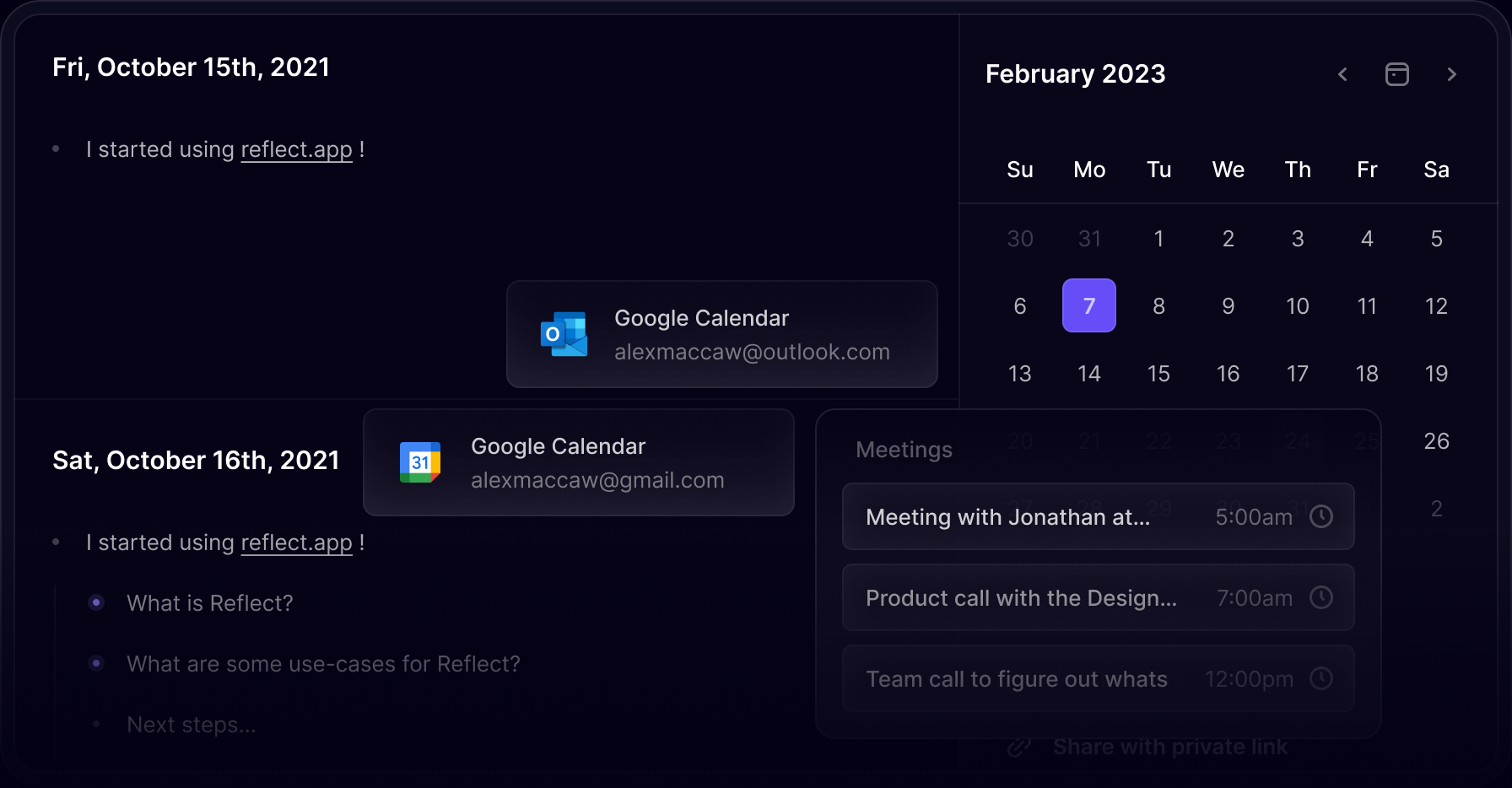 Overview: Reflect is a note taking app built around connected notes, links, and storing knowledge. It is useful for people who want to build a second brain. Reflect can help you develop a structure for your “thinking system.”Reflect has a few useful AI features that can help you write, summarize, and improve your notes. It’s a good fit for journaling and doing research, as well as for collecting ideas in general and personal knowledge management.It is not the best tool if you only want basic notes. It is better for people who want to build a database and connect ideas over time.
What is an AI note taking app for?
A good AI note taking app is something that should help you capture information, summarize it, find the key points, and turn your notes into something you can use to review info quickly and easily. Some tools are best for spoken content, others are better for research, personal journaling, or taking meeting notes.Top 10 AI Note Taking Apps
Below are the best AI note taking apps you should consider. Read the overview of each to understand what type of notetakers these tools suit best.1. Summary AI
Overview: Summary AI is an AI note taker that can help you turn long transcribed notes into into clear notes that you can search easily. It is made for translating, transcribing, and summarizing meetings and turning them into short summaries with the key points highlighted. The platform is useful for spoken scenarios such as meetings, lectures, podcasts, interviews, calls, and videos.But Summary AI is not only useful for meetings. It also has a free text summarizer, which means you can paste written content and turn it into a shorter version. This makes it helpful for articles and other long text.Summary AI is best for people who want notes from conversations that focus on the main ideas. It helps you find the key points, create summaries, and get action items so you always know how to follow up dicussions.Pros
- Good for spoken content (e.g. meetings and interviews)
- Has a free text summarizer
- Helps create crystal clear notes
- Get key points, summaries, action items
Cons
- Made specifically for meetings
- Not a standalone knowledge base app
2. Notion AI
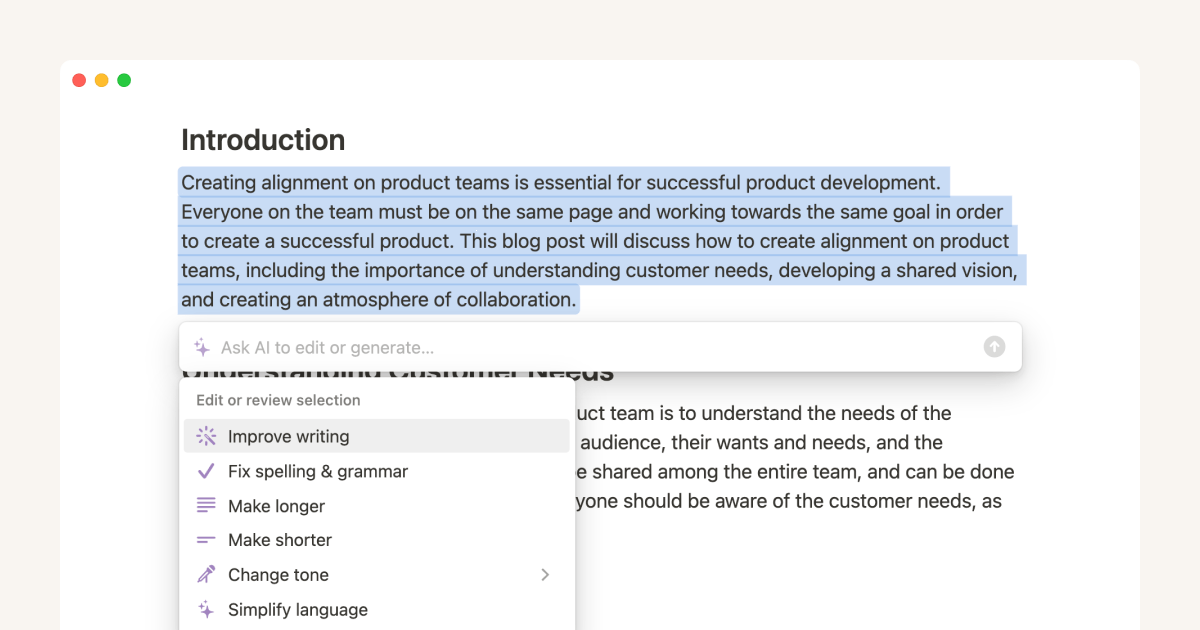
Overview: Notion AI is a good option if you want a knowledge base to manage your notes and track projects. It’s a good place for your documents and tracking tasks. Notion helps you summarize notes, rewrite text, brainstorm ideas, create outlines, and organize information inside a workspace.Notion AI is useful because you can use it to create pages, databases, project trackers, content calendars, and more, all in one place.Notion is most useful as a place to collect things. It’s great if you already have written notes or documents that you want to summarize or organize.Pros
- Great for organizing notes and projects
- Useful for summaries, rewriting, and brainstorming
- Good for teams and knowledge banks
- Good for content planning and databases
- Flexible workspace with many features
Cons
- Not made for transcribing recordings
- Can take time to set up the right way
3. NotebookLM
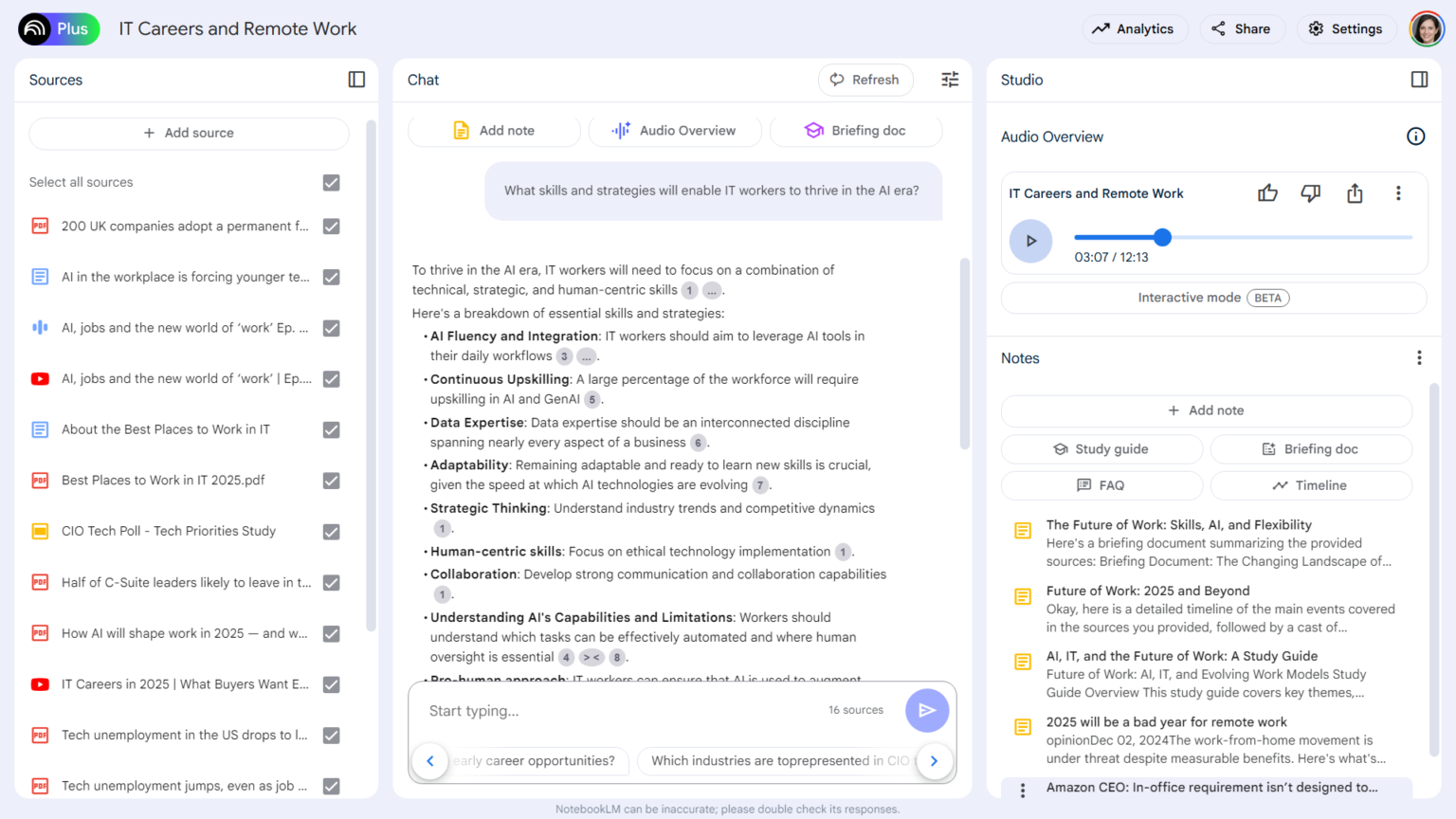
Overview: NotebookLM is a AI note taking tool that works really for studying and research. You can add all sorts of sources such as documents, articles, PDFs, websites, and other materials, then ask questions about them or even condense them into slideshows and explainer videos.This makes it useful for anyone who works with long source material and wants it explained to them. Instead of reading everything, you can use NotebookLM’s features to understand the main ideas and explore the sources you add.NotebookLM is not a regular AI notes app for quick reminders. It is better for research and studying.Pros
- Excellent for research and study
- Ask questions about the sources you add
- Useful for PDFs, articles, and documents
- Good for students, writers, and researchers
- Helps you understand long material faster
Cons
- Not ideal for quick notes
- Works best when your sources are organized
4. Microsoft OneNote with Copilot
Overview: OneNote is Microsoft’s note taking app that includes AI in the form of Copilot. If you already work inside Microsoft 365 this app will be useful for your note taking needs.You can use OneNote to take all sorts of notes from project notes, meeting notes, research, class notes, handwritten notes, screenshots, and organize them. Copilot can help generate, summarize, and organize your notes. You can work inside and connect Outlook, Teams, Word, Excel, and other Microsoft tools.Pros
- Good for organizing notes long-term
- Integrates with Microsoft 365 tools
- Create notebooks, groups, and pages
- Useful for work, school, and personal notes
- Handle different types of content
Cons
- Limits depend on your Microsoft 365 plan.
5. Google Tools
Google has several tools that you can use for AI note taking.Google Docs is good for taking longer notes and writing. Google Keep is useful for jotting down quick notes, lists, and reminders. Gemini can help summarize, rewrite, and organize your notes.This setup is most useful if you already use Gmail, Google Drive, Google Docs, and Google Calendar. That way your note taking can be connected to the same tools you already use every day. This is more of a toolkit than a single AI note taking app.Pros
- Easy to use if you already use Google tools.
- Good for quick notes and longer documents.
- Works well with Google Drive.
- Useful for collaboration and sharing.
- Flexible for work, school, and personal notes.
Cons
- Spread across several tools.
- Not as focused as a dedicated AI note taking app.
- May require manual setup to create a smooth workflow.
6. Otter.ai
Overview: Otter.ai is an AI transcription and note taking tool that is made mostly for meetings. It records conversations and creates transcripts of them that you search through.Otter is useful for meetings, interviews, classes, and team conversations. It is especially helpful if you want to be able to search through a record of what was said during your meetings.It is more focused on transcripts than summaries. That means it is good if you want the full conversation available later, but you may still need to clean up or shorten the notes.Pros
- Good transcription capabilities
- Searchable conversation records
- Useful for meetings, classes, and interviews
- Can help teams keep a record of discussions
- Good for people who need detailed transcripts
Cons
- Can feel transcript-heavy
- Summaries may still need editing
- Less useful for written materials
7. Fireflies.ai
Overview: Fireflies.ai is an AI note taking app for conversations and team calls that can record meetings, create transcripts, and make conversations easier to review.It is useful for sales teams, recruiters, managers, agencies, and client-facing teams. It helps teams keep track of what was said and what needs to happen next.Fireflies is best for people who have many conversations and want a shared record across the team.Pros
- Good for team conversations
- Useful for sales, recruiting, and client calls
- Creates transcripts and summaries
- Helps teams review past discussions
- Works well for shared meeting records
Cons
- Can create a lot of transcripts to manage
- Best for spoken content, not general note taking
- Summary quality depends on the conversation
8. Evernote
Overview: Evernote is an note taking app that includes AI features. It is useful for people who want to save all sorts of things from notes, web clips, and documents to images, videos, and short notes in one place.Evernote’s main strength is organization. You can store information in notebooks, tag notes, search across content, and build a long-term personal knowledge system.It is a good choice if you need an app for collecting and organizing information over time.Pros
- Strong note organization
- Good for web clips, documents, and personal notes
- Useful search and tagging features
- Good for long-term knowledge storage
- Works across devices
Cons
- Not that many AI features
- Too broad if you only want note taking
9. Mem
Overview: Mem is an AI-powered note taking app that can capture ideas and connect information. It is made to help you save notes quickly and find related ideas later.Mem is useful if you want a personal knowledge base. Instead of spending a lot of time organizing folders, you can focus on writing notes and using AI to find useful information.It is a good option for people who take many personal notes, brainstorm a lot, or want a more connected system for taking notes.Pros
- Good for writing down quick ideas
- AI helps connect related notes
- Useful for personal knowledge management
Cons
- Takes time to build your note base and see the real value
10. Reflect
Overview: Reflect is a note taking app built around connected notes, links, and storing knowledge. It is useful for people who want to build a second brain. Reflect can help you develop a structure for your “thinking system.”Reflect has a few useful AI features that can help you write, summarize, and improve your notes. It’s a good fit for journaling and doing research, as well as for collecting ideas in general and personal knowledge management.It is not the best tool if you only want basic notes. It is better for people who want to build a database and connect ideas over time.Pros
- Good for connected notes
- Useful for making knowledge systems
- AI can help with writing and summaries
- Good for writers, researchers, and creators
Cons
- May be a bit advanced for casual users
- Works best if you take notes regularly

