
Finding the best AI note taking app for meetings can save you hours every week before meeting, during meetings, and after meetings. In a busy meeting, it is hard to listen, ask questions, and write good notes at the same time. This gets even more difficult when you have dozens of meetings each week.
An AI note taking app can record the call, create a transcript, summarize the main points, and list the next steps for you. They are real timesavers! This guide will help you find the best one for you.
Top Features in an AI Meeting Note Taker
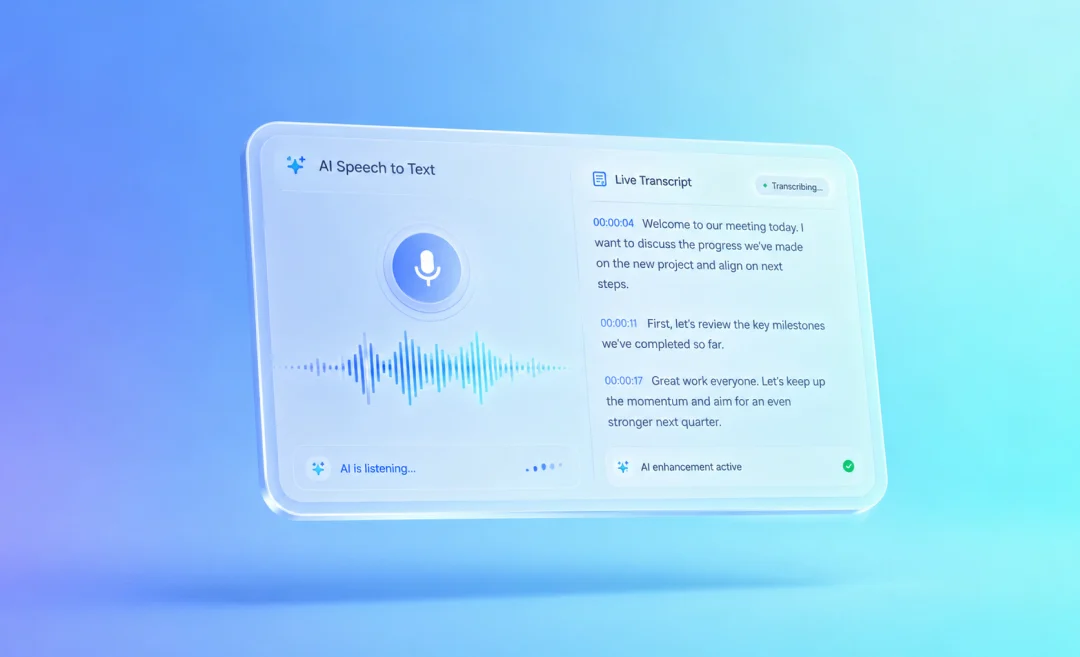
AI note takers for meetings usually include recording, transcription, summaries, action items, and a way to search your transcripts. These are the features you should look for when choosing an app for taking notes during meetings. They help you stay focused during the meeting instead of trying to write everything down.
Purpose of the tool
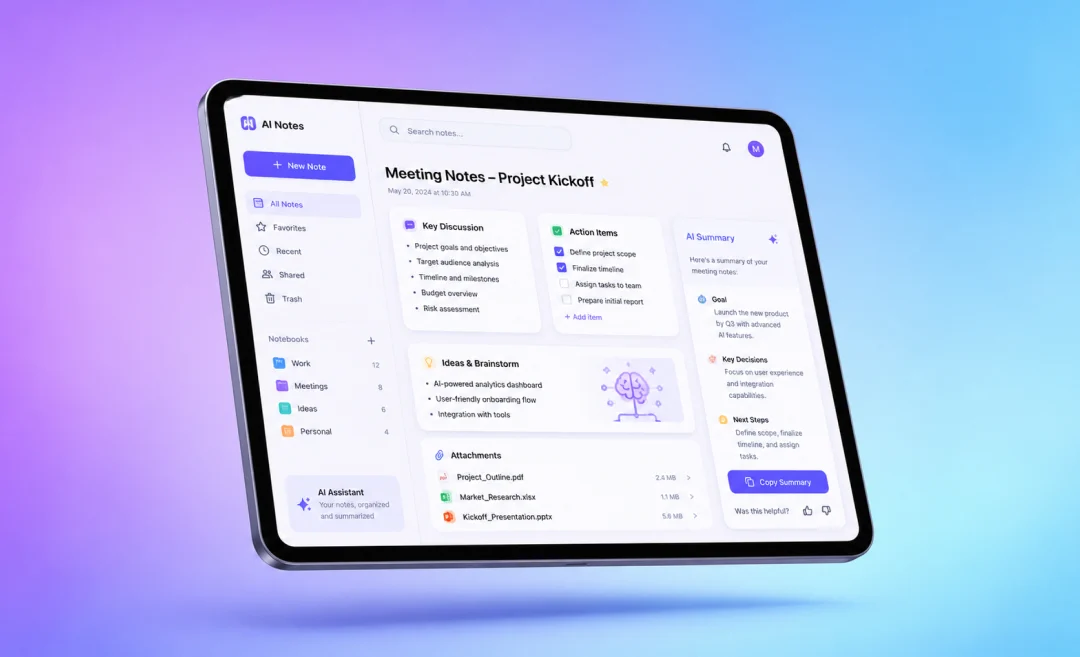
A good AI meeting note taker should turn the conversation into a clear transcript, then pull out the most important points so you know what was discussed and what to follow up on later. The best tools highlight these follow-up tasks and deadlines, and who is responsible for each next step.
Integrations for meetings
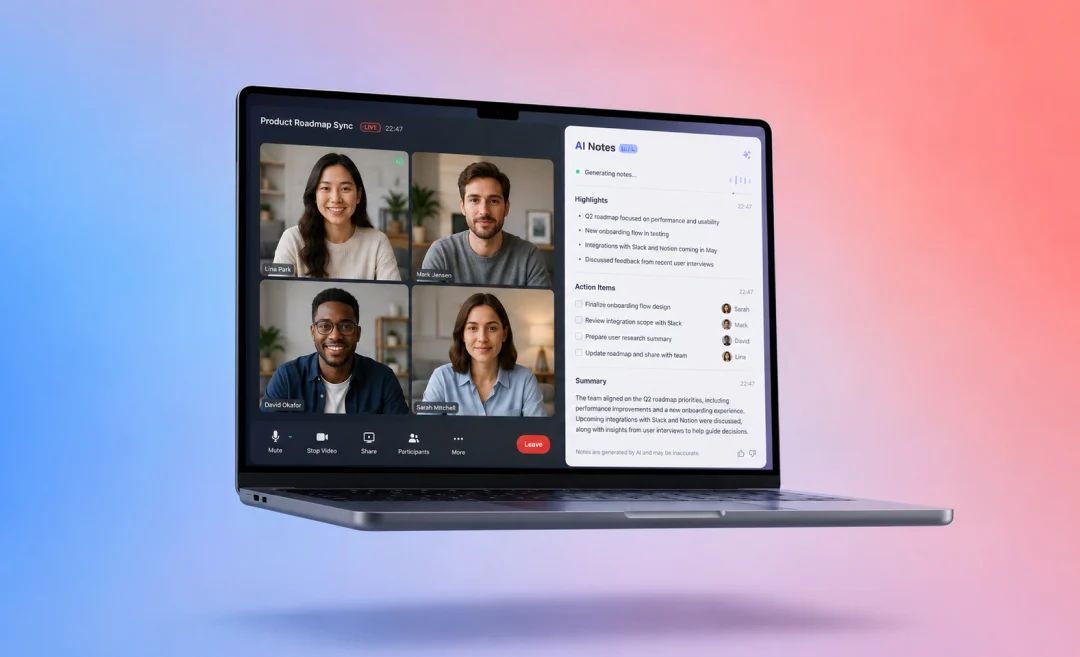
Make sure to also check what the tool integrates with, especially calendar and video call integrations. If the app can connect with Zoom, Google Meet, Microsoft Teams, or your calendar, it can join your meetings automatically and save all notes in the right place.
Other features to look for
Other helpful features to check for include speaker labels, a searchable meeting history, export options, a way to share summaries with your team, and language support for translating transcripts (or even live) to different languages.
Before you settle on a tool, check whether it creates notes that are easy to read, easy to share, and whether they are actually useful after the meeting ends.
Best AI meeting note takers to choose from
Now that you know what features to look for, here are a few tools we recommend checking out. We’ve included a short summary of each platform as well as information on the price. Remember to check pricing on the website of each vendor because these things are subject to change.
1. Summary AI for Meeting Notes
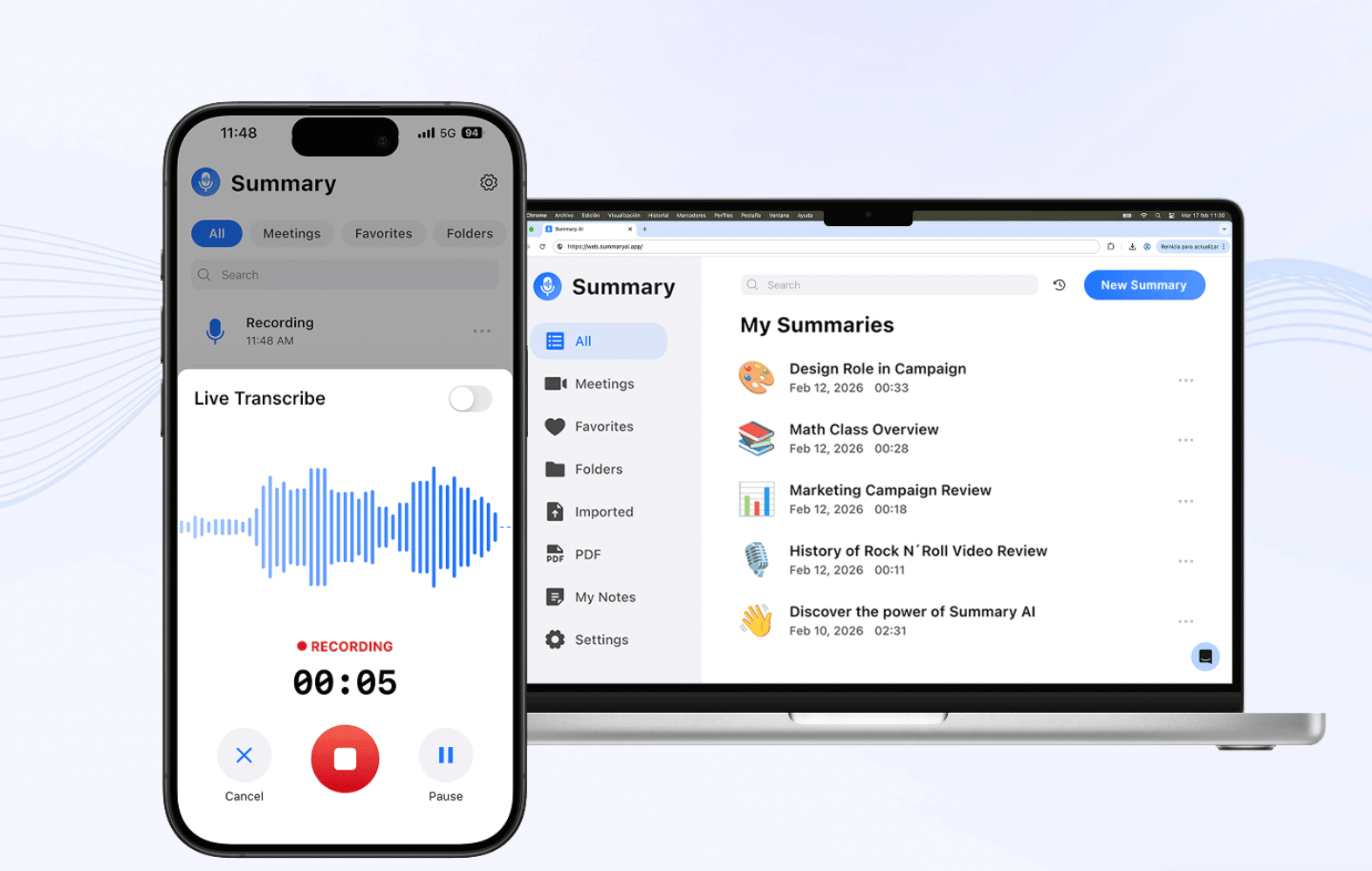
Overview: Summary AI is a great choice for busy teams, especially for multicultural ones. It’s the top choice for you if you want meeting notes that are clear, short, and easy to use. It does more than create notes with AI. Summary AI helps turn meetings into short summaries with key points, decisions, and action items highlighted so you can use them more practically.
More than just AI meeting notes
Summary AI is useful for all sorts of workflows and it fits every scenario: sales calls, client meetings, team standups, interviews, lectures, project check-ins, you name it. It is best for people who want to stay focused during the meeting instead of taking notes manually, and read a clean recap of the call afterward.
Summary AI also supports online and face-to-face meetings. Its meeting assistant integrates with you favorite meeting platforms. It can join Zoom, Google Meet, and Microsoft Teams calls, capture everything said with the speakers labelled, and send a clear summary after the meeting. Summary AI even handles live translation during the meeting: it supports 120+ languages.
Pros
- Creates clear meeting summaries
- Good for key points, decisions, and action items
- Useful for online and in-person meetings
- Supports long meetings and many languages
- Good fit for follow-up emails and task lists
Cons
- Background noise during recording may confuse summary
- Phone should be on do not disturb while recording rom device
Pricing
Summary AI has a weekly plan ($8.99/week) and a yearly plan ($79.99/year). Check pricing for more up-to-date information.
2. Read AI: Note taking app with insights
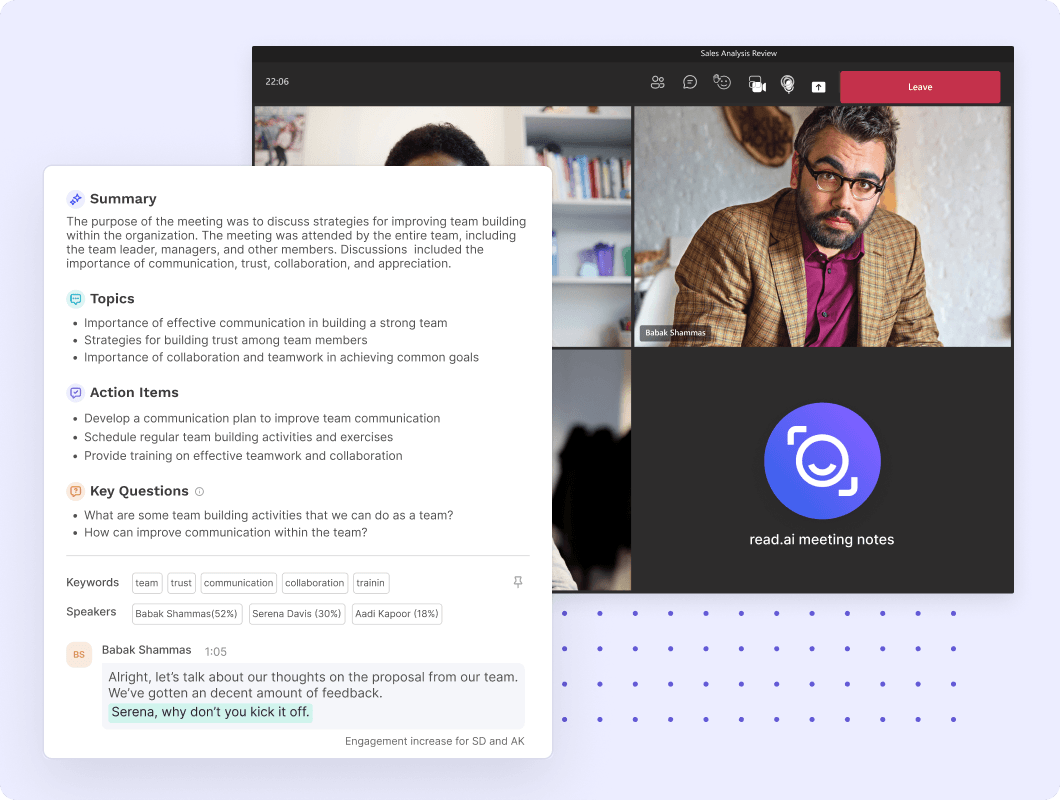
Overview: Read AI is a good AI note taking app for meetings if you want both meeting notes and meeting analytics. It creates searchable transcripts, summaries, and coaching insights. It can also show you meeting data such as engagement and talk time.
This makes Read AI useful for teams that want to understand not only what was said, but also how the meeting went. Sales teams, managers, and customer-facing teams may find this useful.
Read AI is heavier on analytics than some of the other tools on this list. That can be helpful for teams, but it can feel like too much if you only want simple notes.
Pros
- Creates meeting transcripts and AI summaries
- Includes meeting analytics and coaching
- Supports integrations
- Good for teams that want more insight from meetings
Cons
- Analytics may be more than some users need
- Syncing transcripts to cloud requires integration
- Free plan has monthly meeting limits
Price
Read AI has a Free plan with 5 meeting transcripts per month. Paid plans start at $19.75/user/month on monthly billing.
3. Circleback: AI assistant for meetings
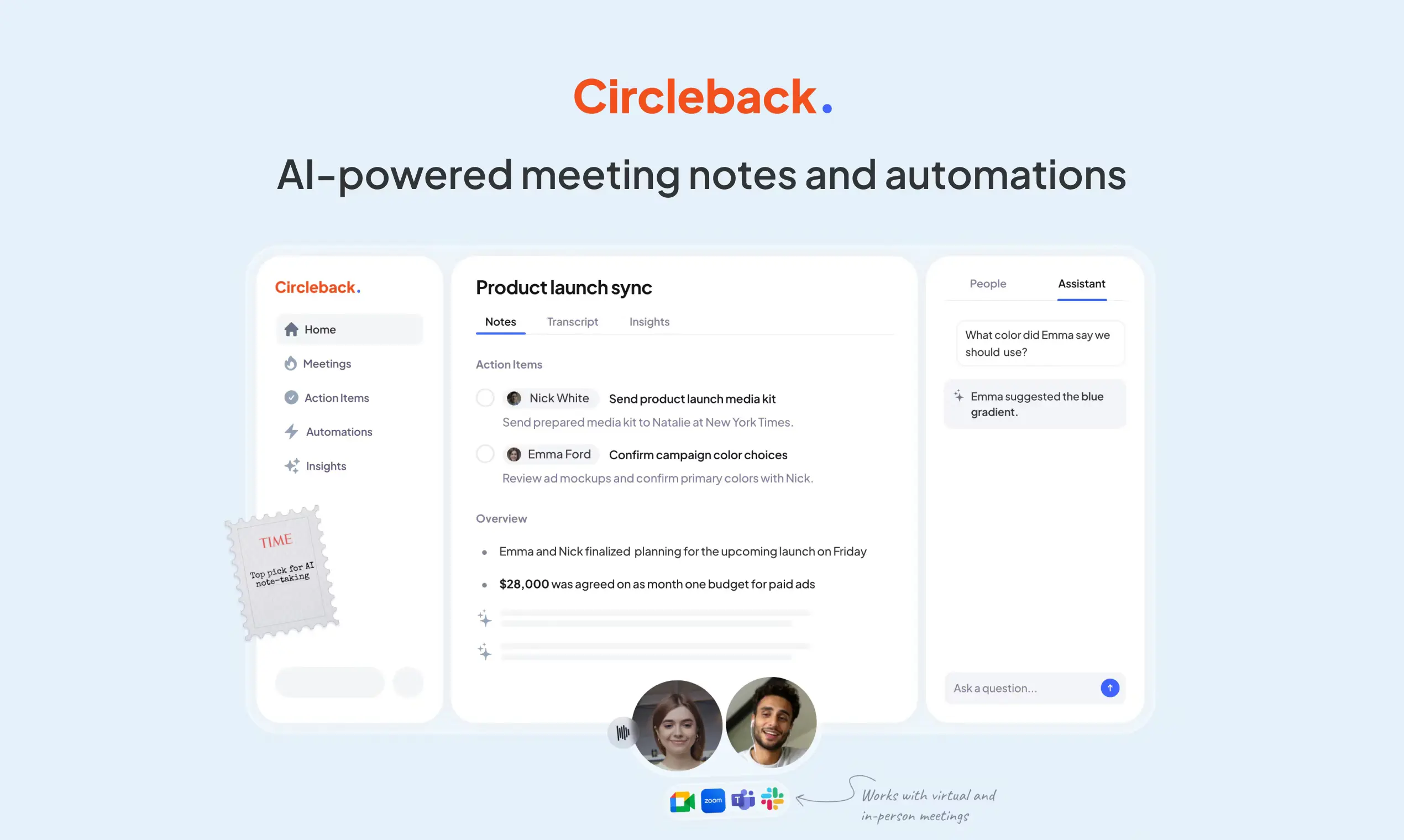
Overview: Circleback is an AI assistant for meetings that focuses on creating clean notes with action items. It is good for transcription, recognizig speakers, and you can search your database of meetings. It is designed to be simple and easy to use.
Circleback is a good option for freelancers and small teams that want a tool that can record meetings, summarize them, and help with follow-ups. It can also record in-person meetings and import past recordings.
This tool is best for people who want a meeting recap using a simple tool.
Pros
- Create meeting notes and summaries
- Assign action items automatically
- Label speakers
- Record in-person meetings
- Search across past conversations
Cons
- More expensive than some alternatives
Pricing
Circleback starts at $25/month.
4. Krisp: Notes with noise cancellation
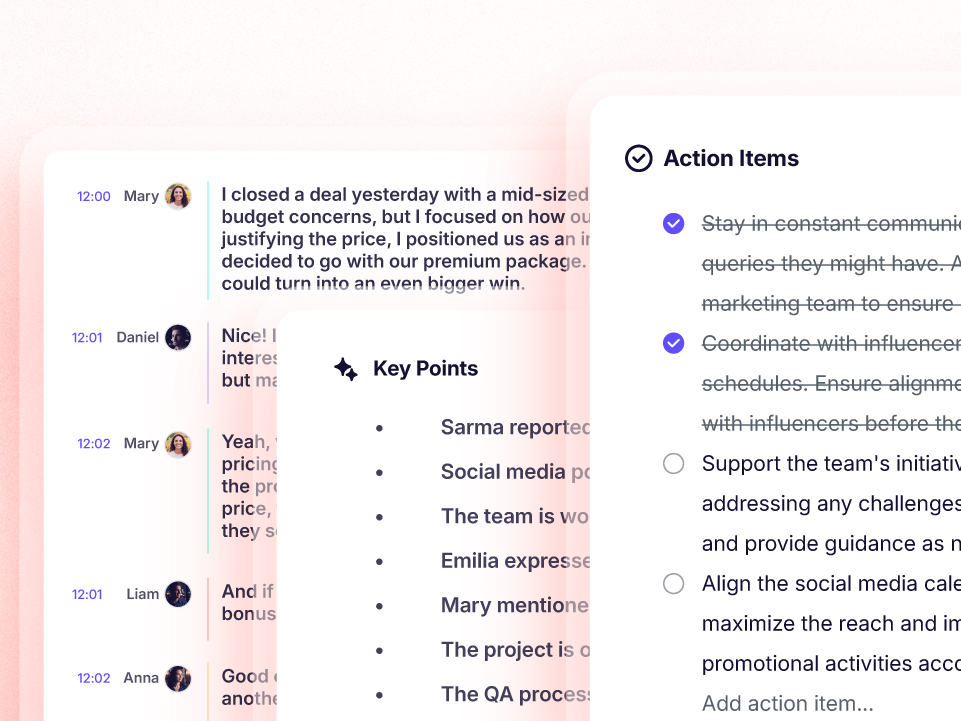
Overview: Krisp gives users tools for AI meeting notes, including transcripts, action items, meeting recording, and note taking.
This makes Krisp useful if you often have calls in noisy places. Better audio can also help you create better transcripts and summaries. If your meetings often suffer from background noise, echo, or poor sound quality, Krisp may be worht a try.
Krisp is best for people who want both cleaner audio and AI meeting notes in one tool.
Pros
- Noise cancellation
- AI notes and action items
- Works for online and in-person meetings
- Useful for people in noisy environments
Cons
- Notes are part of a wider voice AI product
- Some features only avaliable at a higher cost
Pricing
Starts at $25/user/month.
5. Granola: AI note assistant
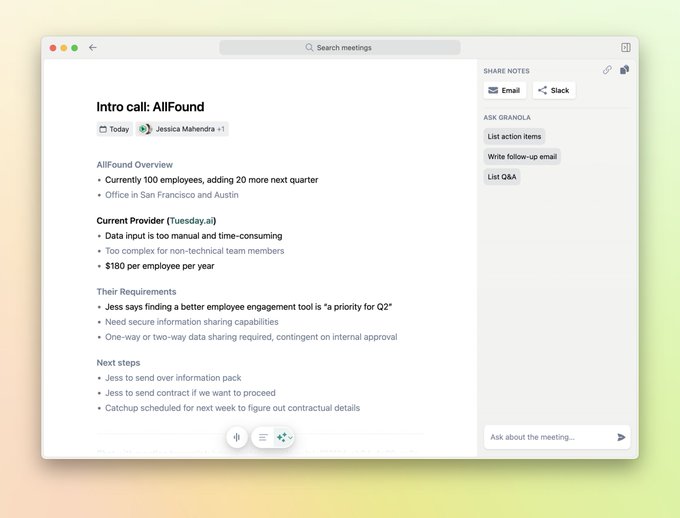
Overview: Granola is an AI note taking app for meetings that works well for people who still like to write a few notes during a call, but want AI to improve and expand on those notes afterward.
Instead of only recording everything in the background, Granola helps you stay involved in the process of taking notes. You can type short notes while listening, and the AI turns them into a clear meeting summary.
Pros
- Simple interface
- Good for active note taking during meetings
- AI improves your rough notes
- Useful for people who do not want a heavy meeting tool
- Integrations on paid plans
Cons
- Works best if you type some notes during the meeting
- Not ideal if you want a fully automatic recorder only
Pricing
Has a free plan. Paid plans start at $14
per user per month.
6. tl;dv: Notes with highlights
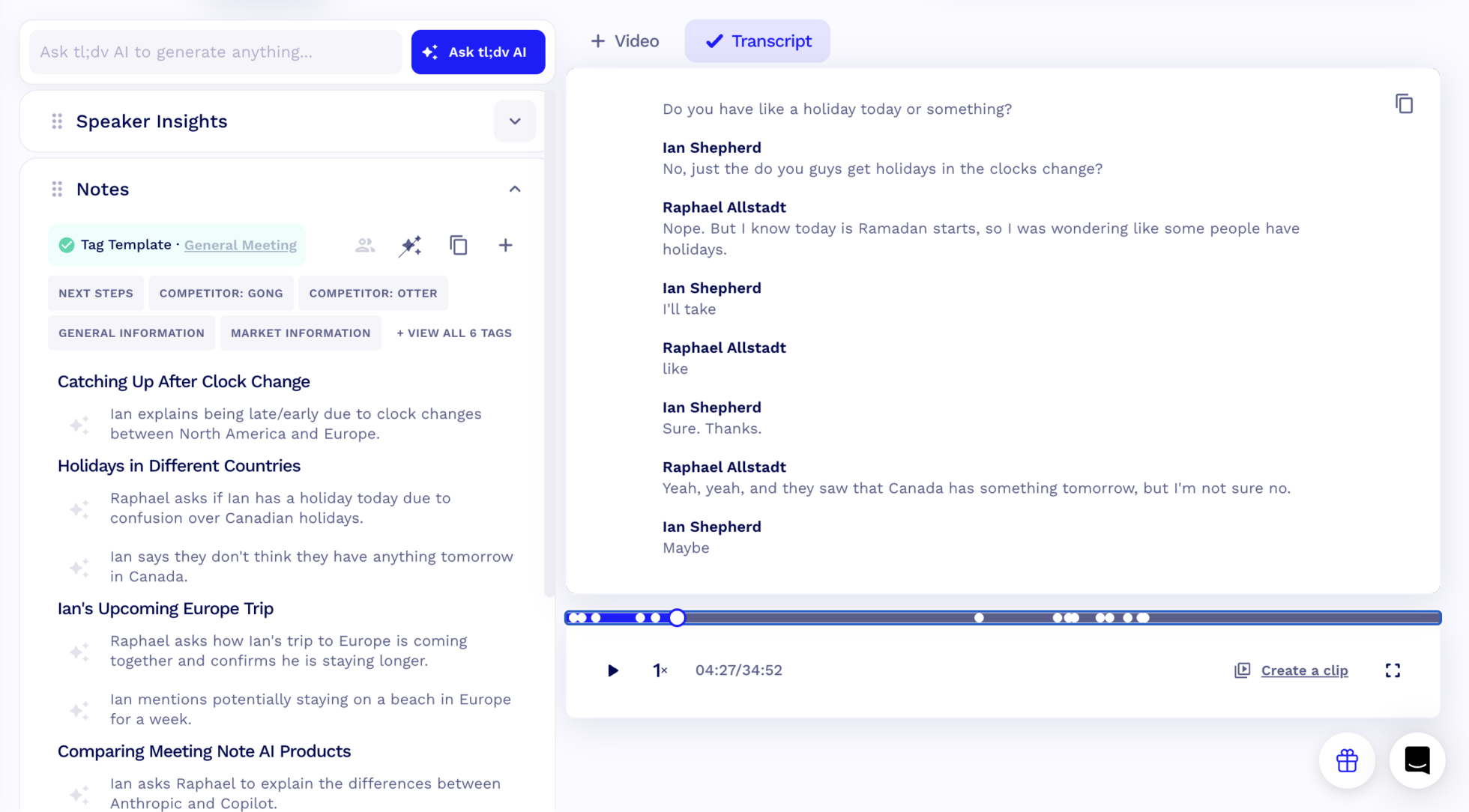
Overview: tl;dv is an AI meeting note taking app for Zoom, Google Meet, and Microsoft Teams. It records meetings, creates transcripts, generates summaries, and lets users highlight important moments in the meeting.
This makes tl;dv useful for long calls and meetings. If you often need to go back to a specific moment in a meeting, tl;dv can help because it focuses on recordings, adds timestamps, and highlights those moments for you.
tl;dv is a strong choice for teams that want both meeting summaries with a quick way to review the most important parts of a call.
Pros
- Free plan available
- Good for recording and transcribing meetings
- Helpful timestamps and meeting highlights
- Works with Zoom, Google Meet, and Microsoft Teams
Cons
- Some AI features are limited on the free plan
Pricing
tl;dv has a free plan. Paid plans start at €29 per seat per month.
How to Choose the Best AI Note Taking App for Meetings
When choosing the best AI note taking app for meetings, focus on two things: first on how the tools behave during your calls and second on what happens after the meeting.
The tool blends in
A good tool should not impact the quality and experience of your calls at all, but blend into your call. After the meeting, it should serve its purpose and make it easy to review what was discussed, understand the main decisions, and know what needs to happen next.
The output is useful
In terms of the output of the app, look for summaries that are clear. A long transcript can be useful, but it should not be the only output. The best meeting note tools help you find key points quickly, create follow-up tasks, and share notes with the right people if you want to share them.
How the app works
You should also think about how the app joins or records meetings. Some tools use a meeting bot, while others work in the background or work with recordings you upload. Choose the option that feels comfortable for your team and is not intrusive.
Prioritize features
If you have many meetings every week, also check search, integrations, language support, and team features. The right tool should reduce the amount of administrative work around your meetings, not add another step to your workflow.
Take perfect notes with Summary AI
Summary AI is a good AI note taking option for busy teams. You can invite the app to join your calls on your favorite meeting platform and have your meeting translated live to 120+ languages. Summary AI transcribes every word of your conversation and labels speakers. After the meeting, the app generates a clear summary of what you discussed and creates a list of key points and action items so you can review the meeting at a glance. Try it yourself today!