



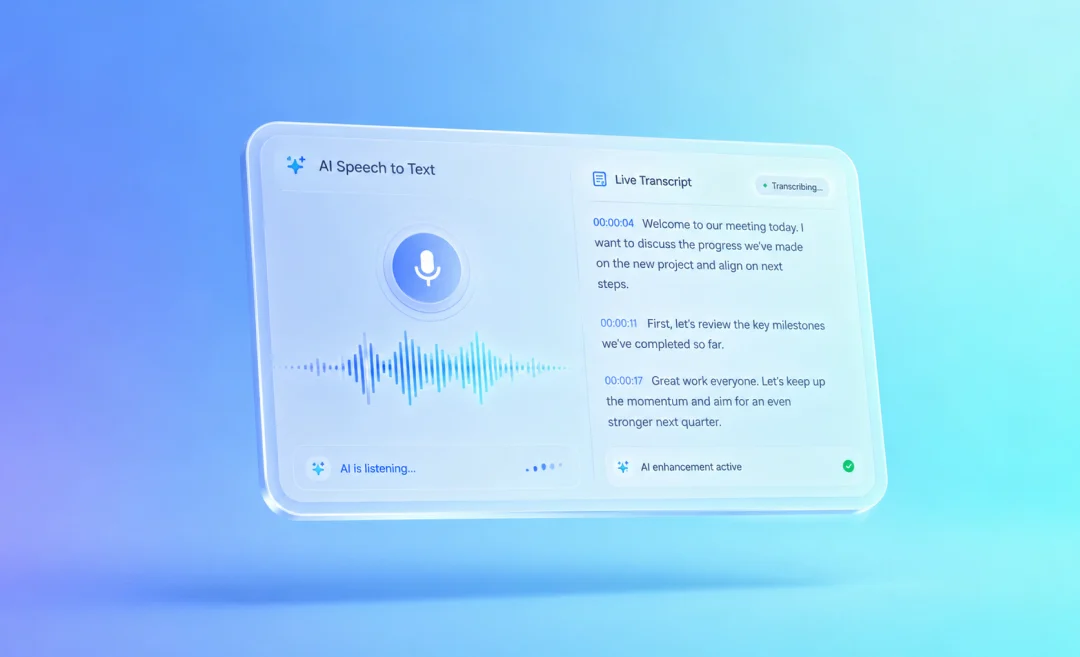




What is the best speech-to-text app? That’s what we will be looking at in this guide. The best options will be apps that let you talk naturally regardless of your accent and language and see text appear. It should be accurate and require very little editing. It should work across devices and fit smoothly into your current toolkit.
Below you will find the top speech to text apps in 2026, including pros and cons so you can choose the right one for your work or studies.
Looking for the best speech-to-text app

Before we compare apps, it helps to know what makes a speech to text app “best” in a real-life scenario for flesh and blood users. Review sites and user feedback often highlight the same key points, and these are:
- The app should be accurate in real conditions, including conditions with background noise and different accents
- The app should be fast, especially if you want live dictation
- The app should be easy to use, with a nice interface and quick setup
- It should integrate with the most-used tools like Google Docs, Microsoft 365, or AI assistants such as ChatGPT
- The app should offer value for the price
- The app should protect your privacy and have security
Top Speech-to-Text Apps
Now that you know what to look for, read on for a list of the best speech-to-text apps.
1. Summary AI (speech-to-text for meeting notes)
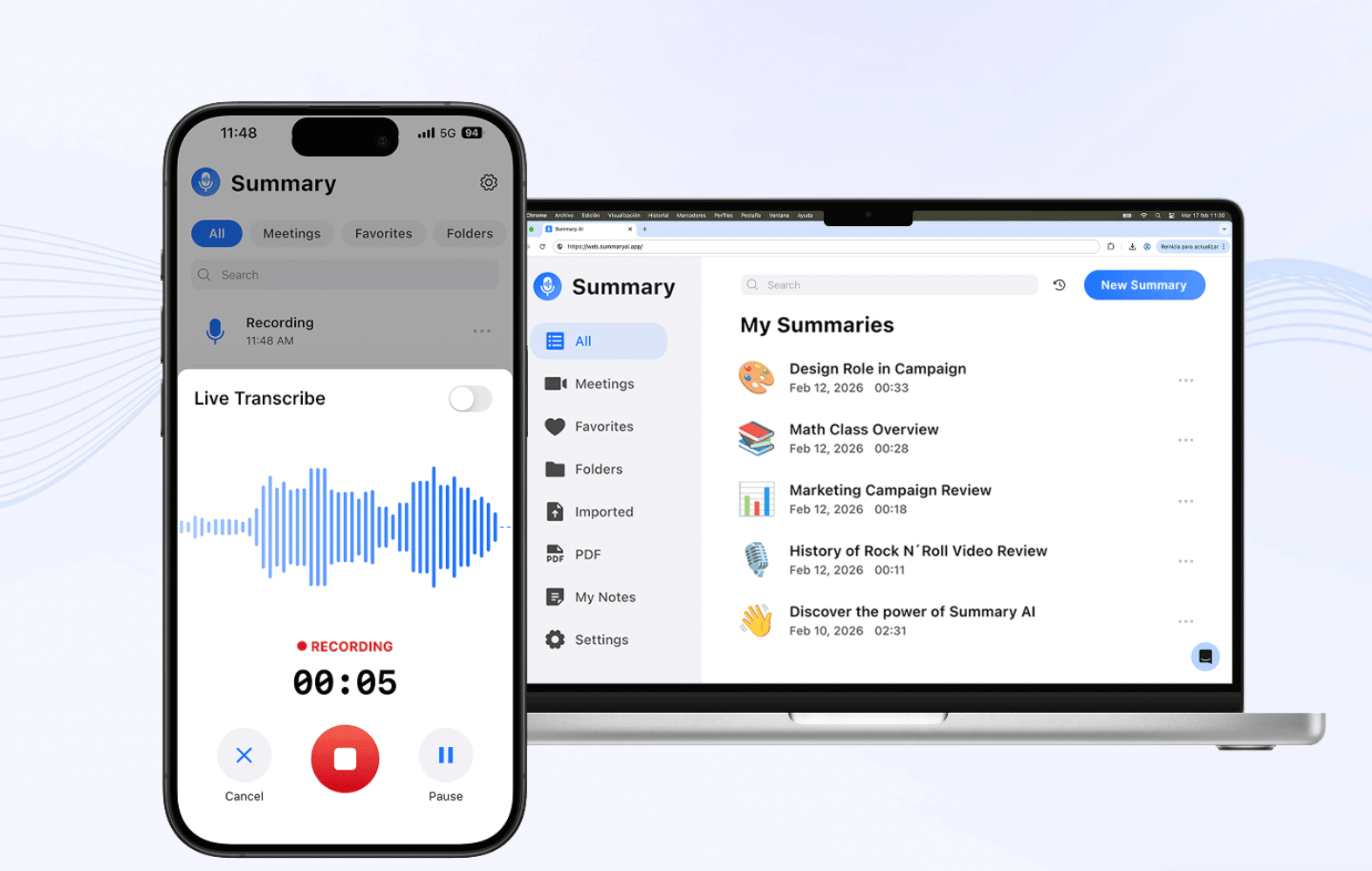
Summary AI is an AI transcription platform that focuses on turning meetings and voice notes into text. It is especially useful for people who have many daily meetings. It can join your calls, transcribe every word with speaker tags, and generate summaries with key points and action items highlighted. It takes meeting notes perfectly and organizes the content into something you can use right away.
Summary AI helps you stop worrying about taking notes manually and helps you focus on the conversation instead. This is especially useful in remote and hybrid meetings. The app is available across several different platforms, including a mobile app. Summary AI is designed for business calls, online classes, and interviews, but anyone can easily make use of it.
If you just need a quick speech-to-text tool to convert a short recording to text or dictate something, you can use this free speech-to-text browser tool option.
Pros
- Great for live meeting transcription, with summaries and action items instead of just plain transcripts
- Combining speech to text with summarization
- Perfect for recurring meetings
- Simple interface, no technical setup
Cons
- Mostly focused on speech-to-text for meeting and notes
2. Google Speech‑to‑Text
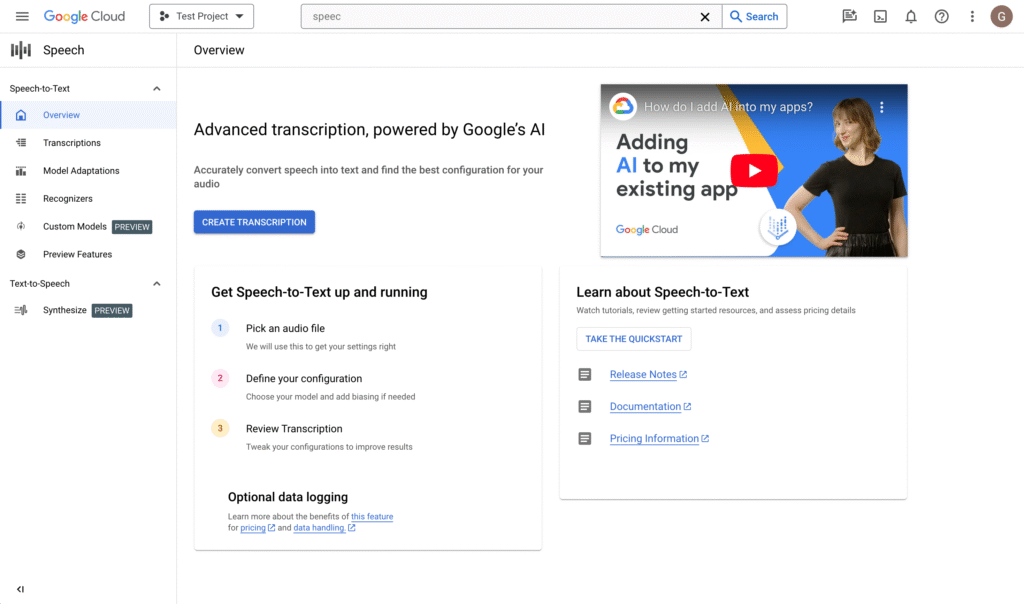
Google has several tools that you can use to turn speech into text. One of them is the Google Cloud Speech‑to‑Text API, which is popular with developers and companies who want to build speech features into their own apps. If you are a new Google Customer you can try the API with 300 free credits. Other Google products that use speech-to-text include Android voice typing and speech features in Google Docs.
Users usually like Google’s accuracy across many different languages and they applaude how well it can be integrated into other Google Cloud services and other tools.
Pros
- Accurate in many languages and dialects, even with real‑time audio
- Integration with other Google services
- Support and detailed documentation
Cons
- Pricing can be confusing
- Best for teams that already use Google products
- Setup and integration require technical knowledge
3. Microsoft Speech-to-text
Microsoft offers speech to text in two ways: Dictate in Microsoft Word and Azure Speech to Text for developers. Word’s Dictate tool is built into Microsoft 365 and lets you speak directly into documents.
Users say that Microsoft’s dictation is very accurate for many everyday use cases. This is especially certain when you use it with a good microphone and in a quiet space. Azure Speech to Text is aimed at teams and developers who build apps and want to add speech recognition into apps or workflows.
Pros
- Word Dictate is easy to use inside Microsoft 365, with no extra software needed
- Accurate for office jargon and accents
- Azure Speech integrates with other services
Cons
- Occasional lag or mistakes with fast speech
- Advanced features require more setup
- Best suited to users already paying for Microsoft
4. ChatGPT with voice input
While ChatGPT is best known as an AI assistant that you can talk to via text, it also supports voice input in some cases. People use speech to text to dictate into ChatGPT, then let the model summarize or rewrite their words.
Some mobile apps and browser extensions combine speech recognition with ChatGPT through Open AI’s API, so you can talk and see both the transcript and AI reply in one place.

5. Otter.ai
Otter.ai is a speech-to-text app for meetings, interviews, lectures, and team conversations similar to Summary AI. It can transcribe your conversations, create notes you can search with speakers labeled, and generate meeting summaries. It works well for people who need to record and review conversations instead of only dictating short pieces of text.
Pros
- Good for live meeting transcription
- Searchable notes
- Speaker labeling helps for transcripts
- Useful integrations
Cons
- Not for everyday dictation
- Some features require a paid plan
6. Apple Dictation
Apple Dictation is a built-in speech-to-text option for iPhone, iPad, and Mac users. It lets you dictate text anywhere you can type, including messages, notes, emails, and documents. It is a good choice for Apple users who want a free and easy to use dictation tool without having to download another app.
Pros
- Built into Apple devices
- Free and easy to start using
- Works across many apps
- Good for quick notes
Cons
- Only useful if you are an Apple user
- Not designed for long-form transcription
Find the best speech-to-text for your team
Finding the best speech to text app is easier when you know what you need most. Some, like Summary AI are best for meeting notes, while others are good for dictation or AI chat. Start today with a free plan and test a few of these options to find the one that suits your needs. Afterwards, build a workflow where your speech becomes clear, useful text that you can search, edit, and even send back into audio using tools like Summary AI’s text to speech tool.

