




AI chat apps used to be funny novelty apps, but they are something completely different now. Now, they are tools that we use every day and they have changed how we work. A few years ago, we only had simple chatbots. Today, the best AI chat apps are a part of our daily lives. People use them for everything from writing emails and searching for answers to coding, and much, much more.
But having an AI app available for everything can be confusing. If you have an app for everything, how do you choose which one to use?
In this guide, you will find a short introduction to the best AI chat apps in 2026. Each section explains what the tool does, what makes it useful, and how much it costs.
What is an AI chat app?
While a few years ago, an AI chat app would have been a silly website teenagers could talk to, today it means something completely different.
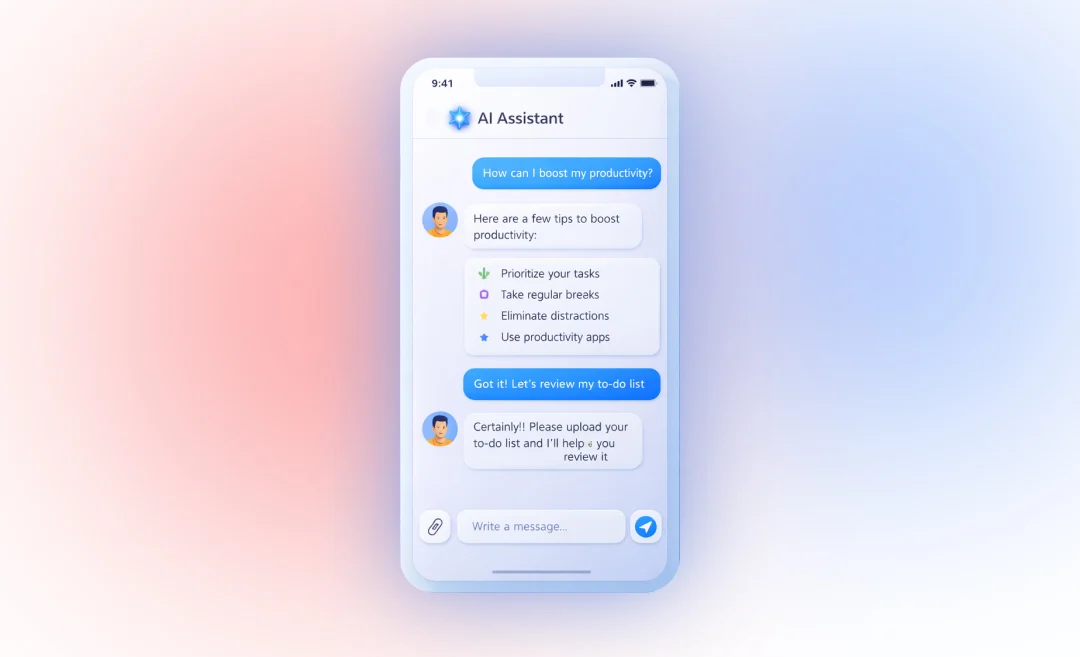
An AI chat app is a tool that lets you talk to artificial intelligence using natural language. It uses technology called conversational AI. This means that you can type or speak what you want it to do or answer, and the app responds in a clear and helpful way, much like a human would.
These apps use advanced AI models that understand context and meaning and it allows them to go further than what simple chatbots could do. They can follow instructions, remember details from previous conversations, and create new content.
AI chat apps can:
- Answer questions
- Help with tasks like coding and debugging
- Summarize meetings and notes
- Generate ideas and solve problems
The best tools feel like working with a smart assistant. They help you get work done faster and focus on more important strategic work rather than repetitive tasks.
Best AI Chat Apps in 2026
Here are the best AI apps with chat features that you can have conversations with.
1. Summary AI: Best for Meetings
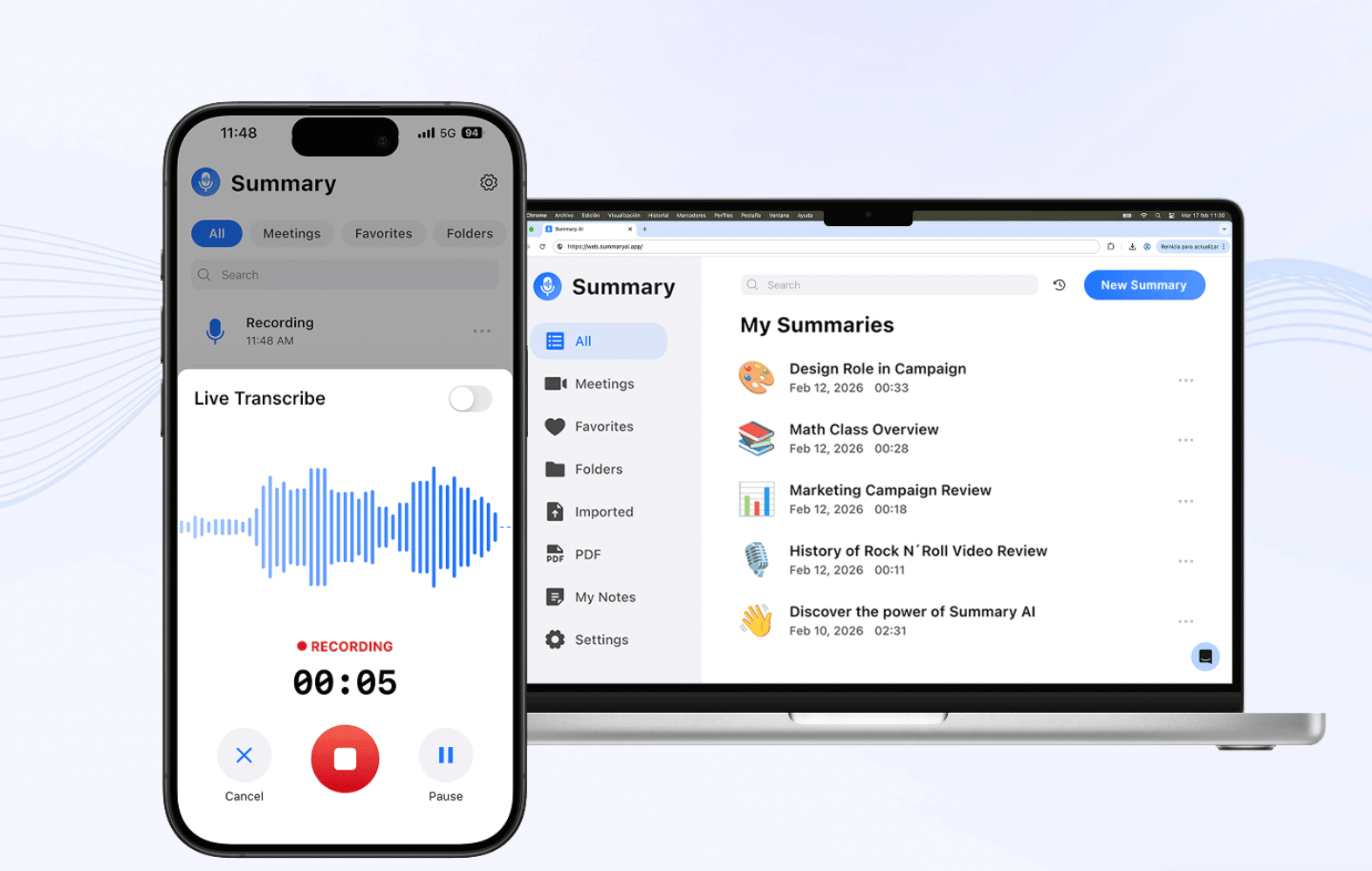
Overview: Summary AI is an app with AI chat built for one clear purpose. It is meant to help you during meetings so that instead of trying to keep up with taking notes, you can focus on participating in the meeting.
Summary AI joins the call and transcribes everything with labels for each speaker in the meeting transcription. After the call it automatically creates a summary with key points and action items.
Instead of working like a general AI chat app, Summary AI focuses on turning your meetings and conversations into notes you can use.
Meetings often contain important details, but it is hard to remember everything. People spend hours reviewing meeting notes or rewatching recordings. Summary AI solves this problem by letting you interact with meetings through chat.
You can connect recordings from tools like Zoom, Google Meet, or Microsoft Teams. Then you can ask questions and get instant answers.
This makes it especially useful for teams and anyone who attends meetings frequently.
Main features
Ask questions about meetings and get fast answers
- Get summaries with key decisions and action items
- Search across one or multiple recordings
- Identify speakers and track who said what during the meeting
- Integrates with the most popular meeting platforms
The main benefit is that you save time. Instead of going through long recordings, you can find answers with AI chat in seconds. This helps teams stay aligned on what needs to be done and take action faster.
Pricing: Paid plans with weekly and yearly pricing
2. ChatGPT: General AI Chat App
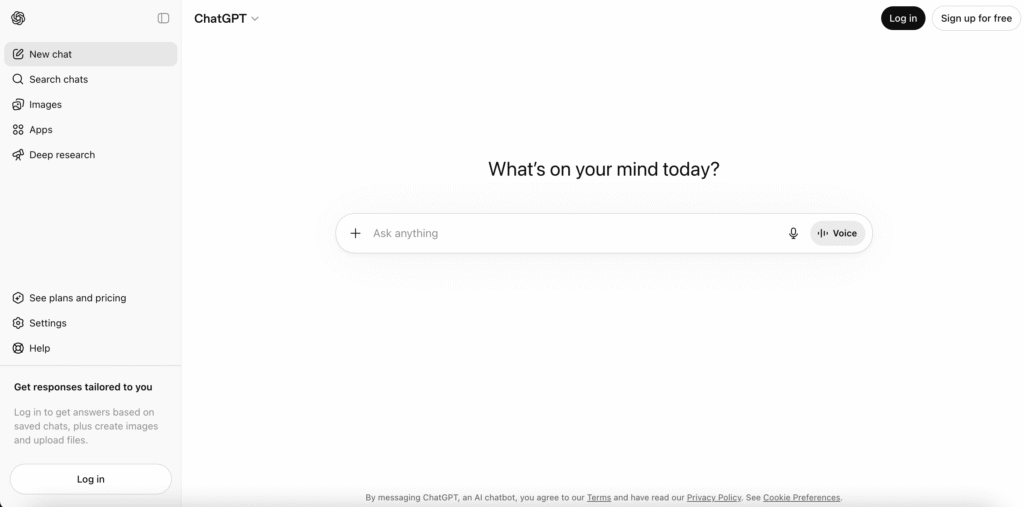
Overview: ChatGPT is the most widely used AI chat app in the world. It stands out because you can use it for many different tasks all from one place. Simply chat through the interface and tell it what you want.
You can use it for writing, research, coding, brainstorming, and more. It also supports images, voice, and file uploads, which makes it even more flexible.
Because of this, many people use ChatGPT as their main AI tool. It works well for both simple and advanced tasks. Most people use it as an AI chat app. They simply ask it questions and get answers or do simple tasks with it like rewriting emails.
Main features
- Writes articles, emails, and reports
- Helps with coding
- Supports “voice mode” conversations
- Can analyze images and documents
The biggest benefit of ChatGPT is that it is a very versatile tool. You do not need multiple tools. ChatGPT can cover most daily tasks in one place.
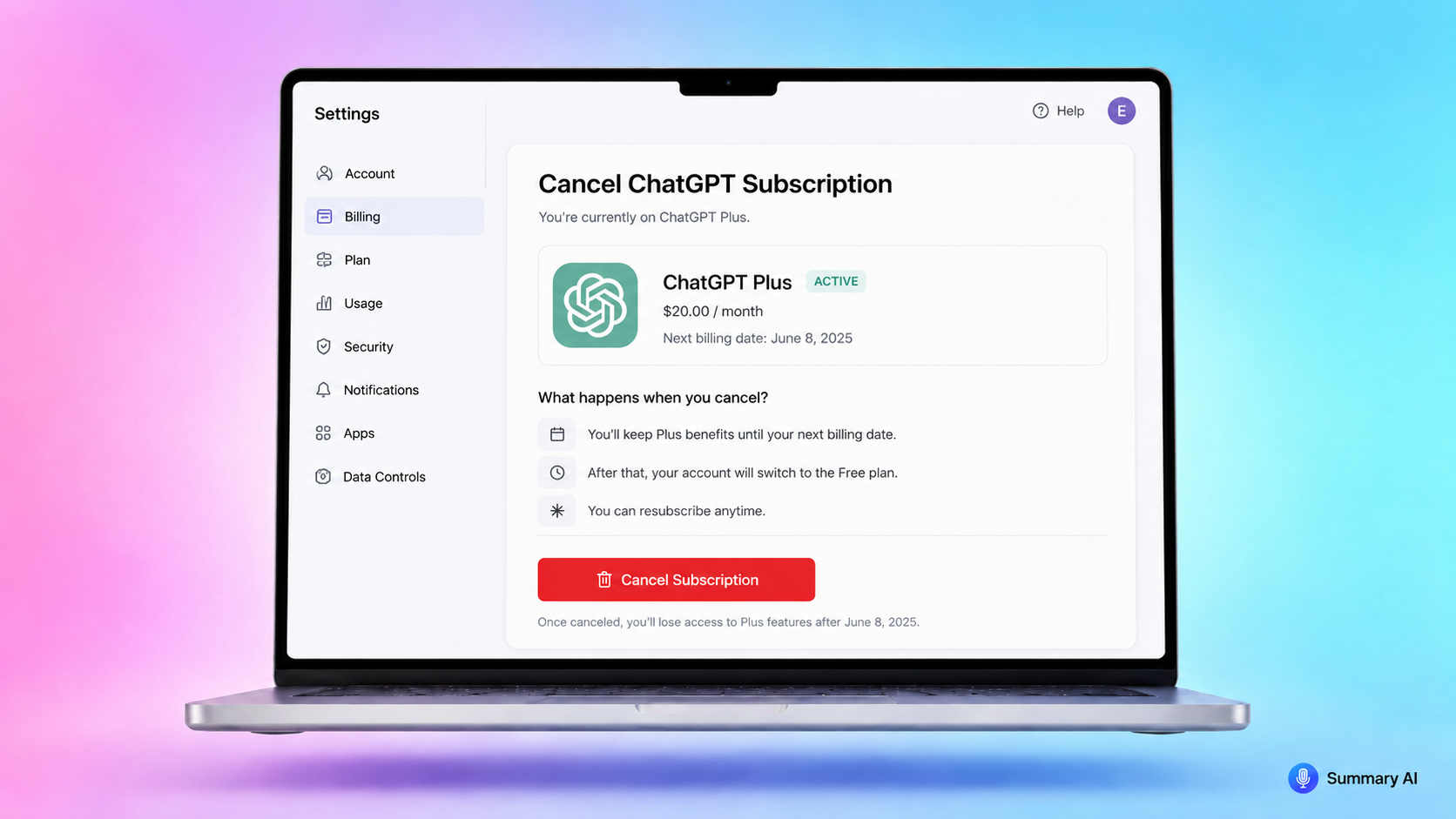
Pricing: Free plan with some limits, Plus plan around 20 dollars per month, Pro plan around 200 dollars per month for heavy use
3. Claude: Best AI Chat App for Research
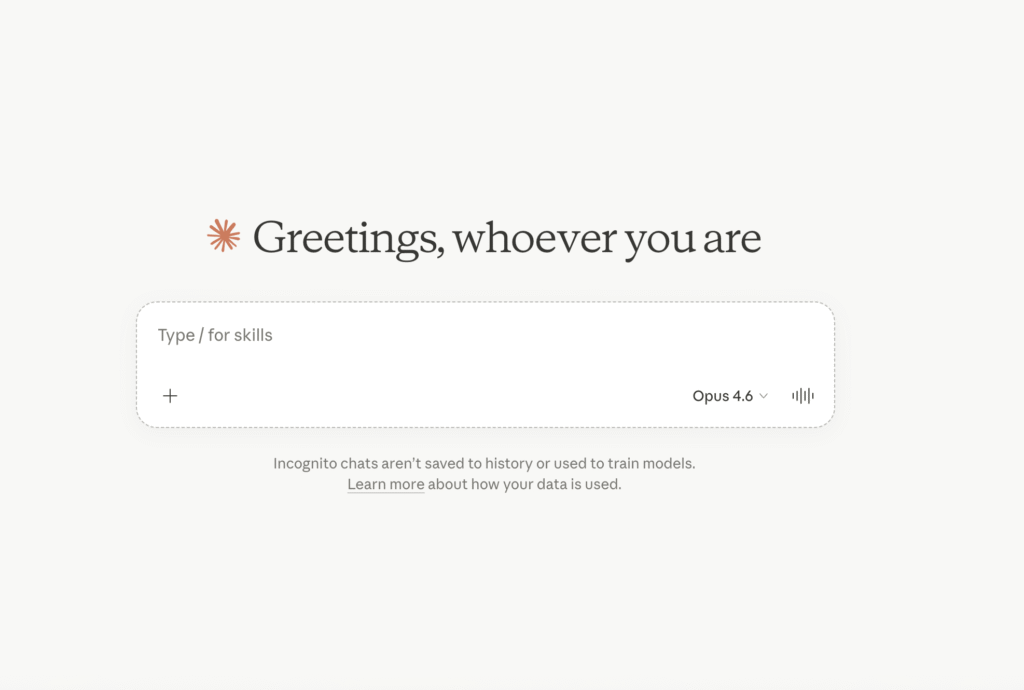
Overview: Claude is designed for tasks that require more focus and depth. It is especially useful when you use it for working with longer documents or more complex ideas. You can ask questions and give it tasks by chatting to it through simple prompts.
Many professionals (like marketing and sales teams, for example) prefer Claude because it produces longer responses in a clear way. It does not rush answers or add too much unnecessary content.
Its deep research capabilities makes it great for writing reports, analyzing information, and planning.
Main features
- Better for long documents
- Produces clear and well-structured writing
- Good for research and data analysis tasks
- Claude Code is good for coding and debugging
- Can maintain context over long conversations
The key benefit of Claude is the higher quality of responses it can generate. Claude focuses on accuracy and clarity, which makes it reliable for more complicated work-related tasks.
Pricing: Free plan with limits, Pro plan around 20 dollars per month, Team plans available for businesses
4. Google Gemini: Best AI Chat App for Google Workspace Users
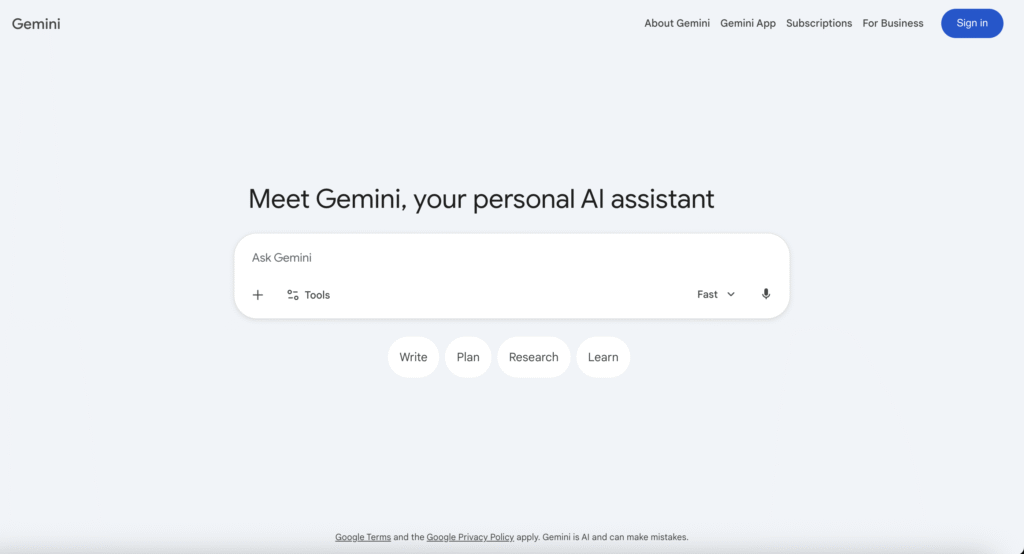
Overview: Google Gemini is best for people who already use tools from Google. It is integrated in and connects directly with Gmail, Docs, Drive, and other Google services, letting you ask questions from AI directly in these apps.
This allows you to use AI without switching between Google apps. You can write emails, summarize documents, and work with files inside your regular workflow.
Gemini can also work with images, video, and documents, which makes it one of the most flexible tools available at the moment.
Main features
- Works inside Gmail, Docs, and Google Drive
- Supports text, images, and video
- Summarizes emails and documents
- Helps organize and analyze files
- Offers strong free access
The main benefit is convenience. Gemini fits into your daily workflow and saves time by reducing app switching.
Pricing: Free plan available, Pro plan around 19.99 dollars per month, Ultra plan around 249.99 dollars per month
5. Microsoft Copilot: Best AI Chat App for Microsoft 365
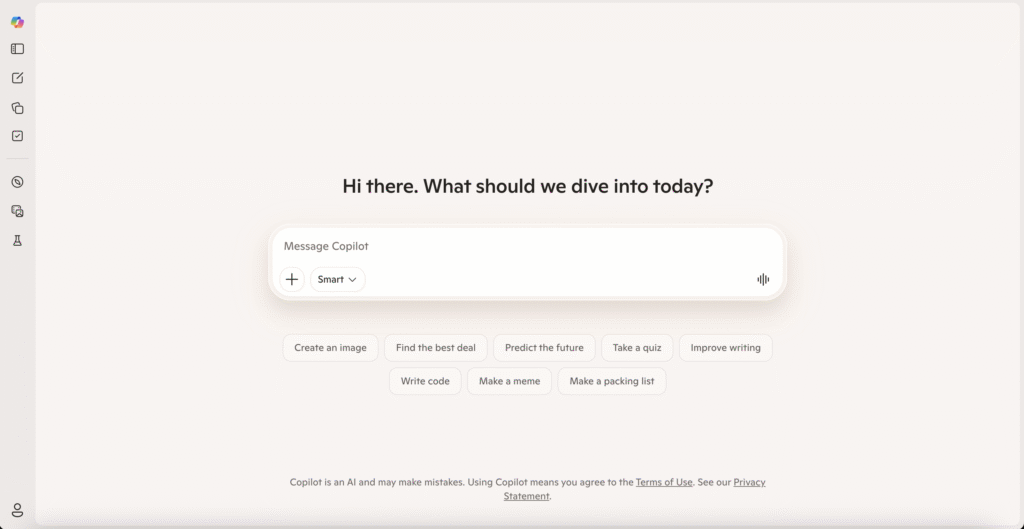
Overview: Microsoft Copilot lets you chat with AI directly in Microsoft tools you already use like Word, Excel, PowerPoint, Outlook, and Teams.
Instead of opening a separate app, you can use AI where you already work. This makes it a good option for professionals and companies that use Microsoft products.
It is especially useful for tasks like writing documents, analyzing data, and preparing presentations.
Main features
- Write and edit documents in Word
- Create presentations in PowerPoint
- Analyzes data in Excel
- Summarize emails and meetings
- Make existing workflows faster with AI
The biggest benefit is integration. Copilot saves time because it works inside the tools you already use every day.
Pricing: Basic features included in some products, Full access available through Microsoft 365 plans
6. Perplexity: Best AI Chat for Research with Sources
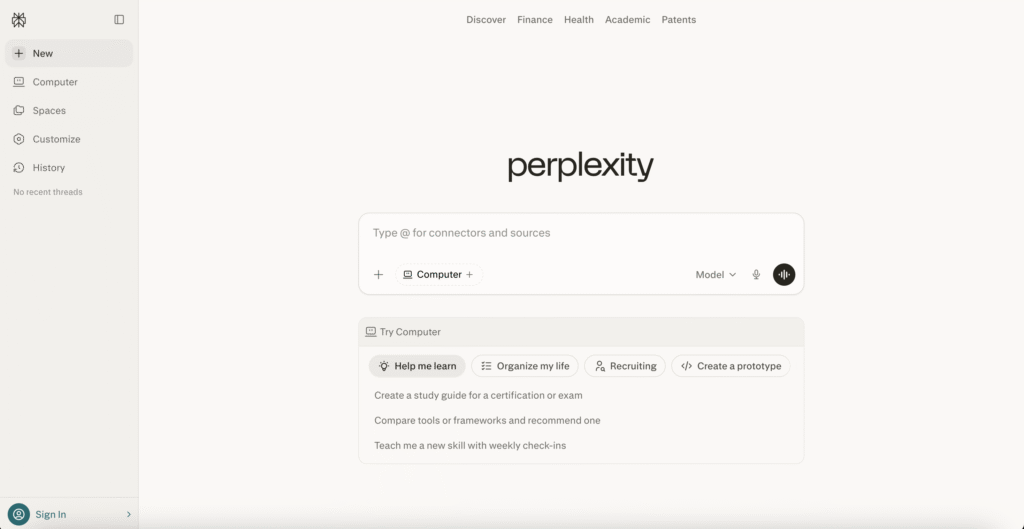
Overview: Ask questions through a chat interface and get reliable answers with the sources cited. Perplexity focuses on answering questions with reliable sources. It works more like a search engine than a traditional chatbot.
Instead of giving general answers, it shows you exactly where the information comes from. This makes it useful when you need answers that you can check the validity of yourself very quickly.
Because of this, it also uses real-time data from the web to generate the answers.
Main features
- Provides answers and shows the sources
- Searches the web in real time
- Allows follow-up questions
- Supports multiple AI models
- Works well for research and fact-checking
The main benefit is that you can trust Perplexity’s answers when the sources are cited, because you can verify the information and use it with confidence.
Pricing: Free plan available, Pro plan around 20 dollars per month
How to Choose the Right AI Chat App
Choosing the right tool depends on your workflow and how you want to use AI chat for your tasks.
- If you want one tool for everything, ChatGPT is the easiest choice. It handles many tasks and works well for most users.
- If you focus on writing, research, or long documents, Claude offers better structure and clarity.
- If you already use Google tools every day, Gemini saves time by working inside your apps.
- If your work depends on Microsoft products, Copilot fits naturally into your workflow.
- If you need accurate answers with sources, Perplexity is the best option.
- If meetings take up a large part of your day, Summary AI solves a specific problem better than general tools.
Add AI Chat to Your Meetings with Summary AI
With Summary AI, you can ask questions about your meeting and get answers immediately to save time and increase your team’s productivity. You can invite Summary AI to any meeting on the most popular meeting platforms like Teams, Meet, or Zoom, and it translates live, transcribes everything, and generates a searchable summary with speaker labels instantly when the meeting ends, complete with key points highlighted and action items. Send these summaries to your team automatically or use it to build a strategy and simplify follow-ups. Try AI Chat to extract key information from your meetings with Summary AI yourself!

