
Learning how to cancel ChatGPT subscription is simple. All you need to know is where you first subscribed to be able to cancel. Once you know that, the steps are simple. But they are different depending on whether you subscribed on the ChatGPT website, through the Apple App Store, or through Google Play.
In this guide, you’ll learn how to cancel ChatGPT subscription on web, iPhone, Android, and on every plan including ChatGPT Plus. You’ll also see what happens after you cancel your subscription and get answers to commonly asked questions like what to do if you cannot find the cancel button.
Before You Cancel Your ChatGPT Subscription

Before you cancel your subscription, it helps to understand what happens afterwards and when canceling is not the tbest option.
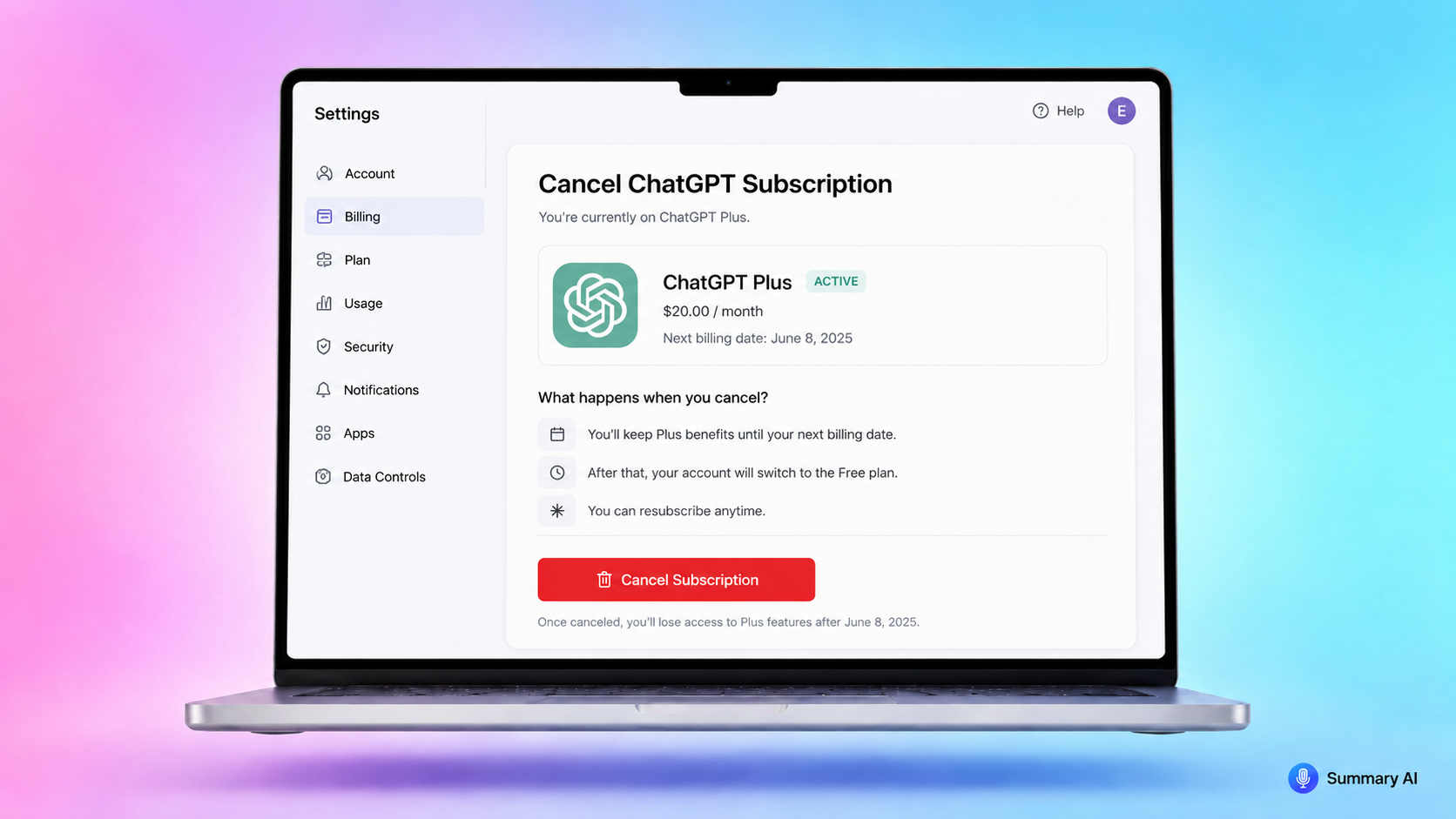
When you cancel your subscription for example, it does not delete your ChatGPT account. It only stops your paid plan from renewing. When you cancel, you can usually keep using your paid features until the end of your current billing period.
You may also want to save anything important before you downgrade, otherwise you may lose certain files or conversations that are important to you. This can include previous AI chats, instructions you gave, projects you started, prompts from before, or even files you may want later.
If you use ChatGPT for work, take a few minutes to copy or export anything you do not want to lose access to before canceling your subscription or deleting your account.
Besides ChatGPT, another tool that is useful for work is an AI Note Taker. If you have many meetings a day, taking notes manually can slow you down and take you out of the moment. Summary AI can act as your assistant and join your calls, transcribe everything that is said, and create the perfect notes from every call, giving you everything you need to know in order to make the right decisions.
How to Cancel ChatGPT Subscription on the Website
As mentioned before, in order to cancel your payments to OpenAI, you need to know where you subscribed first. If you subscribed directly through the ChatGPT website, use this cancellation method.
Canceling on the web:
- Go to ChatGPT and log in.
- Select your profile icon.
- Go to Settings.
- Go to Billing.
- Find Cancel plan.
- Select Cancel and confirm.
After you cancel, your subscription should not renew at the next billing date.
It is a good idea to cancel at least 24 hours before your next billing date, that way you can avoid being charged for another billing period accidentally.
How to Cancel ChatGPT Subscription on iPhone
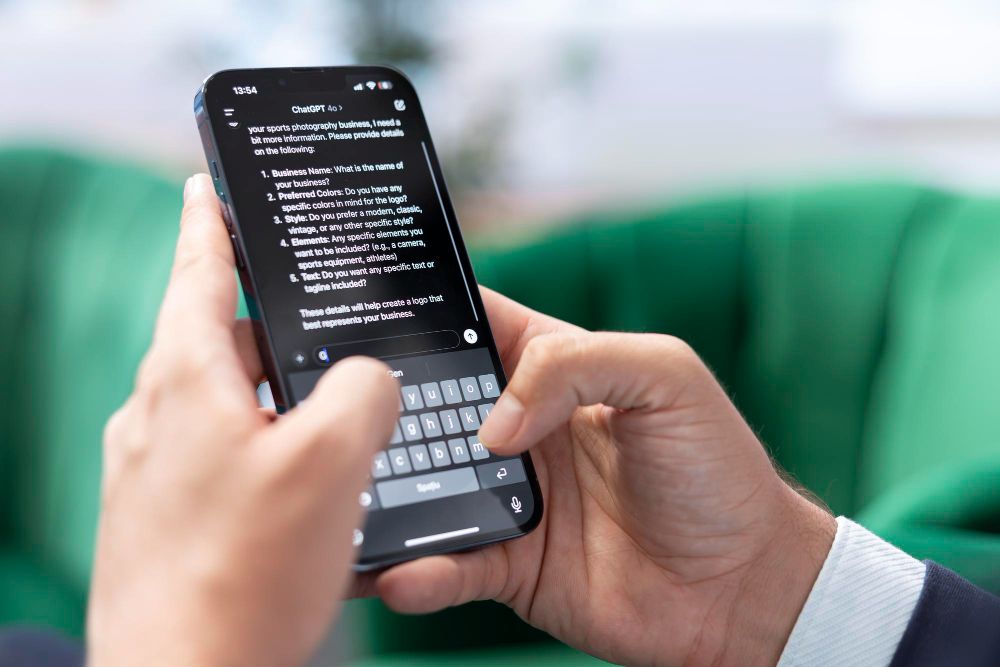
Use this method if you subscribed through the ChatGPT iPhone app and your payment is handled by Apple.
Here is how to cancel on iPhone:
- Open the Settings app on your iPhone.
- Tap your name at the top.
- Tap Subscriptions.
- Find ChatGPT.
- Tap Cancel Subscription.
- Confirm the cancellation.
If you do not see ChatGPT in your Apple subscriptions, make sure you are signed in with the same Apple ID you used when you subscribed.
Do not only delete the ChatGPT app. Deleting the app does not always cancel the subscription. You need to cancel the subscription itself.
How to Cancel ChatGPT Subscription on Android
If you subscribed through the ChatGPT Android app and your payment is handled by Google Play, you can use this method to cancel.
Here is how to cancel on Android:
- Go to the Google Play Store.
- Make sure you are signed in with the correct Google account.
- Go to Payments and subscriptions.
- Tap Subscriptions.
- Find ChatGPT.
- Tap Cancel subscription.
- Follow the steps to confirm.
If you do not see the subscription, check if you are using a different Google account than the one you used to sign up. Many issues with cancellations happen because the user is unaware that they are signed in to the wrong account.
Canceling a ChatGPT Plus subscription or even a Business subscription works the same way as canceling a standard plan.
How to Get a Refund From ChatGPT
After canceling, you may be eligible for a ChatGPT refund. According to OpenAI’s website and according to consumer protection laws, if you are in the EU, UK, or Turkey you are eligible for a prorated refund within 14 days after purchase. Follow the instructions at the link in order to get your refund.
What Happens After You Cancel?
After you cancel your subscription to ChatGPT, you can usually keep using the paid plan until the end of your current billing period.
For example, if your subscription renews on the 20th and you cancel on the 10th, your paid access will usually continue until the 20th.
After the paid period ends, your account usually moves back to the free plan automatically. You may lose access to higher usage limits or some of the other features that came with your plan.
Remember that canceling your subscription does not mean your whole account disappears. If you want to delete your account, you have to do that separately. This guide is for canceling your paid ChatGPT plan.
Can’t find the cancel button?
If you can’t find the button to cancel your plan, you probably aren’t looking in the right place. As mentioned before, you need to ask yourself where you started the subscription in the first place. You should also make sure you are logged in to the correct ChatGPT account, Apple ID, or Google account. If you have more than one account, the subscription may be linked to a different one without you even realizing.
What If You Lost Access to Your Account?
If you cannot access your account, for example because you don’t have access to the email address linked to your ChatGPT account anymore, you still have other options to try and cancel.
For example, you can contact OpenAI support and provide details that help them find your subscription details. This often includes the email address on the account, the last four digits of the payment card, and the date of the most recent payment.
You can also delete your account, which cancels the subscription, but deleting an account is permanent. Do not choose this option unless you are sure you no longer need the account.
Should You Cancel or Downgrade?
If you are not sure whether to cancel or switch to a smaller plan on ChatGPT, here are a few things to consider. If you are not using the paid features enough, you want to reduce monthly costs, or you only needed ChatGPT for a short project, then canceling makes sense. But before canceling, think about how often you use this AI tool. If you can actually make use of the tools for your work then maybe it makes sense to keep your subscription and switch to a cheaper plan from Plus. If you only use it rarely, the free plan will probably be enough. Of course, you can also cancel for now and resubscribe later if you need paid features again.
Tips Before Canceling
Before you cancel your ChatGPT subscription, here are a few simple steps you can take to make your life easier.
- Check your next billing date so you know when access may change.
- Save important chats and prompts in case you need them.
- Check whether your subscription is billed through ChatGPT, Apple, or Google.
- Cancel at least 24 hours before the next billing date.
- Take a screenshot or save confirmation after canceling.
These steps can help you later in case you need anything you may lose access to.
Take perfect notes with Summary AI
ChatGPT is a useful tool, but some people may be happier with a tool that is made specifically for them. For people with dozens of meetings each week, an AI Note Taker like Summary AI may be best. It joins your calls you invite it to, takes notes, transcribes everything important with speakers labeled, and gives you notes you can use to follow up and take action. Try it yourself today!