


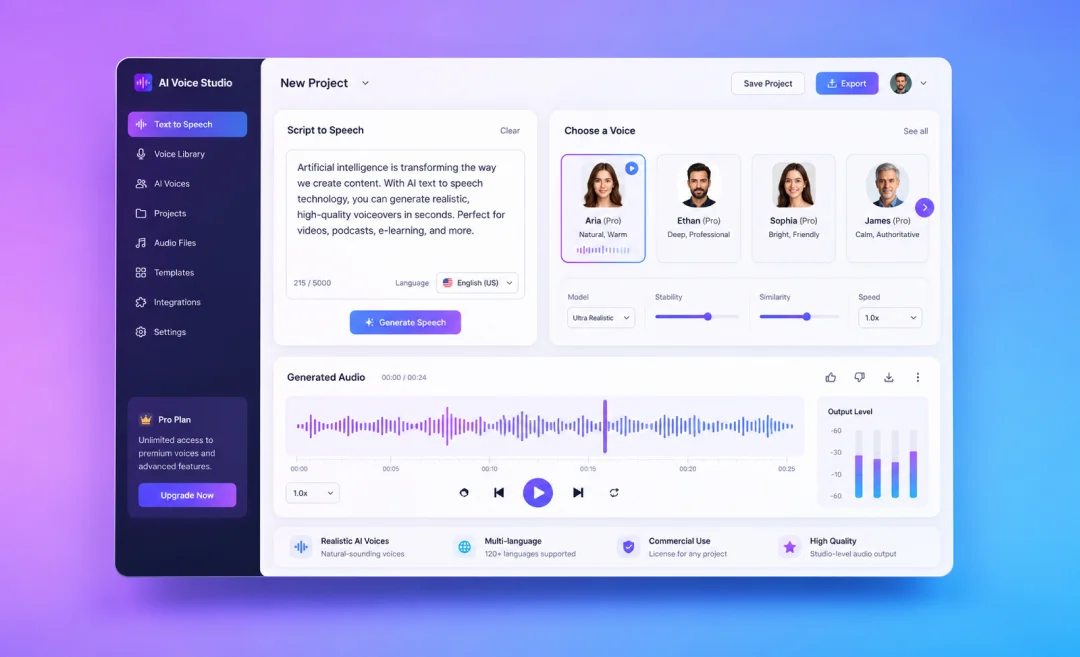
The most professional text-to-speech AI software helps you convert written text into natural-sounding audio. You can use it for all sorts of things from videos and training materials to podcasts, audiobooks, product demos, customer support, and more.
A basic text-to-speech tool simply reads words out loud. A professional tool does more than that. It gives you realistic voices in several languages, controls for pronunciation, commercial rights, and high-quality exports.
The target audience of these tools aren’t always the same. Some tools are made for developers. Some are made for creators and marketers.
Regardless of what you want to use it for, the guide below will help you find the right tool for your project. Here are the best professional text-to-speech AI tools to consider.
What to Look For In AI Text-to-Speech Software

Professional text-to-speech AI software should sound natural. It should be clear and easy to listen to. The voice should definitely not feel robotic or flat. Nowadays we have many tools available that don’t feel fake. With these voices, people aren’t immediately able to pinpoint that it is in fact AI. Text-to-speech software has come a long way.
The best AI voice tools usually include:
- Natural-sounding AI voices
- Different languages and accents
- Controls (speed, tone, pauses, and pronunciation)
- Permission to use commercially
- High-quality audio
- No length limit
- API or integrations
If you create public content, training videos, ads, or customer-facing audio, these things are important to consider when choosing AI text-to-speech software. A better voice can make your content feel more polished and trustworthy.
List of Professional Text-to-Speech AI Software
Once you know what features to look for when choosing your software and you have defined how you will use it in your work, you are ready to compare the top options. Read on for a list of tools with a short summary of each.
1. Summary AI
Overview: Summary AI has a free text-to-speech tool for turning written text into spoken audio. You can paste your text into the tool and use it to create AI speech from scripts, notes, articles, summaries, or other written content.
This makes Summary AI useful if you want a fast and easy way to create audio from text without using complex software. It can help with voiceovers, study materials, content repurposing, training scripts, and audio versions of written notes.
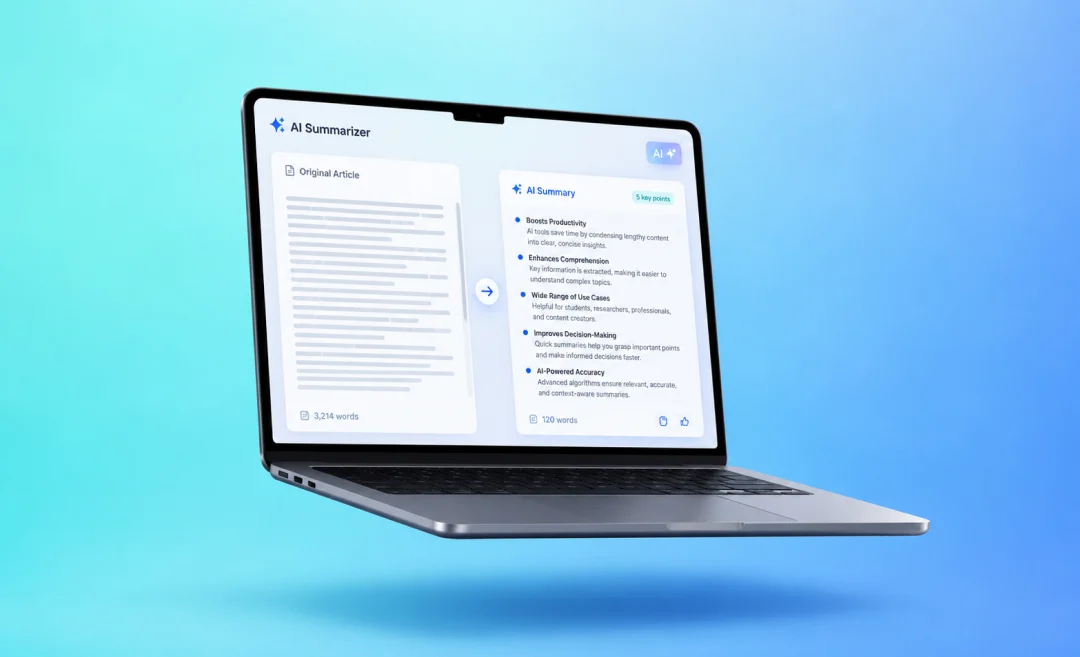
Summary AI is also helpful because it connects well with other content workflows. For example, you can summarize long content, clean up the text, and then turn it into speech using the text to speech tool.
Pros
- Easy to use
- Good for turning written text into spoken audio
- Useful for scripts, notes, summaries, and articles
Cons
- Preset voices, no advanced controls
- Users with complex needs need a more advanced tool
Best for
People who want a simple text to speech tool for turning written content into audio.
2. Google Cloud Text-to-Speech
Overview: Google Cloud Text-to-Speech is one of the most professional text to speech AI software options that developers and businesses often use. It uses Google’s AI voices to turn text into speech in many languages.
Companies use this tool to add voice features to their apps, websites, and products. It is not the easiest tool for beginners, but it is one that you can rely on.
Google Cloud Text-to-Speech is a good choice if you need voice generation at a larger scale and you already use Google Cloud.
Pros
- Large voice and language library
- High-quality voices
- Good for apps and websites
- Documentation for developers
- Works well with other Google Cloud tools
Cons
- Requires some technical setup
- Not ideal for casual users
- High usage leads to higher cost
Best for
Developers that need reliable AI voice generation they can scale.
2. Microsoft Azure AI Speech
Overview: Microsoft Azure AI Speech is another professional text to speech platform that is often used by businesses, especially call centers. It is part of Microsoft’s Azure AI services.
Azure AI Speech supports many languages and gives users control over the pronunciation, speaking style, pitch, speed, and tone they use. It can also support custom voices, which is very useful for brands that want a unique voice.
Azure AI Speech is best for companies that already use Microsoft tools in need of enterprise-level security and control over things they are building.
Pros
- High-quality professional voices
- Options for customization
- Good for enterprise and developer use
- Works well with Microsoft and Azure products
- Supports advanced speech controls
Cons
- Can be complex for small teams
- Requires technical setup
Best for
Large teams, enterprise projects, apps, call centers, and Microsoft-based workflows.
3. ElevenLabs
Overview: ElevenLabs is a popular AI voice tool used for generating realistic AI voices. It is often used by creators, video producers, game studios, marketers, and businesses that want natural-sounding voices.
ElevenLabs uses AI speech-to-text software to create voiceovers from text and also has voice cloning features.
Pros
- Realistic AI voices
- Good for creative teams
- Useful for voiceovers/narration
- Voice cloning
- Easy to use compared to developer tools
Cons
- Advanced features cost more
- Not best for enterprise
Best for
Creators, agencies, video teams, game studios, and anyone that wants realistic AI voices.

4. Respeecher
Overview: Respeecher is a professional AI voice platform that is focused on high-end voice cloning and voice transformation. It is often used in film, TV, games, animation, and media production.
This tool is not made mainly for quick everyday voiceovers, but more for serious production work where the quality of the voice, the performance, and commercial licensing are important.
Try Respeecher if you need studio-level voice work or a specific style of voice for a creative project.
Pros
- Voice cloning
- Voice transformation
- Good for professional media production
Cons
- Not a simple tool for beginners
- Higher price than basic TTS tools.
Best for
Studios, media companies, game developers, and professional creative teams.
5. NaturalReader
Overview: NaturalReader is a text-to-speech tool that works well for people who want to listen to documents, PDFs, web pages, and other written content. It is easier to use than cloud-based developer tools.
It is a good choice for smaller teams that want simple text-to-speech with natural voices. You can use it to turn written content into audio for studying or for simple projects that need voice.
NaturalReader is not as advanced as tools like Azure or Google Cloud, which also means it is more accessible for everyday users.
Pros
- Easy to use
- Good for PDFs, documents, and web pages
- Useful for students and professionals
- More beginner-friendly
Cons
- Less control than cloud tools
- Not ideal for large-scale production
- Voice quality can depend on the plan
Best for
Individuals and small teams that want simple, professional text to speech without a lot of technical setup.
6. Murf AI
Overview: Murf AI is a text-to-speech platform made for creators, marketers, educators, and businesses. It helps users create voiceovers for videos, presentations, ads, training content, and e-learning.
Murf is useful because it combines AI voices with a simple workspace for editing. You can write your script, choose a voice, adjust the timing, and create a polished voiceover without the need for a professional recording studio.
It is a good option if you create business or marketing content often.
Pros
- Easy to create voiceovers
- Good for videos (e.g. training content)
- Beginner-friendly tool
- Useful for marketing and e-learning
- Many voices and styles
Cons
- Not as developer-focused
- Advanced features require higher priced plans
Best for
Marketers, educators, creators, and business teams who need to create voiceovers.
7. PlayHT
Overview: PlayHT is a professional AI voice generator for creators, publishers, businesses, and developers. It can turn written content into natural speech and supports many voices and languages.
It is often used for articles, podcasts, videos, audio narration, and voice applications. PlayHT can work for both simple voiceover projects and more technical workflows.
This makes it good for people who want a tool that can be used by both creators and dev teams.
Pros
- Natural-sounding AI voices
- Good for podcasts and videos
- Many voices and languages supported
- Useful for both creators and devs
- Audio export options
Cons
- You need testing to find the right voice
- Advanced features cost more
- Not a simple read-aloud tool
Best for
Creators, marketers, and more that need to generate voices.
8. Amazon Polly
Overview: Amazon Polly is Amazon’s cloud text to speech service. It is designed for developers and businesses that need to add speech to apps, products, websites, or automated workflows.
Like Google Cloud and Microsoft Azure, Amazon Polly is more technical than a simple browser tool. It is best if you have a developer or technical team.
It can be a good choice if your company already uses Amazon Web Services.
Pros
- Good for text to speech you can scale
- Works well with AWS services
- Useful for apps, tools, and automated systems
- Supports many languages and voices
- Reliable for technical teams
Cons
- Requires technical setup
- Not ideal for casual voiceover creation
- Pricing depends on usage
Best for
Developers building voice features inside AWS-based products

9. Speechify
Overview: Speechify is a text to speech tool focused on reading written content out loud. It is useful for listening to articles, documents, emails, PDFs, and study materials.
It is especially helpful for people who prefer to listen instead of read. Professionals can use it to review documents, learn faster, or turn reading time into listening time.
Speechify is more of a productivity and reading tool than it is a platform for producing content or building voice features in apps, but it can still be useful in a professional setting.
Pros
- Great for listening to documents and articles
- Easy to use
- Helpful for productivity and learning
Cons
- Not built for creating voiceover
Best for
Professionals, students, and busy people who want to listen to written content.
10. LOVO AI
Overview: LOVO AI is a text-to-speech and AI voiceover platform. It is made for creators, marketers, educators, and businesses. It is often used for videos, ads, e-learning, explainer content, and social media.
LOVO offers many AI voices and a creative workspace for building audio content with voices. It is useful if you need voiceovers but do not want to hire voice actors for every small project.
It is a good option for teams that create regular video or learning content.
Pros
- Good for voiceovers and video content
- Many voice options
- Useful for marketing and education
- Simple enough for non-technical users
- Can help speed up content production
Cons
- Quality may not match human voice actor
- Some voices may sound better than others
- Advanced features may require higher plans
Best for
Creators, marketers, educators, and teams making voice content regularly.
Common Uses for Professional Text to Speech AI Software
Professional text to speech AI software can be used in many ways. Businesses can use it for training videos, product tutorials, onboarding content, and customer support. Content creators can use it for YouTube videos, podcasts, and social media content. It can help educators when they use it for online courses and accessible learning content. Developers can use it to add voice features to apps and websites.
The best tool for you depends on whether you need simple voiceovers, developer tools, brand voices, or high-volume audio production. Next, we’ll look at how to choose the most professional AI text-to-speech software.
Choosing Professional Text-to-Speech AI Software

To choose the most professional text to speech AI software, start with you will use it for. A short social media voiceover does not need the same tool as a customer support system, audiobook, or app you will charge users for.
Listen carefully to the voice quality the software can produce. The voice should sound natural and easy to understand. Pay attention to pacing, emotion, pronunciation, and whether the voice becomes tiring to listen to after a few minutes.
Check how much control you get in the software. Professional tools should let you adjust the speed and pauses, as well as pronunciation, tone, and sometimes even emotional delivery of the lines.
Also check the commercial rights of the audio you produce with the tool. If you plan to use the audio in ads, paid courses, YouTube videos, client work, or public business content, make sure the plan you pay for allows that kind of use.
Think about your workflow too. Some users need a browser tool, others need API access, team features, batch generation, or cloud integration. The best tool is the one that fits the way you create and use audio.
Finally, test the tool with a script before choosing and ask other people for feedback. A voice may sound good at first but may sound fake after a while in your own content. Try a short sample, listen to the result, and compare a few tools before making a decision.
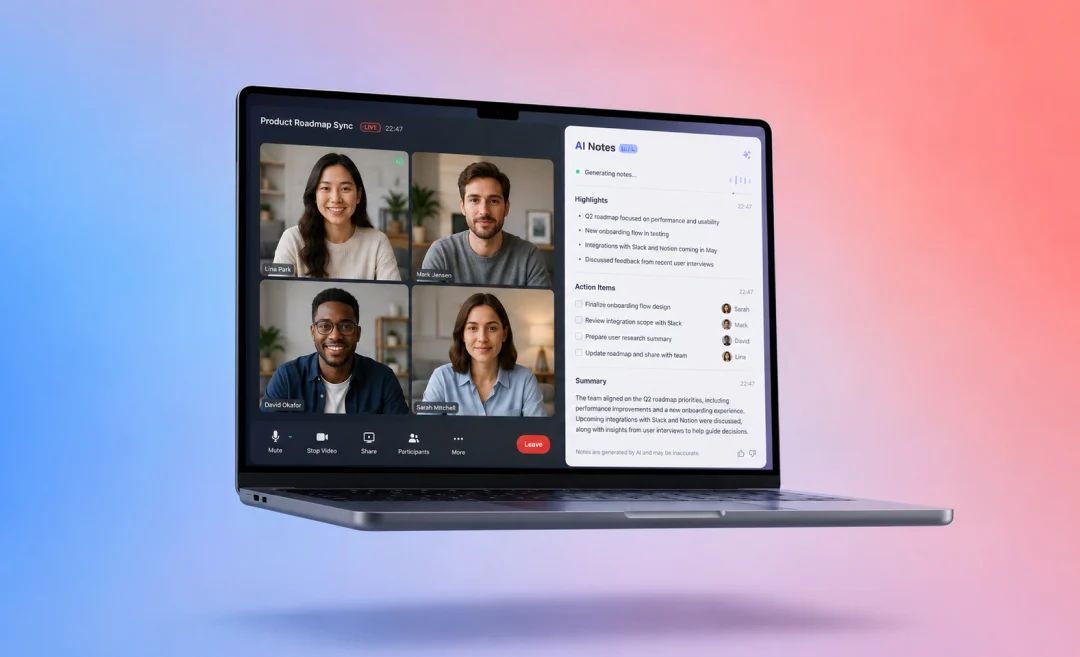
Transcribe Your Calls with Summary AI
Summary AI is not a text to speech tool, but it can help marketing teams and anyone else who has several meetings every day. If you need AI transcription, give Summary AI a try.