



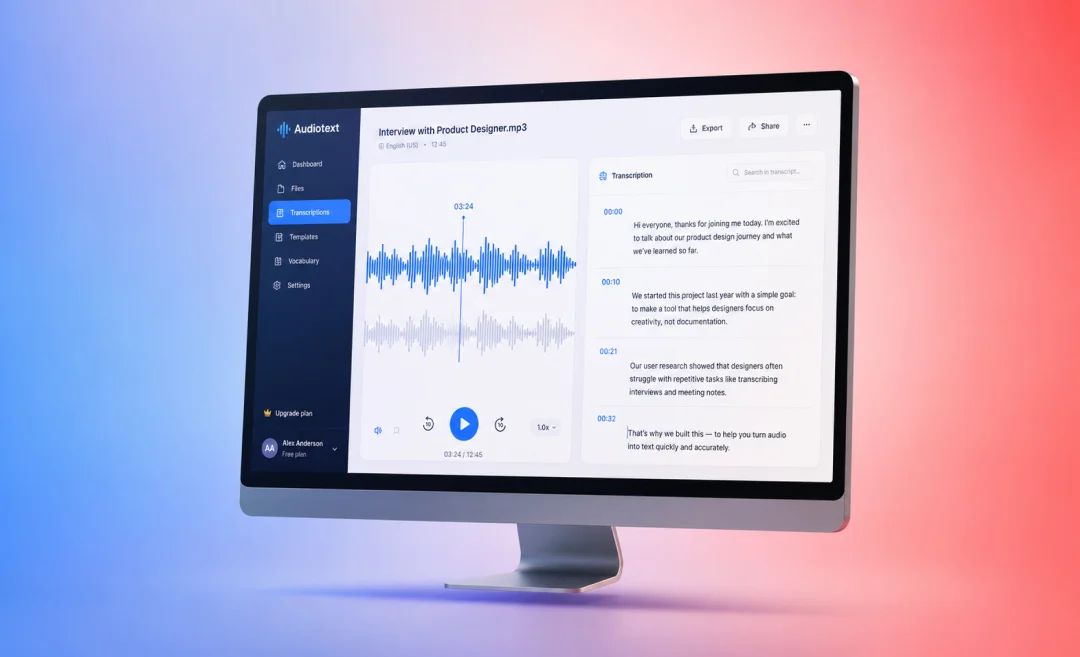




Transcribing audio to text is when you take spoken words from audio or video and you turn it into written text that you can read. It is useful for searching and sharing the contents with others. People use it for meetings, interviews, podcasts, lectures, and all sorts of other situations where you want to have a clear record of what was said.
In this guide, you will see a list of simple examples of audio to text transcription. These will help you learn the main types of transcripts, and understand how to choose the right style for transcribing your own recordings or live meetings.
What audio to text transcription is

Before we get into the examples, lets take a look at what transcribing is anyway. Put simply, it involves listening to a recording and writing down what the speakers say. You can do this either by hand just typing while listening, or you can do it the easy way by using AI transcription tools that convert audio to text automatically.
There are free AI apps for everything nowadays. Summary AI is a software that also has a few free tools available for transcribing, translating, and summarizing meetings. The one you should definitely check out is the tool designed specifically for transcribing audio to text.
People use audio transcription for many different reasons. For example, they use it:
- To create meeting notes and action items from recorded calls
- To turn podcast episodes into blog posts and social media content
- To make videos more accessible with captions and subtitles
- To keep a written record of interviews and lectures
Main types of transcription with examples
There are many different kinds of transcript. They don’t all look the same. That’s because different projects need different levels of detail and editing for what is transcribed. Here are the main types of transcription audio to text examples you should know.
1. Full verbatim transcription
Full verbatim is a type of transcript that is often called “true verbatim,” because it captures every sound that matters in an audio file. This includes:
- All words, even filler words like “um,” “uh,” and repeated phrases
- False starts, stutters, and unfinished or incomplete sentences
- Sounds that aren’t speech, but that affect meaning of what is being said. These can be laughter, coughing, or long pauses
Example scenarios where we use this type of transcription often include:
- Legal and law enforcement recordings
- Academic research interviews and focus groups
- Sensitive investigations where tone and pauses matter
Short example of full verbatim transcription
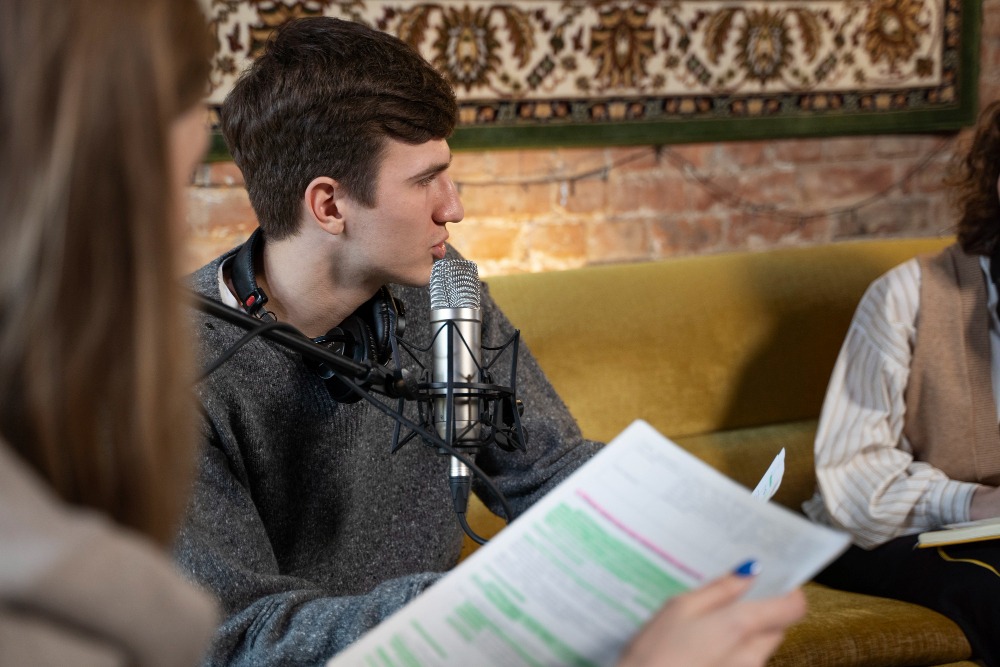
Imagine a short interview clip that goes something like this:
- Speaker 1: “So, um, can you tell me, like, what happened that night?”
- Speaker 2: “Yeah, I, I was driving home and, uh, I heard this loud noise.”
A full verbatim transcript would keep all the “um,” “like,” and repeated words. This kind of detail can be useful for court proceedings or research where exact speech patterns are important to have a record of.
2. Clean verbatim transcription
Clean verbatim is also called intelligent verbatim or edited transcription. It focuses on creating a transcript that is clear and easy to read. When transcribing in this way, remove filler words, false starts, and small hesitations.
This style of transcription is used for:
- Business meetings
- Training sessions and webinars
- Clear interview transcripts for marketing
Short example of clean verbatim transcription
Using the same audio as before, a clean verbatim version might look like this:
- Speaker 1: “Can you tell me what happened that night?”
- Speaker 2: “Yes, I was driving home and I heard a loud noise.”
This version is faster to read and a better transcript for sharing with clients, colleagues, or readers.
3. Edited transcription
Edited transcription goes even one step further than clean verbatim. In this style, the editor usually:
- Corrects grammar and sentence structure
- Removes repeat information
- Rephrases some parts for clarity
When rephrasing it is important to only rephrase as much as you can while still keeping the original message.
This type is helpful for:
- Interviews in articles and books
- Polished case studies
- Recycling webinars into other marketing materials
Short example of an edited transcription
From the same clip again, an edited transcription might look like this:
- Interviewer: “Please describe what happened that night.”
- Participant: “I was driving home when I heard a loud noise nearby.”
This reads more like a finished piece of writing. It is suitable for a report or blog post that summarizes the conversation. For more on condensing information, read our guide on how to make a summary.
Audio to text transcription examples by use case

Next, we will look at how audio to text transcription examples work in a couple of different real‑life situations. This will help you decide which style to use for your own projects and give you a few pieces to use as a guide.
Meeting transcription example
The challenge of transcribing meetings lies in the fact that they often include multiple speakers and a mix of side conversations. The goal is to make note of all decisions made during the meeting and have a clear list of action items. For tips on how to do that, read our guide on how to take meeting notes.
For business, a clean or edited transcription is usually best so the notes are easy for anyone (including people who did not take part in the meeting) to scan and understand. Read the example transcription below to understand what a meeting transcript would look like.
Example transcription: team meeting
- Manager: “Okay, let us review last week’s tasks. Sarah, did you finish the client proposal?”
- Sarah: “Yes, I sent the final version to the client yesterday afternoon.”
- Manager: “Great. John, can you schedule a follow‑up call for next Tuesday?”
- John: “Sure, I will send a calendar invite today.”
From this transcript, you can quickly make a simple summary like:
- Proposal completed and sent
- Follow‑up call scheduled for next Tuesday
Tools like Microsoft 365 also offer built‑in transcription and are great in similar example scenarios.
Interview transcription example
Interviews, whether for research, journalism, or hiring, are a typical example of a scenario where you need audio to text transcription. Researchers usually prefer full verbatim, while writers and HR teams often want clean or edited versions.
Example transcription: interview
Interviewer: “How do you usually prepare for an important presentation?”
Participant: “First, I outline the main points I want to cover, then I create slides and practice out loud.”
Interviewer: “How many times do you rehearse?”
Participant: “Usually two or three times, more if I am nervous.”
This type of transcript helps you code responses, quote people in reports, or share insights with your team.
Podcast transcription example
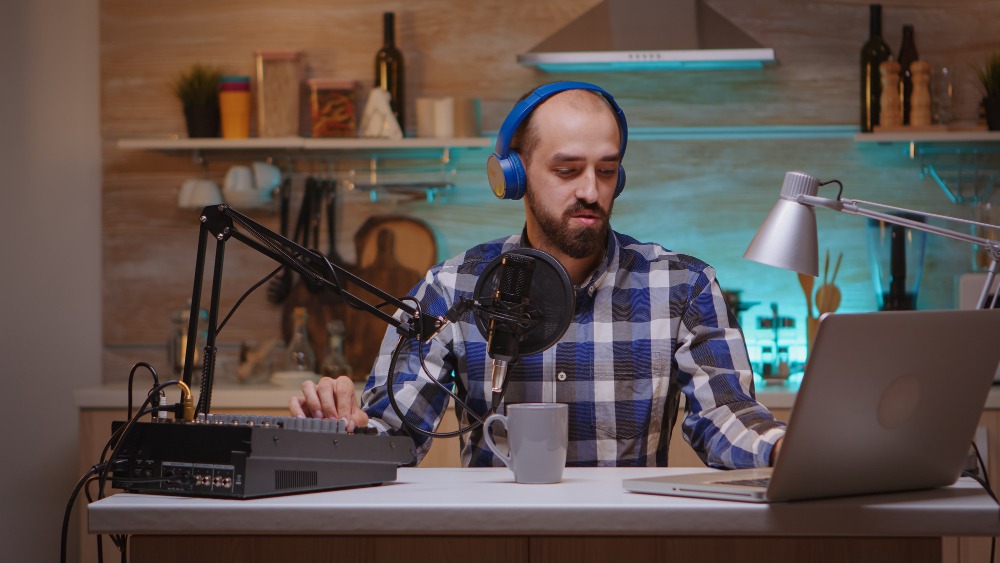
When you transcribe a podcast or webinar, you can turn one recording into many different formats, including blog articles and social media posts.
Example transcript: podcast episode
Host: “Today we are talking about how small teams can use transcription to save time.”
Guest: “When you transcribe audio to text, you can repurpose one conversation into articles and social posts.”
Transcription can be a real timesaver, so you should definitely include some sort of software for this in your marketing automation tool stack.
Legal/medical/technical transcription examples
More specialized fields follow strict rules. Legal and medical transcripts need to be very accurate. This means you need to preserve meaning as much as possible, even if you edit for clarity.
Here are a few examples of transcripts and where to use them:
- Legal transcription example: police interviews, court hearings, and witness statements where every word, pause, and correction can matter.
- Medical transcription example: doctors dictating notes about diagnoses, treatments, and patient histories that must be precise and follow medical terms.
- Technical or academic example: lectures, scientific interviews, and workshops used as sources for papers or manuals.
Turning audio into text is an example of how you can save time in your day-to-day. It can help you reuse content and make your information easier to search and share. If meetings are the thing you want to transcribe, look no further than Summary AI. The platform has AI audio transcription that is the perfect fit for recordings, interviews, and more. It lets you automatically transcribe audio into clear text, turn it into organized notes, and generate summaries in seconds.

