#1 Transcription App 2025.

stars

Rated 4.9 out of 5

  1. Home
  2. »
  3. Features
  4. »
  5. Background Recording

#1 Background recording app

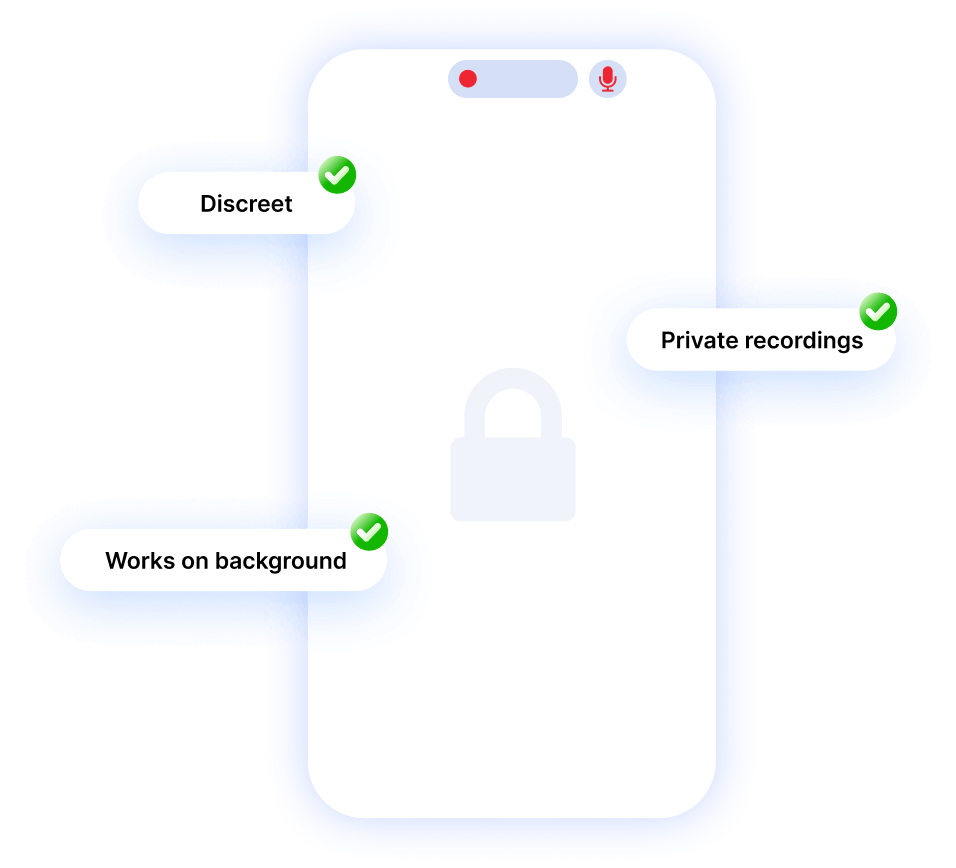
Secretly record your meetings with background recording

Thanks to our background recoding feature, Summary AI allows you to record even if your phone is off or you are using others apps.
background meetings
logo-green-life-review
logo-digitech
logo-don-didier
logo-optimex
logo-new-life
logo megalinks
logo pms food

How to use the audio recording background feature?

Step 1

Open the app or launch a recording through the widget or shortcut
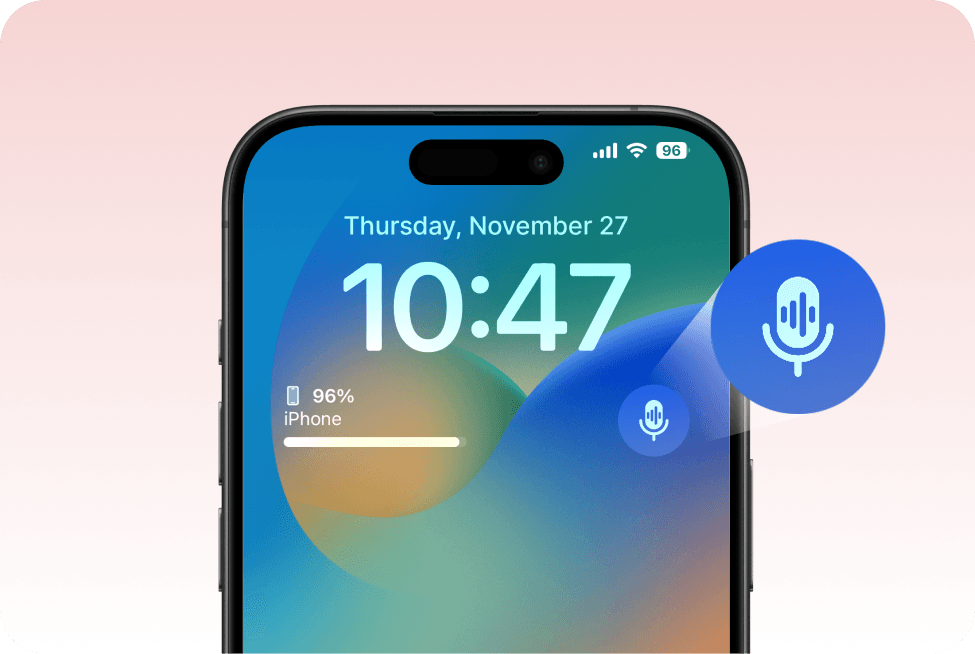
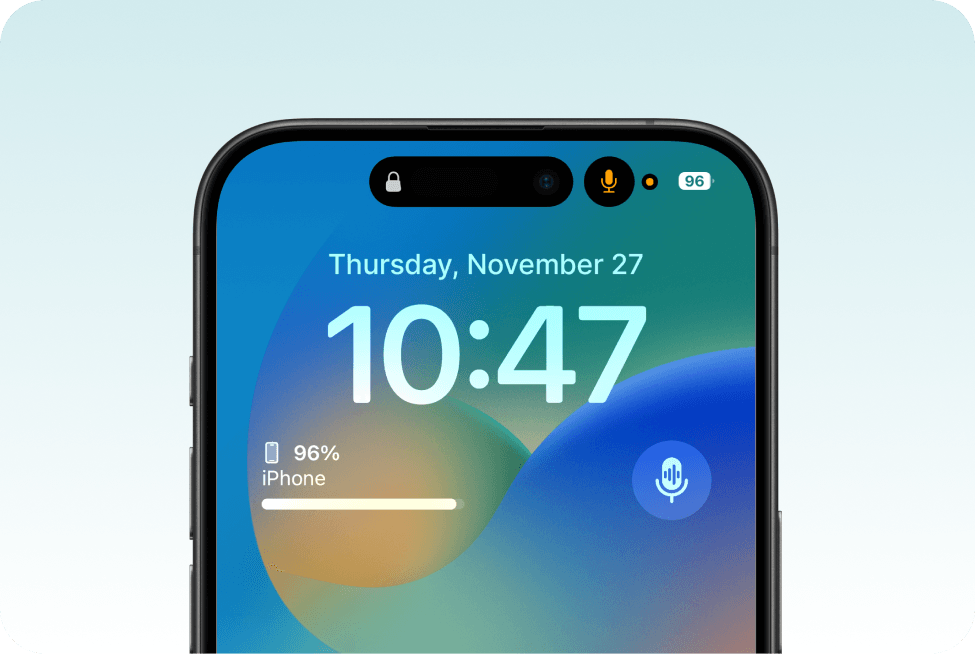
In the Summary AI app, tap “New Summary” → “Record Audio.” For quick or discreet access, you can also start directly from the home screen widget or lock screen shortcut.
iPhone lock screen displaying the date, time, and battery level, with two blue microphone icons floating at the right.
iPhone lock screen with date, time, battery level, Dynamic Island showing lock and orange mic-in-use indicator, and a floating blue microphone icon on the right.

Step 2

Lock your screen and let Summary AI do the rest

Once locked, the app continues recording seamlessly in the background. This feature is perfect for discreetly capturing lectures, important discussions, or any situation where you need to stay low-profile.

Step 3

Edit, Export and Save

Review the transcription, make any necessary edits, and export the final text. Share it with your team or use it for your records.
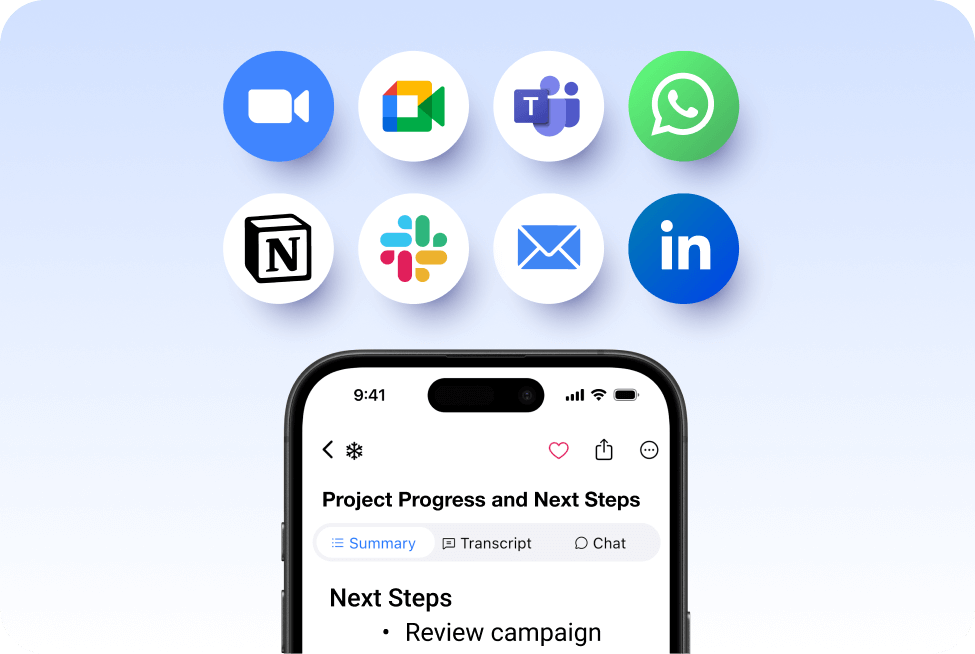
A smartphone screen shows the SummaryAI.app interface titled “Project Progress and Next Steps.” Above it float eight circular icons for Zoom, Google Meet, Microsoft Teams, WhatsApp, Notion, Slack, Email, and LinkedIn integrations, all set against a soft blue background.

Activate secret mode before the recording begins
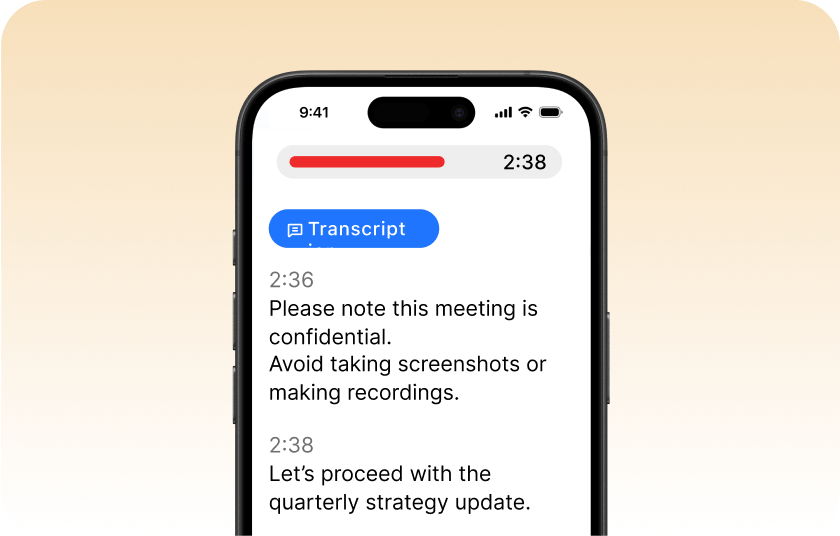
Capture conversations or meetings in the background without interruptions. Secret Mode lets you record audio quietly while using other apps; no visible indicators or distractions. Perfect for journalists, professionals, or anyone who needs secure, private recordings without drawing attention.
iPhone transcript view showing a red progress bar at 2:38, the “Transcript” tab selected, and text warning that the meeting is confidential and to avoid screenshots, followed by “Let’s proceed with the quarterly strategy update.”

More Features

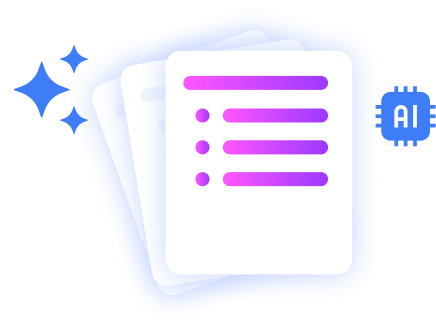
Stacked document pages with a colorful bullet list icon, sparkles, and an AI chip icon, representing AI-powered polished document summaries.

AI Summaries

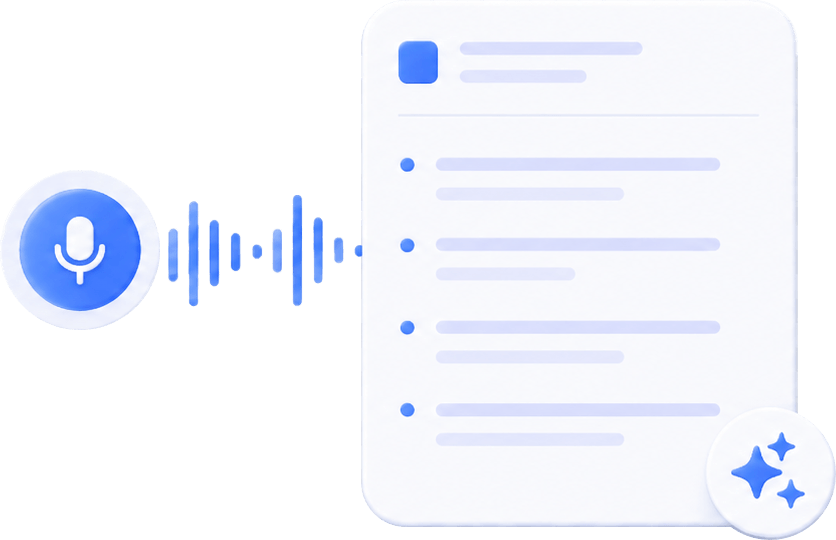
Generate instant, AI powered notes after every meeting.

voice to text summary

Transcribe Live

Record audio and get live word-for-word transcription.

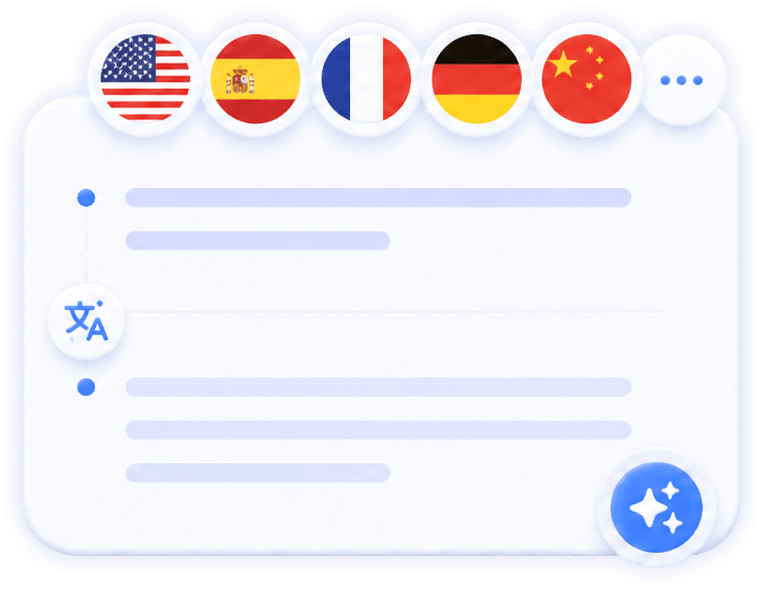
translate the meeting notes in different languages

Translate Meetings Live

Translate meetings in 120 languages.

summary ai in a meeting call

AI Meeting Agent

Your AI meeting assistant that assist to meetings, gets action points, and provides answers with AI.


you can record a voice note and summary ai will transcript the information

AI Chat

Ask AI anything about your meeting.

Illustration of stacked document pages with a shield and lock icon, symbolizing secure, privacy-focused AI summaries.

Private Summaries

Transcribe any video to text.

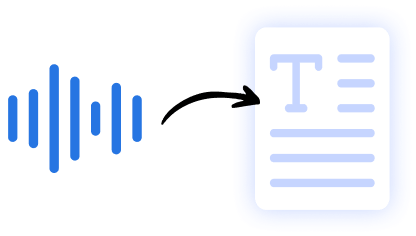
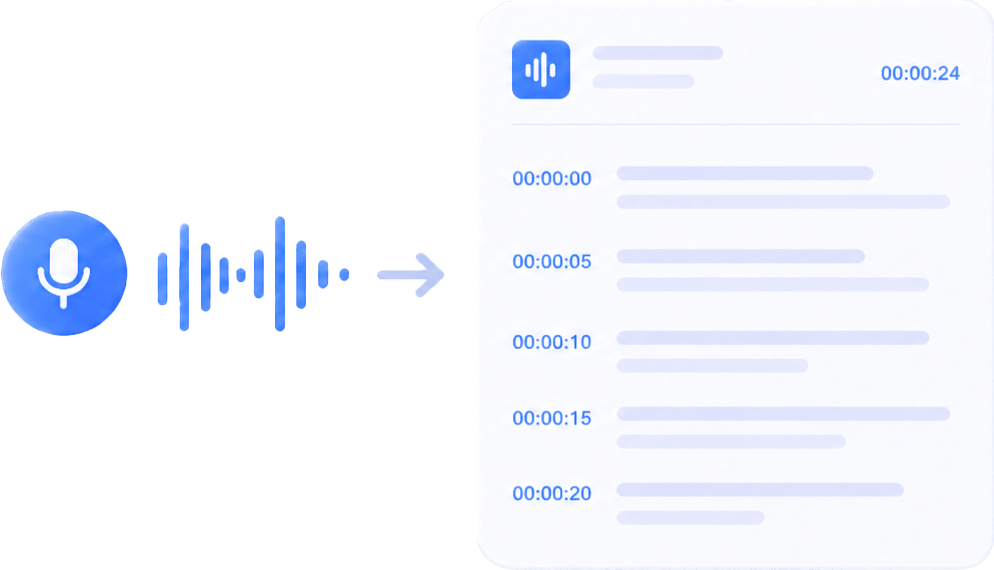
Graphic showing audio waveforms transforming into a text document, illustrating speech-to-text conversion by AI.

Audio to Text

Transcribe any audio to text.

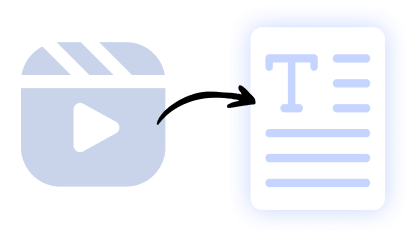
Illustration of a video clip icon converting into a text document, representing AI-powered video-to-text summarization.

Video to Text

Transcribe any video to text.

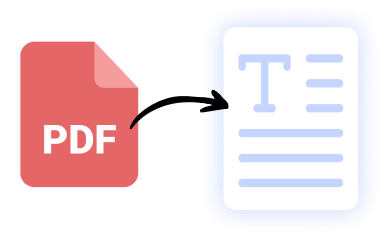
Icon of a red PDF file converting into a text document, symbolizing AI-driven PDF-to-text extraction by SummaryAI.app.

PDF to Text

Transcribe any PDF to text.

Our results in numbers

+10M

active users

+20M
monthly recordings
100%
private &
cloud-based
4.9 / 5

in the App Store

User testimonials

testimonial symbol
app-store
stars

Rated 4.9 out of 5 from +16,000 reviews

“With Summary AI’s background recording, I can keep my phone locked or multitask while the app quietly records everything in crystal-clear quality. No distractions, no interruptions — just reliable, private recordings every time. It’s the perfect tool for staying productive and organized during busy workdays.”

Marcus Hill, Business Consultant

best usability winter 2025 badge G2
leader g2 winter 2025
bagde software advice front runners
capterra badge shortlist top 2025

Summary AI Learning Hub

Expert advice, tips & how to guides about transcriptions, summaries and productivity. 
Get the most out of our summaries.

what is an objective summary

What Is an Objective Summary? The Complete Guide (Examples + AI Tips)

6 mins read.

Virtual Meeting Etiquette: Guide to Professional Online Communication

5 mins read.

How to Download Zoom Video Communications: The Complete Guide (With AI Tips)

6 mins read.

Background Recording FAQs

Background recording refers to the ability of an app like Summary AI to record audio or video while running in the background. This means you can lock your screen or use other apps, and the recording continues without interruption. It’s ideal for professionals who want to capture meetings, lectures, or interviews discreetly and efficiently.

The main risks include privacy violations, legal concerns, and data security issues if recordings are made without consent or stored insecurely. Always check local recording laws before using background recording features.

It can be very hard to tell. On most phones, a small microphone or recording icon appears when the mic is in use, but beyond system indicators or checking the device directly, there’s usually no obvious way to know for sure.

Technically, yes — it’s possible for someone to record audio without you noticing. However, whether this is legal depends on the country or state, as many places require consent from one or all participants in a conversation.

It depends on where you live and what you’re recording. In many places, screen recording is legal for personal use, but recording calls, meetings, or content with other people may require consent. Laws vary by country and state, so it’s important to follow local privacy and consent regulations.

Get rid of manual meeting notes 
& download Summary AI today!

summary ai app in desktop and phone
Scroll to Top