
PDF to Text Software for Editable, Searchable Content
Quickly review documents, find important information, edit copied content, and turn PDF files into usable text for notes, reports, research, and everyday work.


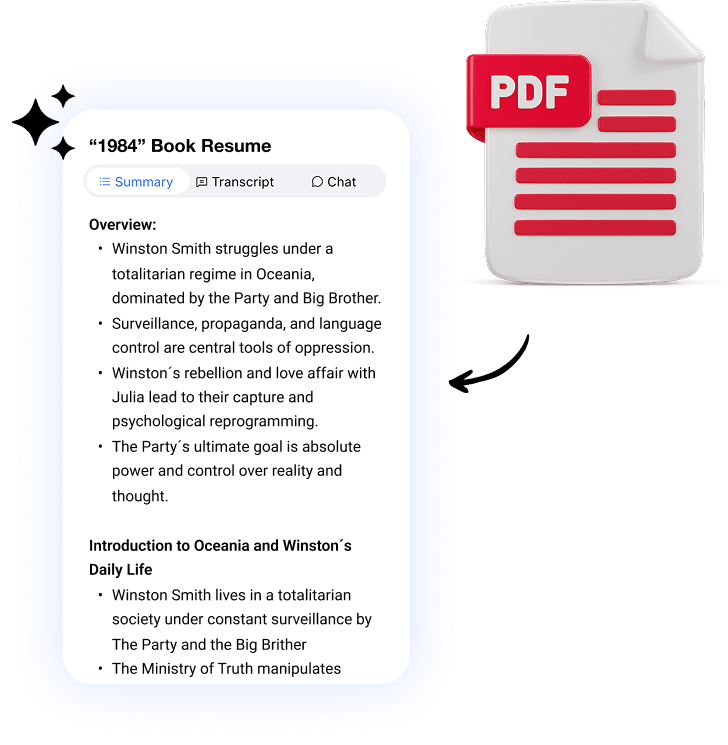







Unlock the Text Hidden Inside Your PDFs
Step 1
Upload Any PDF File
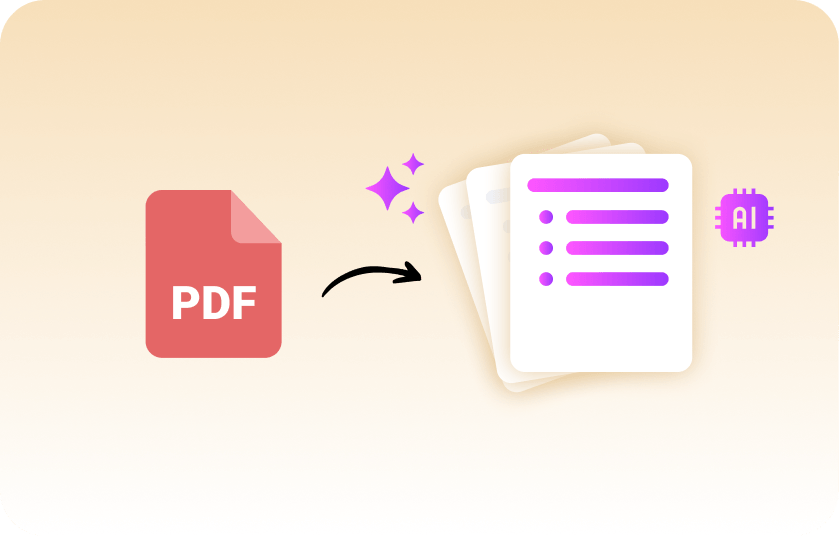
Import PDF files directly from your device and let Summary AI instantly extract readable, editable text from your documents.
Step 2
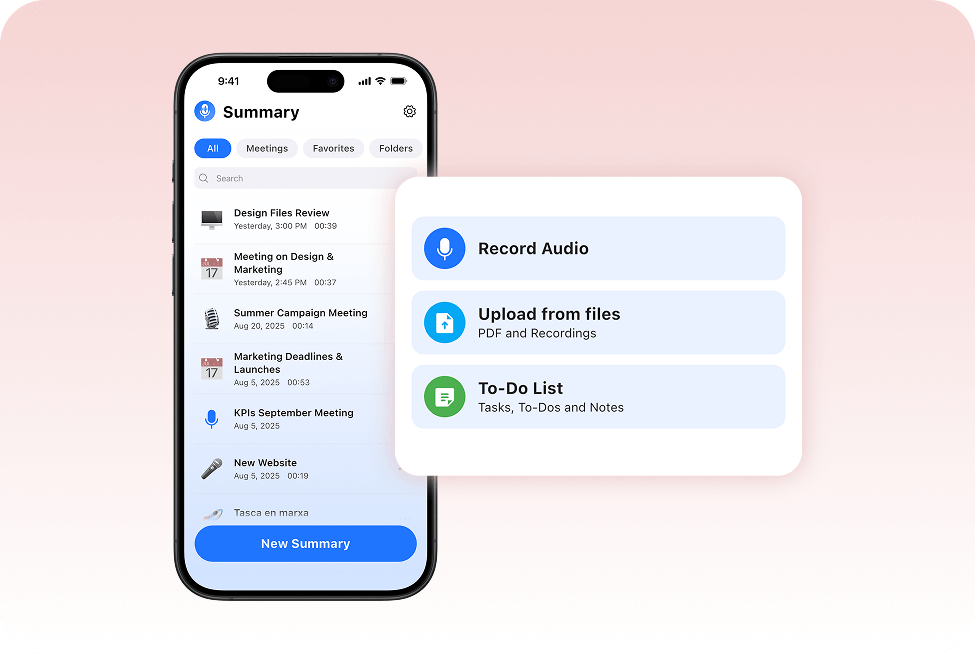
Extract & Organize Text Automatically
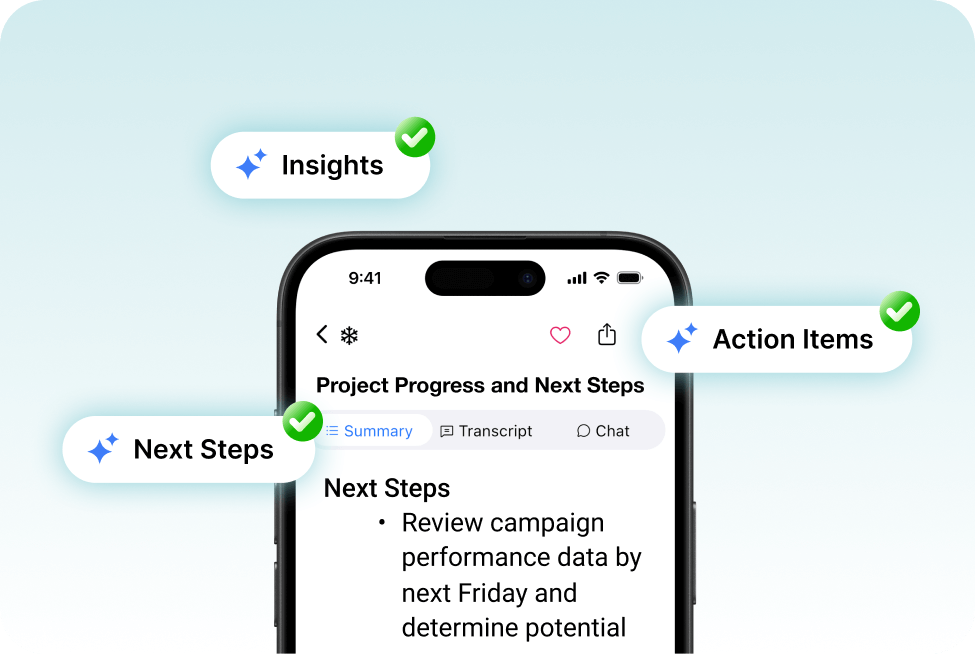
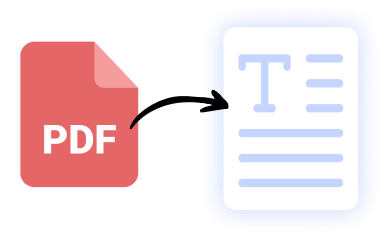
Turn PDFs into clean text files, searchable notes, and reusable content you can quickly review, edit, and summarize.
Step 3
Edit, Export and Share
Copy extracted text, make edits, and export your files to TXT, Docs, PDF, or other formats directly from Summary AI.
Copy, Edit & Reuse Text From Any PDF
AI-Powered PDF Text Extraction Made Simple
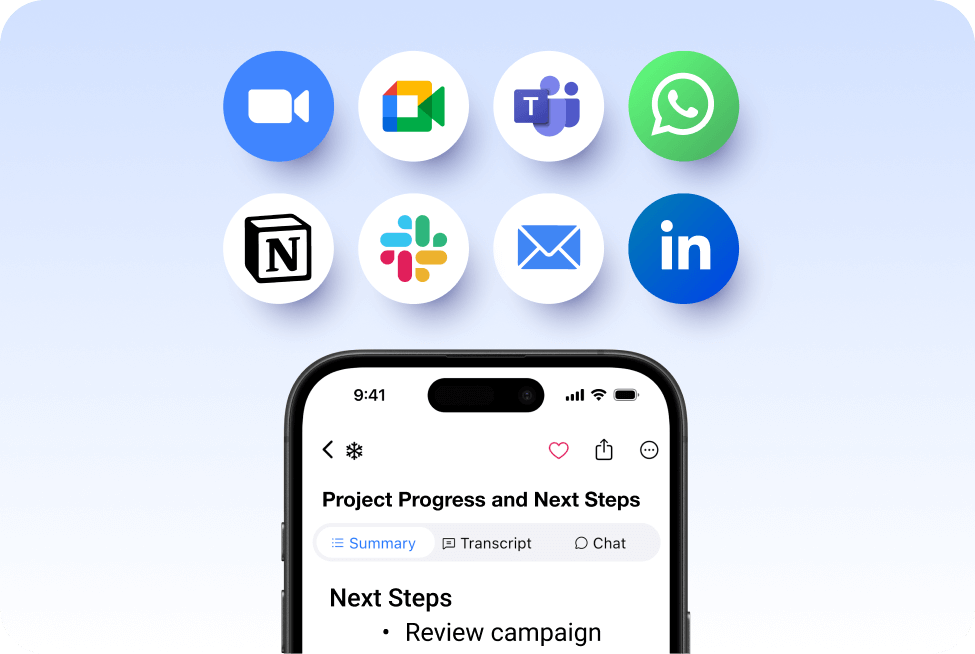
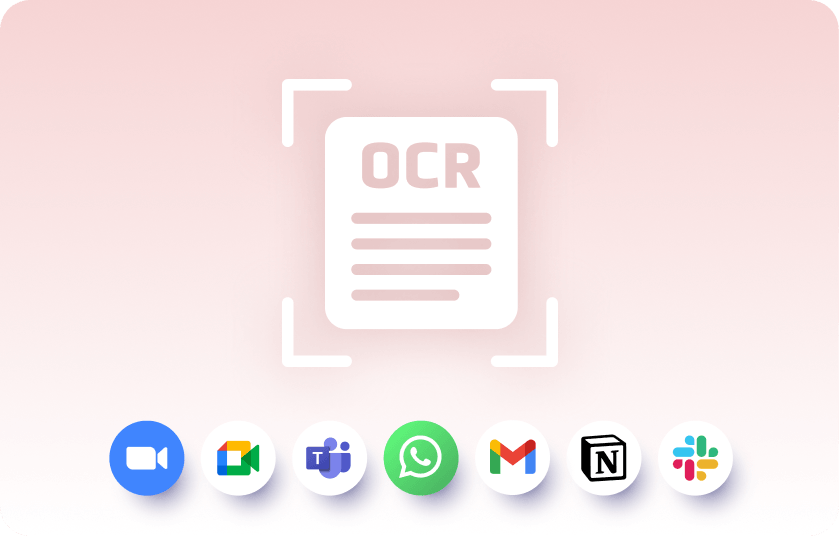
Use OCR technology to extract text, edit PDF content, and turn static documents into clean, reusable text files. Summary AI also connects with tools like Gmail, Slack, Notion, Zoom, Microsoft Teams, and more to keep your documents organized and accessible.
Everything You Need Beyond PDF Conversion

Meeting Assistant
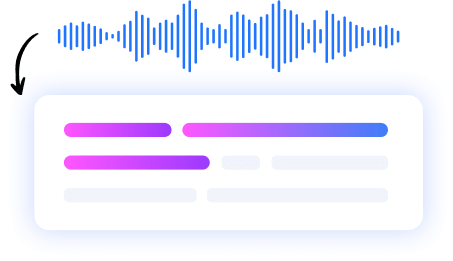
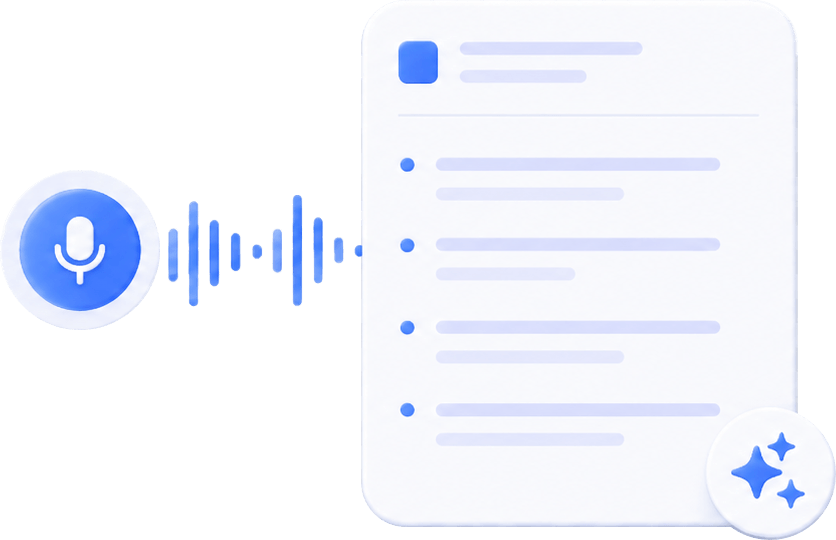
Your AI meeting assistant that assist to meetings, gets action points, and provides answers with AI.
Our results in numbers
+10M
active users
cloud-based
in the App Store
User Testimonials


Rated 4.9 out of 5 from +16,000 reviews
“I use Summary AI’s PDF to Text Software to quickly extract editable content from reports, contracts, and research documents. Instead of manually copying information line by line, I can instantly search, edit, and reuse text across notes, presentations, and client deliverables.”
“It’s saved our team hours of repetitive work and made document organization much faster and easier.”
Samantha Green – Project Manager




Summary AI Learning Hub
Expert advice, tips & how to guides about transcriptions, summaries and productivity. Get the most out of our summaries.



PDF to Text FAQs
How does PDF to text software work?
Summary AI uses AI-powered OCR technology to detect and extract readable text from PDFs, scanned files, invoices, research papers, and documents. Once converted, your content becomes editable, searchable, and easy to reuse across notes, Word documents, Google Docs, and workflows.
Can I convert a PDF into an editable text file?
Absolutely. Summary AI lets you turn PDF files into editable text you can reuse in TXT files, Microsoft Word, Google Docs, notes, reports, presentations, and more.
How do I turn a PDF into Word?
After converting the PDF to text in SummaryAI, you can export or copy the content and paste it into a Word document.
How to convert PDF to Google Docs?
Convert the PDF to text in SummaryAI, then export or copy the content into Google Docs for easy editing and sharing.
What is OCR?
OCR (Optical Character Recognition) is AI technology that reads text from images or scanned documents and converts it into editable digital text.
Turn PDFs Into Editable Content With Summary AI
- Extract readable text from PDFs, scanned files, and research papers
- Edit, search, organize, and reuse content across your workflow
- Export to TXT, Word, Google Docs, and more
- AI-powered OCR technology with fast, accurate results

