
AI Video Transcription
for Smarter Notes, Captions & Summaries
Automatically turn videos into transcripts, captions, summaries, and searchable insights with Summary AI.


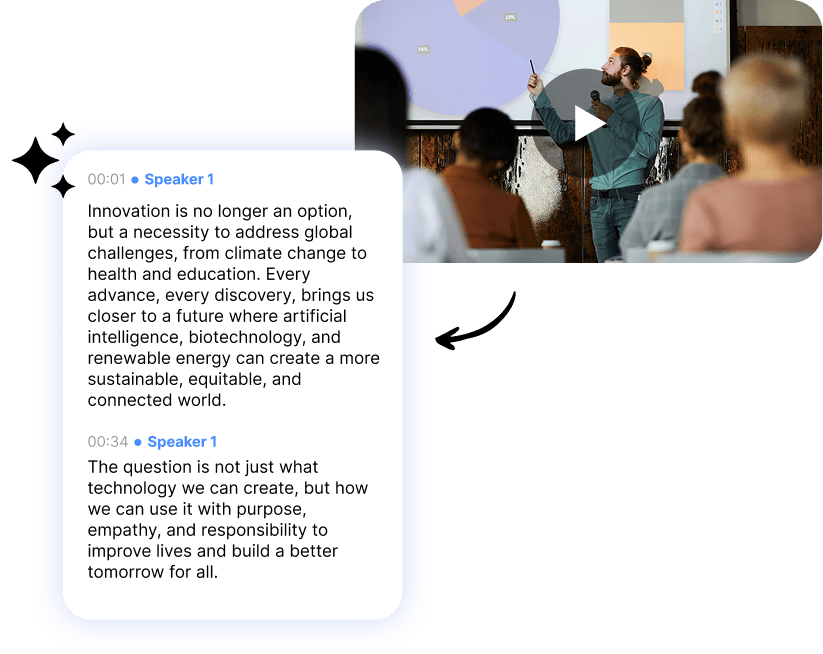







Let Our AI Transcript Videos Accurately
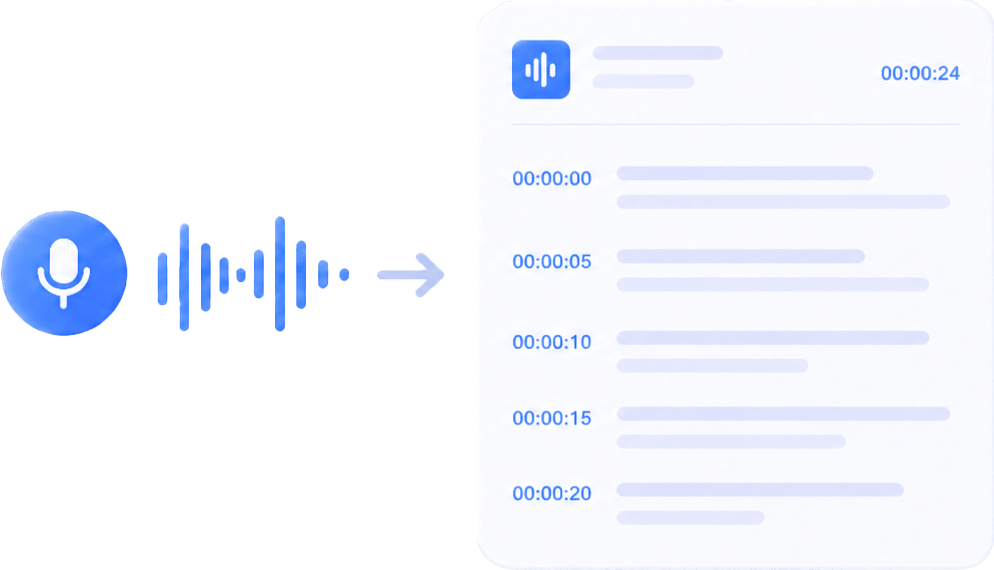
Step 1
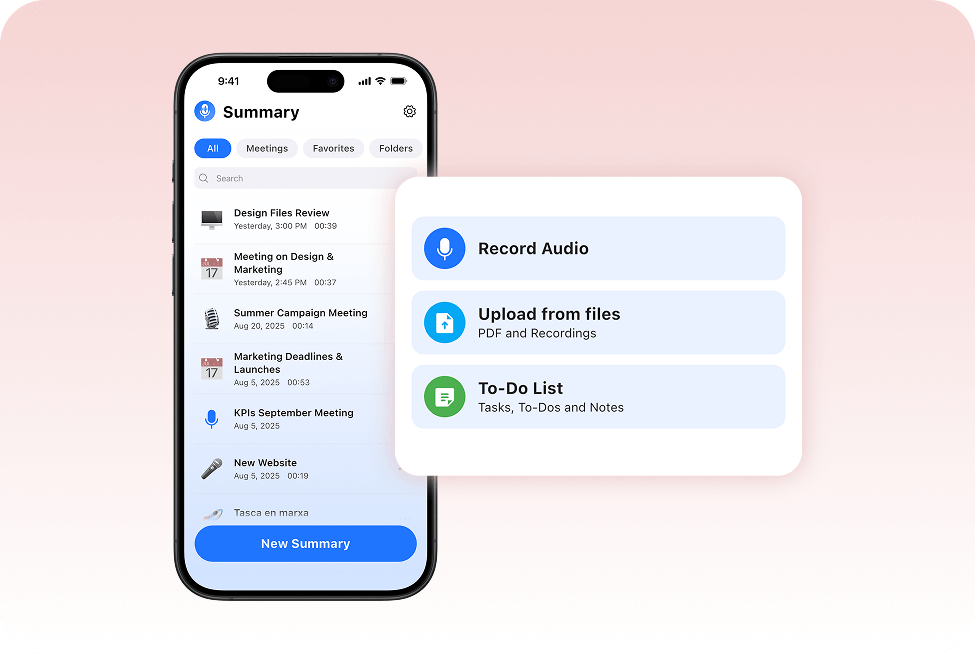
Upload or Import Your Video
Upload video files or import recordings directly from your device to instantly start generating AI video transcripts with Summary AI.
Step 2
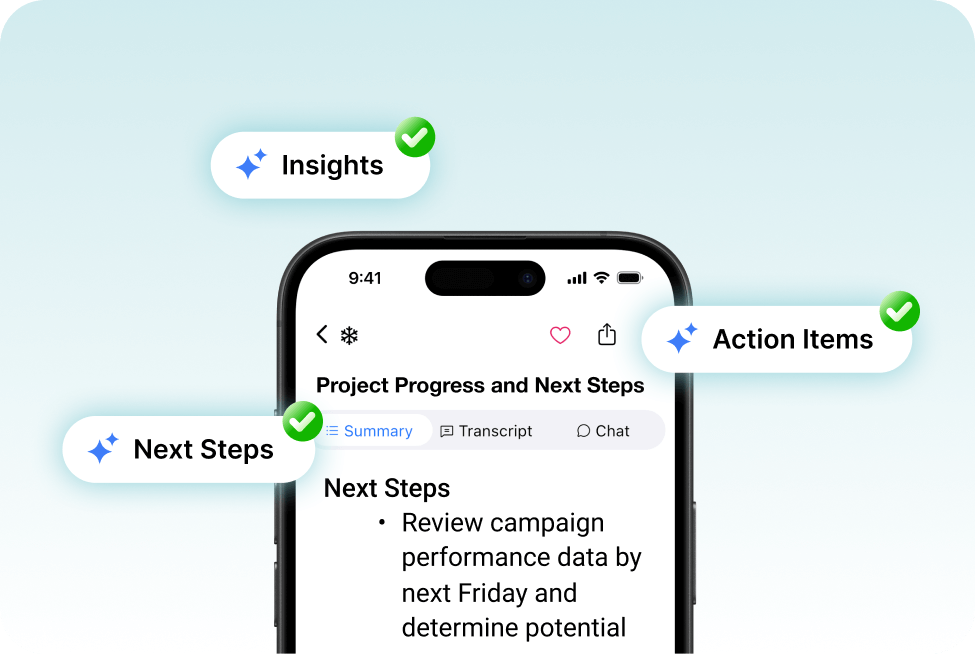
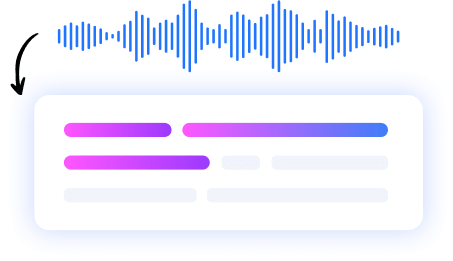
Generate AI Video Transcripts Automatically
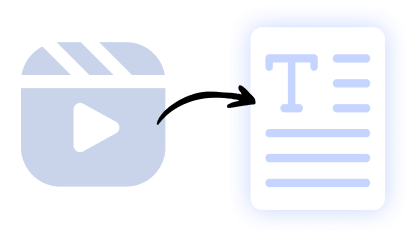
Let our AI do the magic! Summary AI automatically converts video content into searchable AI video transcripts, captions, summaries, and organized notes without manual work.
Step 3
Edit, Review & Share Anywhere
Review transcripts, edit important details, and export video transcripts, captions, and summaries directly from your workflow with Summary AI.
Sit Back While Summary AI Transcribes Your Videos in Minutes
Whether you need to upload a sales meeting to your CRM, transcribe a podcast episode, or capture key insights from a YouTube tutorial or university lecture, Summary AI automatically turns your videos into accurate, searchable transcripts in minutes.
Built for Videos, Meetings & Content Workflows
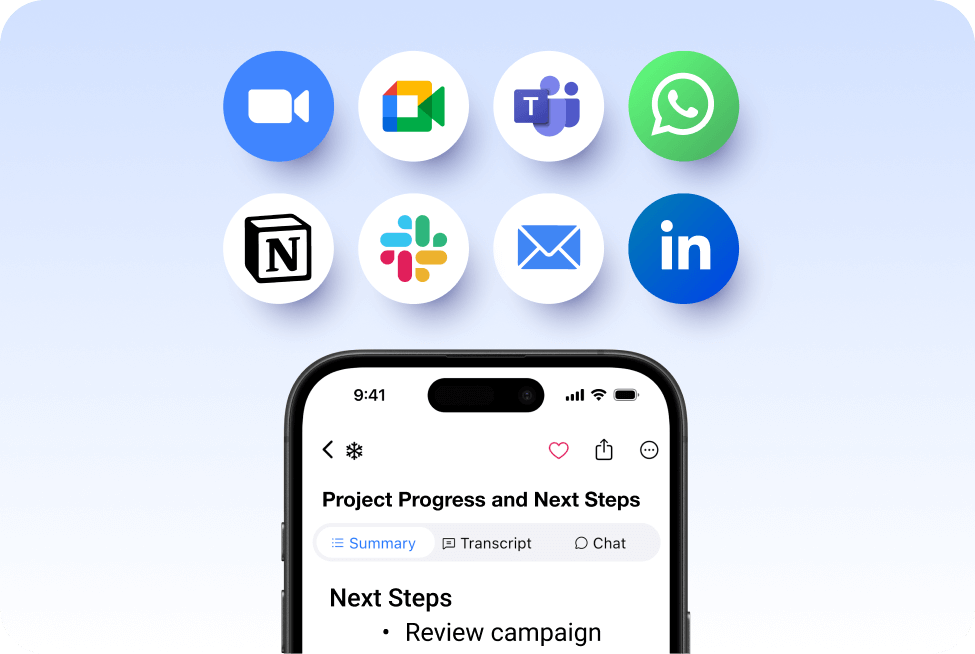
Summary AI works with your favorite video conferencing and recording platforms to automatically generate searchable AI video transcripts, summaries, captions, and meeting notes.
- Transcribe Zoom recordings
- Transcribe Google Meet calls
- Transcribe Microsoft Teams meetings
- Capture webinars, interviews & lectures
Video Transcription AI´s Top Features:
- AI speaker identification
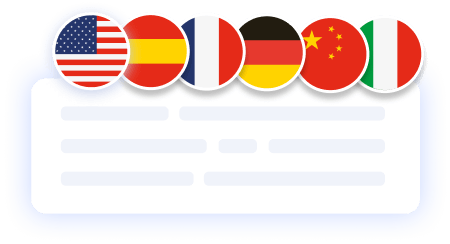
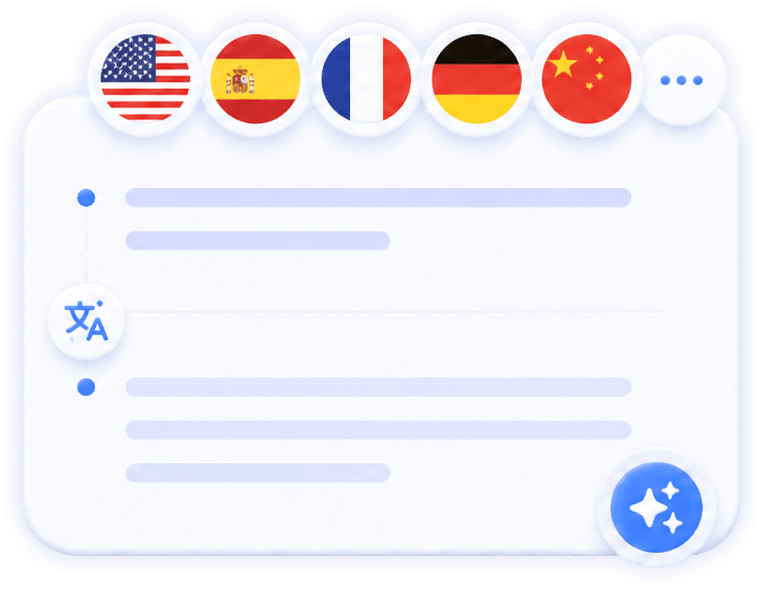
- Over 120 languages supported
- Real-time transcription
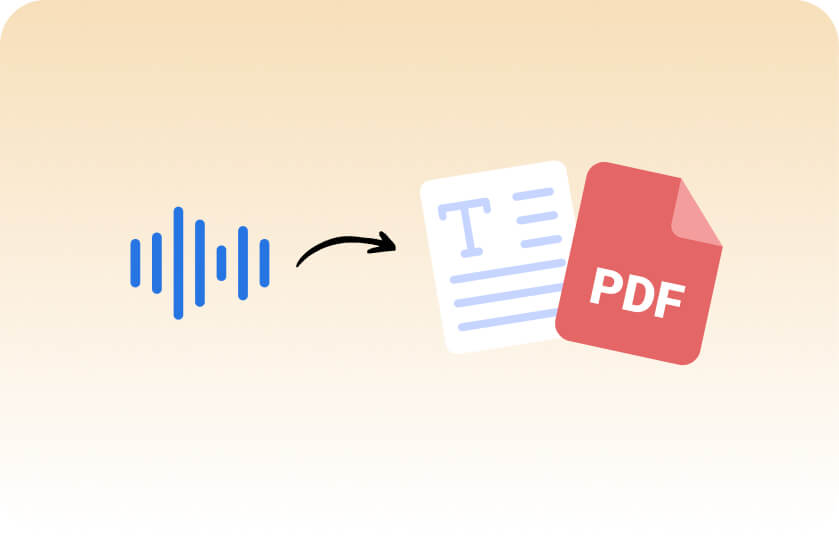
- Export to PDF or TxT
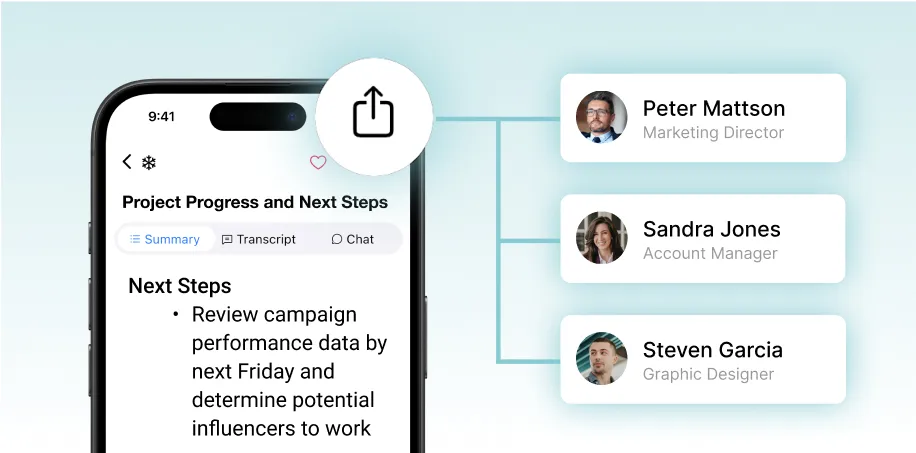
- Share searchable transcripts
- Live Translation
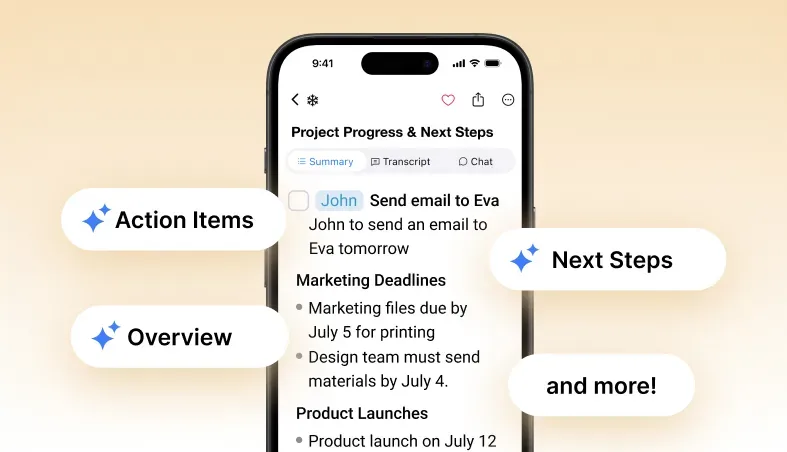
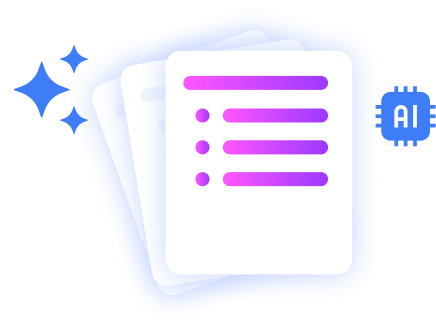
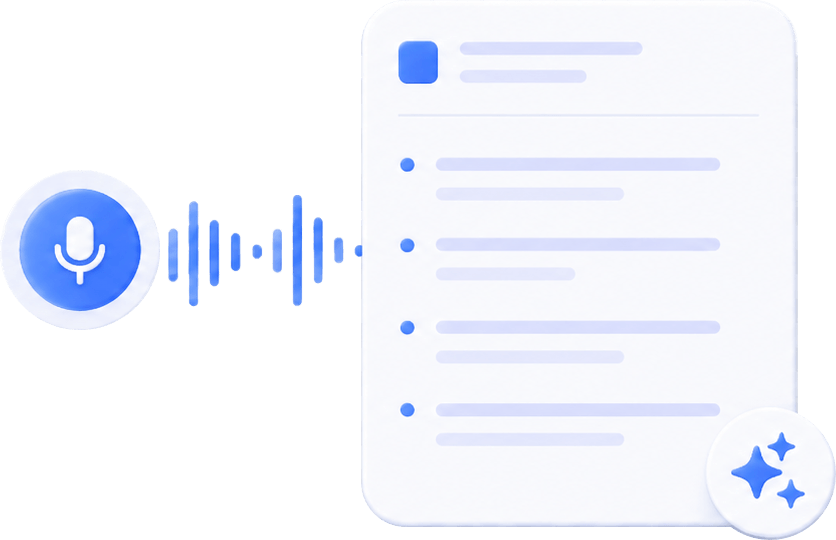
- AI summaries & key insights
More Than Just AI Video Transcription

Meeting Assistant
Your AI meeting assistant that assist to meetings, gets action points, and provides answers with AI.
Our results in numbers
+10M
active users
cloud-based
in the App Store
User testimonials


Rated 4.9 out of 5 from +16,000 reviews
“I use Summary AI’s AI Video Transcription feature to turn training videos, webinars, and recorded meetings into accurate transcripts in minutes. It saves me hours of manual work and makes it easy to repurpose content, generate captions, and share searchable notes with my team.
Everything stays organized in one place, and the transcripts are incredibly accurate. It’s become an essential part of our content workflow.”
Daniel Roberts – Content Operations Manager




Summary AI Learning Hub
Expert advice, tips & how to guides about transcriptions, summaries and productivity. Get the most out of our summaries.



AI Video Transcription FAQs
What is the best AI video transcription tool?
SummaryAI is a powerful tool for video transcription, offering high accuracy, speaker diarization, and AI-generated summaries to save time reviewing long videos.
Can I upload a video to get a transcript?
Yes — you can upload video files to SummaryAI, and the app will automatically extract the audio and generate a full transcript and summary.
How do I generate an AI video transcript?
To convert video to text, simply upload your file to Summary AI’s Video to Text Converter. Our AI-powered transcription service automatically extracts the audio, converts it to text with high accuracy, and formats it into a clean, editable transcript.
You can then use the text for captions, meeting notes, blog content, or documentation — all without manual typing. Unlike traditional transcription services, Summary AI delivers results instantly and supports multiple formats for easy export and sharing.
Can AI transcribe videos automatically?
Yes — SummaryAI uses advanced AI to automatically transcribe videos with high accuracy, even for long or multi-speaker content.
How accurate is AI video transcription?
AI video transcription with Summary AI is highly accurate and designed to transcribe meetings, webinars, interviews, lectures, and video recordings with clear speaker separation and readable formatting. Accuracy may vary depending on audio quality, background noise, and speaker clarity, but most videos are transcribed within minutes with reliable results.
Stop Rewatching Videos for Important Details
- Generate accurate AI video transcripts in minutes.
- Create captions, summaries, and searchable notes automatically.
- Keep recordings, transcripts, and video insights organized in one place.
- Secure cloud-based transcription with GDPR, ISO & CCPA compliance.

