
AI Audio Transcription for Recordings, Interviews & More
Automatically transcribe audio into clear text, organized notes, and AI-powered summaries in seconds with Summary AI.


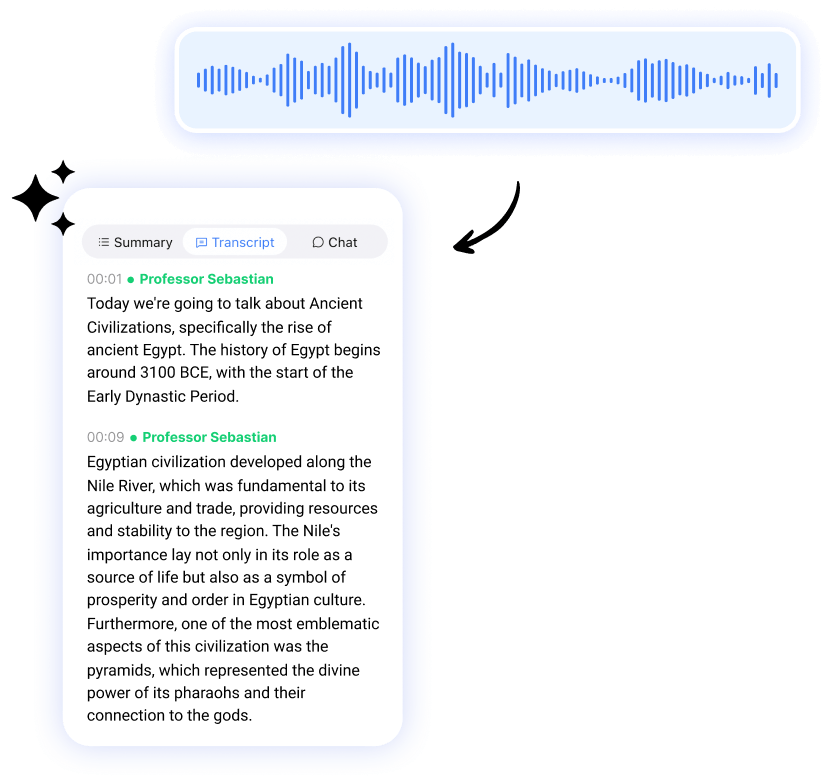







Capture Every Word Live With Our Transcription Software
Step 1
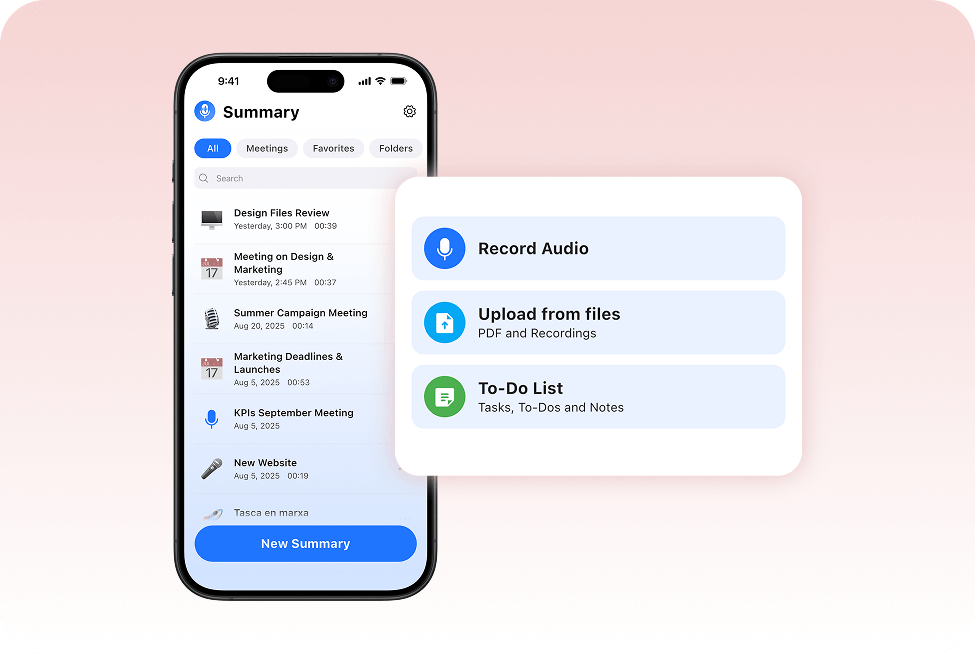
Record or Upload Audio in Seconds
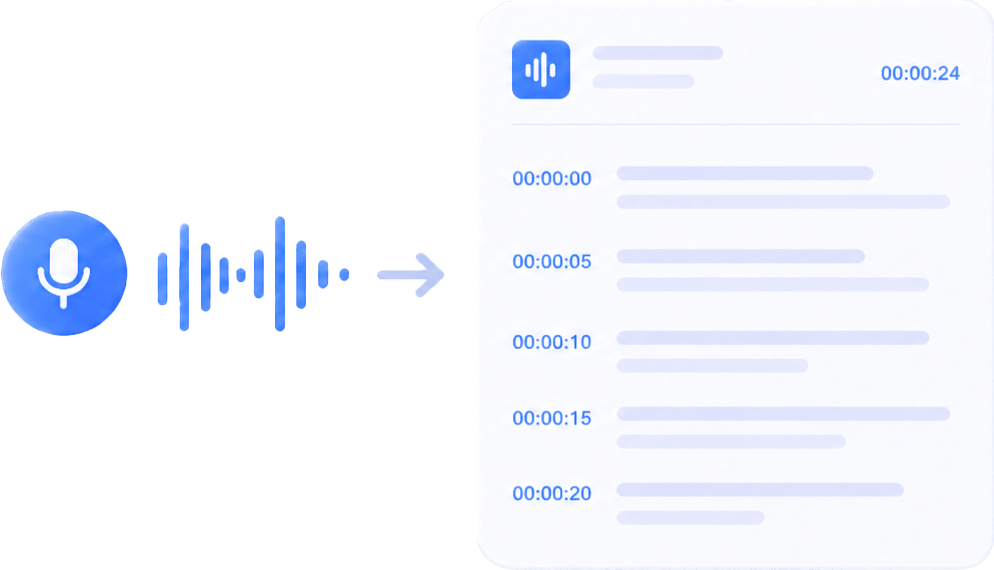
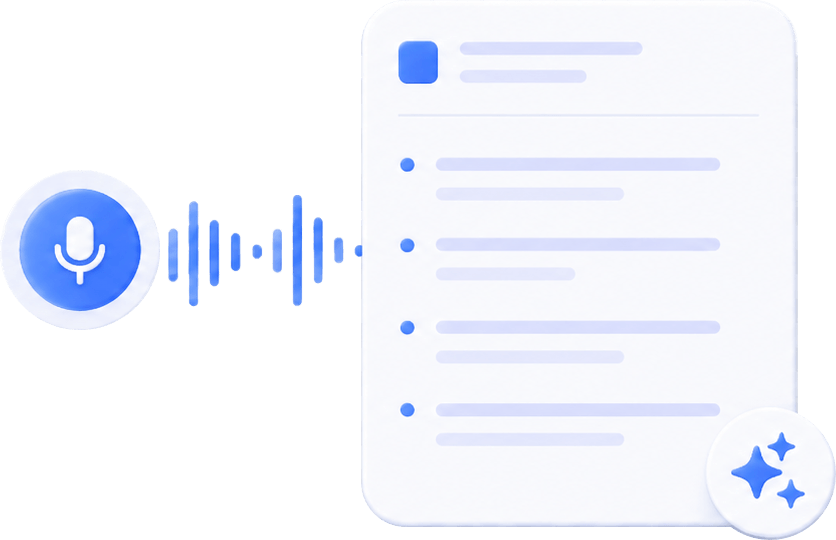
Capture interviews, lectures, voice notes, and recordings directly in Summary AI and instantly start generating accurate transcripts with AI-powered transcription.
Step 2
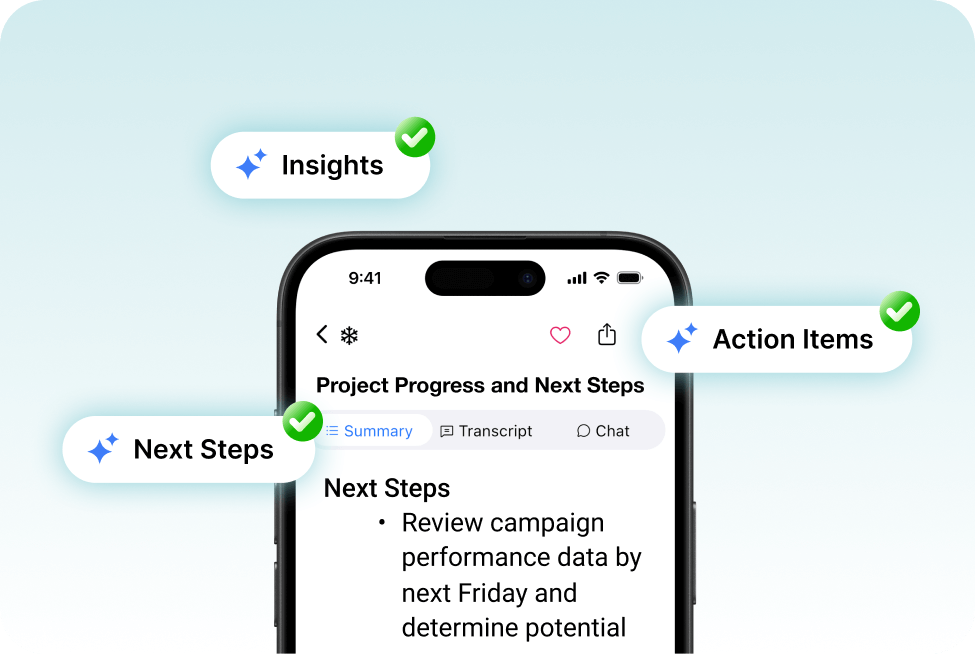
Turn Long Recordings Into Clear Transcripts
Use AI prompts to turn transcripts into summaries, follow-up emails, action items, and organized meeting agendas without manually reviewing long recordings.
Step 3
Edit, Export and Share
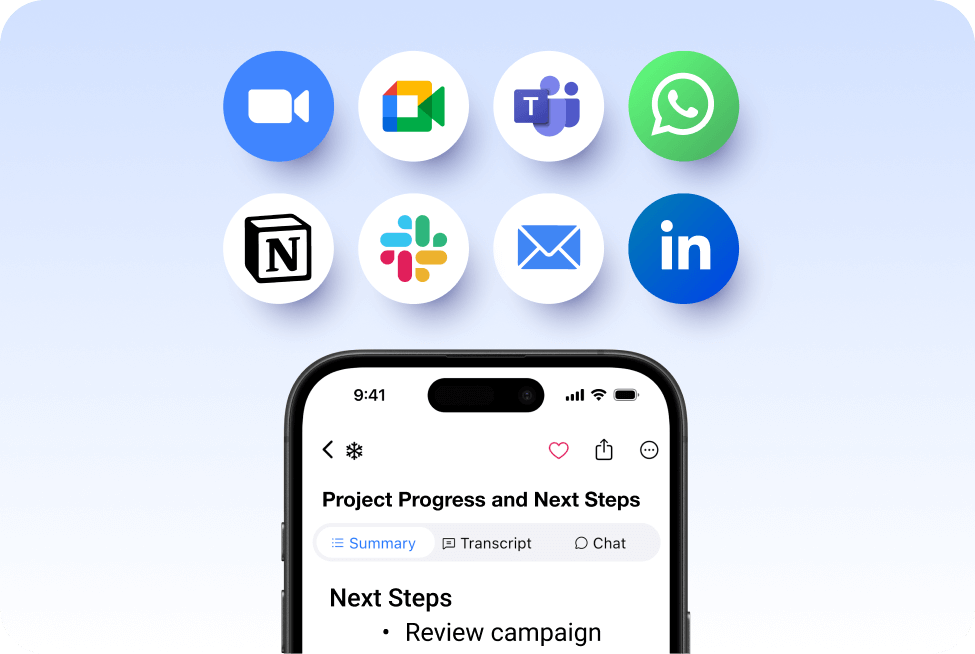
Edit transcripts, organize important details, and easily revisit recordings, summaries, and notes whenever you need them with Summary AI.
Generate an Audio Transcript of Your Audio File in Seconds
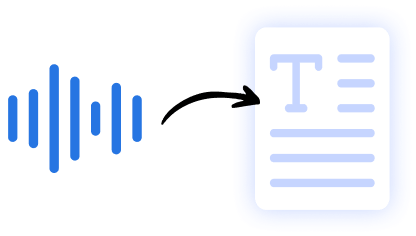
Thanks to Speech To and Google Voice Typing dictation features, Summary AI can convert any audio recording or audio file into a Google Doc or Microsoft Word document in seconds. Then, you can edit it directly from your phone or MacBook and export it to PDF or other file formats effortlessly.
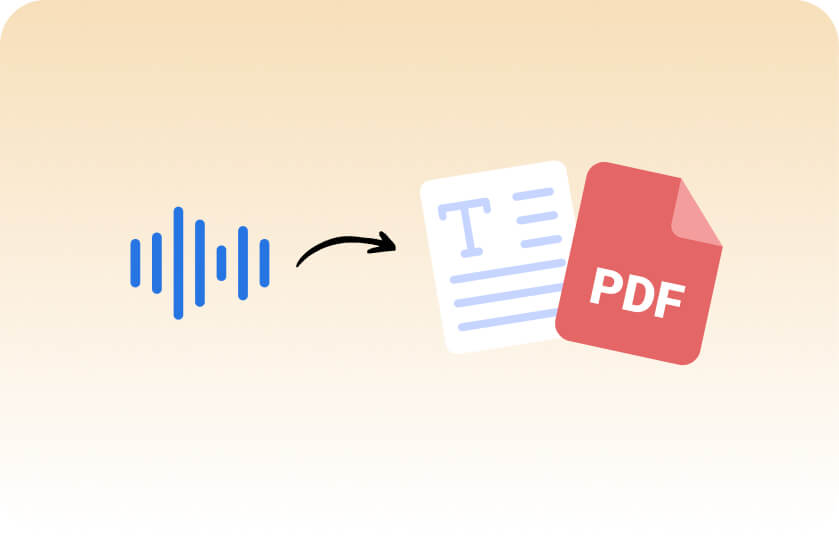
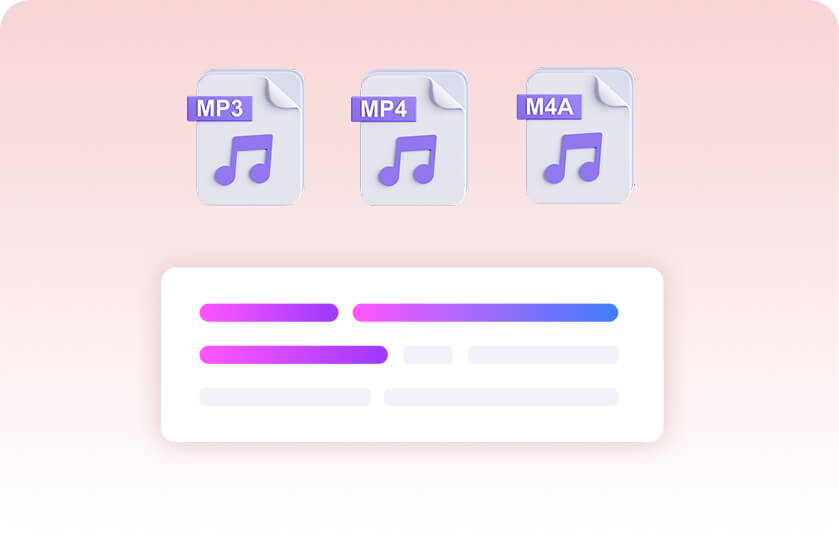
Transcribing sound to text has never been easier
Everything You Need Beyond Transcription Audio

Meeting Assistant
Your AI meeting assistant that assist to meetings, gets action points, and provides answers with AI.

Our results in numbers
+10M
active users
cloud-based
in the App Store
User testimonials


Rated 4.9 out of 5 from +16,000 reviews
“I use Summary AI’s AI Audio Transcription feature to transcribe client interviews, recordings, and team discussions. It’s fast, accurate, and saves me hours every week. Instead of replaying long audio files, I get clear, editable transcripts I can instantly use in Microsoft Word, Evernote, and shared documents.
It’s become an essential part of my workflow as it is simple, reliable, and incredibly time-saving.”
It’s become an essential part of my workflow as it is simple, reliable, and incredibly time-saving.”




Summary AI Learning Hub
Expert advice, tips & how to guides about transcriptions, summaries and productivity. Get the most out of our summaries.



FAQs About Our Free Audio Transcription
How do I transcribe an audio recording?
Record directly or upload your audio file to SummaryAI, and the app will automatically convert it into a word-for-word transcript with speaker separation and an AI-generated summary.
Is there an app for AI audio transcription?
Yes, SummaryAI is a mobile app that lets you record or upload audio and instantly turn it into accurate text and summaries.
Can I transcribe audio on my phone?
Yes — with SummaryAI on iOS or Android, you can record or upload audio directly from your phone and get a transcript in minutes.
What is the best tool to automatically transcribe audio files?
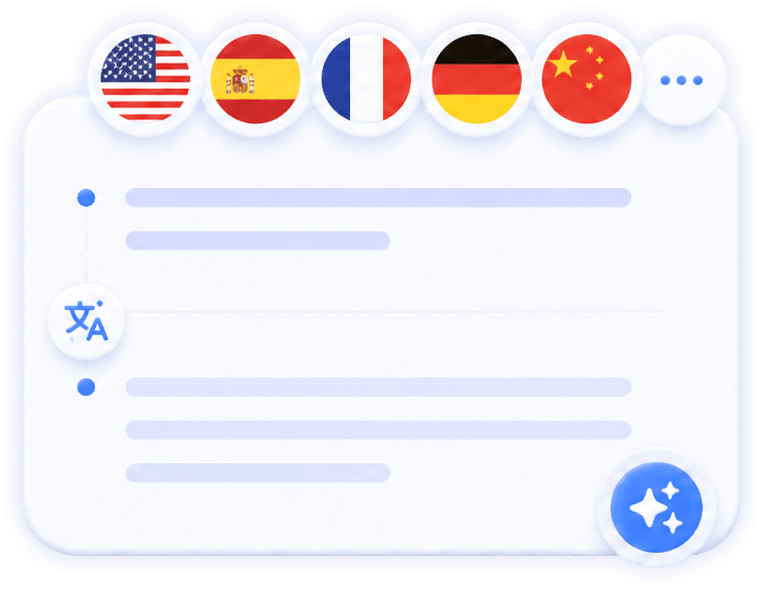
SummaryAI is designed specifically for automatic transcription, combining high accuracy, support for 120+ languages, and built-in summaries and action items.
How accurate is AI audio transcription?
AI audio transcription with Summary AI is highly accurate and designed to capture conversations, interviews, lectures, and recordings with clear speaker separation and readable formatting. Accuracy may vary depending on audio quality, background noise, and speaker clarity, but most recordings are transcribed within seconds with reliable results.
Turn Every Audio Recording Into Something Useful
- Generate accurate AI audio transcriptions in seconds.
- Keep recordings, transcripts, and summaries organized in one place.
- Edit and export transcripts directly from your phone or browser.
- Secure cloud-based transcription with GDPR, ISO & CCPA compliance.

