#1 Transcription App 2025.

stars

Rated 4.9 out of 5

  1. Home
  2. »
  3. Features
  4. »
  5. AI Meeting Agent

Nº1 AI Meeting Agent

The AI Meeting Agent that takes meeting notes for you

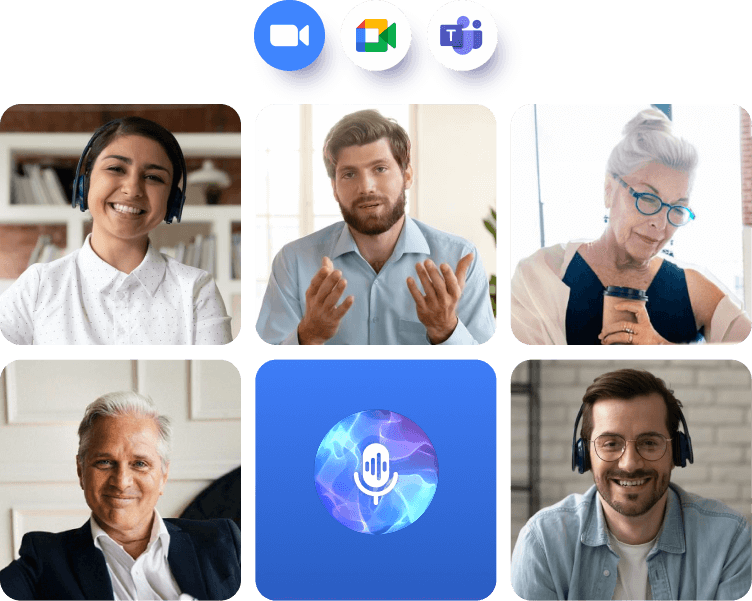
Invite Summary AI to your Zoom, Google Meet, or Microsoft Teams calls. It joins automatically, captures every word with precision, and sends you a clear summary the moment the meeting ends.

ai meeting agent
For both online and offline meetings!
freen-life-logo
digitech-logo
don-didier-logo
optimex-logo
logo-hero-new-life
megalinks-logo
pms-food-logo

How to use the AI meeting minutes note taker?

Step 1

Connect your Google or Outlook Calendar

Summary syncs to your calendar and detects which meetings you have in the future.
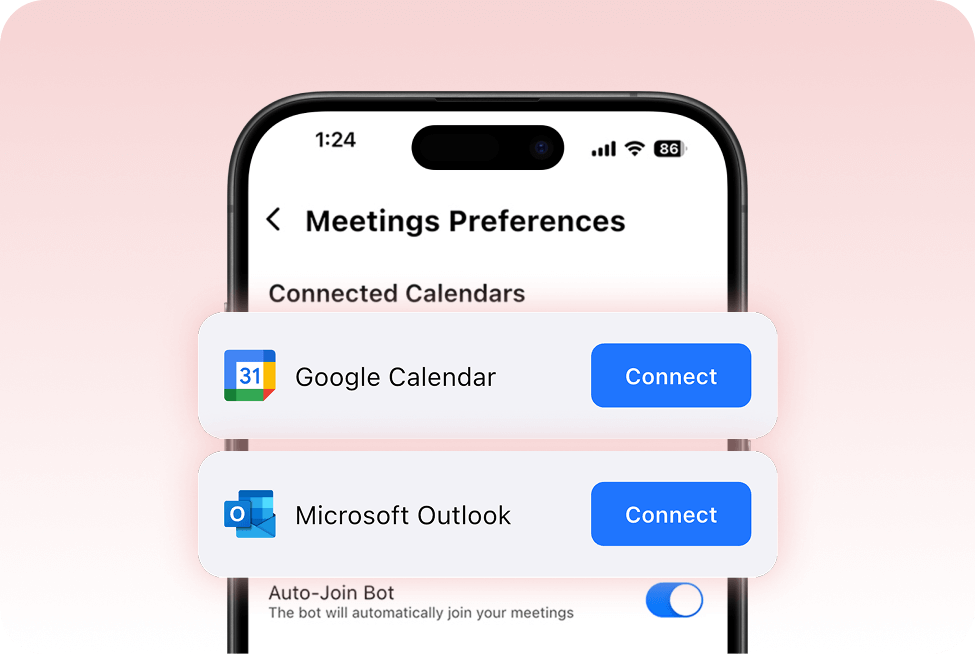
Smartphone screen showing “Meetings Preferences” with pop-up cards for “Google Calendar” and “Microsoft Outlook,” each featuring a “Connect” button, against a soft pink background.
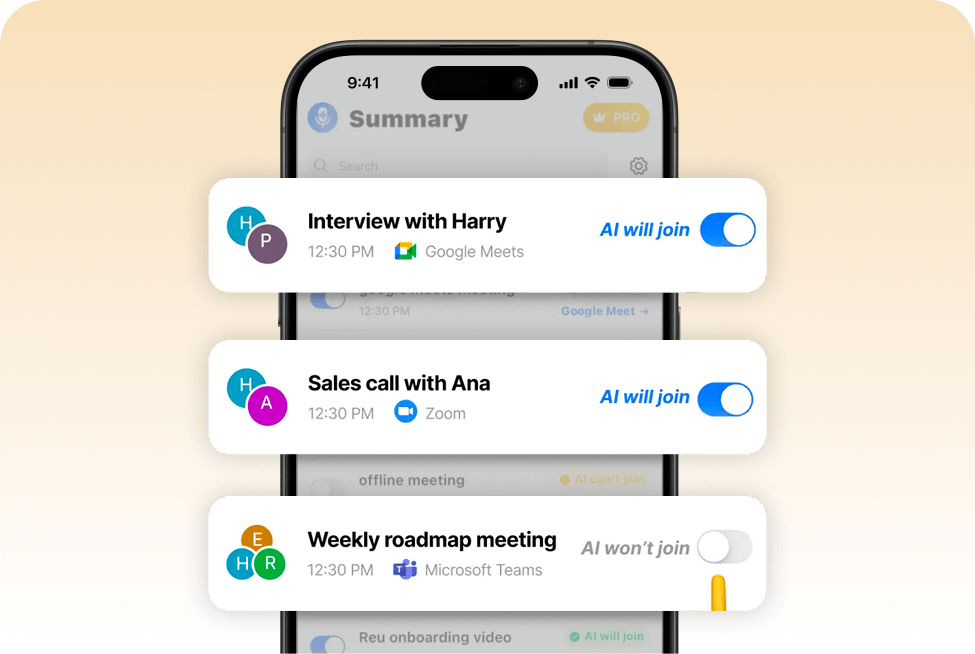
Smartphone screen overlays three meeting entries: “Interview with Harry” (Google Meets) and “Sales call with Ana” (Zoom) with “AI will join” toggles ON, and “Weekly roadmap meeting” (Teams) toggle OFF.

Step 2

Choose the meetings you want your agent to join

Summary AI’s meeting note taker will only join the meetings you allow it to. Turn the toggle on and the meeting agent will join automatically.

Step 3

Get instant 

meeting notes

Focus on your meeting while your agent joins, transcribes and does the minute taking for you.
project managers in a library, writing in a notebook with a tablet beside her, illustrating AI-enhanced note-taking.
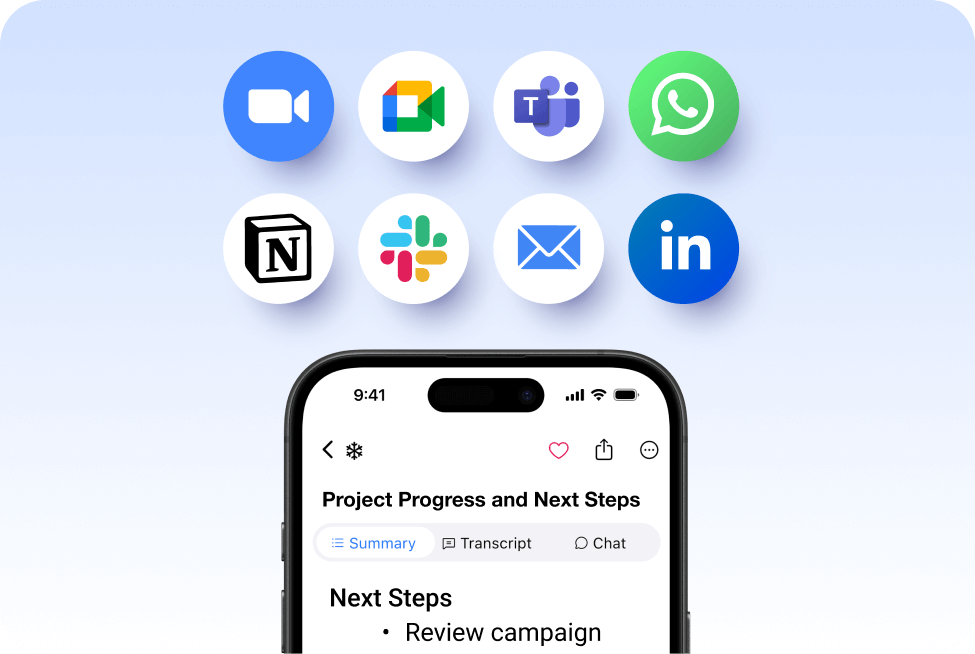
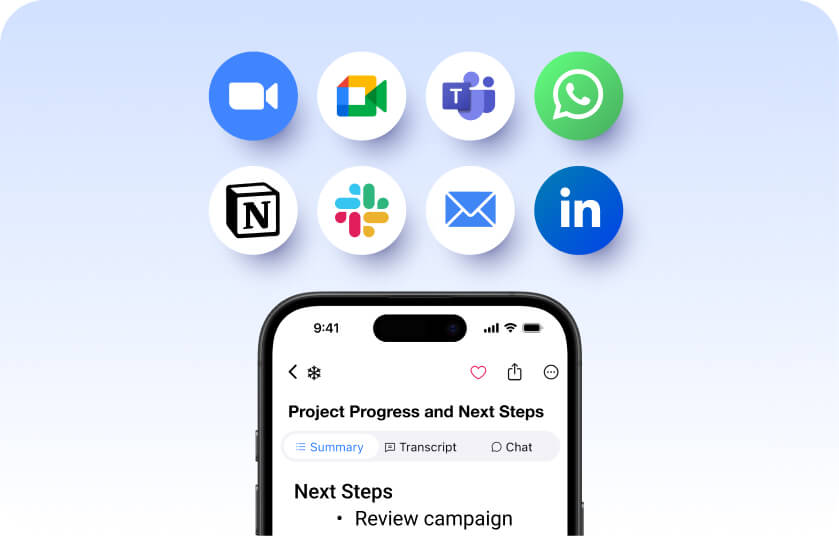
Mobile view of SummaryAI.app’s Project Progress & Next Steps screen, with share icon callouts, beneath a row of integration logos: Zoom, Google Meet, Microsoft Teams, WhatsApp, Notion, Slack, Email, and LinkedIn.

Step 4

Share your
AI meeting minutes

Simply click ‘Copy’ and share the key meeting points with all stakeholders, or let your agent email participants with the summaries for you.

Available for both online
and offline meetings

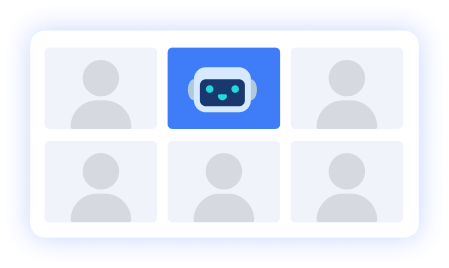
Your Summary Agent can join Google Meets, Zoom and Microsoft Teams meetings, but you can also manually record any meeting offline
Laptop displaying a remote video conference grid on the left, a central AI microphone icon, and an in-person meeting around a table on the right, illustrating hybrid meeting summaries.
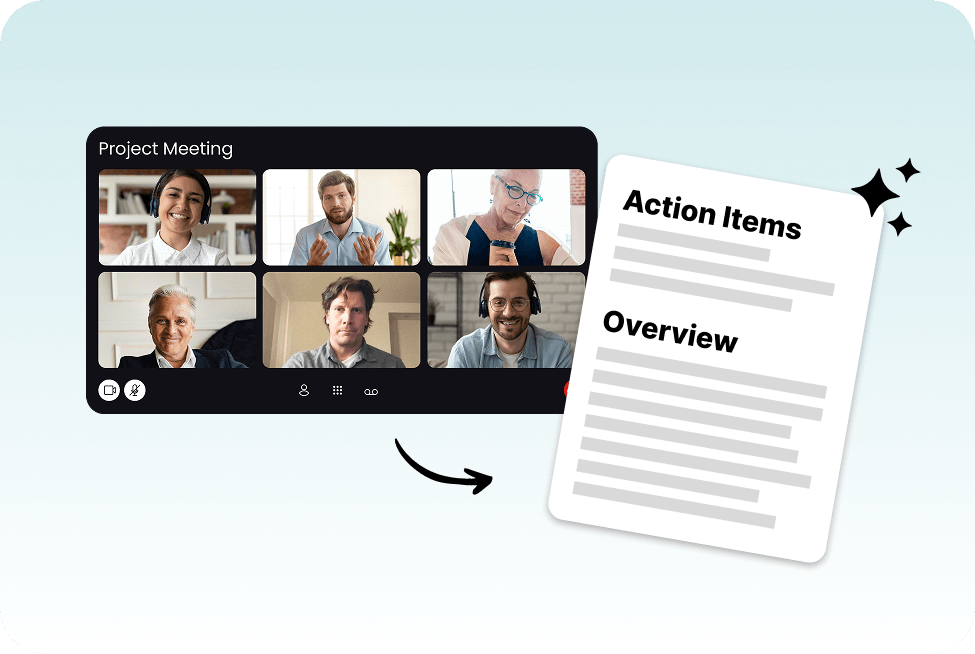
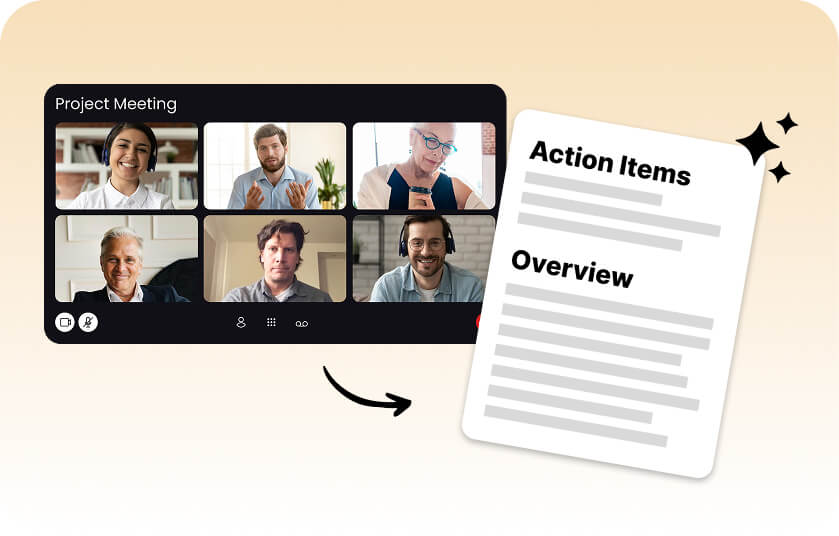
Video conference grid labeled “Project Meeting” next to an AI-generated document titled “Action Items” and “Overview,” illustrating how a project manager leverages SummaryAI.app for efficient meeting summaries.

Action items that keep your team aligned

Summary AI automatically identifies every task mentioned in a meeting and detects who it’s assigned to. Once your meeting ends, you’ll get a clear list of next steps by person, so nothing slips through the cracks. Stay aligned, accountable, and focused on execution — not manual note-taking.

Accurate transcripts with speaker detection & translation
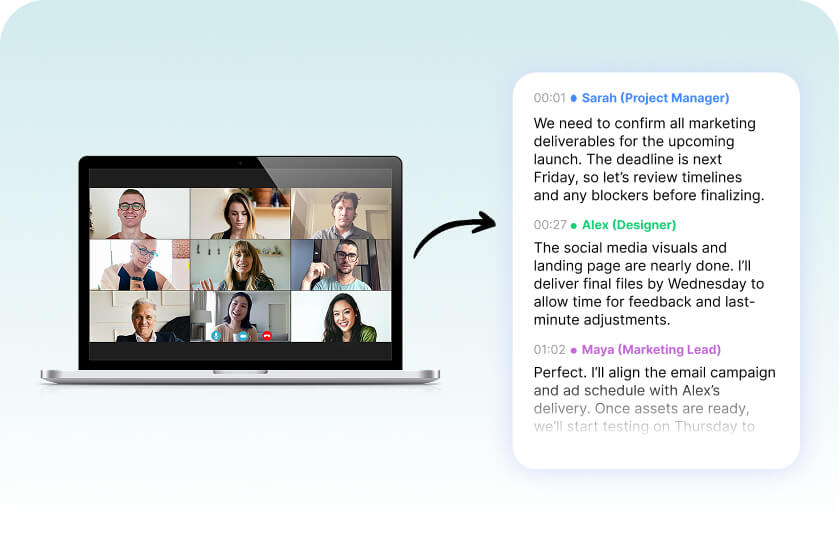
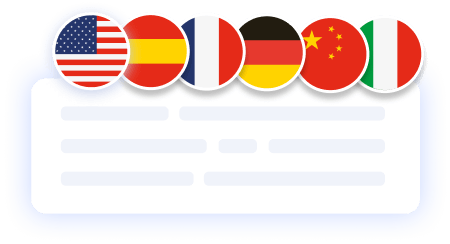
Summary AI delivers precise, word-for-word transcripts for every meeting. Each speaker is automatically identified, so you always know who said what. Need it in another language? Instantly translate your transcript into over 120 languages — perfect for global teams and multilingual collaboration.
Laptop screen showing a video conference grid of six participants next to a transcript panel listing messages from Sarah (Project Manager), Alex (Designer), and Maya (Marketing Lead).
Eight circular icons (Zoom, Google Meet, Teams, WhatsApp, Notion, Slack, Email, LinkedIn) floating above a smartphone screen showing SummaryAI.app’s “Project Progress and Next Steps” summary view on a soft blue gradient background.

Effortless sharing for better collaboration

Summary AI makes it easy to share insights and keep everyone aligned. Instantly distribute meeting summaries, store them securely in the cloud, and enable collaborative editing so teammates can add comments or ideas. Simple sharing keeps your team connected and your projects moving forward.

More Features

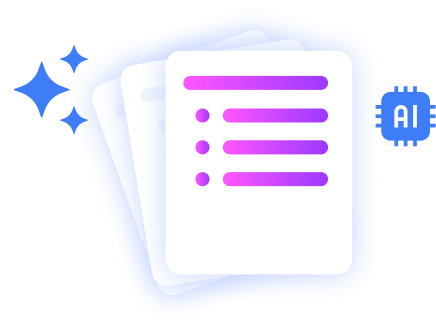
Stacked document pages with a colorful bullet list icon, sparkles, and an AI chip icon, representing AI-powered polished document summaries.

AI Summaries

Generate instant, AI powered notes after every meeting.

summary ai in a meeting call

Transcribe Live

Record audio and get live word-for-word transcription.

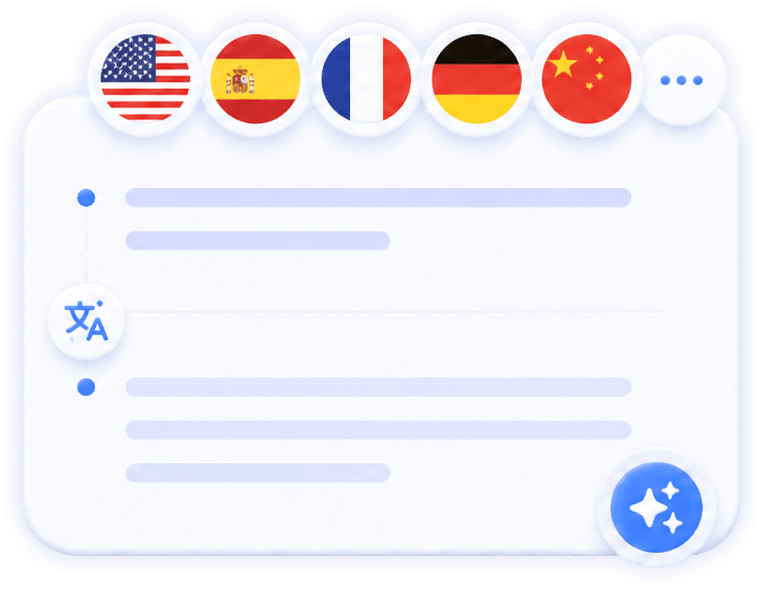
translate the meeting notes in different languages

Translate Meetings Live

Translate meetings in 120 languages.

you can record a voice note and summary ai will transcript the information

AI Chat

Ask AI anything about your meeting.

summary ai feature

Background Recording

Transcribe any video to text.

Illustration of stacked document pages with a shield and lock icon, symbolizing secure, privacy-focused AI summaries.

Private Summaries

Transcribe any video to text.

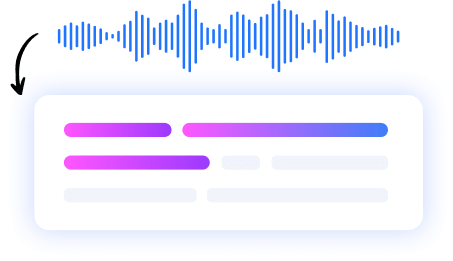
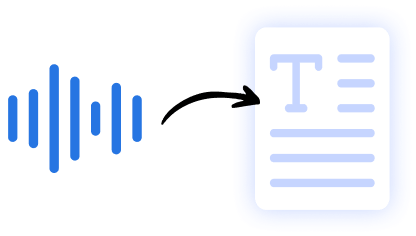
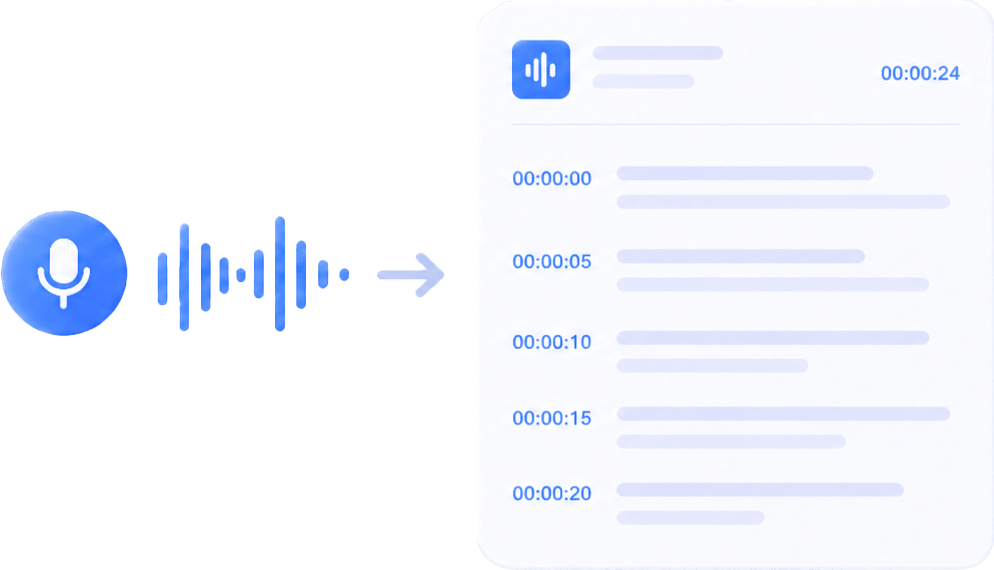
Graphic showing audio waveforms transforming into a text document, illustrating speech-to-text conversion by AI.

Audio to Text

Transcribe any video to text.

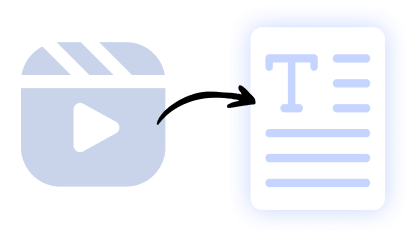
Illustration of a video clip icon converting into a text document, representing AI-powered video-to-text summarization.

Video to Text

Transcribe any video to text.

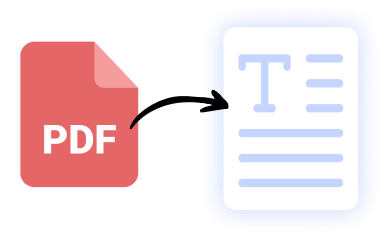
Icon of a red PDF file converting into a text document, symbolizing AI-driven PDF-to-text extraction by SummaryAI.app.

PDF to Text

Transcribe any PDF to text.

Our results in numbers

+10M

active users

+20M
monthly recordings
100%
private &
cloud-based
4.9 / 5

in the App Store

User testimonials

testimonial symbol
app-store
stars

Rated 4.9 out of 5 from +16,000 reviews

“Summary AI is an excellent app that helps our team gather all the important action points from our company meetings… It’s really helpful when you have an AI agent taking notes from you, so you can really focused on what’s being said and discussing opinions and priorities, instead of having to take manual notes… ”


Senior Graphic Designer, November 2025
best usability winter 2025 badge G2
leader g2 winter 2025
bagde software advice front runners
capterra badge shortlist top 2025

Summary AI Learning Hub

Expert advice, tips & how to guides about transcriptions, summaries and productivity. 
Get the most out of our summaries.

what is an objective summary

What Is an Objective Summary? The Complete Guide (Examples + AI Tips)

6 mins read.

Virtual Meeting Etiquette: Guide to Professional Online Communication

5 mins read.

How to Download Zoom Video Communications: The Complete Guide (With AI Tips)

6 mins read.

AI Meeting Agent FAQs

An AI meeting agent automatically joins your online meetings, records the conversation, creates a full transcript, and generates an AI-powered summary with key points and action items.

An AI meeting agent is a virtual participant that attends meetings on your behalf to capture, transcribe, and summarize everything discussed.

SummaryAI’s meeting bot is an example — it connects to your calendar, joins Zoom, Google Meet, or Microsoft Teams meetings, and delivers transcripts and summaries automatically.

Yes — SummaryAI uses secure connections and encryption to protect your meeting data, and the agent only joins meetings you’ve authorized.

They connect through your linked calendar and meeting links, join as a participant at the scheduled time, and record the meeting just like a human attendee would.

Get rid of manual meeting notes 
& download Summary AI today!

summary ai app in desktop and phone
Scroll to Top