- Home
- »
- Integrations
- »
- Teams Recorder

Zoom Meet Recording & AI Notes
Never Miss Important Decisions With Teams Recording
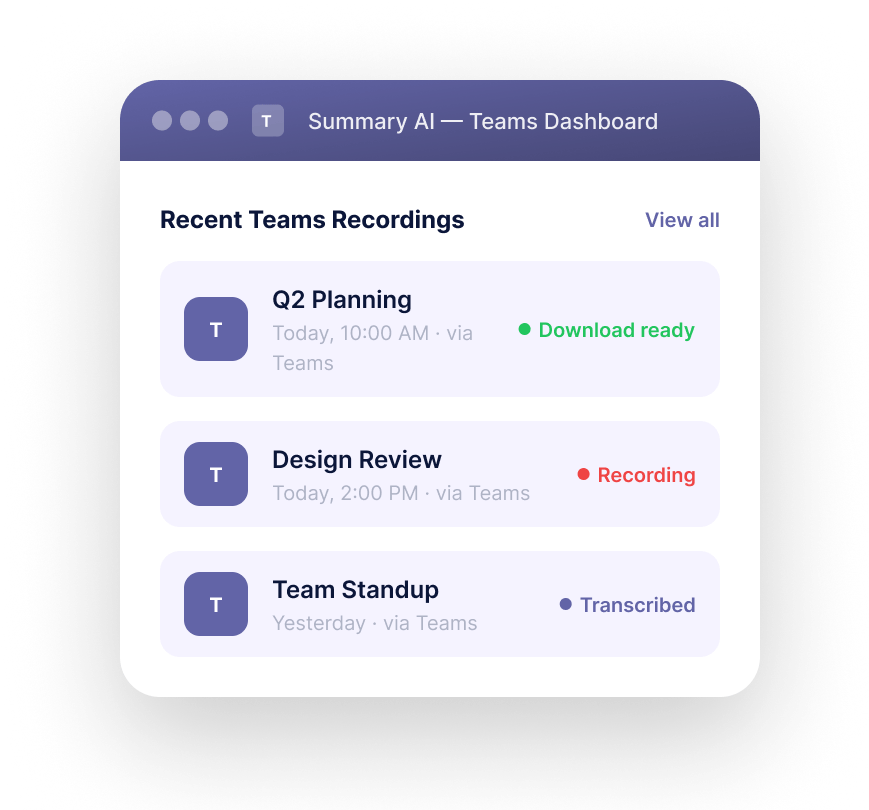
Automatically record Microsoft Teams meetings with AI-powered transcription, searchable meeting notes, and downloadable recordings for your entire team. Capture every decision, discussion, screen share, and action item without relying on manual notes.









Record Teams Meetings Without Losing
Important Context
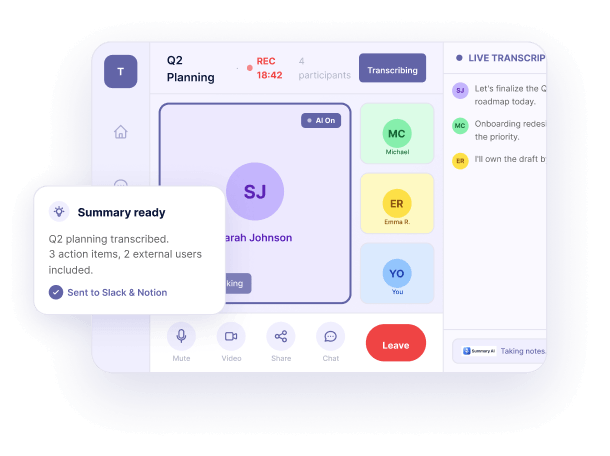
From project updates and customer calls to hiring interviews and weekly syncs, Summary AI records every Teams meeting automatically and turns conversations into searchable team knowledge.
Review transcripts, revisit video clips, download meeting recordings, and keep every discussion organized in one secure workspace.
01
Start Recording Teams Meetings
in Seconds
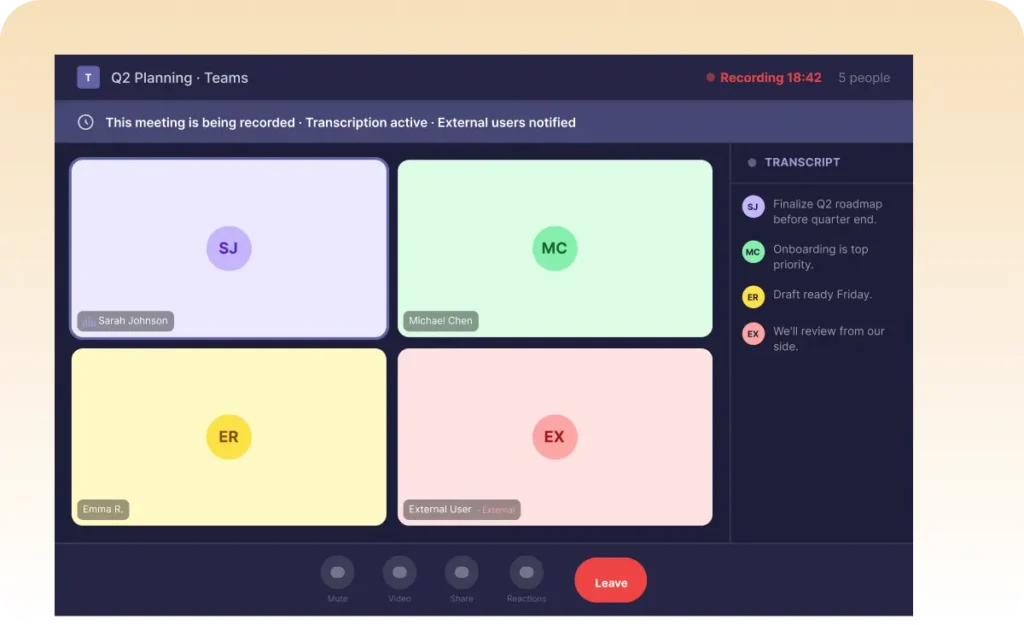
Start recording teams meetings instantly with automatic or manual recording controls. Capture internal calls, client conversations, onboarding sessions, workshops, and collaborative discussions without interrupting your workflow.
02
Automatically Record Teams Meetings With AI Notes
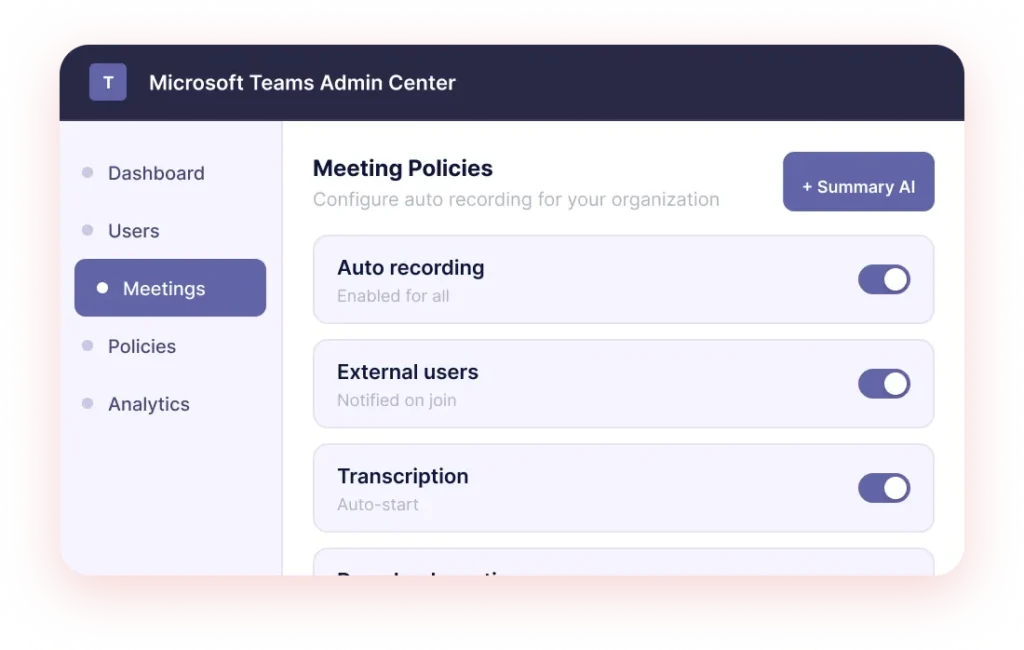
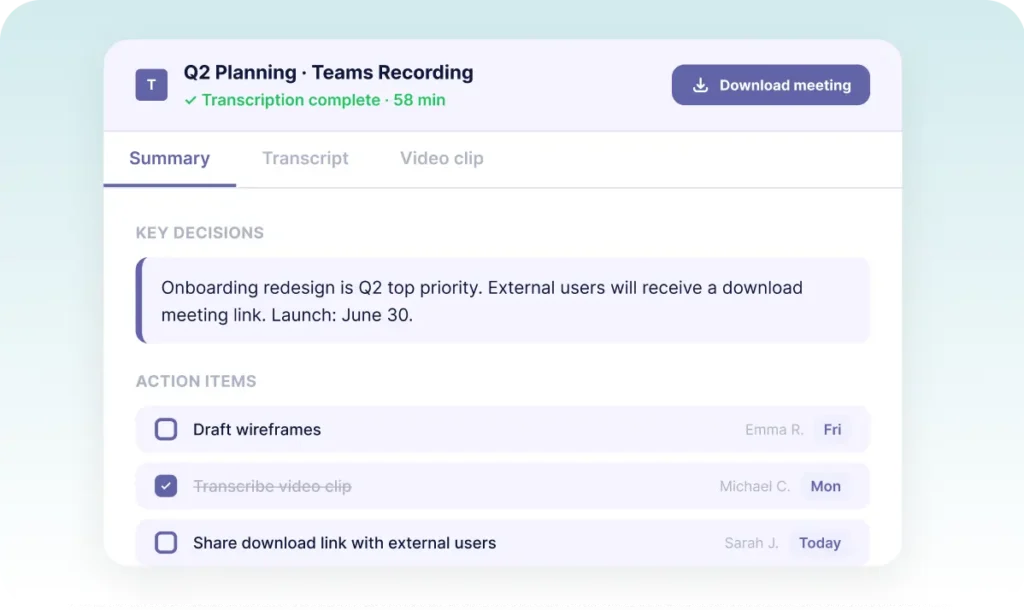
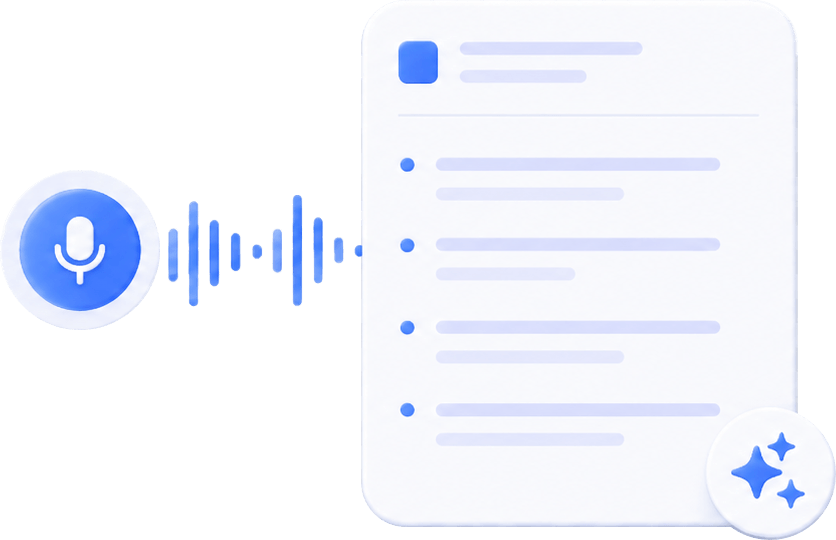
Enable auto recording to instantly capture meetings the moment they begin. Summary AI creates accurate teams transcription, highlights important decisions, detects action items, and generates smart meeting summaries your team can review later.
03
Access Notes, Transcription, and Meeting Recordings Anytime
Search across meeting notes, speaker-based transcription, action items, and recordings in seconds. Revisit important video clips, download meeting recordings, and instantly find the exact moment your team needs.
Keep every conversation searchable so no decision, task, or customer detail gets lost.
Everything You Need
After You Record a Teams Meeting
Recording a meeting is only the beginning. Summary AI turns every Teams recording into searchable knowledge your team can revisit, organize, and share.

AI Meeting Recording
Capture Microsoft Teams meetings automatically with high-quality recording, synced meeting notes, and speaker-aware transcription.

AI Powered Meeting Follow Ups
Turn conversations into structured summaries, action items, decisions, and tasks your team can immediately act on.

Search Every Teams Recording
Find keywords, tasks, shared moments, or specific video clips across every recorded Teams meeting, or ask AI Chat to instantly find what you need.

Share Notes and Recordings
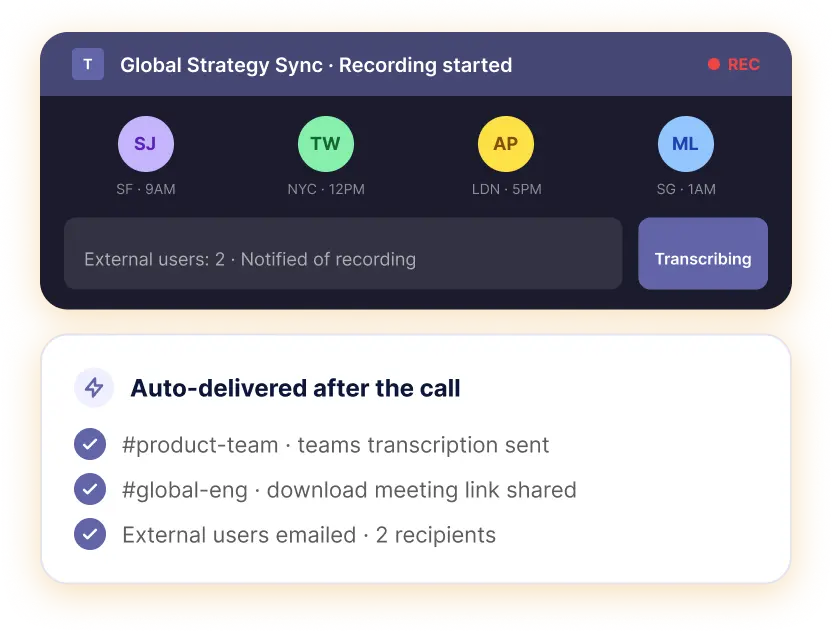
Share meeting recordings, downloadable notes, and transcription links with teammates, external users, clients, or stakeholders.

Productivity
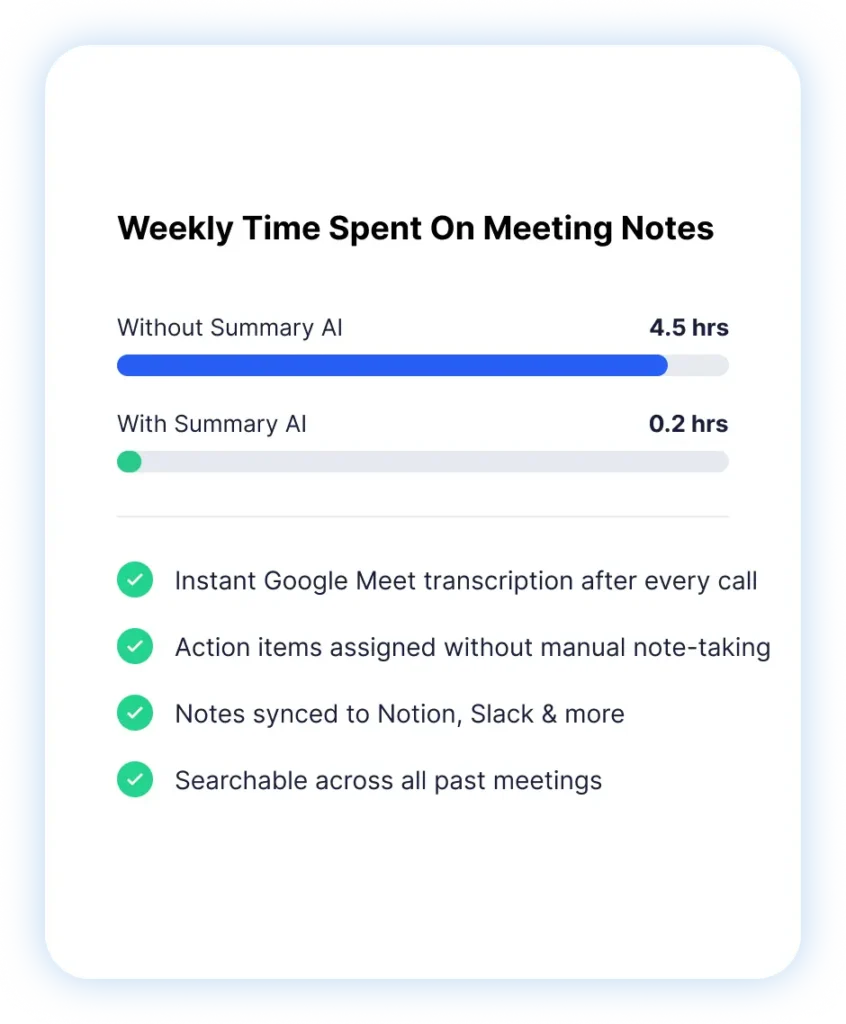
Save Hours Every Week with Smarter Teams Recording
Summary AI records Teams meetings automatically, organizes conversations, and helps your team spend less time searching through notes and more time executing.

4.5h
Saved per week

18h
Saved per month

10M+
Users worldwide

99%
Transcript accuracy
Built for Fast-Moving Teams on Microsoft Teams
From fast-moving startups to enterprise collaboration, Summary AI helps teams record meetings, organize conversations, and keep every important discussion searchable. Use it for:
- Weekly team syncs
Client onboarding calls - Product planning meetings
- Customer success check-ins
- Recruiting interviews
Turn Teams Recording Into Organized Workflows
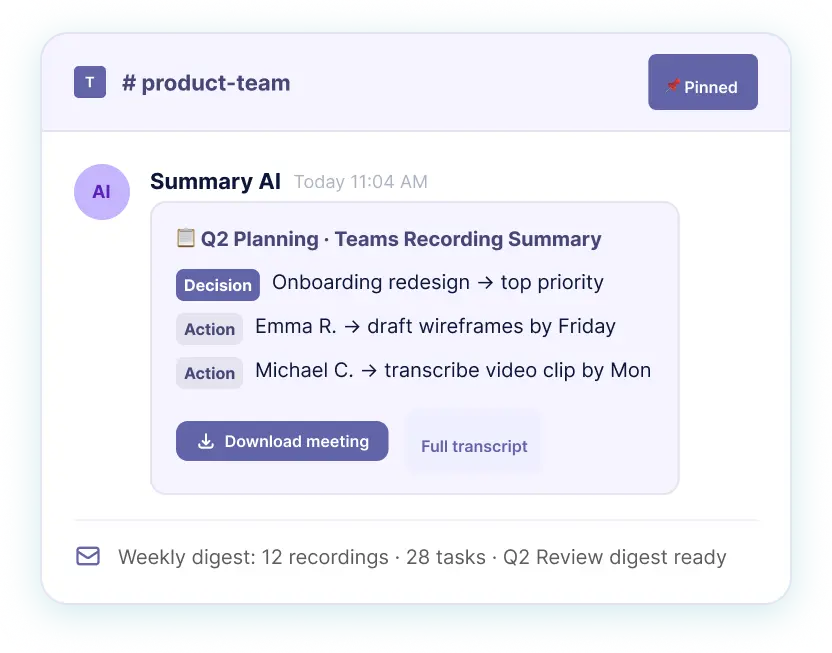
Summary AI automatically transforms recorded meetings into structured knowledge your team can instantly revisit. After every Teams meeting, automatically:
- Generate AI meeting summaries
- Capture action items
- Transcribe conversations
- Share notes with external users
- Search previous discussions instantly
More AI Tools for Smarter Meetings & Team Productivity
Meeting Assistant
Your AI meeting assistant that assist to meetings, gets action points, and provides answers with AI.
Our results in numbers
+10M
active users
cloud-based
in the App Store
Teams Using Summary AI Save Hours on
Microsoft Teams Meetings


Rated 4.9 out of 5 from +16,000 reviews
“Before Summary AI, our team spent hours replaying recorded meetings just to find decisions and follow-ups. Now every Teams recording is automatically transcribed, summarized, and searchable. We move faster because nothing gets lost anymore.”
– Susanne Rodriguez., Project Manager




Summary AI Learning Hub
Explore practical guides on Teams recording, meeting transcription, AI meeting notes, and productivity workflows for modern teams using Microsoft Teams.



Teams Recording FAQs
How do I transcribe a Microsoft Teams meeting?
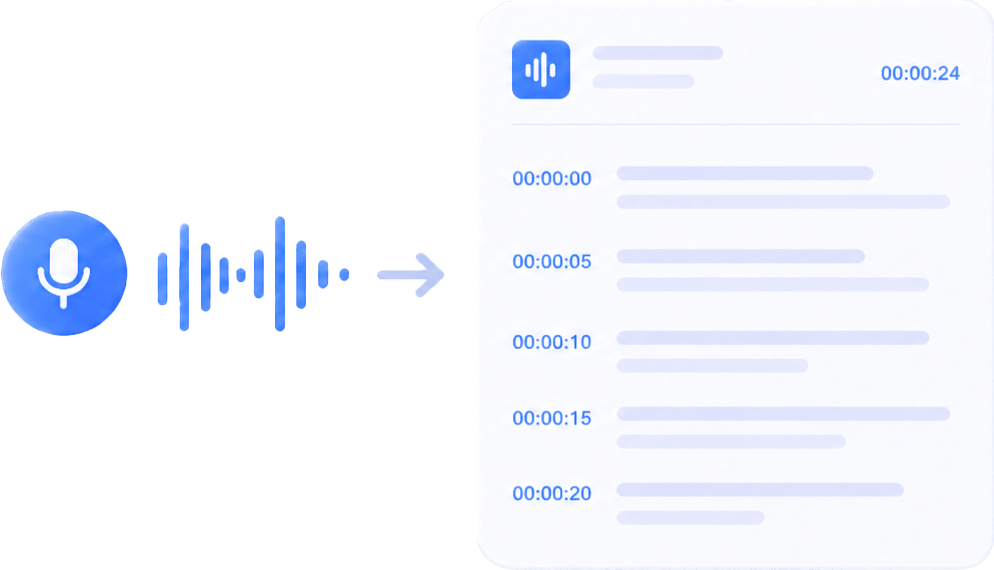
Summary AI automatically creates teams transcription for every recorded meeting, including speaker labels, searchable text, and AI-generated meeting summaries.
Where are Teams meeting recordings stored?
Teams meeting recordings, transcripts, and downloadable notes are securely organized inside your Summary AI workspace for quick access and sharing.
Can I share Teams recordings with external users?
Yes. You can securely share meeting recordings, transcripts, summaries, and downloadable links with clients, contractors, and external collaborators.
Can I search inside Teams meeting transcripts?
Yes. Search across transcription, action items, meeting notes, keywords, and video clips to instantly find important discussions.
Does Summary AI support automatic Teams recording?
Yes. Enable auto recording to automatically capture Teams meetings the moment they begin without manual setup.
Start Recording Teams Meetings Smarter
Automatically record Microsoft Teams meetings, generate AI-powered transcription, and keep every conversation searchable, organized, and easy to revisit.