- Home
- »
- Integrations
- »
- Google Meet

Google Meet Recording & AI Notes
Never miss a word from your Google Meet Recording
Record meetings, capture conversations, and generate searchable notes automatically with Summary AI. Turn every Google Meet call into organized transcripts, summaries, action items, and follow-ups in minutes.


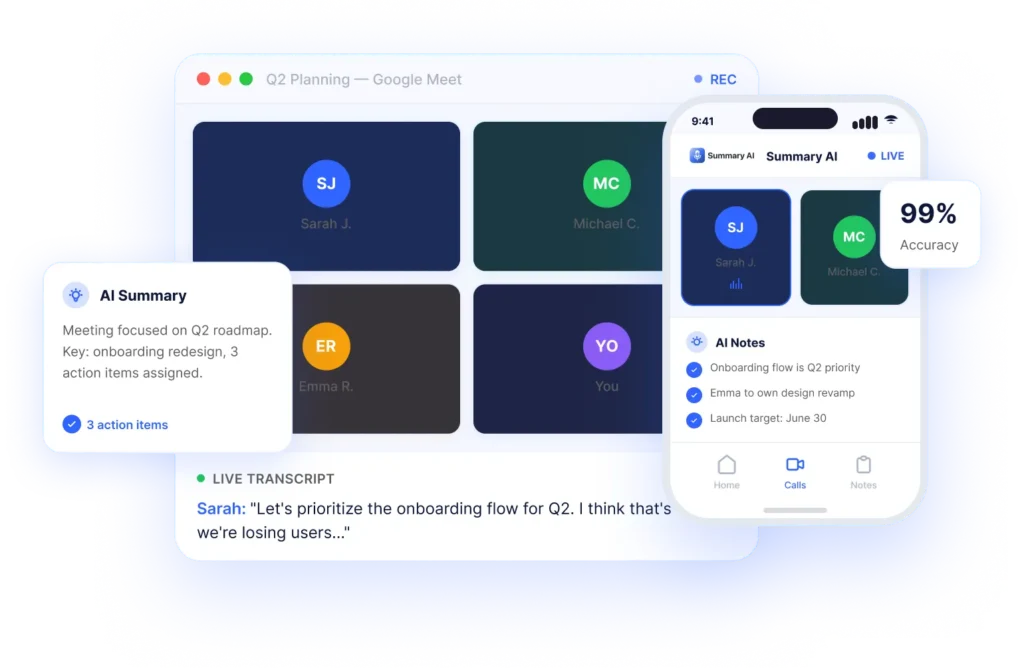







From Google Meet Calls to Searchable Notes & Transcripts
Record Google Meet conversations automatically and turn every video call into searchable meeting notes, AI summaries, action items, and organized transcripts in minutes.
01
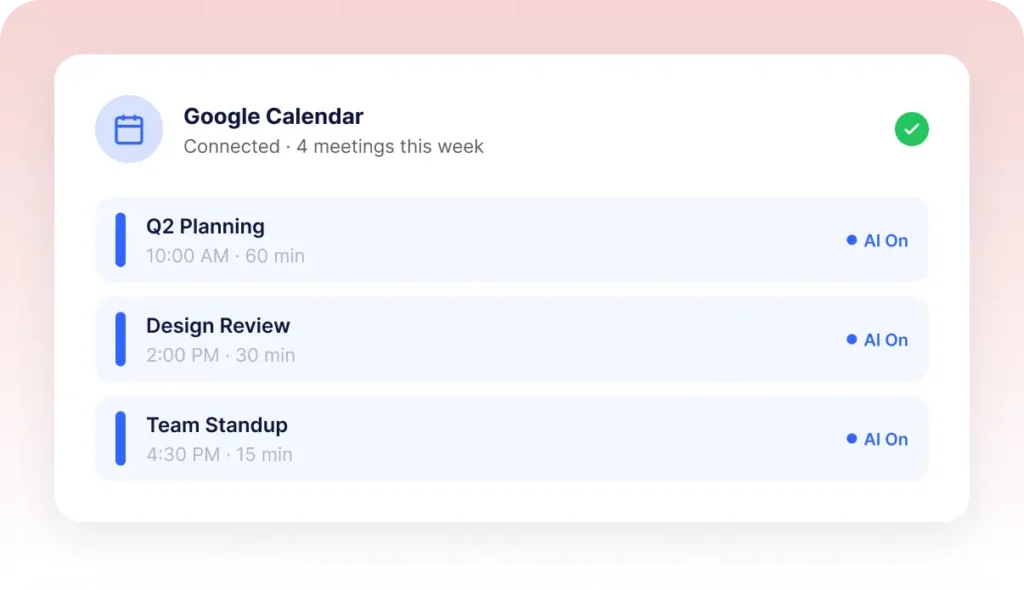
Connect Your Google Workspace Calendar
Sync your Google Workspace account with Summary AI to automatically import upcoming Google Meet video calls, schedules, and meeting events without manual setup.
02
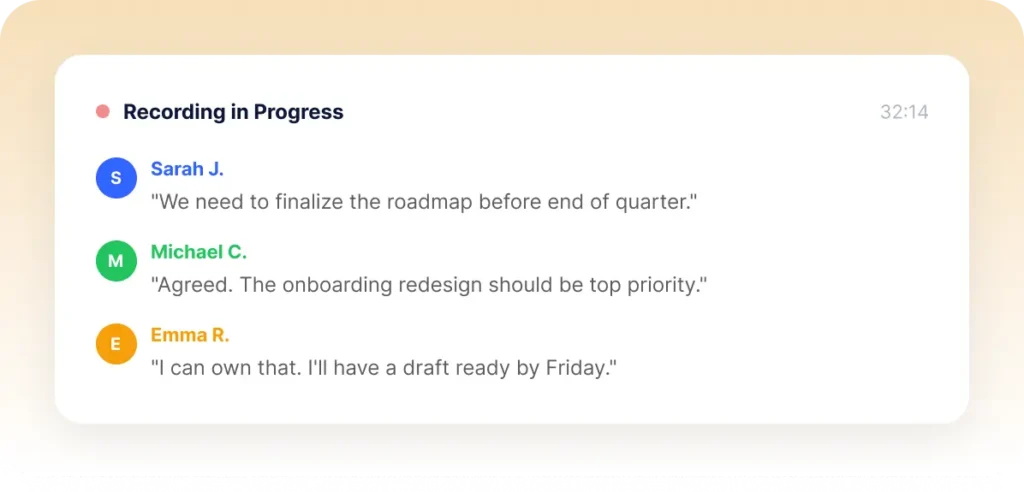
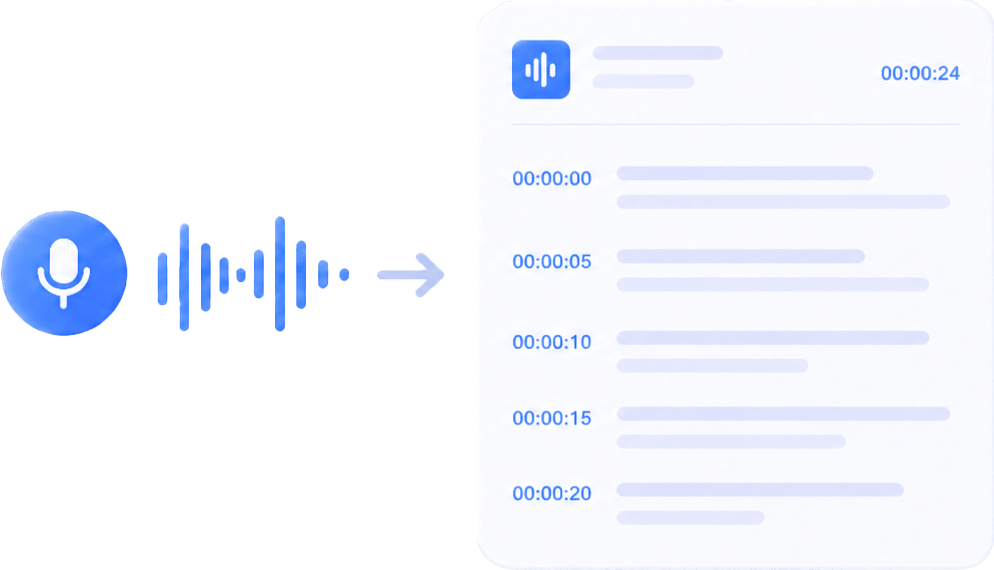
AI Records Google Meet Calls Automatically
Summary AI joins your Google Meet calls automatically to record audio, capture voice recordings, and generate Google Meet transcription files in real time.
03
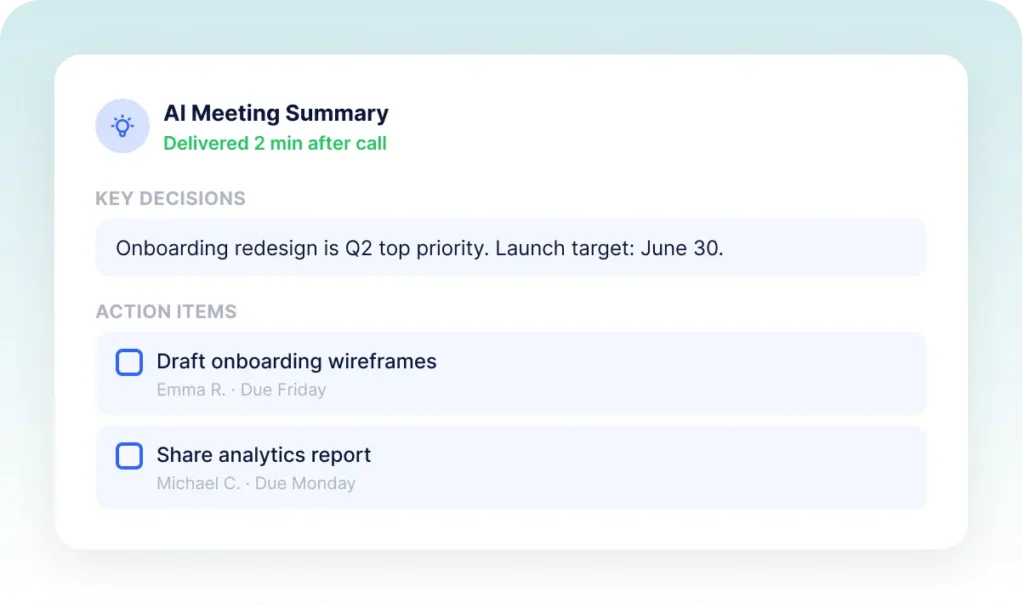
Access Notes, Transcripts & Recordings Instantly
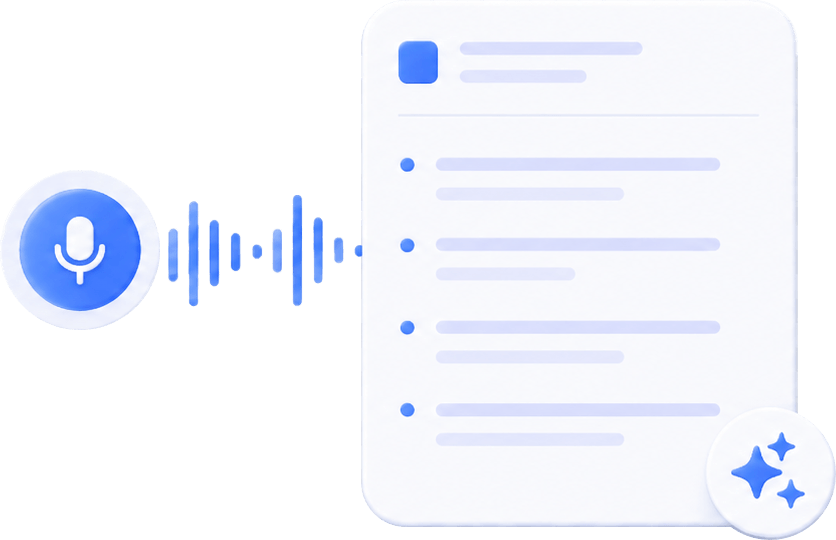
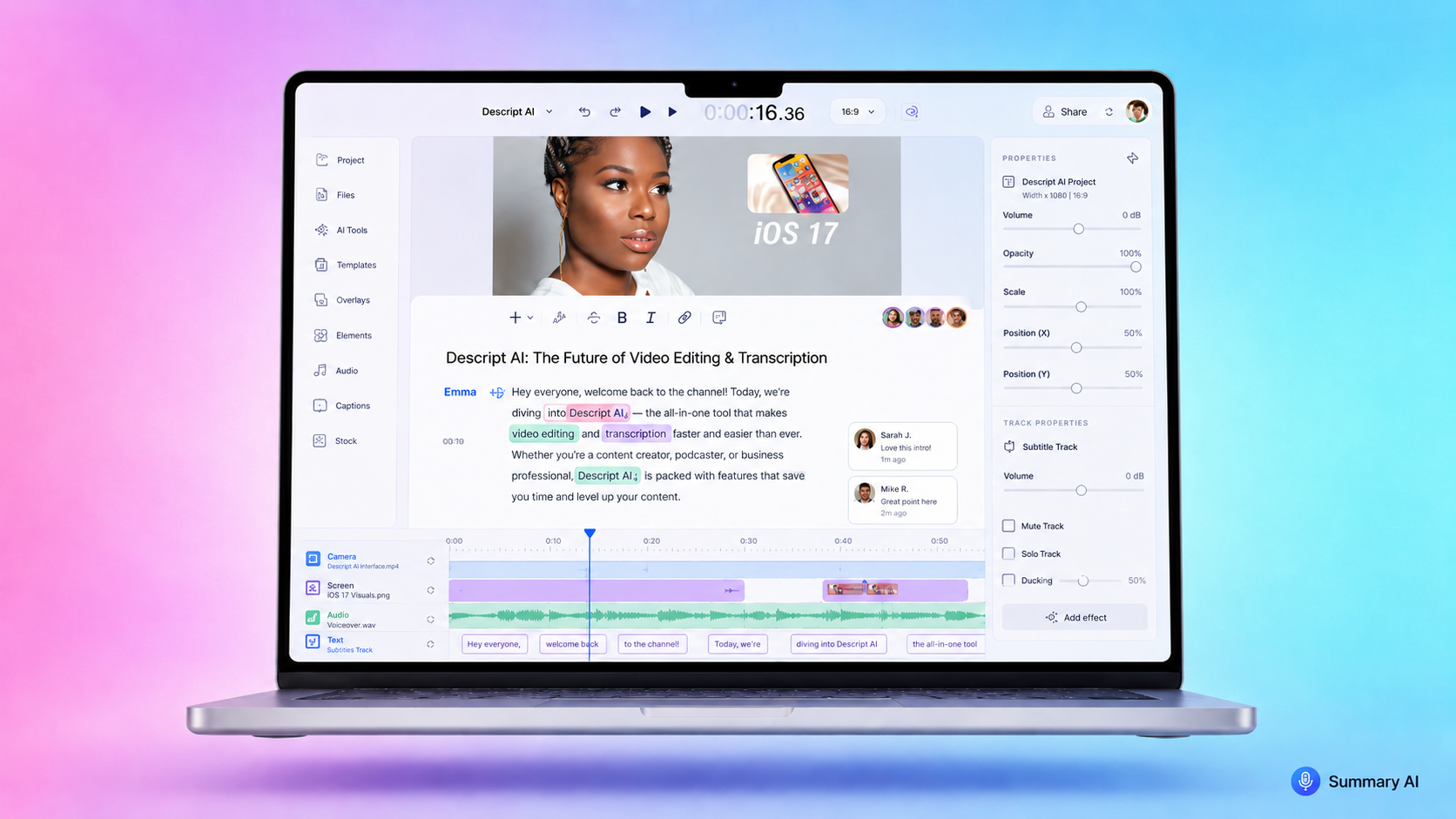
Review searchable meeting notes, transcripts, recordings, and AI summaries from one organized workspace without replaying every call manually.
Everything You Need
After You Record Google Meet Calls
Keep Google Meet recordings, transcripts, action items, and meeting discussions organized in one searchable workspace powered by AI.

Smart Google Workspace Sync
Automatically connect Google Workspace meetings, calendars, and recordings folders so your calls stay organized across your workflow.

AI Action Items
Turn conversations into clear follow-ups, assigned tasks, and AI-generated action items without manual meeting notes.

Searchable Transcripts
Quickly search meeting transcripts, voice recordings, and discussions to find decisions, tasks, and important moments instantly.

Share Notes
Share transcripts, summaries, recordings, and meeting notes across Google Drive, Slack, Notion, and other collaboration tools.

Productivity
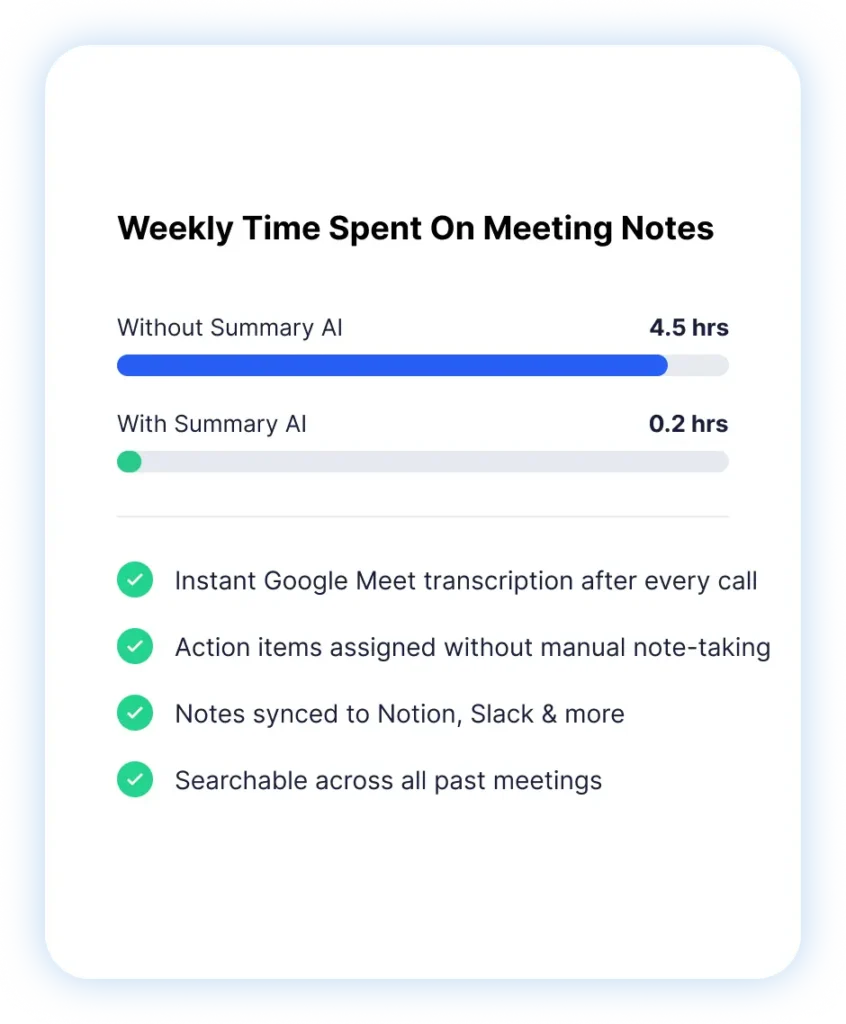
Save 5+ Hours Every Week on Google Meet Notes
The average professional spends hours every week writing meeting notes and replaying recordings after every video call. Summary AI automatically records Google Meet conversations, generates searchable transcripts, and creates AI summaries so you can stay focused on the meeting instead of manual note-taking.

4.5h
Saved per week

18h
Saved per month

10M+
Users worldwide

99%
Transcript accuracy
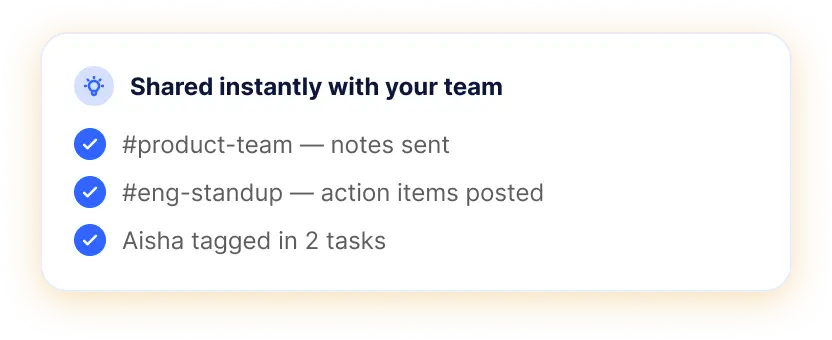
Built for Remote Teams & Daily Google Meet Calls
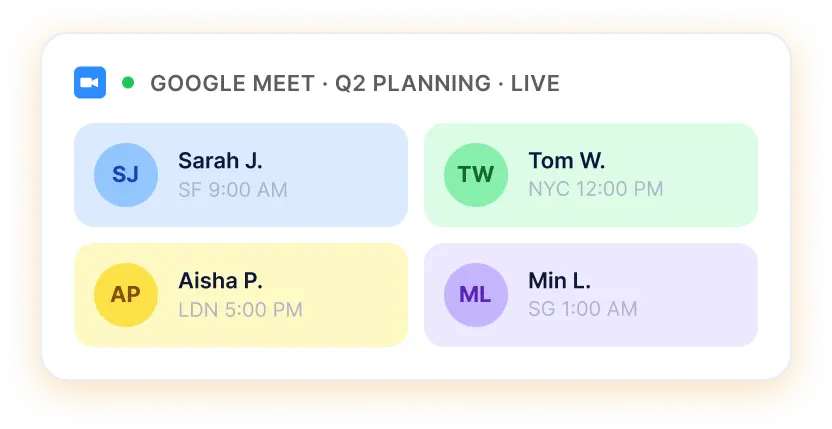
Keep Google Meet recordings, meeting notes, transcripts, and follow-ups organized across remote teams without scattered documents, missed action items, or replaying every video call.
- Automatically record Google Meet conversations
- Search transcripts and meeting notes instantly
- AI summaries with action items and follow-ups
- Share recordings and notes across your team
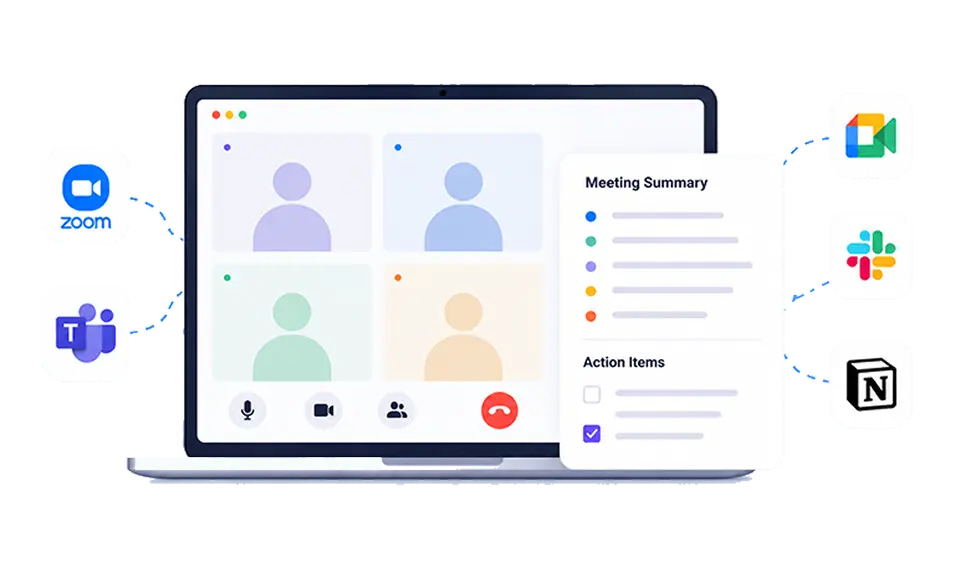
Keep Every Meeting Organized Automatically
Summary AI connects Google Meet recordings, voice recordings, transcripts, and meeting summaries into one searchable workspace synced across Google Workspace, Google Drive, Slack, Notion, and more.
- Centralized recordings folder for every meeting
- Searchable Google Meet transcription history
- Organized meeting notes synced across tools
- Easy collaboration for remote and hybrid teams
More AI Tools for Smarter Meetings & Team Productivity
Meeting Assistant
Your AI meeting assistant that assist to meetings, gets action points, and provides answers with AI.
Our results in numbers
+10M
active users
cloud-based
in the App Store
Teams who use Summary AI love it


Rated 4.9 out of 5 from +16,000 reviews
“Before Summary AI, I was constantly switching between listening, typing notes, and trying not to miss important discussions during every Google Meet call. Now meetings are automatically recorded, transcribed, and organized for me.”
“I can focus on the conversation while Summary AI handles the meeting notes, transcripts, and follow-ups in the background. It’s saved our team hours every single week.”
– Sarah M., Operations Manager




Summary AI Learning Hub
Everything you need to know about Summary AI for Google Meet.
Google Meet Recording FAQs
How do I record Google Meet meetings automatically?
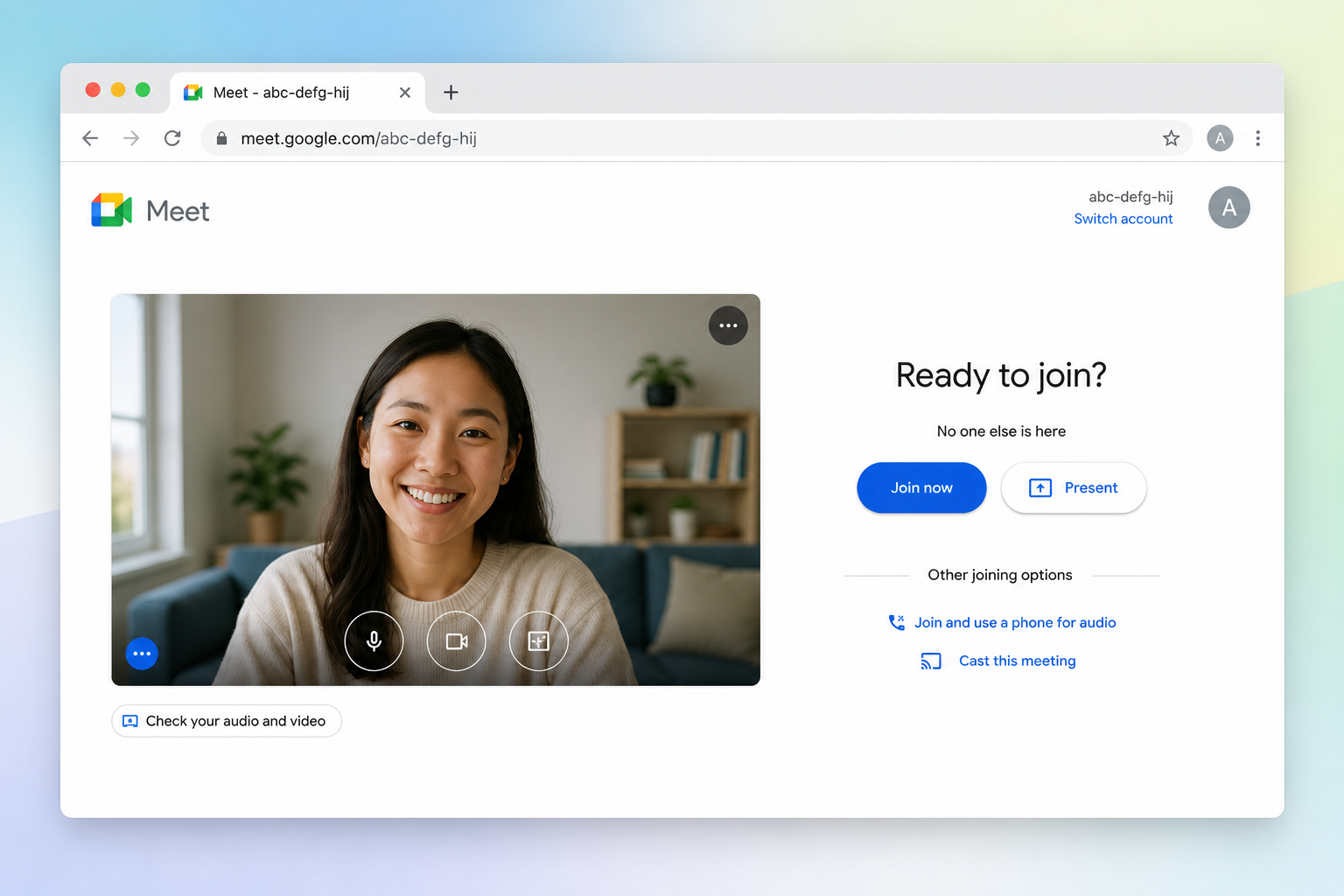
Summary AI can automatically join your Google Meet video calls, record audio, capture conversations, and generate meeting transcripts without requiring manual note-taking or constant screen monitoring.
Where are Google Meet recordings stored?
Summary AI keeps your Google Meet recordings, AI summaries, and transcripts organized inside one searchable workspace. You can also sync recordings directly with Google Drive for easy access and sharing.
Can Summary AI create Google Meet transcription automatically?
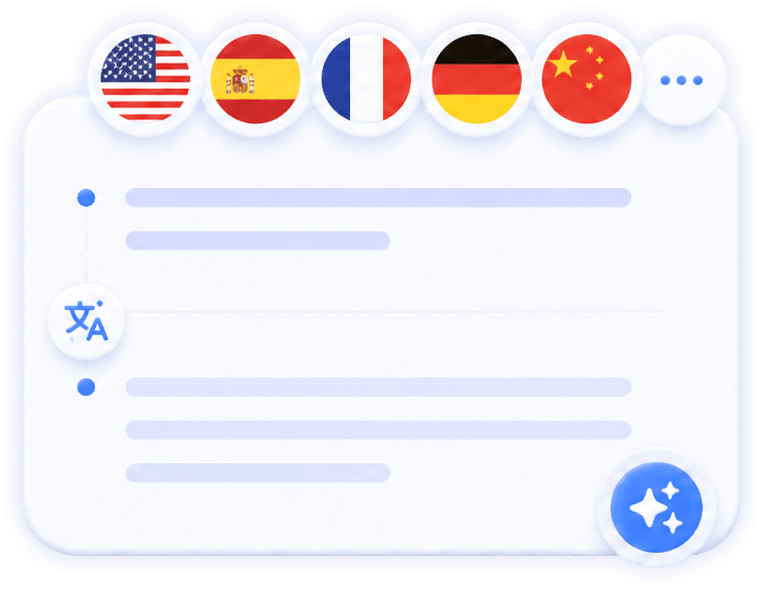
Yes. Summary AI automatically generates Google Meet transcription with speaker identification, searchable meeting notes, AI summaries, and action items after every meeting.
Why can’t I see the Google Meet record button?
The Google Meet record option may be unavailable depending on your Google Workspace permissions or administrator settings. Summary AI simplifies the process by automatically capturing meetings and organizing recordings for your team.
Can I record both screen and audio during a Google Meet call?
Yes. Summary AI captures meeting conversations, voice recordings, and shared discussions during your video calls so you always have a complete record of important meetings.
What is the best tool to record Google Meet meetings?
Summary AI combines Google Meet recording, AI transcription, searchable meeting notes, AI summaries, and team collaboration tools into one workspace designed for productivity and remote teams.
Record, Transcribe & Organize Every Google Meet Automatically
Capture every Google Meet conversation with AI-powered recording, searchable transcripts, meeting notes, and instant summaries, all organized in one workspace for your team.