



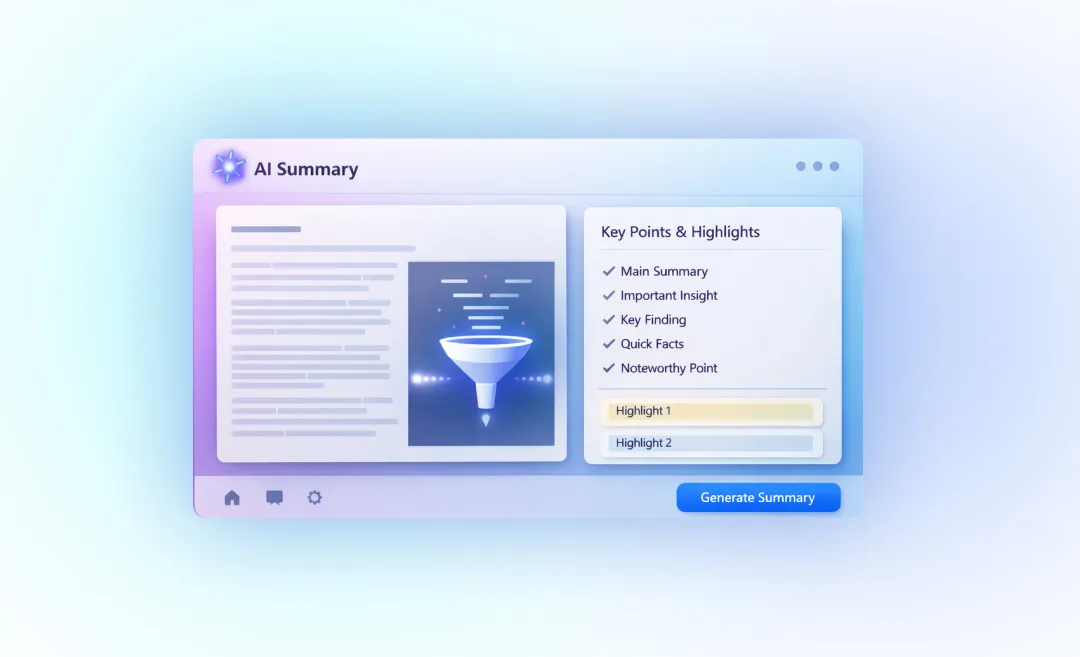


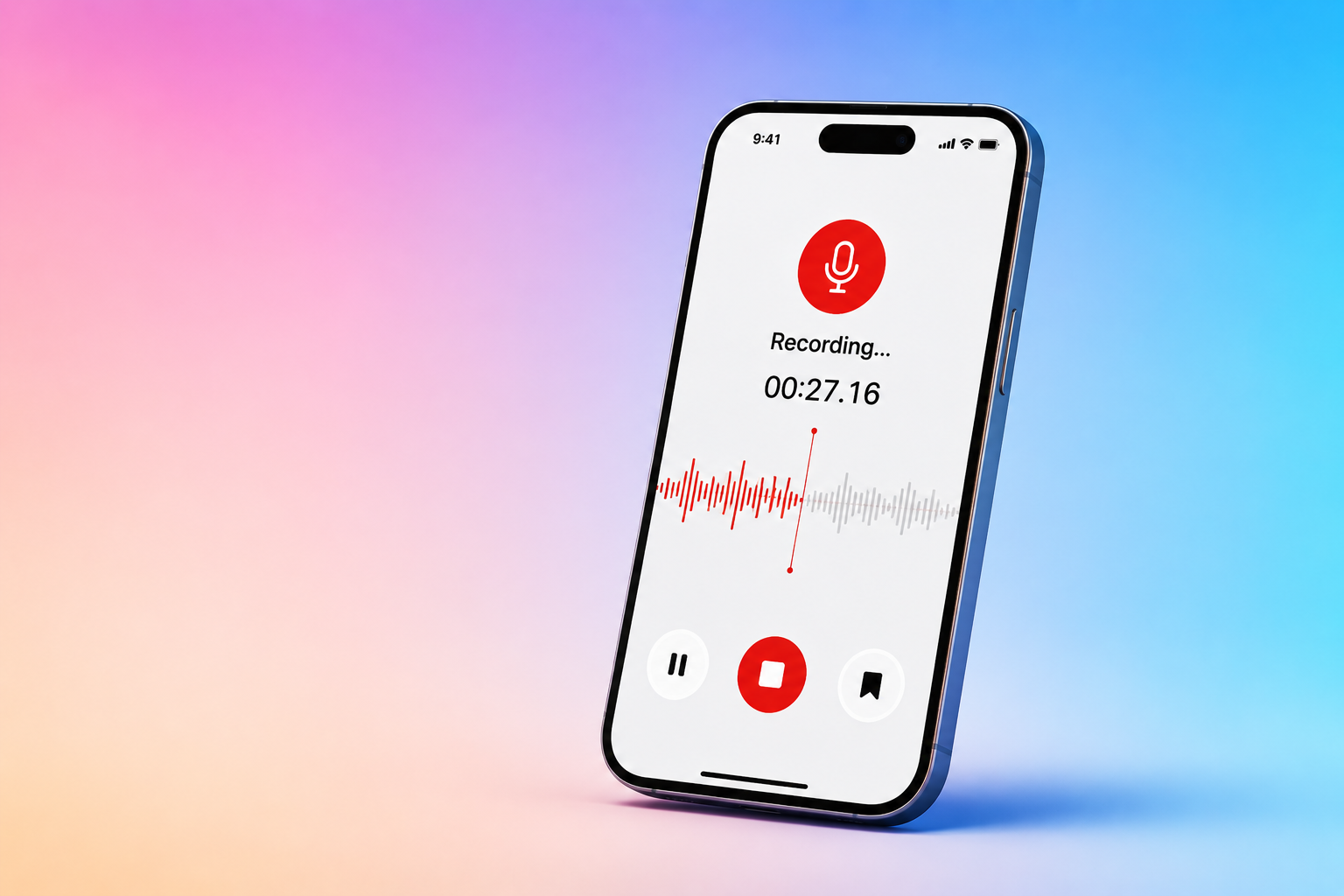
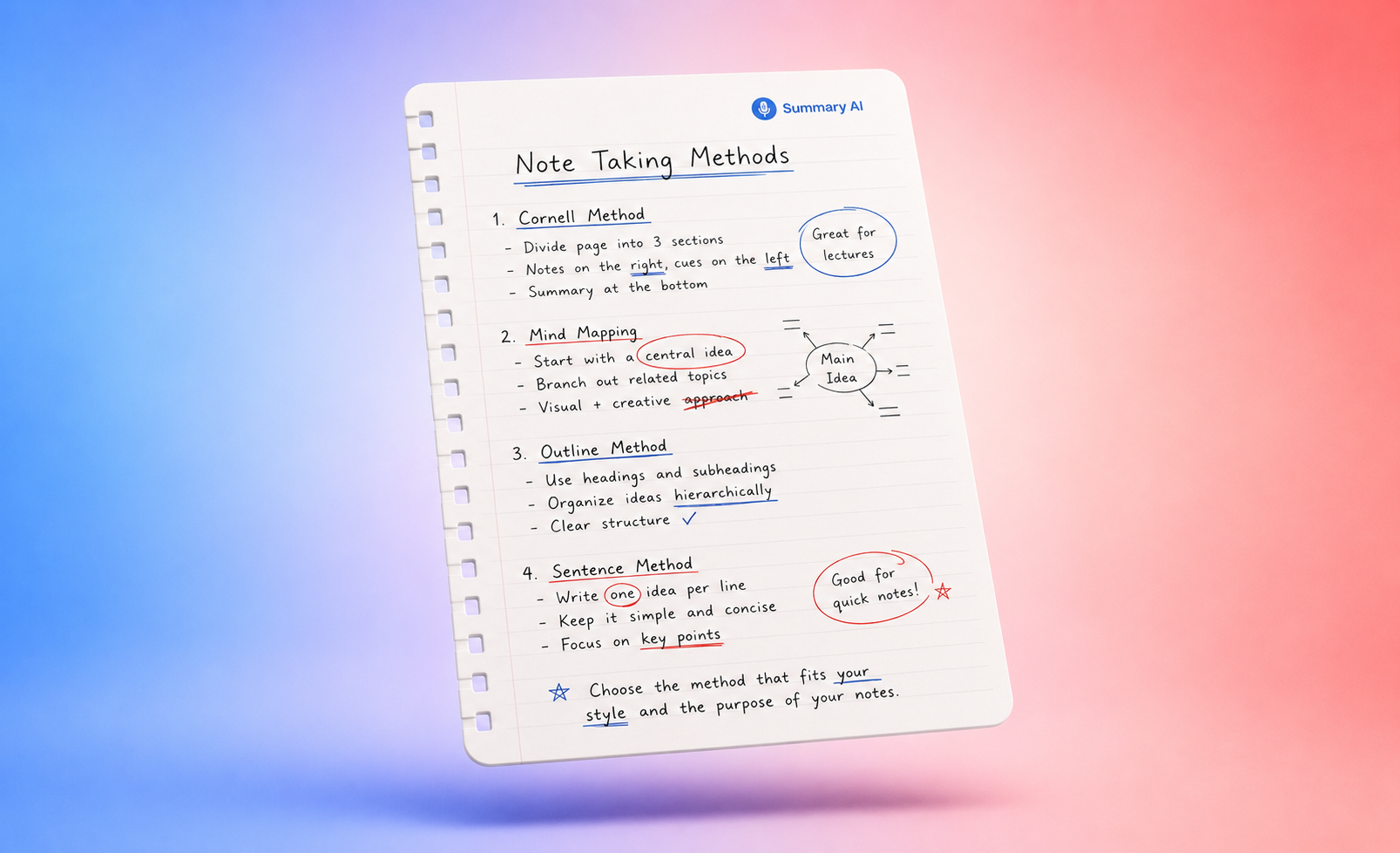
Sometimes you just don’t have time to read everything or to listen to or watch everything. People who work in an office environment especially are expected to sit through hours of meetings every day. Even if they multitask and rely on reading the transcript, they will still spend way too much time trying to keep up, which is why AI summary tools exist in the first place.
The same can be said for students and content creators of any kind, or anyone who consumes a vast amount of content every day. AI summary tools can solve the problem of not having enough time to go through all of that content. Instead of sitting through the entire thing and wasting precious time, AI can analyze it in order to create a concise summary by extracting the key points.
This guide covers the best AI summary tools in 2026 so you can find the right fit for what you will use it for.
What Are AI Summary Tools?
AI summary tools are used to condense long-form content like documents, meeting recordings, video, articles, PDFs, and anything really. The long piece of content goes in and a short, manageable, summarized version comes out. Instead of reading every word, you can get a summary with the key points and any action items listed clearly.
Most AI summarizers that exist today can do more than basic text shortening. The best ones can even:
- Identify central arguments, themes, and decisions
- Keep context intact instead of removing any nuance
- Give you results in multiple formats depending on what you need
- Handle a range of input types (uploaded files, pasted URLs, audio recordings, and live transcripts)
For a deeper dive into the fundamentals of summarization, see how to summarize an article.
How Do AI Summary Tools Work?
Most AI summarizers use one of these two approaches, or sometimes a hybrid of both:
Extractive summarization is a process that certain AI tools use where they take the most important sentences directly from the source text without changing them. This keeps the original wording. It is useful for legal, academic, or technical content where the exact language and wording is really important.
Abstractive summarization is another method that uses LLMs to understand the content and then generate new sentences that capture the meaning of the original text. The output of this method is a more natural, easy to read result and is a better fit for meeting notes or executive summaries.
AI summary tools built specifically for meetings, like Summary AI, add a third layer to this workflow which is real-time transcription. They join your calls automatically, capture audio, identify speakers, and generate summaries with highlighted key points and action items that land in your inbox before you’ve even closed the tab.
Why Use an AI Summary Tool Instead of Manual Reading or ChatGPT?
Pasting text that you want to summarize into a conversational AI chatbot like ChatGPT works for occasional tasks, but this method fails when you’re dealing with bigger workloads where summarization is a core part of how you work. AI summary tools built specifically for this task will always outperform that approach in several ways:
- Faster to work with at scale: Summarizers built for this purpose can process full PDFs, hour-long transcripts, and long-form articles in seconds without you needing to copy-paste or break up content into manageable chunks. Also, no prompts are needed.
- The output is already structured by default: Tools like Summary AI deliver decisions, action items, and key points in a consistent format that is easy to scan. ChatGPT gives you a wall of text.
- You can integrate these tools into your workflow: The best AI summary tools connect to Zoom, Google Meet, Microsoft Teams, Notion, Slack, and CRM systems, so summaries can be used in your work automatically.
If you still want to summarize content manually, see how to identify key points.
How to Choose the Best AI Summary Tool
With more and more AI summary tool options available, the right choice depends on what you’re summarizing and what you want to do with the results you get.
Here are five factors that matter most when choosing an AI summary tool:
- Does the tool support your content type? Will you paste text or a YouTube URL or upload a PDF, a meeting recording or live audio?
- What format will the tool output? Do you need a short bullet point summary, paragraph summaries, action items, or all three? Can you customize the format?
- Can you integrate the tool into your workflow? What can you do with the summary once you have it?
- Is the tool accurate? A tool that works well with web articles may struggle with PDFs.
- Is the tool worth the price? If you’re summarizing things every day across a team, choose a plan that is sustainable.
Best AI Summary Tools Compared
Here’s a quick overview of the best summary tools.
Tool | Best For | Free Tier | Starting Price | Key Strength |
Summary AI | Meetings & calls | Trial | $79,99/year | Auto-joins calls, emails structured notes |
QuillBot | Articles & general text | Yes | $19.95/mo | Length slider, bullet/paragraph modes |
Scholarcy | Research papers & PDFs | Trial | $9.99/mo | Flashcards, citation extraction |
Otter.ai | Audio & meeting notes | Yes | $16.99/user/mo | Live transcription, speaker ID |
TLDR This | Web articles & URLs | Yes | $9.99/mo | One-click URL summarization |
Notta | Multilingual meetings | Yes | $13.49/mo | 58+ languages, auto-translation |
SciSpace | Literature reviews | Yes | ~$20/mo | Scans 1,000+ papers, explains figures |
Jasper AI | Marketing content teams | Trial | $69/seat/mo | Brand voice, multi-format outputs |
Wordtune | Long reports & videos | Yes | $13.99/mo | Rewriting + summarizing in one tool |
Lindy | Team workflow automation | Trial | $49.99/mo | Post-summary actions in Slack/CRM |
10 Best AI Summary Tools in 2026
Now that you have an overview of the top summary tools, lets look at them in more detail.
1. Summary AI: Best AI Meeting Summary Tool
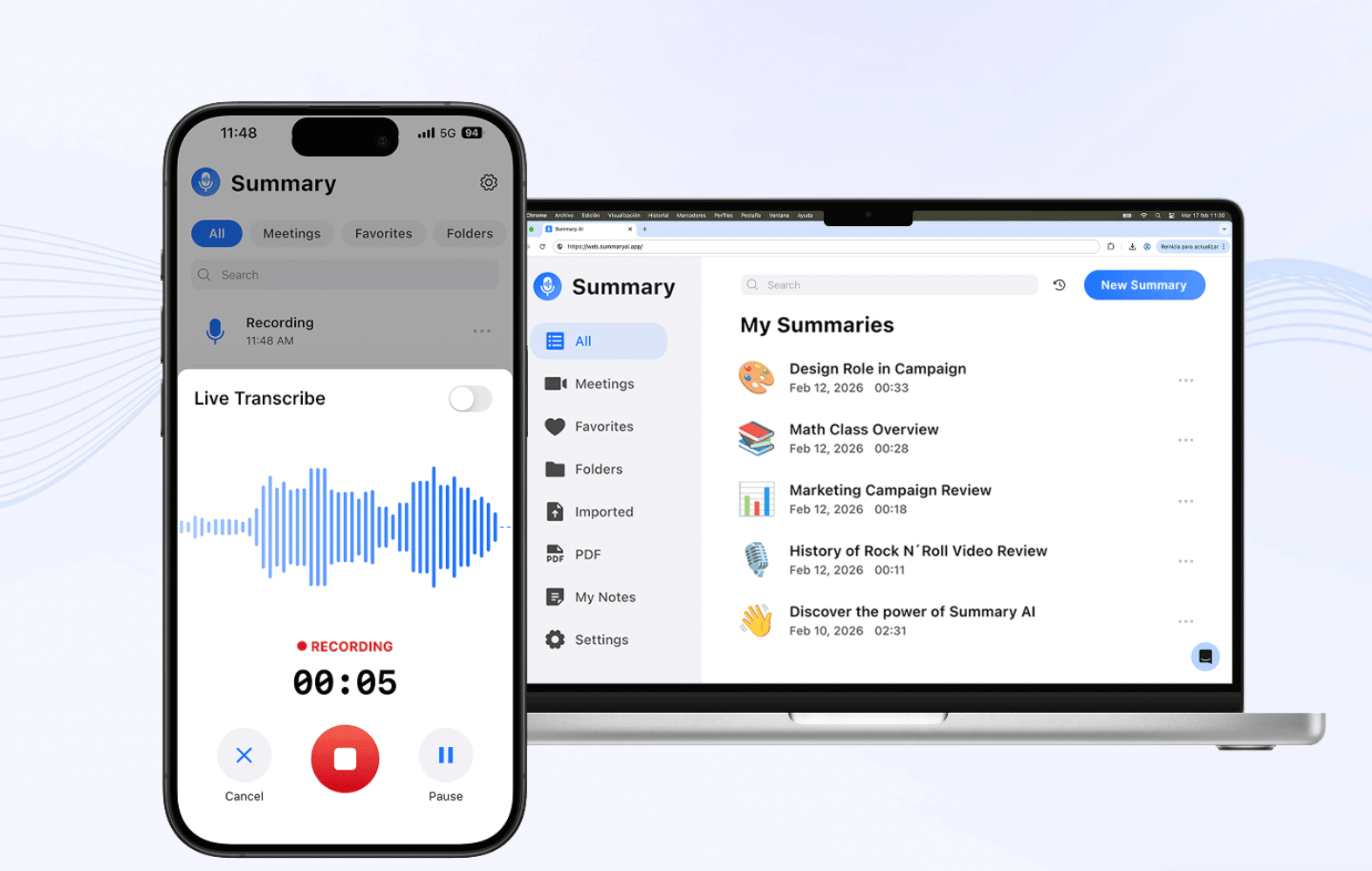
Summary AI is an AI summary tool that is a great fit for professionals, teams, and anyone who spends a lot of time on calls and wants to end the meeting with perfect notes every time.
Summary AI is created to make meetings more productive. It automatically records, transcribes, and summarizes your conversations, whether it’s a business meeting, interview, lecture, or podcast, so you can stay present instead of hurrying to catch up taking notes. The software then creates a brief summary complete with key points and highlighted action items and emails it to you for review before sending it the other participants.
Key features:
- Recording with automatic transcription and speaker labels
- AI-powered summaries with key points, decisions, and action items
- Smart search means you can ask “Who was assigned the budget review?” and get an instant answer
- Integrations with Zoom, Google Meet, Microsoft Teams, Outlook, and more
- Upload audio files, PDFs, and other documents in addition to live recording
- 120+ languages supported
Pricing: Summary AI has weekly and yearly pricing plans. Check out the website to see current plans.
Best for: Teams and professionals who need summarized meeting notes they can rely on delivered automatically after every call.
2. QuillBot: AI Summary Tool for Writing
Students, professionals, and content writers use Qiillbot who want quick summaries and a writing interface in the same place.
QuillBot is one of the most widely used AI summary tools for writing out there. You can paste a text and choose Paragraph or Bullet mode, adjust the length slider, and get a condensed version of it that keeps the main ideas intact. It’s a particularly useful tool for deciding whether a source deserves a full read before you invest the time.
Key features:
- A length slider you can adjust to create short overviews or detailed summaries
- Different modes that return bullet points or paragraphs
- A paraphraser, grammar checker, and plagiarism detector built in
- Chrome extension and Microsoft Word integration
Pricing: Free plan available with word limits. Premium plans start at around $19.95/month.
Best for: Summarizing written documents quickly.
3. Scholarcy: Best AI Document Summary Tool for Research
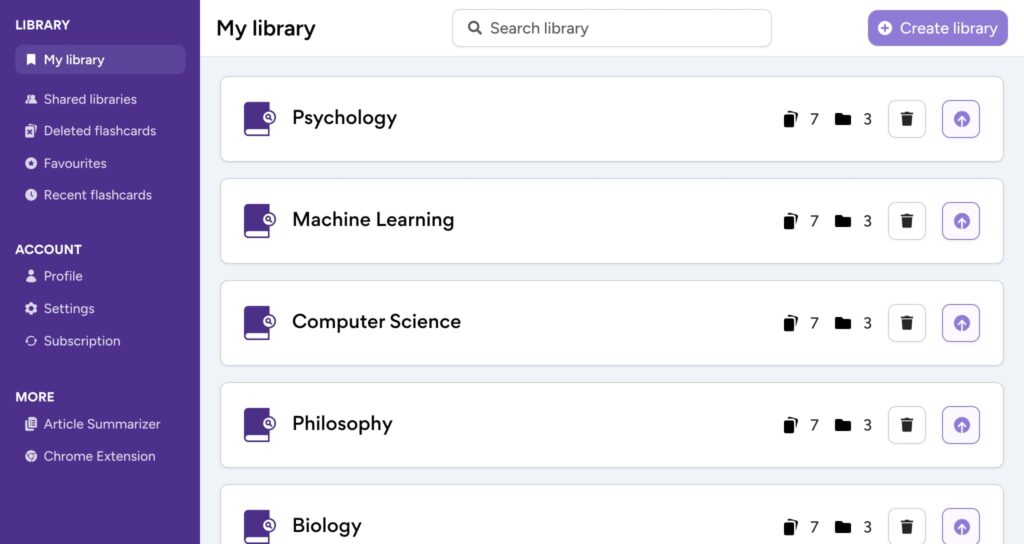
Scholarcy is a summary tool for students and researchers who regularly work through stacks of academic PDFs.
Scholarcy takes research papers and converts them into flashcard summaries that highlight questions, methods, key findings, and references. The layout helps you scan them quickly so you can retain more information. Scholarcy is a great tool for learning.
Key features:
- Generate flashcards automatically
- Extract references and citations
- Process large reading lists in bulk
- Different views for Comparison and Findings to see how papers relate to each other
- Integrations with Notion and other tools
Pricing: Free trial available. Paid plans start at $9.99/month.
Best for: Research and academic papers.
4. Otter: AI Meeting Summaries with Full Transcripts
Oter is used by teams and students who want meeting summaries with complete transcripts that are searchable.
Otter joins meeting records audio, creates live transcripts of them with the speakers tagged, and generates summaries where main points and action items are highlighted after every call. Over time, transcripts build up to become a searchable record of all past discussions.
This is especially useful for revisiting decisions made or keeping people up to date who missed a meeting.
Key features:
- Automatically joins calls
- Live transcription
- Searchable transcription history
- Integrations with Slack, Notion, Google Docs, Jira, and Asana
Pricing: Free plan includes basic transcription. Paid plans start at $16.99/user/month.
Best for: Teams that want a full record of transcriptions.
5. TLDR This: Best AI Summary Tool for Web Content
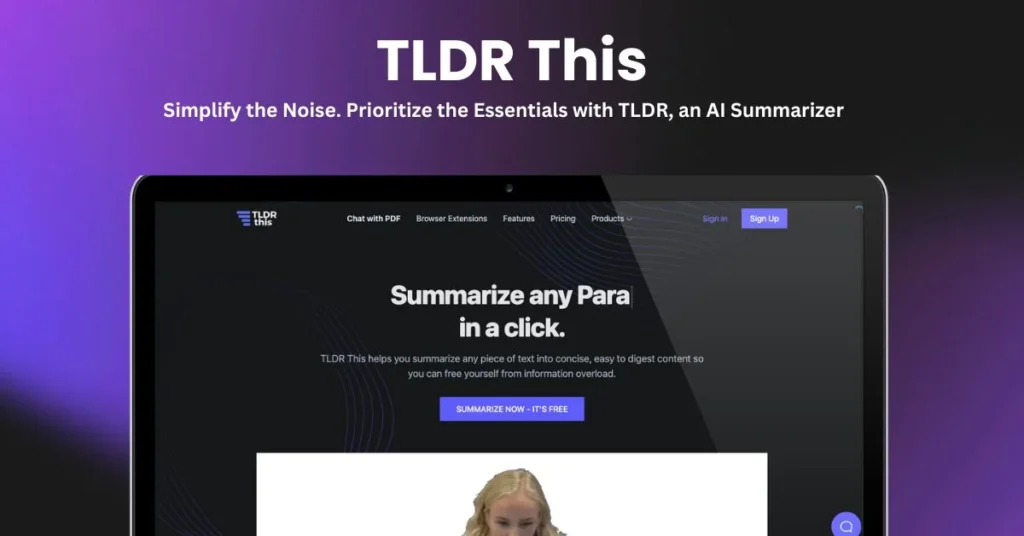
This summary tool is for students, journalists, and busy people who read a lot online and just want the main points fast.
TLDR This creates clean summaries from any URL by clearing away ads, popups, and more. It’s useful for skimming online content for key information and deciding which articles are worth reading in full and which can be skipped.
Key features:
- Summarize URLs in one click
- Remove ads and sidebar content for summaries
- Works with PDFs, Word documents, and pasted text as well
- Extract metadata (author, publication date, reading time)
- Browser extension available
Pricing: Free plan available. Paid options start at $9.99/month.
Best for: Filtering web articles, news, and online research sources with summaries.
6. Notta: AI Summary Tool for Multilingual Teams
Multicultural teams and professionals use Notta to work across languages and need clear notes from call recordings.
Notta records meetings, labels speakers, and creates a summary with key points, decisions, and follow-ups. It supports transcription in 58+ languages and can translate transcripts into over 40 languages, making it a good option for teams working across borders.
Key features:
- Transcribe audio and video with speaker labels
- Generate meeting summaries with action items
- Process YouTube links and audio/video files
- Translation into 40+ languages
- Integrations with Zoom, Google Meet, and other meeting platforms
Pricing: Free plan available. Paid plans start at $13.49/month.
Best for: Multilingual teams and professionals who want to summarize both meetings and video content.
7. SciSpace: Best AI Tools for Deep Literature Reviews
Researchers and students say this is the best summary tool who need to screen and summarize large volumes of academic papers.
SciSpace lets you type a research question, and it then scans hundreds or thousands of papers, grouping related work and presenting results in a table that you can filter. You can add custom columns for methods, limitations, and conclusions, and ask it to explain figures or clarify complex paragraphs with source-linked answers.
Key features:
- Discover academic papers based on research questions
- Several modes available
- Filter results in a table with custom columns
- Get explanations of figures, formulas, and difficult passages
- Save notes and draft lines in the built-in Notebook
Pricing: Free plan with limited actions. Paid plans from around $20/month.
Best for: Comprehensive literature reviews and systematic research screening.
8. Jasper AI: Best AI Summary Tool for Marketing
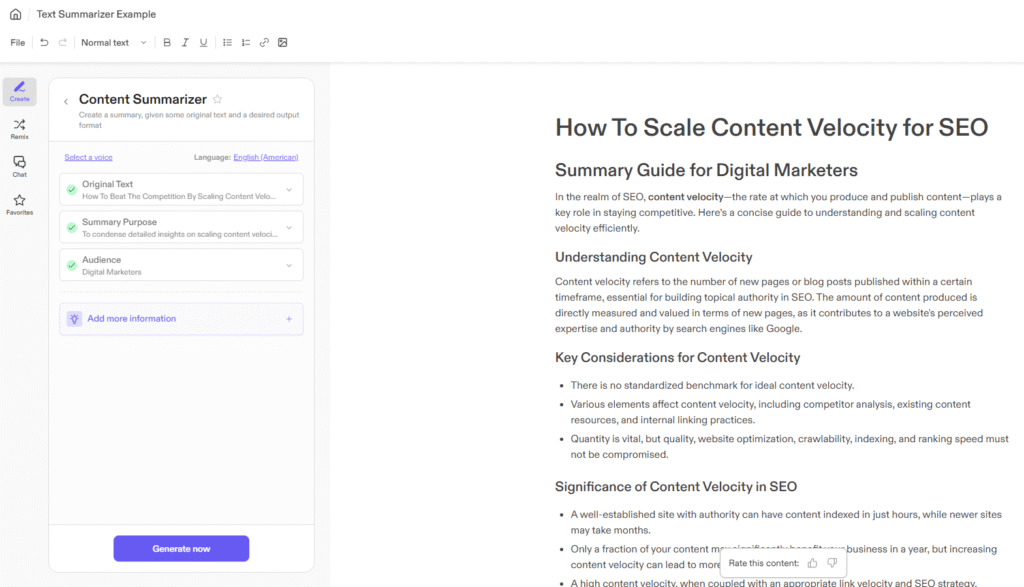
Content and marketing teams use Jasper as an AI summarization tool in their content creation workflow.
Jasper can summarize long briefs, research docs, and call notes into clear overviews that keep the core message intact. From there, those summaries can be reshaped directly into email intros, social media posts, ad copy, and more.
Key features:
- Template for content summary for briefs, docs, and transcripts
- Support for 25+ languages with formality controls
- Built-in SEO optimization and content templates
- Brand voice and style guidelines baked into outputs
Pricing: 7-day free trial. Paid plans start at $69/seat/month.
Best for: Marketing teams that need to use summarization in content pipelines and want tools for content creation in one platform.
9. Wordtune: Best Summary Tool for Long Reports
Students, researchers, and professionals use Wordtune as a summary tool who deal with lengthy documents, academic papers, or recorded talks.
Wordtune summarizes long documents and YouTube videos while keeping the source panel open alongside the summary, which makes it easy to link each point back to the original source.
Key features:
- Document and video summarization with side-by-side view
- Rewrite and adjust the tone with tools
- Fact-check against external sources
- Browser extension
Pricing: Free plan with limits. Paid plans from $13.99/month.
Best for: Long-form research, reports, and anyone who needs to rephrase or adapt summaries for different audiences.
10. Lindy: Best AI Summary Tool for Automation
Teams that want to use summaries to automatically trigger next steps in a workflow use Lindy.
Lindy does not only summarize text: you prompt it in plain language (for example “summarize every new support ticket and tag the issue type,” or “after each sales call, email a recap to the account team”), and it executes the task. It can connect to email, CRMs, help desks, meeting apps, and project tools, and send summaries where they need to go.
Key features:
- Conversational prompts to create complex summarization workflows
- Connects to email, CRMs, Slack, Google Drive, and 100+ tools
- Works across documents, emails, meetings, and more
Pricing: 7-day free trial. Paid plans start at $49.99/month.
Best for: Teams that need summaries as part of automated workflows.
Get Instant AI Summaries for Any Meeting
Summary AI is an AI meeting assistant that automatically records, transcribes, and summarizes your meetings and highlights key points, decisions, and action items so your team stays aligned without anyone missing what matters.
Whether you’re running a sales call, a weekly standup, or a client workshop, Summary AI delivers clean, structured notes directly to your inbox before you even close the meeting tab.

