



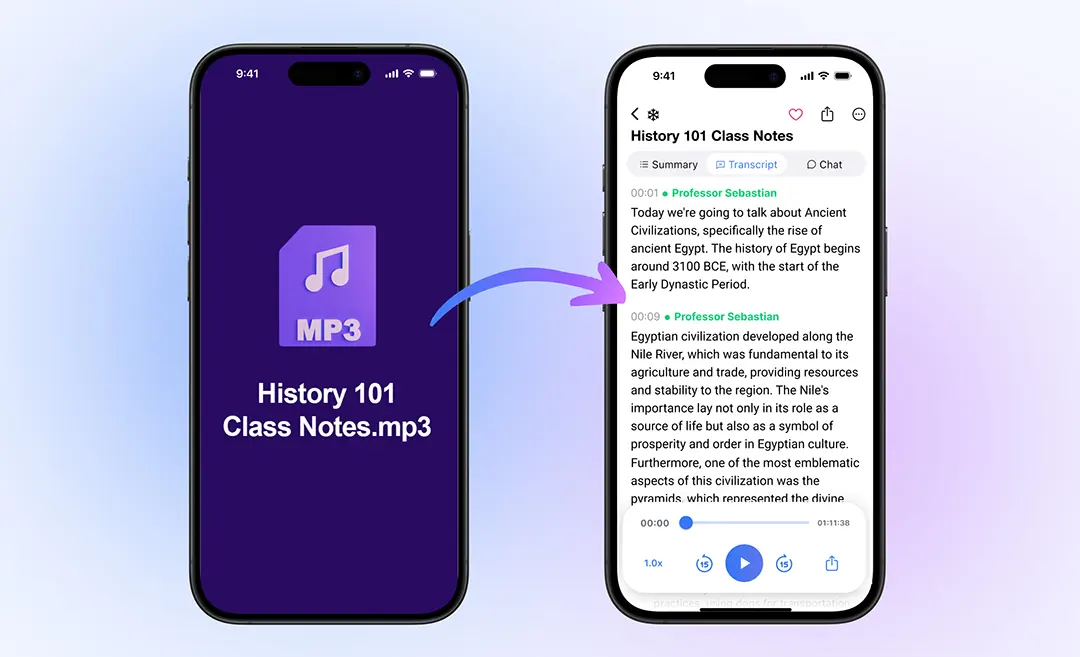




Whether you’re a podcaster, lecturer, consultant, or salesperson, turning an MP3 audio file into editable text gives you a searchable, repurposable resource, and saves hours of manual work.
In this guide we’ll cover everything: preparation, uploading, transcription, editing, exporting, and best practices for converting MP3 to text with speed and accuracy.
Why Convert MP3 to Text?
- Searchability & SEO: Text documents can be indexed by search engines, unlike raw audio. This improves discoverability of your content.
- Accessibility: Transcripts make your content available to those with hearing impairment or those who prefer reading.
- Repurposing: Use transcripts to craft blog posts, social-media quotes, summaries, or reports rather than starting from scratch.
- Efficient review: Rather than listening through an hour of audio, you can skim transcripts and find key items fast.
- Team collaboration & archival: Text files are easy to share, annotate, search, and reference later.
Methods to Convert MP3 to Text
Manual Transcription
- Pros: High accuracy (assuming good typist)
- Cons: Time-consuming (≈4 hours for 1 hour of audio)
AI-Powered Transcription Tools
- Pros: Fast, cost-effective, scalable
- Cons: May require editing, accuracy varies with audio quality
Comparison Table
| Method | Speed | Cost | Accuracy | Best For |
|---|---|---|---|---|
| Manual | Slow | High | Very high | Legal, highly technical transcripts |
| AI Tool | Fast | Low–Medium | High (with editing) | Podcasts, meetings, lectures |
Step-by-Step: Convert MP3 to Text

Step 1 – Prepare Your MP3 File
- Ensure good audio quality: clear speaker voices, minimal background noise.
- Confirm format: Many tools accept MP3, WAV, M4A.
- Optionally trim long silence or irrelevant sections for cleaner transcript.
Step 2 – Choose Your Transcription Tool
- Evaluate features: speaker labels, output formats (DOCX, TXT, PDF), language support.
- For example, if you’re using Summary AI, you would upload your MP3 and let the AI convert automatically.
- Prioritize tools that allow editing and export.
Step 3 – Upload & Transcribe
- Upload your MP3 file to the tool.
- Select language, indicate number of speakers (if supported).
- Let the AI process the file, time depends on length and complexity; many tools convert in minutes.
- Download or view the transcript once ready.
Step 4 – Edit & Format the Transcript
- Review for speaker identification, punctuation, and grammar.
- Remove filler words (“um”, “uh”), correct mis-recognitions.
- Add headings, timestamps if needed.
- Mark action items, key quotes, or sections for reuse.
Step 5 – Export & Repurpose
- Export formats: DOCX, TXT, PDF, SRT (for subtitles) depending on your need.
- Embed the transcript into your website for improved SEO.
- Use key quotes for social posts, blogs, email newsletters.
- Share with your team or save for archiving.
Best Practices & Tips for Better Results
- Use high-quality audio: clear voice, minimal overlap, low noise.
- Label speakers: helps readability and later referencing.
- Proofread the result: even best AI can mis-recognize words, especially jargon. Ditto
- Choose the right output format: For collaboration use DOCX; for web publishing use HTML-ready .TXT.
- Include transcript on your web page: Improves indexing by search engines.
- Repurpose smartly: Turn each transcript into multiple outputs (blog, infographic, email).
- Consider security & privacy: If audio has sensitive information, select a tool with secure storage/encryption.
Use Cases & Example Scenarios
Podcasters
Upload your MP3 episode → transcribe → embed transcript on your episode page → extract key quotes for social media.
Professionals & Consultants
Record a meeting or client call → convert to text → review action items, export to Word → share with stakeholders.
Students & Educators
Convert lecture MP3s into searchable text → highlight important segments → study or distribute to class.
Researchers & Journalists
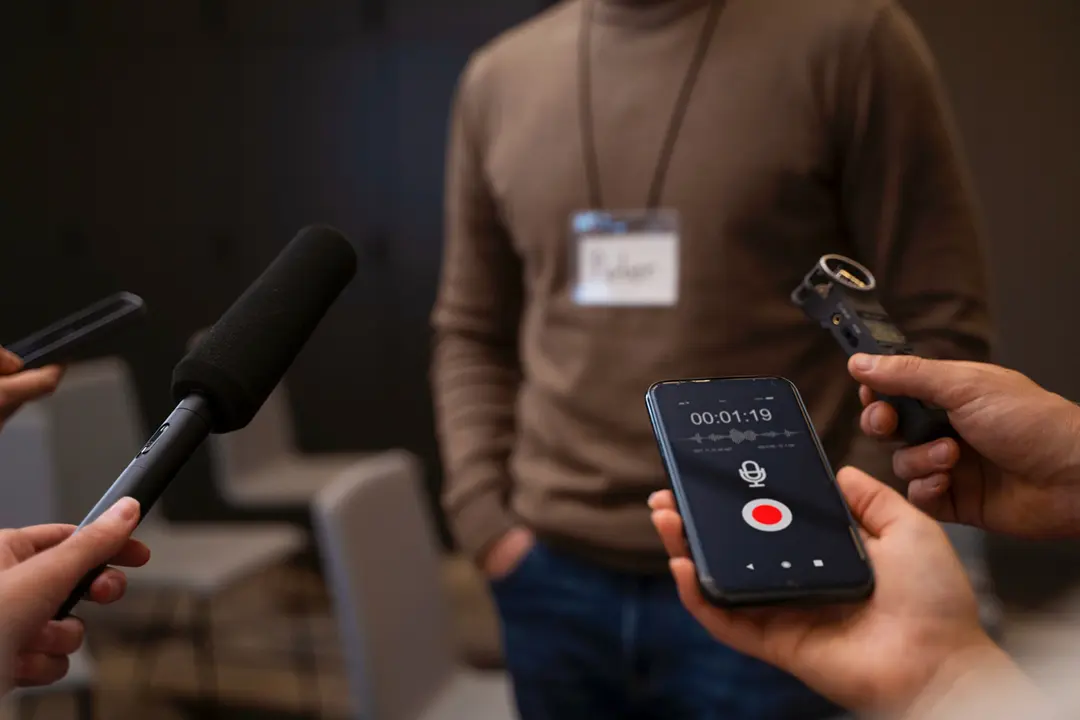
Transcribe interview MP3s → analyze transcripts for patterns/themes → quote subjects accurately.
Why Choose Summary AI
As a specialized solution, Summary AI offers:
- Instant upload and transcription of MP3 files.
- Structured output with speaker labels, timestamps, key-point extraction.
- Export into Word, PDF, or plain text.
- Ability to manage, search, store your transcripts in one secure workspace.
- Focus on both speed and accuracy, making it ideal when you need quality results quickly.
Final Thoughts
Converting MP3 to text is now faster, smarter, and more accessible thanks to AI. Whether you’re producing content, capturing meetings, or documenting lectures, follow this step-by-step guide to turn your audio into a valuable text asset.
With the right tools like Summary AI, you’ll save time, improve accessibility, and unlock new content opportunities—no manual typing required.
Start converting your MP3 files today and put your voice into readable, searchable, and actionable text.
FAQs about Converting MP3 to Text:
1. How accurate are AI transcripts?
Accuracy varies depending on the audio quality and transcription system. Some tools can achieve up to 99% accuracy with clear audio.
2. Can I convert large MP3 files?
Yes, most tools accept large uploads, though processing time and cost may increase.
3. Is it legal to transcribe MP3 files?
The legality of transcribing MP3 files depends on the content of the recording, who created it, and the laws that apply in your jurisdiction. In many cases, transcribing an audio file is permitted if you own the recording or have the legal right and consent to use it.
However, transcribing audio that contains copyrighted, confidential, or private conversations without proper authorization may violate copyright, privacy, or data protection laws.
Users are solely responsible for ensuring they have the right to upload, transcribe, and process any audio files and that their use complies with applicable laws and agreements.
4. What formats can transcripts be exported as?
Transcripts can be exported as text files (.txt) or PDF.
5. Do I still need to edit the transcript?
Usually, no.
Modern transcription tools are accurate enough that most transcripts don’t require manual editing. You can use them right away for summaries, notes, or action items. You may still choose to edit the transcript if you want to correct names or technical terms, remove irrelevant parts, or prepare it for sharing. Editing is optional and only needed for specific use cases.

