




Whether you’re a student, journalist, podcaster, business professional, or someone who simply wants to capture ideas on the go, a recorder app has become an essential part of daily life.
With the rise of remote work, online meetings, and AI-powered productivity tools, having a reliable, accurate, and intelligent recording app is no longer optional—it’s a necessity.
In this comprehensive guide, we’ll break down everything you need to know about recorder apps in 2025—from essential features and use cases to the benefits of AI-driven transcription tools like Summary AI.
What Is a Recorder App?
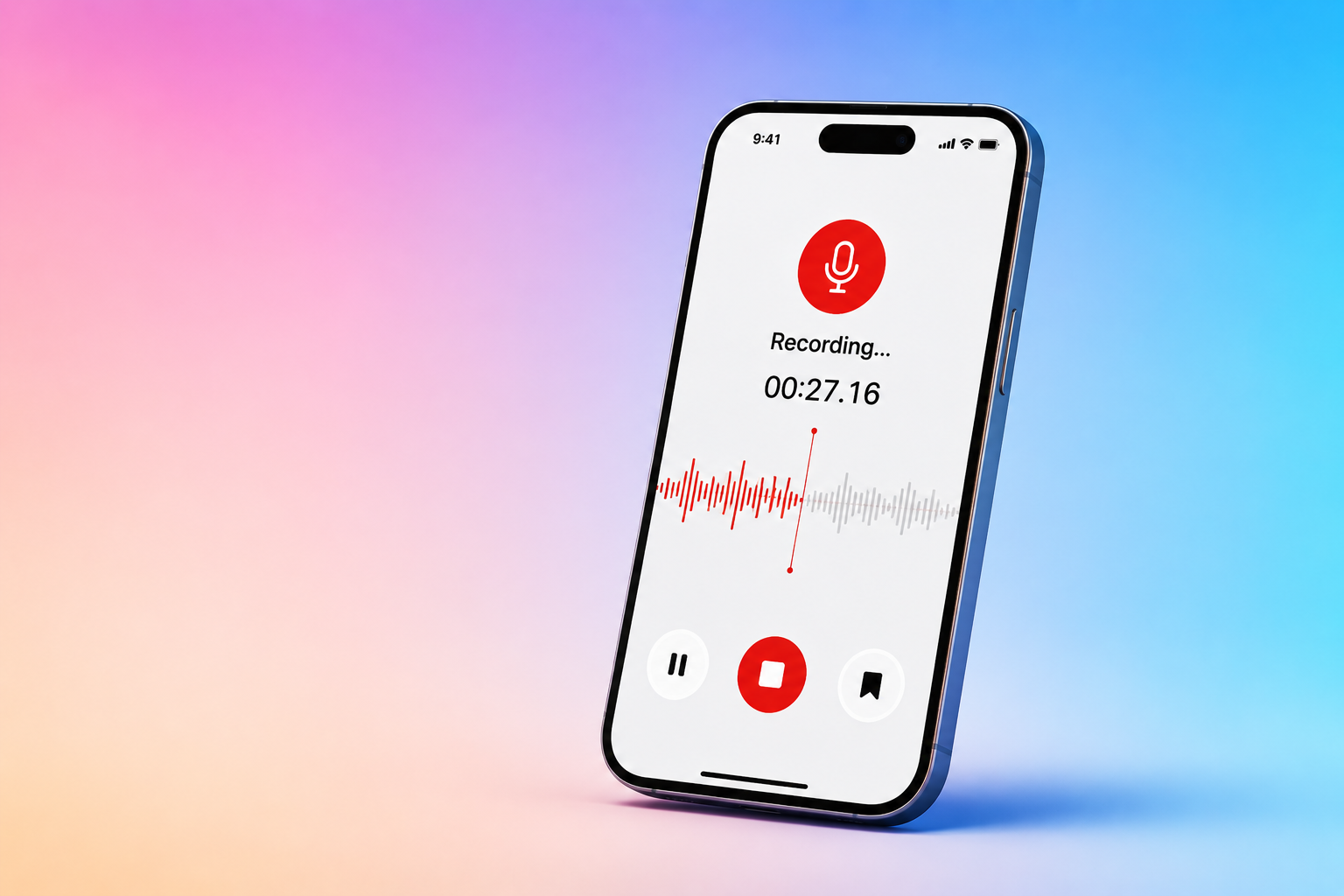
A recorder app is a mobile or desktop application that captures audio from your phone or computer’s microphone. Modern recorder apps go beyond simple audio capture—they transcribe, analyze, summarize, and organize recorded content.
What a Recorder App Can Do Today
- Record voice memos
- Capture lectures, meetings, and interviews
- Convert speech to text in real time
- Summarize long recordings with AI
- Translate conversations into multiple languages
- Organize recordings with tags, folders, and timestamps
Apps like Summary AI have evolved into full AI-powered personal assistants capable of recording both physical and online conversations.
Why Recorder Apps Are More Important Than Ever
In an era of information overload, people need tools that help them:
- Remember what was said
- Revisit decisions and key points
- Improve accuracy and productivity
- Reduce manual note-taking
- Save time
With AI enhancements, recorder apps now allow anyone to instantly unlock insights from hours of audio—without listening back manually.
Benefits of Using a Recorder App
1. Never Miss Important Information Again
Whether you’re attending a meeting, listening to a lecture, or brainstorming ideas, recorder apps ensure you always have a reliable record of the conversation.
Perfect For:
- Students capturing class discussions
- Journalists recording interviews
- Professionals attending virtual meetings
- Podcasters gathering raw audio
2. Save Hours With AI Transcription & Summaries
One of the biggest advantages of modern recorder apps is AI-powered transcription.
How AI Transcription Helps
- Converts voice to text instantly
- Allows keyword search inside long recordings
- Generates timestamps, chapters, and highlights
- Produces summaries for fast review
With Summary AI, you can upload any audio or video file and receive:
- Full transcription
- Key points
- Action items
- Summaries
- Translations
3. Improve Accessibility & Inclusivity
Recorder apps break down accessibility barriers by helping people who:
- Learn better visually
- Have difficulty taking notes
- Prefer text over audio
- Speak multiple languages
AI-powered translation allows users to understand recordings even if the conversation wasn’t in their native language.
Best Uses for a Recorder App
For Students & Educators
- Record lectures
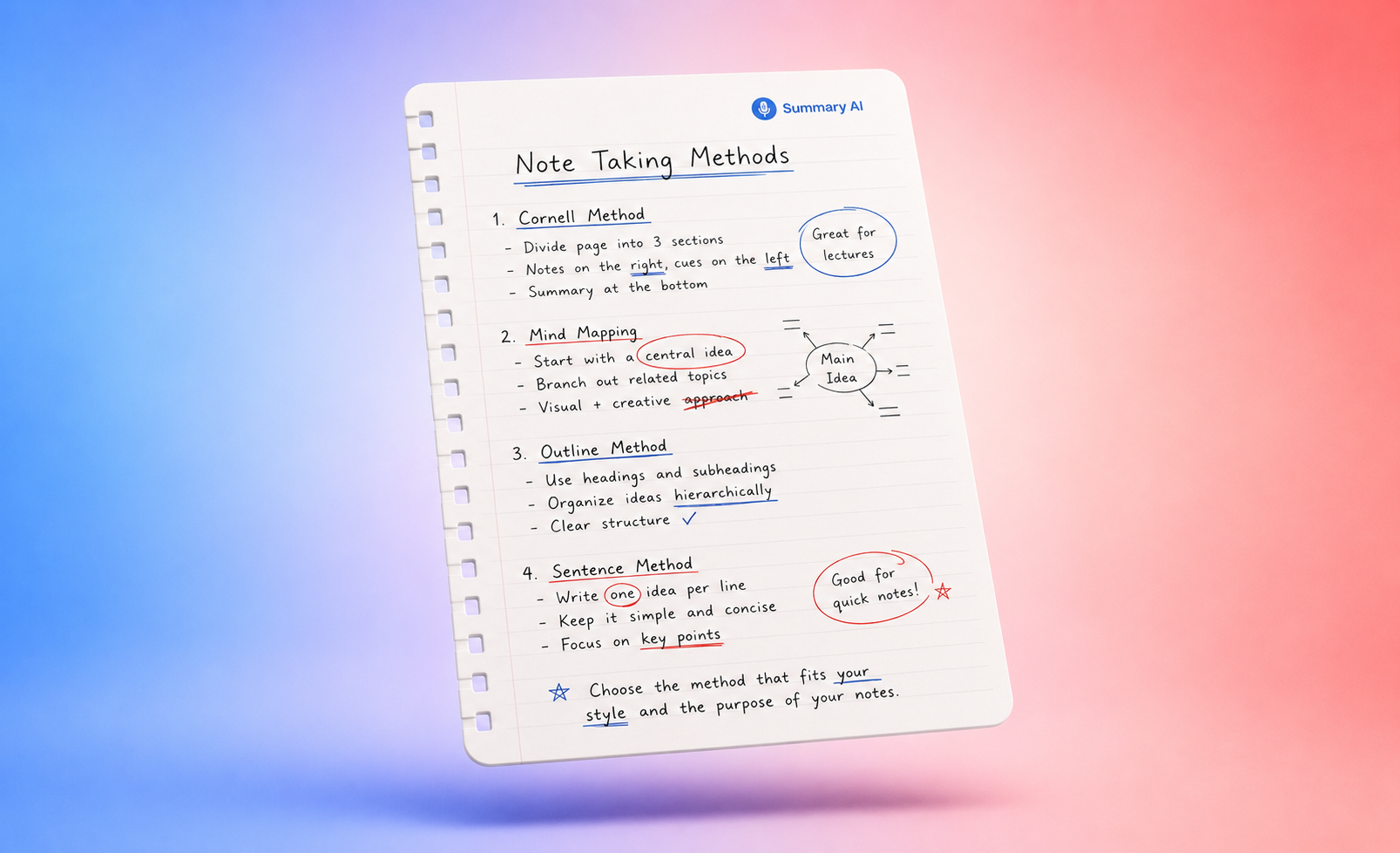
- Convert them into clean notes
- Highlight key concepts
- Create study guides automatically
For Business Professionals
- Capture meeting audio
- Auto-generate meeting minutes
- Identify action items
- Save conversations for compliance
For Podcasters & Content Creators
- Record interviews or solo sessions
- Turn recordings into scripts or show notes
- Repurpose audio into blogs or social posts
For Journalists
- Capture interviews on the go
- Transcribe instantly
- Verify quotes accurately
Recorder App Features You Should Look For
Here are the essential features a modern recorder app must include:
Core Features
- High-quality audio capture
- Background noise reduction
- Cloud backup and sync
- Offline recording support
- Easy file exporting (MP3, WAV, TXT, etc.)
AI Features (Must-Have)
- Automatic transcription
- AI summaries
- Speaker identification
- Chapter generation
- Real-time translation
Productivity Add-Ons
- Tags, folders, and smart organization
- Shareable links
- Integration with Notion, Google Drive, Slack, and more
Comparison Table: Traditional Recorder Apps vs AI-Powered Recorder Apps
| Feature | Traditional Recorder App | AI-Powered Recorder App (Summary AI) |
|---|---|---|
| Audio Recording | Yes | Yes |
| Noise Reduction | Yes | Yes |
| Transcription | No | Yes |
| Summaries | No | Yes |
| Speaker Detection | No | Yes |
| Translation | No | Yes |
| Meeting Notes | No | Yes |
| Multi-Platform Sync | Limited | Full Cloud Sync |
| Productivity Tools | Minimal | Robust |
Why Summary AI Is One of the Best Recorder Apps
Summary AI stands out because it is not just a recorder—it’s an AI personal assistant built for modern professionals, students, and creators.Top Summary AI Features

- Record both physical and online meetings
- Upload any video or audio file for instant transcription
- Get AI-generated summaries, action items, and key points
- Record conversations in more than 50 languages
- Translate audio and text automatically
- Organize recordings with smart folders
Whether you’re capturing team conversations or recording a lecture, Summary AI turns every audio file into searchable, structured knowledge.
Step-by-Step: How to Use a Recorder App Effectively
1. Choose Your Environment
Record in a quiet space when possible. Use a stable mic position.
2. Enable Noise Reduction
Most recorder apps include built-in noise suppression—turn it on.
3. Use AI Features to Save Time
Don’t just record—transcribe and summarize.
4. Organize Your Recordings Immediately
Tag them by:
- Project
- Class
- Client
- Date
5. Back Everything Up
Cloud syncing ensures you never lose important recordings.
Pros & Cons of Recorder Apps
Pros
- Capture conversations accurately
- Save time with AI summaries
- Improve productivity
- Great for studying
- Support for multiple languages
- Easy to share
Cons
- Requires battery power
- Large audio files may need cloud storage
- Privacy concerns if misused
Conclusion: The Recorder App Is Now Your AI-Powered Memory
A recorder app is more than a simple audio tool—it’s your second brain. In 2025, AI-powered apps transform raw audio into structured, meaningful information instantly.
If you want a recorder app that not only captures audio but also:
- Transcribes
- Summarizes
- Translates
- Organizes
Then Summary AI is one of the most powerful options available.

