





Behind everything that people build and automate with AI nowadays, there are the AI platforms that make all of it possible. These aren’t merely AI tools, they are larger systems that let you create things with AI, connect your workflows, and deploy them across everything you do.
The global market for AI has grown to a huge scale in the past few years and the platforms responsible for this growth have never been more capable and more accessible than they are now.
This guide covers the top AI platforms that you should know right now and that you should try for yourself. It explains what each platform does, who it is best for, and what makes it stand out.
1. Summary AI: Best AI Platform for Meeting Notes
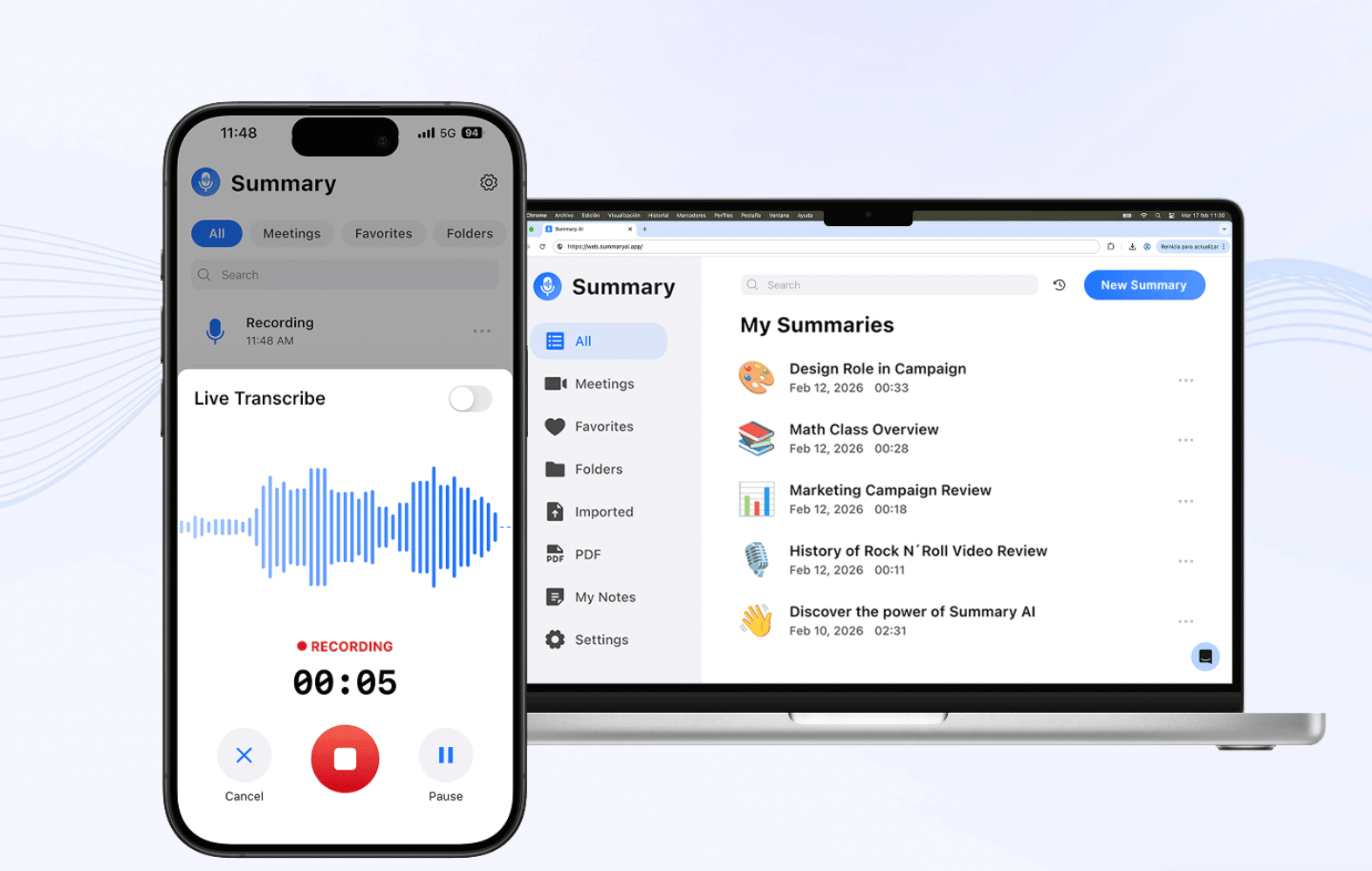
Summary AI is an AI platform that helps make meetings a hundred times more productive. It integrates with your favorite meeting tools and you can allow it to join. I can then translate your meeting live with support for 120+ languages, and it can also record everything that was said.
Summary AI creates a transcript of the meeting and automatically generates the perfect summary, complete with key points and action items highlighted. You can then choose to share the summary with all participants or keep it for yourself.
Summary AI makes it easier to take action after meetings by knowing exactly what to do. You can also ask the platform questions about your meeting thanks to conversational AI and it will give you a helpful answer instantly. It is one of the most useful AI platforms for anyone who spends a lot of time in meetings every week.
What Summary AI does best:
- Transcribes meetings and adds speaker labels
- Generates summaries with action items automatically
- Lets you search and ask questions about any recording
- Exports notes to PDF and shares them with the team
Best for: Teams who want perfect meeting notes every single time.
2. ChatGPT: Best AI Platform for General Purposes
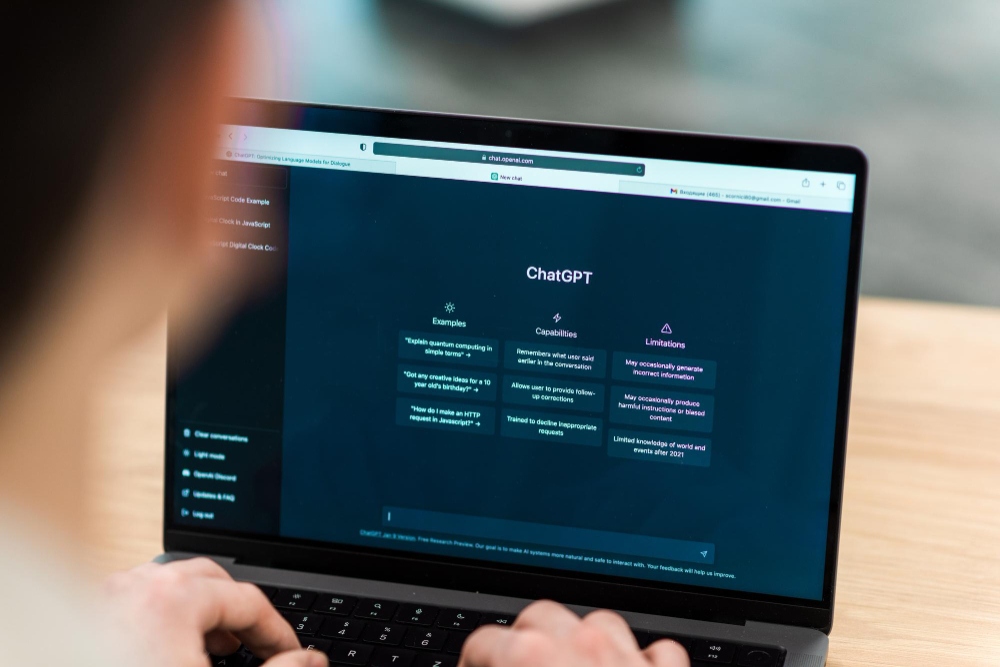
ChatGPT is said to be the most-used AI platform in the world, with 800 million weekly active users and over 2.5 billion prompts processed every single day, according to a 2025 December report.
It can do tasks like writing, coding, research, image analysis, data interpretation, and conversation, all in one place.
The platform keeps getting updates. In 2026, it supports several different types of input, persistent memory, voice mode, and deep reasoning through its latest models. Custom GPTs and third-party integrations means that users can make even more use of it, far beyond what it is capable of by default.
If you only use one AI platform, this is the one most people started with, and it could be a good starting point for you as well when you want to learn AI.
What ChatGPT does best:
- Generates text, images, files, and audio in one interface
- Reasons through complex problems step by step
- Remembers past conversations to give you personalized help
- Powers thousands of third-party apps through its API
Best for: Everyone from students and writers to developers and enterprise teams.
3. Google Gemini: Best AI Platform for Research
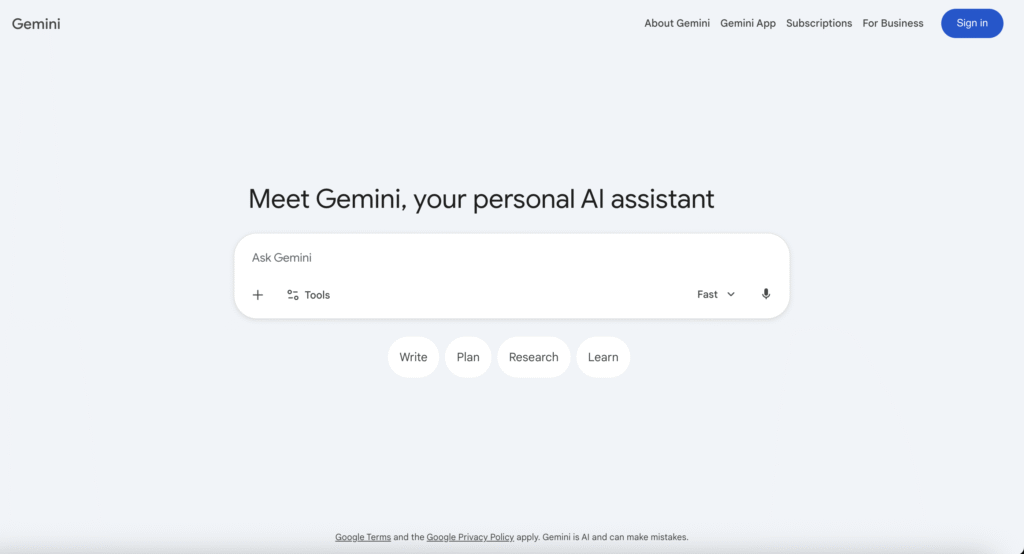
If you work with a lot of complex information, Google Gemini might be the AI platform for you. Gemini is an AI platform that offers one of the largest context windows of all. This means that it can read and analyze thousands of pages of text or hours of video in a single session.
Gemini can connect directly to several tools, which increases its usefulness, especially in a professional context. For example, it can integrate with Gmail, Docs, Sheets, and Drive, so it can help with real work right inside these apps that many people already use.
It also powers Google Search’s AI features (like Google AI Overviews) and is deeply embedded in the Google Cloud ecosystem for developers and enterprises.
What Gemini does best:
- Handles large documents and tasks that require a lot of context
- Integrates with all Google Workspace apps
- Understands text, images, audio, and video at once
- Supports developers through Gemini Enterprise Agent Platform on Google Cloud
Best for: Teams working with long or complex documents, especially if they use Google Workspace.
4. Copilot: AI Platform from Microsoft
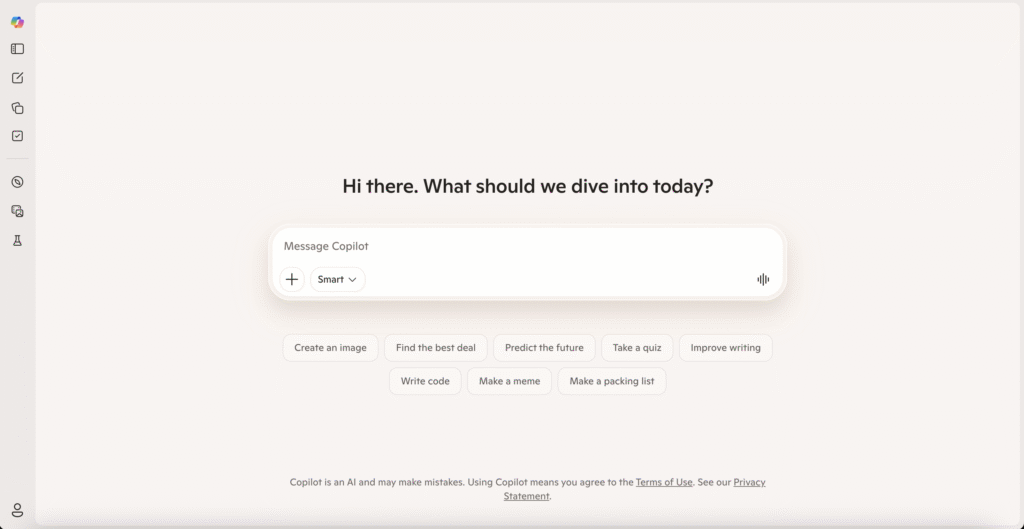
Microsoft Copilot is another AI platform that integrates with the tools millions of people already use at work every day. It writes in Word, uses formulas in Excel, puts together slides in PowerPoint, summarizes your meetings in Teams, and drafts emails for you in Outlook. It does all of this without you needing to switch from the original apps you used for these tasks before AI.
This is one of the most practical AI platforms available for organizations that use Microsoft 365. It can also connect to your workplace data securely and works within enterprise compliance boundaries. Copilot Studio also lets developers and IT teams build custom AI agents for internal use.
What Copilot does best:
- Drafts, edits, and summarizes content across all Office apps
- Summarizes meetings automatically and creates follow-up emails in Teams
- Operates securely within Microsoft 365 environments
- Lets you build custom agents via Copilot Studio
Best for: Business professionals and enterprise teams already working inside Microsoft 365.
5. Claude: A “Safe” Approach to AI Platforms
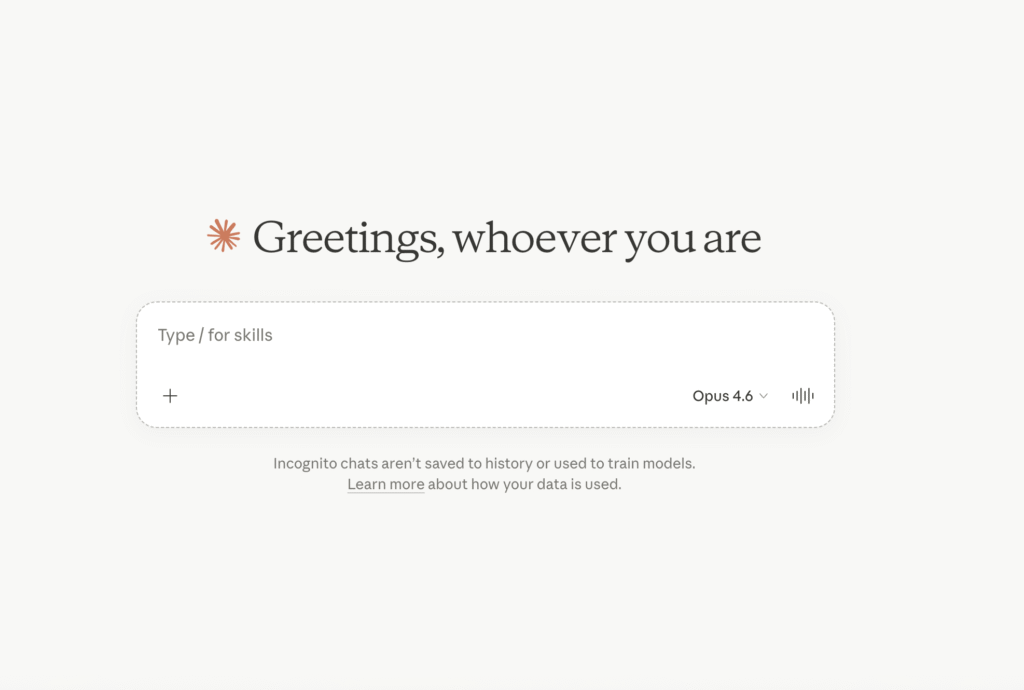
Claude is Anthropic’s AI platform. It is built with safety and data security in mind. This is done by using Constitutional AI, which is AI training based on safety principles, data privacy standards like SOC 2, ISO 27001, AES-256 encryption, and tools for AI agents, such as read-only default permissions and human-in-the-loop approval. Businesses in regulated industries like healthcare, legal, and finance choose this AI platform for this reason.
Long documents is where Claude performs especially well. It can read and reason across bigger batches of information without losing context. Developers also use it widely through the Anthropic API for building custom AI apps that have a reliable foundation.
What Claude does best:
- Handles very long documents accurately
- Better context retention
- Prioritizes safety and reliable responses
- Developer API for building custom AI products
Best for: Enterprises, legal and healthcare teams, and developers who need reliable, safety-focused AI.
6. Notion AI: Best AI Platform for Projects
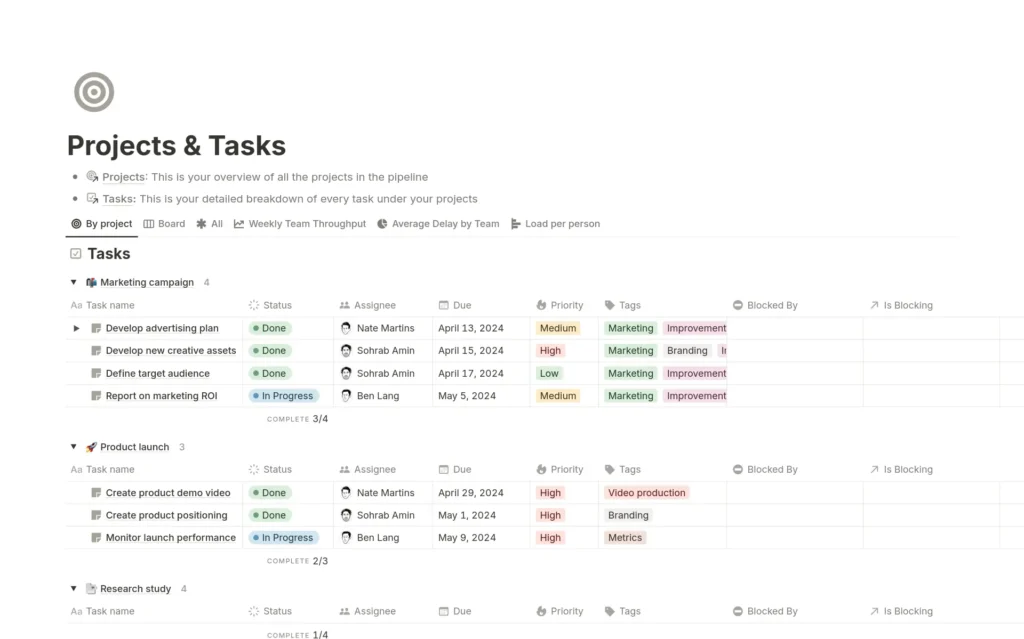
Notion AI turns the Notion workspace we all know into an even more powerful AI platform that can help you make more use of the existing tools as well as adding new ones. It helps you manage and analyze your notes and databases right where you track your projects.
Users can use AI to automatically fill in data and summarize projects across pages. It is one of the most useful AI platforms for teams managing complex knowledge and projects. It includes features like Custom Agents, AI Autofill for databases, and AI Meeting Notes.
What Notion does best:
- Writes, rewrites, and summarizes content directly inside pages
- Autofills database fields automatically using AI
- Builds custom agents that run workflows hands-free
- Connects to external tools via MCP integration
Best for: Teams and individuals who manage projects, documentation, and knowledge in Notion.
7. Zapier: Best AI Platform for Automation
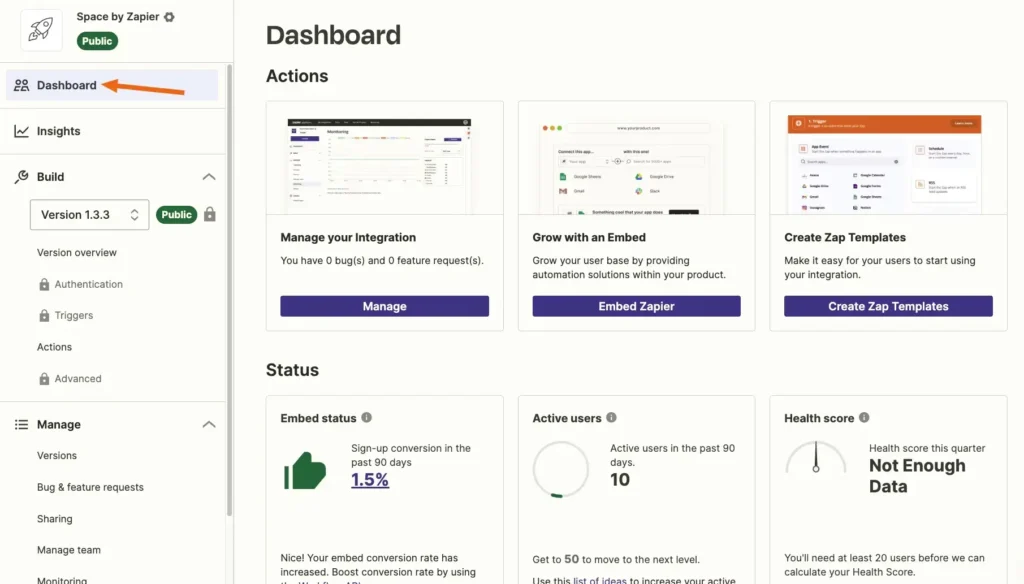
Zapier is a workflow automation AI platform that connects AI to your everyday tools. The platform links more than 9,000 apps. It lets users build automated workflows called Zaps. These trigger actions that you can set up without writing code. Recently, Zapier added AI agents. This gives users a way to build automations in plain language and connect AI assistants like Claude and ChatGPT.
Zapier is best for teams that want to stop doing repetitive tasks manually. It handles the connections, authentication, retries, and logic so that AI models can take action and do tasks.
What Zapier does best:
- Connects thousands of apps
- Creates automated workflows
- Lets AI do tasks across your tools
- Builds automations using prompts
Best for: Anyone who wants to automate repetitive work across multiple apps, especially ops and marketing teams.
8. Hugging Face: Best AI Platform for Developers
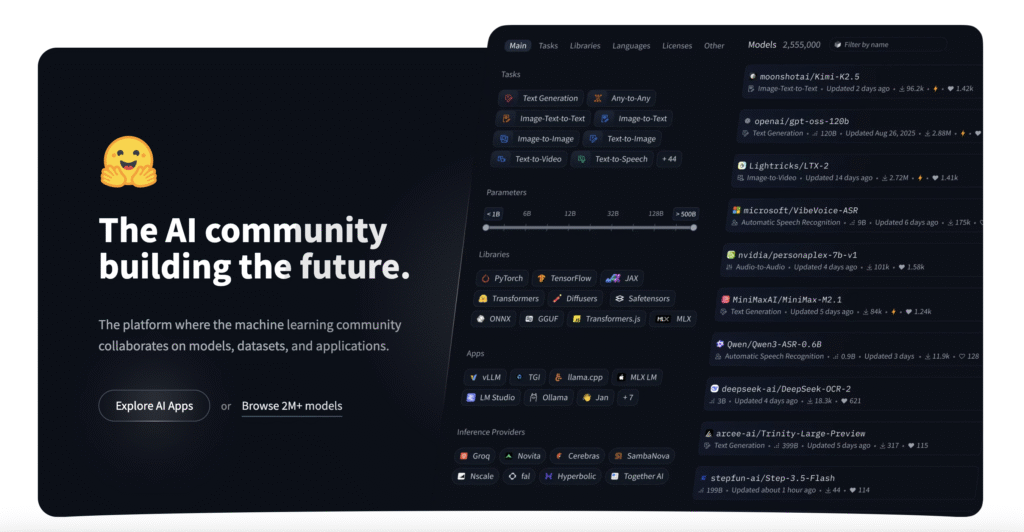
Hugging Face is an AI platform called the “GitHub of Machine Learning.” It hosts over 1 million pre-trained AI models. Developers can download them, then fine-tune and deploy them using just a few lines of code. The platform supports every type of major AI task. It can be used to generate text, recognize images, generate speech, translate, and more.
The platform offers many more tools for devs. It supports PyTorch and TensorFlow, and has its own libraries of Transformers and Diffusers, and a Hub where researchers share open source models and datasets. For AI developers who want to build things fast without training models from scratch. Hugging Face helps cut down cost and time.
What Hugging Face does best:
- Gives you access to 1 million+ open-source AI models and libraries
- Makes fine-tuning and deploying models easier
- Hosts a community for developers to share models and datasets
- Supports production deployment through its API
Best for: AI developers and startups who want to build custom AI products quickly.
Choose an AI Platform That Does What You Need
The best AI platform is the one that fits the problem you need to solve. If you spend hours in meetings, Summary AI gives you that time back with it’s AI meeting assistant that joins your calls and creates perfect summaries with action items.

