



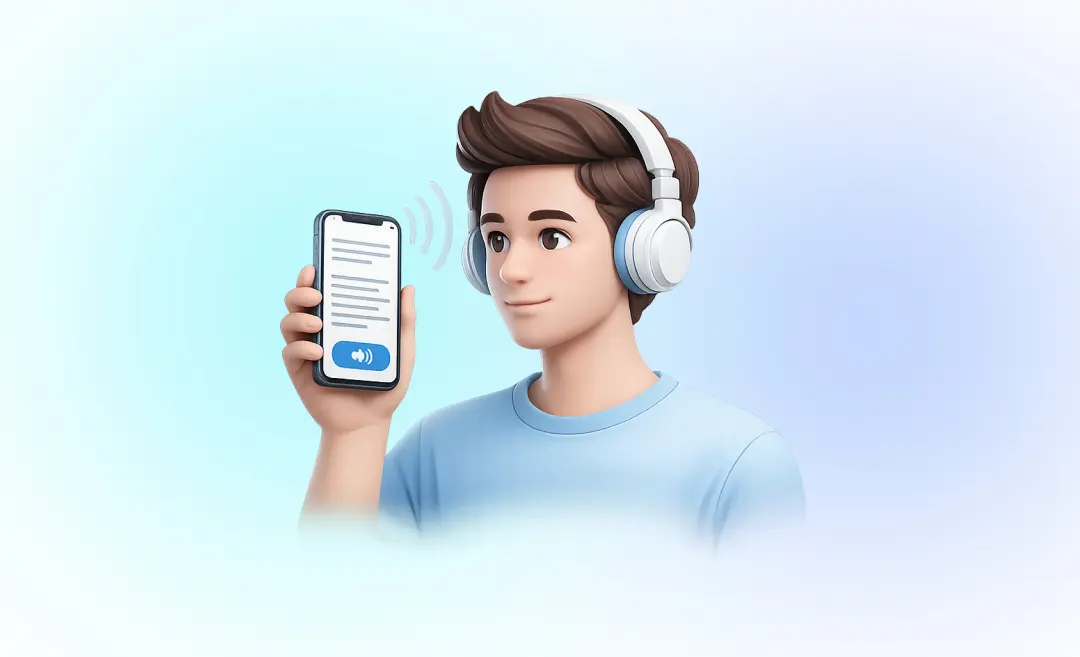

Siri reads you things in a soothing voice that help you make sense of unfamiliar concepts. Google Assistant recites answers while you’re busy sorting laundry. Voicebots eliminate taps and clicks by responding to your voice. But have you ever wondered how these innovations actually work?
They rely on a technology called Text to Speech, or TTS for short. Its a form of assistive technology that lets a computer or phone read text out loud. You come across it in TikTok voiceovers, virtual assistants, and screen readers. TTS has become a big part of our daily lives.
TTS is a pretty important tool for improving accessibility, productivity and the overall experience of using technology. In this article we’re going to explain what TTS means, how it actually works, where you’ll find it in your daily routine and its advantages and downfalls.
What Does Text to Speech Mean?
TTS, also known as ‘read-aloud’ technology or speech synthesis, is a way of turning digital text into audio that’s generated by computers. In simple terms, it reads the text on your screen out loud for you, so you don’t have to do it yourself.

TTS works on pretty much any personal device – so that’s laptops, tablets, and smartphones. Its capable of reading any text written in characters – from articles and books to messages, webpages and notes. Not to mention numbers, dates and special symbols. When you see TTS mentioned in an app description, its probably referring to a text-to-speech feature.
TTS vs STT
Its worth distinguishing TTS from speech-to-text (STT) and audio-to-text technologies. While TTS takes written content and turns it into audio, STT and audio-to-text do the reverse – they turn spoken language into text. Both of them can help with productivity – TTS helps with content consumption, while STT speeds up content creation and documentation.
Now that we have a better understanding of what TTS means, let’s take a closer look at how it actually works.
How Does Text to Speech Work?
Modern TTS systems tend to follow three main steps to turn text into natural-sounding speech.
Analysis
This is also known as linguistic analysis – its the stage where the system converts raw text into a format that it can process. The system looks at sentence structure, words, characters and punctuation – it works out how to pronounce words, numbers, abbreviations and special symbols, and decides where pauses and emphasis should occur.
Prosody Creation
In this stage the system decides how the speech should sound. This involves defining rhythm, intonation, pitch and pauses. Older systems could sound a bit flat and robotic, but modern technologies use neural networks and deep learning to produce speech patterns that are more natural and human-like.
Audio Generation
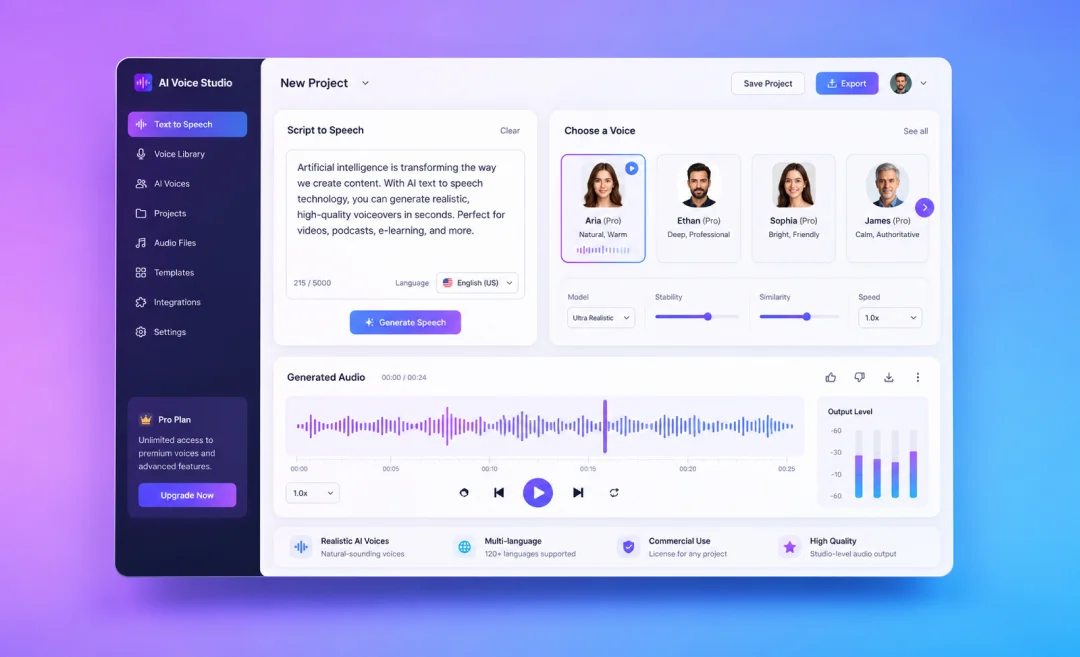
Finally the system generates the actual audio waveform that becomes speech. TTS models are trained on big datasets of human voice recordings. Users can often adjust speed, pitch, accent, gender and even the speaking style, like professional or casual.
From a user’s perspective, the process is pretty straightforward: paste your text, choose a voice and press play. The system can either read the text as you go or generate an audio file for later.
How Do People Use Text to Speech in Everyday Life?
TTS was originally developed to help people with visual impairments or reading difficulties access digital content – which made a big difference to a lot of people’s lives.
Nowadays, TTS is used in loads of different ways:
- Education: Students and teachers use TTS to improve comprehension, recall and learning speed. Its especially useful for language learning, where users can hear correct pronunciation and intonation.
- Content creation: Creators use TTS to generate voice-overs for videos, TikToks, reels and other media without actually recording their own voice.
- Multitasking: Users can listen to articles or documents while doing other things.
- Virtual assistants: Tools like Siri, Alexa and Google Assistant use TTS to respond to user queries.
- Navigation and support: GPS systems and chatbots rely on TTS to deliver spoken instructions and responses.
In general, whenever a device “speaks”, its probably using text-to-speech technology. Its ability to create natural, interactive communication makes it a valuable tool for improving the overall user experience.
Text to Speech vs Speech to Text vs Audio to Text
TTS and STT are often mixed up because both involve text and audio. The main difference is the direction of conversion:
- TTS: text → audio
- STT/audio-to-text: audio → text
For example, you use TTS when your phone reads a webpage out loud, and STT when it transcribes a voice message into text.
Audio-to-text tools also play a big role in productivity and communication – one example is Summary AI.

Convert audio to text with Summary AI
Summary AI was designed for the opposite of TTS – it converts spoken content into written text. Not only does it transcribe recordings with accuracy using AI, but it also summarises the content for you and your team.This makes it a whole lot easier to stop worrying about sorting through long recordings or transcripts.
Text to Speech pros and cons
As with just about any bit of technology, TTS has both its ups and downs.
The Benefits of TTS
It’s a big help for people who have trouble reading or have a visual impairment and it makes a big difference to their lives.
TTS lets you do lots of things at once, like listen to a podcast while working out or washing up.
The Drawbacks of TTS
The older systems can sound a bit too robotic, especially if you crank up the speed.
Can sometimes get names, acronyms or tricky words wrong.

If you need the opposite of text to speech
Text to Speech is just one of those handy tech tools that lets devices read written text out loud in a voice that sounds a bit like a human being. Really makes life easier for people who need to access content in a different way – makes life easier for everyone else too.
If you’re having trouble reading some text, then you’re probably best to have a look at a TTS tool. If you need the opposite – to turn audio into text – then an STT tool like Summary AI is a better bet.

