



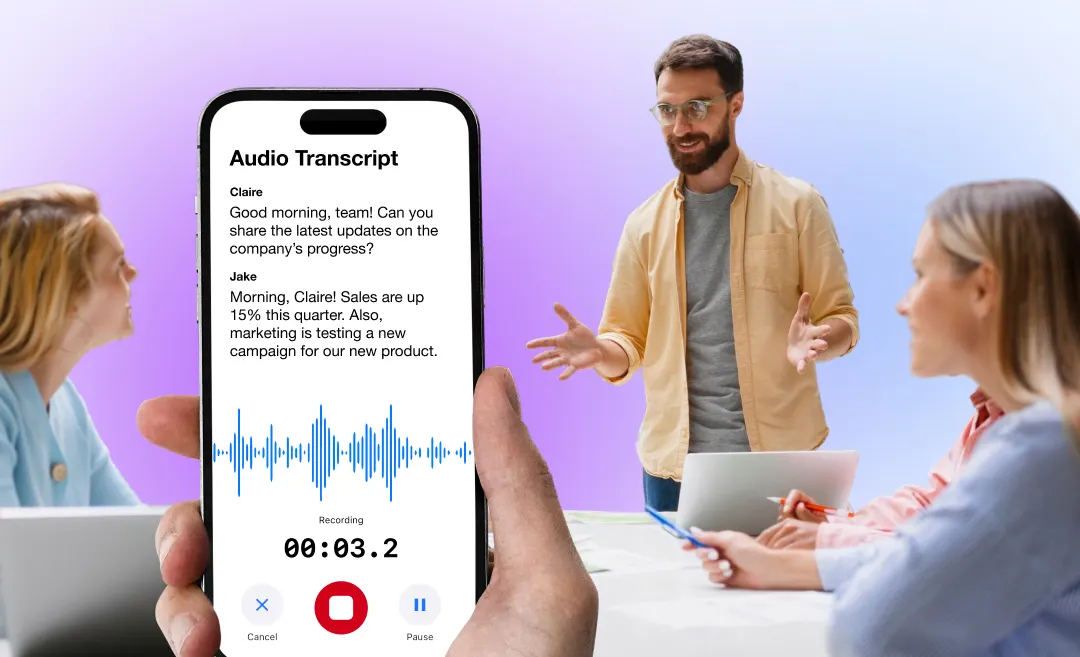




Staff meetings are essential for team alignment, communication, and progress tracking — but only when they’re structured effectively. Many workplaces struggle with long, unproductive meetings that drain time and energy.
This guide explains what a staff meeting is, how to run one efficiently, meeting templates, agenda examples, and how tools like Summary AI can automate notes, summaries, and action items.
What Is a Staff Meeting?
A staff meeting is a regularly scheduled gathering where team members discuss updates, progress, issues, and upcoming work. It ensures alignment across departments and keeps everyone informed about goals and priorities.
Common Goals of Staff Meetings
- Provide team updates
- Review KPIs or progress
- Identify blockers
- Assign tasks
- Make decisions
- Improve communication
Why Staff Meetings Matter

1. Align Teams Around Priorities
Staff meetings ensure everyone understands the current objectives, deadlines, and responsibilities.
2. Identify Issues Early
They help uncover blockers or problems before they escalate.
3. Improve Cross-Team Communication
Departments can share updates, ensuring transparency and avoiding duplicated work.
4. Strengthen Company Culture
Regular face-to-face interaction (even over Zoom) builds trust and collaboration.
Types of Staff Meetings
| Meeting Type | Purpose | Frequency | Best For |
|---|---|---|---|
| Weekly Staff Meeting | Status updates, planning | Weekly | Most teams |
| Leadership Meeting | Strategy, decisions | Weekly / Bi-weekly | Managers & directors |
| All-Hands Meeting | Company-wide announcements | Monthly / Quarterly | Large organizations |
| Project Meeting | Milestone updates & tasks | Weekly | Project-based teams |
| Brainstorming Meeting | Ideas, innovation | As needed | Creative teams |
| Performance Meeting | KPIs, feedback | Monthly / Quarterly | Sales, support, operations |
How to Run an Effective Staff Meeting
1. Prepare a Clear Agenda
The meeting agenda should outline:
- Goals of the meeting
- Topics to discuss
- Time allocated to each item
- Who is speaking
- Expected outcomes
Example Staff Meeting Agenda:
- Quick recap of last week (5 mins)
- Team updates (10 mins)
- Priority projects & deadlines (10 mins)
- Issues & blockers (10 mins)
- Action items & next steps (5 mins)
2. Assign Roles for Efficiency
- Facilitator: keeps meeting on track
- Timekeeper: ensures pacing
- Note-Taker (or AI): captures decisions & tasks
- Presenter(s): share updates
Tip: Use Summary AI to transcribe the meeting automatically and create summaries.
3. Keep Updates Short and Focused
Avoid long storytelling or unnecessary detail.
Ask team members to share:
- What they completed
- What’s next
- Any blockers
4. Capture Action Items Clearly
Every task should include:
- What: task description
- Who: responsible person
- When: deadline
- Why: purpose
Example:
“John will prepare the Q1 sales forecast by Friday to review with leadership.”
5. Distribute Notes Immediately
This ensures everyone stays aligned and accountable.
With Summary AI, you can:
- Record physical or online meetings
- Get instant transcriptions
- Auto-generate summaries
- Extract action items by person
- Translate meeting notes
Perfect for hybrid teams and remote workplaces.
Staff Meeting Agenda Template (Editable)
Simple Staff Meeting Template
Meeting Title:
Date & Time:
Attendees:
1. Welcome & Goals
- Meeting objective
2. Team Updates
- Member 1:
- Member 2:
3. Current Priorities
- Project
- Deadline
- Status
4. Issues & Blockers
- Challenge
- Owner
- Proposed solution
5. Announcements
- Company updates
- Policy changes
6. Action Items Summary
| Action Item | Owner | Deadline | Status |
|---|---|---|---|
| Prepare Q1 sales forecast | John M. | Friday, Feb 14 | In Progress |
| Finalize project timeline draft | Sarah L. | Wednesday, Feb 12 | Not Started |
| Review new client onboarding flow | Maya R. | Monday, Feb 17 | Completed |
| Update team on policy changes | Daniel K. | Thursday, Feb 13 | In Progress |
Examples of Staff Meeting Topics
General Updates
- Weekly wins
- KPI performance
- New initiatives
- Hiring updates
Project Syncs
- Status of deliverables
- Roadblocks
- Resource needs
Team Development
- Training needs
- Team bonding ideas
Company-Level Announcements
- Leadership changes
- Budget updates
- Policy changes
How Summary AI Improves Staff Meetings
Staff meetings generate tons of information — and manually capturing it is time-consuming.
Here’s how Summary AI simplifies the entire process:

1. Automatic Meeting Transcription
Whether you’re in person or on Zoom, Summary AI records and transcribes every word accurately.
2. Instant Meeting Summaries
Get clean, structured notes instantly, including:
- Key decisions
- Highlights
- Action items
- Deadlines and responsibilities
3. Speaker Detection & Action Items
Identify who said what and automatically extract tasks by person.
4. AI-Powered Templates
Summary AI formats your notes into:
- Staff meeting templates
- Action item lists
- Project updates
- Executive summaries
5. Translation for Global Teams
Translate transcripts or summaries into 30+ languages. Perfect for international staff.
Common Staff Meeting Mistakes to Avoid
No agenda
Leads to confusion and wasted time.
Too many topics
Keep meetings focused to avoid fatigue.
One person dominates
Encourage equal participation.
No follow-up on action items
Tasks get lost — accountability drops.
Trying to capture notes manually
Use AI instead to ensure accuracy and speed
FAQs About Staff Meetings
1. How long should a staff meeting be?
The ideal length is 30–45 minutes. Longer meetings lead to fatigue and lower productivity.
2. What should be included in a staff meeting?
A staff meeting should include:
- Agenda
- Team updates
- Priorities
- Blockers
- Decisions
- Action items
3. How often should staff meetings occur?
Most teams meet weekly, but frequency depends on project needs and team size.
4. How do I take good staff meeting notes?
Use a template or automate note-taking with Summary AI, which records, transcribes, and summarizes the meeting for you.
5. What’s the best way to make meetings more productive?
- Use a clear agenda
- Stick to time limits
- Encourage participation
- Use AI tools for notes
- End with clear action items

