



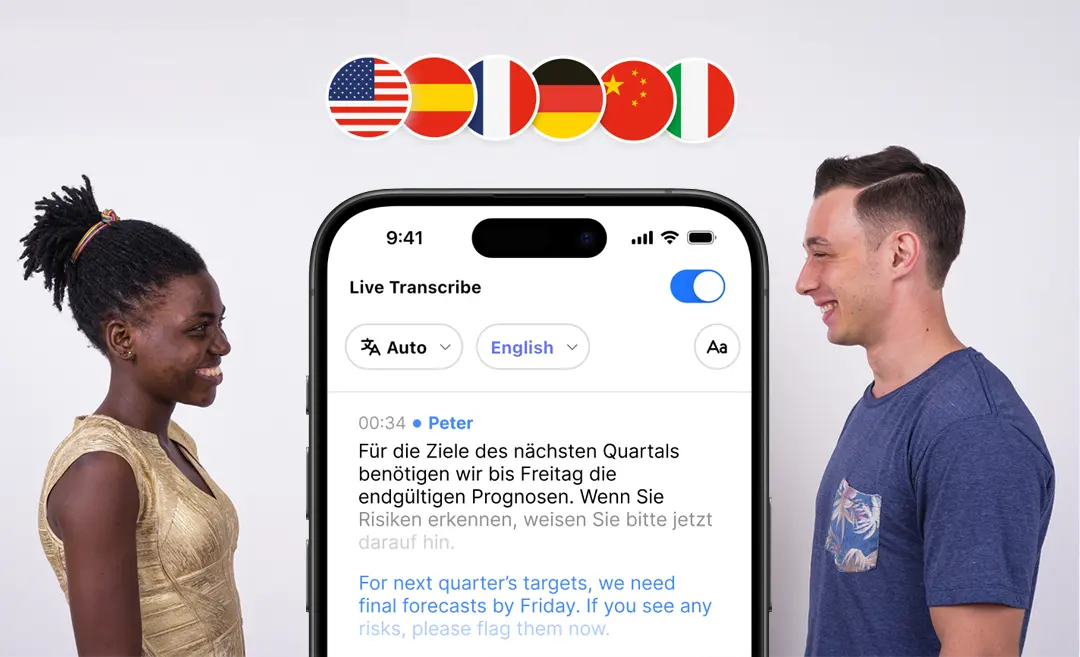




In today’s global, multilingual world, communication barriers are everywhere—but you don’t have to let them slow you down.
Whether you’re collaborating with international teams, onboarding clients overseas, or attending meetings across languages, the right translation app can make the difference between clarity and confusion.
If you’ve ever searched for the “best translation app”, you’ve come to the right place. In this article, we’ll go deep into:
- What a top-tier translation app should offer
- The key features that separate the leaders from the rest
- A comparison of the current best translation apps
- How an AI-powered app like Summary AI fits in—especially if you’re recording, transcribing, and translating meetings
- How to choose and implement your translation solution
What Does “Best Translation App” Actually Mean?
The Criteria You Should Use
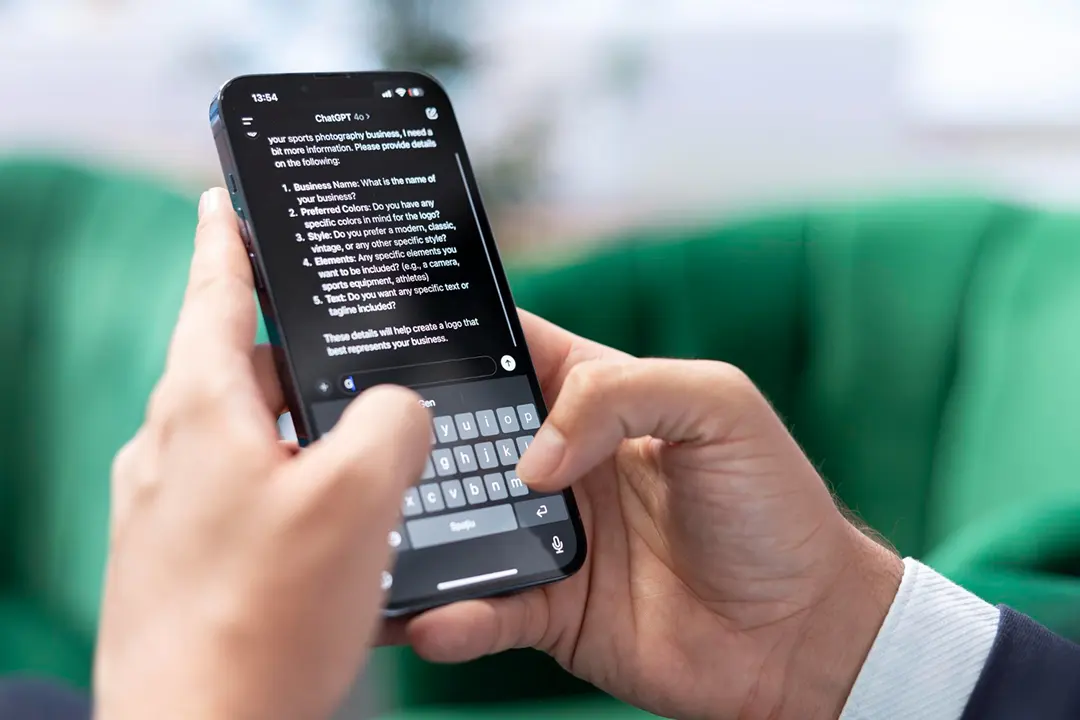
When apps claim to be the “best,” what does that mean in practice? Here are the attributes that matter most:
- Accuracy & Context Understanding: Translations must capture meaning, not just words. Apps like DeepL are noted for high accuracy in European‐language pairs.
- Live & Real-Time Performance: Instant voice or conversation translation, not just typed input.
- Language Coverage: How many languages are supported? Do dialects matter? According to one guide, supporting 100+ languages is a major plus.
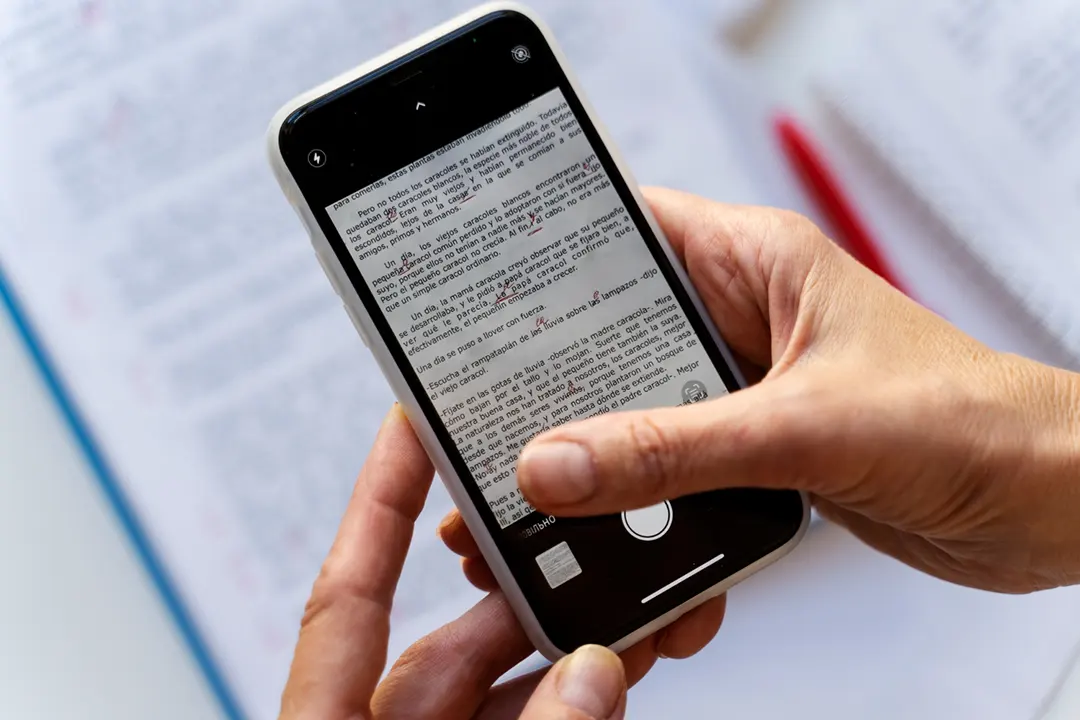
- Multimodal Input: Text, voice, camera (image/AR), offline mode.
- Integration with Workflow: Especially vital when you’re doing meetings, recording, transcribing, and then translating.
- Security & Compliance: When you’re working in business contexts, encrypted translation, data privacy, and enterprise support matter.
- Usability & Support: A great UI, offline support, and consistent updates.
In 2025, translation apps don’t just translate words—they preserve emotion, adapt cultural context, and enable real-time AR translation.
Top Translation Apps at a Glance
| App | Strengths | Typical Use Case |
|---|---|---|
| Google Translate | Supports 100+ languages, text/voice/image, offline mode. | Quick lookup, travel, general everyday use |
| DeepL | Very high accuracy in supported languages, great for professional text. | Business documents, translation that reads naturally |
| Microsoft Translator | Good for group conversation mode, business integration. | Teams, meetings, enterprise use |
| iTranslate / SayHi / Others | Travel-friendly, voice / phrasebook support. | On-the-go translation, travel |
| Summary AI (hybrid scenario) | Translation built into meeting transcription and recording workflow. | For professionals who record meetings, need translation + notes |
Why Most Translation Apps Fall Short, and What to Watch For
Pitfalls to Be Aware Of
- Poor Accuracy for Complex Text: Slang, idioms, industry terms often suffer.
- Limited Offline Support: Many high-accuracy apps need internet.
- Lack of Live Conversation Mode: Some apps only translate typed input, not speak-and-translate.
- Data Privacy Concerns: Especially when you upload sensitive meeting recordings.
- Fragmented Workflow: Separate apps for translation, meeting recording, transcribing = more overhead.
Where Summary AI Fits In: Beyond Just Translation
While many apps focus only on translation, Summary AI offers a more complete meeting‐ready workflow:
Key Advantages
- Recording + Transcription + Translation in one tool: You record a meeting, get a transcript, then translate.
- Action-item extraction + multilingual summaries – Ideal when teams speak multiple languages.
- Secure cloud storage + encryption – Business friendly for confidential meetings.
- Integration into your workflow – Use the translated transcript, share with stakeholders, embed in reports.
A Real-World Scenario
Imagine a global sales call with participants in Spain, Brazil, and the US:
- You record the call using Summary AI.
- Instantly you get a transcript.
- The tool translates into all relevant languages.
- You export the text, share with everyone, and no one misses a key point because of a language barrier.
How to Choose the Best Translation App for Your Needs
Step-by-Step Decision Criteria
- Define the primary use case: travel? business? meeting transcription?
- Check language support: Do you need Asian languages? Rare dialects?
- Evaluate accuracy: Try sample translations; do they feel natural?
- Assess input methods: Do you need voice conversations or image translation?
- Review workflow integration: How does it fit with your meetings, recordings, team workflow?
- Confirm data privacy: Especially for business use: encryption, compliance, BRD.
- Compare cost & value: Free apps vs enterprise subscription.
Quick Comparison Table
| Feature | Travel / Casual User | Professional / Business Team |
|---|---|---|
| Languages Supported | 50+ | 100+ (including niche dialects) |
| Input Methods | Voice / text / camera | Voice / text / camera + live conversation + file translation |
| Workflow Integration | Limited | Full (meetings, recordings, reports) |
| Security / Privacy | Basic | Strong encryption, enterprise grade |
| Cost | Free / Low | Mid–High, subscription based |
Best Practices for Translation in Business Contexts
Six Tips to Maximize Value
- Use native speaker review: Even the best machine translation should be validated.
- Keep source audio/text clear: Good input = better translation.
- Secure the workflow: Use apps that comply with your data security standards.
- Standardize terminology: Glossaries help consistent translation across documents.
- Train your team: Everyone should know how to access translated transcripts.
- Repurpose your translations: Use the translated transcripts as content (blogs, reports, global sharing).
When to Choose Which App
- For travel or light use → Google Translate or iTranslate
- For business document translation → DeepL
- For meetings with multilingual participants → Summary AI (record, transcribe, translate)
Final Thoughts: What’s the Best Translation App for You?
If you’re looking for a simple everyday translator, apps like Google Translate deliver strong value.
But if you’re working in a multilingual, meeting-focused, professional environment where recording, transcribing, and translating go hand-in-hand, then a solution like Summary AI offers a more integrated, workflow-ready approach.
“Translation apps don’t just translate words: they preserve emotion, adapt cultural context, and enable real-time AR translation.”
By matching the right tool to your needs: and considering language support, accuracy, workflow integration, and security: you’ll choose the app that truly deserves the title “best translation app” for your context.
Ready to break down language barriers in your meetings?
Explore Summary AI and experience translated, transcribed, and actionable communication across teams.
FAQs about Best Translation Apps
1. What is the best translation app for meetings and business use?
The best translation app for meetings combines real-time accuracy, multi-language support, and data security. While tools like Google Translate and Microsoft Translator work for quick translations, Summary AI stands out for professionals: it records, transcribes, and translates meetings instantly, keeping everything secure and organized in one app.
2. Which translation app is most accurate?
Accuracy depends on the language pair and content type. DeepL is known for high-quality written translations in major languages, while Summary AI excels in real-time voice and meeting translations, maintaining context and tone. For short travel phrases, Google Translate remains highly reliable.
3. Can I use translation apps offline?
Yes, several apps such as Google Translate and iTranslate offer offline translation once you download specific language packs. However, AI-based tools like Summary AI require internet access for high-accuracy processing and real-time transcription during live conversations.
4. What formats can transcripts be exported as?
Transcripts can be exported as PDF or text files, making them easy to share, edit, or store for later use.
5. How does Summary AI differ from Google Translate or Microsoft Translator?
Unlike single-purpose translators, Summary AI is an AI-powered meeting assistant that records, transcribes, summarizes, and translates your conversations in real time. It’s ideal for teams, consultants, and global businesses that need accurate, actionable meeting notes, not just translations.

