#1 Transcription App 2025.

stars

Rated 4.9 out of 5

Trusted by 100,000+ users worldwide

Transcribe Video to Text in Minutes

Use our video to text converter to transcribe video to text in seconds. Upload any video or audio file and get accurate transcripts instantly.

Video to Text

Transcribe any video to text in minutes

Drag & drop your file here or browse to upload

Accepted formats: MP4, MOV, AVI, MKV, WebM · Max 500MB

Timestamps

+ 50M

Minutes
transcribed

100K +

Happy
users

95% +

Accuracy
rate

100 +

Languages
supported

Convert video to text in 3 simple steps

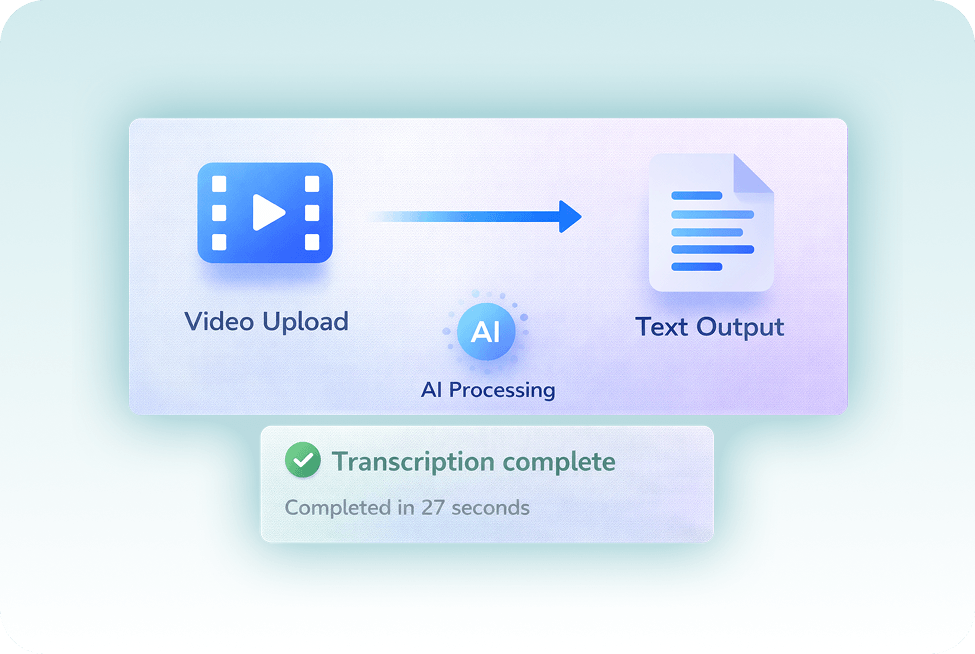
Upload any file and convert video to text in seconds. Our video transcriber works with MP4, audio files, and links, no setup needed.

1. Upload your video

Upload your video file, paste a link, or drop in an MP4 to start

2. AI transcribes automatically

Our video to text converter turns your video into text automatically with a fast transcription process

3. Edit and export

Review your transcript, make edits, and export it in any format you need

Multiple ways to add your videos

Choose how you want to upload and start the transcription process with our video to text converter

Upload video files

Drag and drop any video file from your computer. Supports all major formats.

Paste video URL

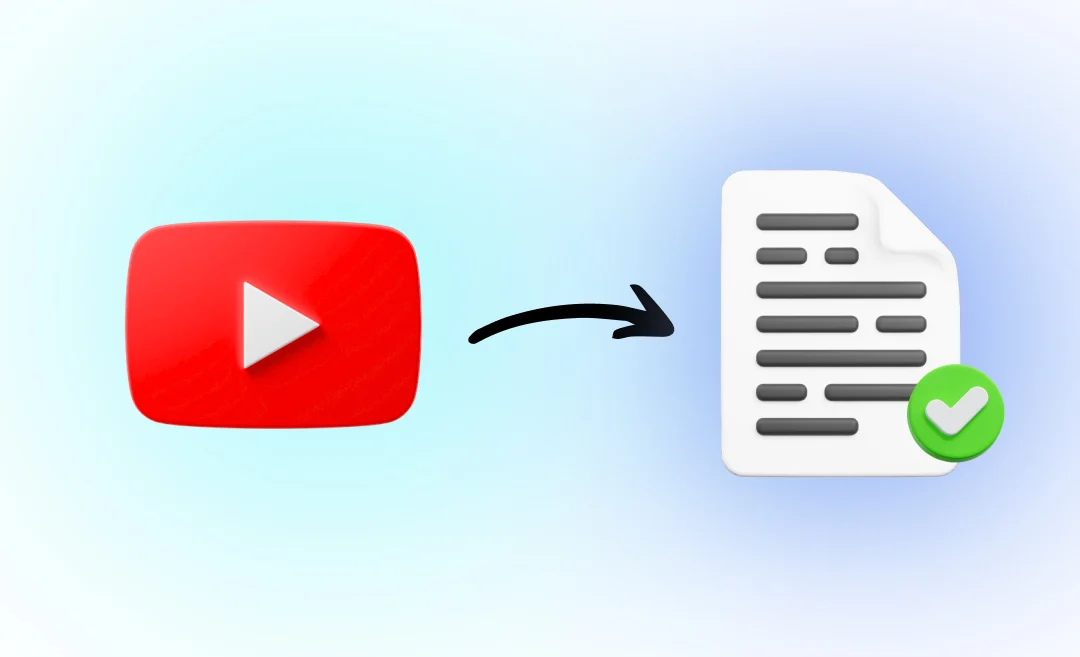
Paste a link from YouTube, Vimeo, or Loom and let our video to text converter generate your transcript automatically.

Record directly

Record audio or video and use our video transcriber to convert it to text in real time.

Cloud storage

Import files from Google Drive or Dropbox and convert video or audio files using our transcription software

Import in any format

Video to text converter for all your platforms & formats

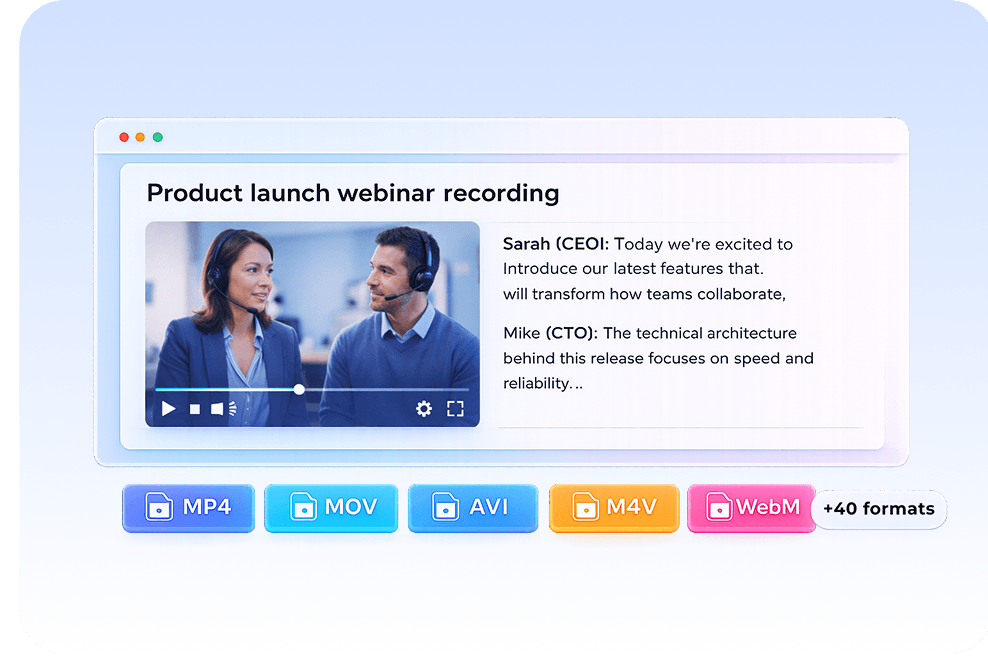
Transcribe MP4, convert audio files, or import from Zoom, YouTube, and more.


Platforms: YouTube, Zoom, Google Meet, Microsoft Teams, Loom, Google Drive, Dropbox, local files


Formats: MP4, MOV, AVI, M4V, WebM and more.

video-to-text-converter

Transcripts at the speed of AI

Instant video-to-text results

Upload your file and convert video to text in seconds. Our video to text converter handles the transcription process instantly- accurate, ready to edit, and generated in your browser.

Everything you need for video transcription

Core features for fast and accurate video transcription

Lightning fast

Fast AI transcription process, convert video to text in minutes

High accuracy

Accurate video transcription with speaker detection

100+ languages

Transcribe video to text in multiple languages

Multiple formats

Export with our transcript generator (TXT, DOCX, PDF)

Team collaboration

Turn video transcription into summaries and key points

Secure & private

Reliable transcription software with secure storage

More tools to explore

Transcribe video to text

Convert video files into accurate text transcripts.

Youtube video summarizer

Get AI-powered summaries of YouTube videos instantly.

Transcribe audio to text

Transform audio recordings 
into written text.

Speech to text

Convert spoken words into written text in real-time.

Podcast summarizer

Get quick summaries and key takeaways from podcasts.

Audio summarizer

Generate concise summaries from any audio content.

Subtitles generator

Automatically generate accurate subtitles for your videos.

Online video compressor

Compress video files while maintaining quality.

Online audio compressor

Reduce audio file size without
losing quality.

Built for every use case

Transcribe meetings, interviews, lectures, and videos using our video to text converter.

Content Creators

Turn videos into blogs, captions, and scripts

Students

Convert lectures into notes and summaries

Teams & Meetings

Capture discussions and action items with a video transcriber

Researchers & Journalists

Transcribe interviews and extract insights fast

Works with your favorite platforms

Seamlessly integrate with the tools you already use to convert video to text

Zoom

Google Meet

Google Meet

Youtube

Vimeo

Loom

Dropbox

Google Drive

Why choose Summary AI?

A faster, smarter way to convert your video to text

Recommended

Summary AI

AI-powered transcription

Without Summary AI

Traditional method

Used by people who convert video to text every day

From meetings to content, people use our video to text converter to save hours every week

stars

“I use it every day to convert video to text for content. It saves me hours every week.”

MS

Maria Santos

YouTuber

stars

“We run all our meetings through it. The video transcription is fast and easy to search.”

JW

James Wilson

Product Manager

stars

“I can transcribe video to text in minutes. The accuracy and speed are honestly better than anything I’ve tried.”

EC

Dr. Emily Chen

Researcher

Summary AI Learning Hub

Expert advice, tips & how to guides about transcriptions, summaries and productivity. 
Get the most out of our summaries.

best free long text summary generator

Best Free Long Text Summary Generator in 2026

11 mins read.
how to extract the content from a youtube video

How To Extract The Content From A Youtube Video (Step‑by‑step)

12 mins read.
what is chatgpt

How To Record Sound On PC (3 Methods)

9 mins read.

Why transcribe a video to text?

Transcribing video to text makes your content searchable, shareable, and easy to reuse. Use a video to text converter to extract key points, create summaries, and save hours of manual work.

Why transcribe a video to text?

A video to text converter is a transcription tool that converts video or audio files into written text. It uses AI to generate accurate transcripts with timestamps and speaker detection.

Frequently Asked Questions

Upload your video to Summary AI or play it while Summary AI listens through your device. Summary AI automatically converts video to text into accurate, searchable transcripts.

Summary AI offers fast, accurate AI-powered video to text transcription with timestamps, summaries, and export options. It’s designed to turn videos into clear, usable text.

Summary AI supports MP4, MOV, M4A, and other common formats, making it easy to convert video to text from different file types. For best results, use clear audio with minimal background noise.

Summary AI uses advanced speech recognition AI to deliver highly accurate video to text transcription.

Summary AI supports multiple languages with built-in detection and works across different accents for video to text conversion.

There’s no strict time limit. You can convert both short and long videos to text depending on your available transcription minutes.

Most videos are processed close to real time. A 10-minute video typically takes around the same time to convert video to text.

Summary AI supports both. You can use it for live transcription or upload pre-recorded videos for video to text conversion.

Summary AI keeps your data secure with encryption. Only you or your selected collaborators can access your transcripts.

Get rid of manual meeting notes 
& download Summary AI today!

summary ai app in desktop and phone
Scroll to Top

Start for free

To download the mobile app, point your smartphone camera at the QR code