
#1 Live Translation App
Simple, Fast &
AI-driven Live
Meeting Translation


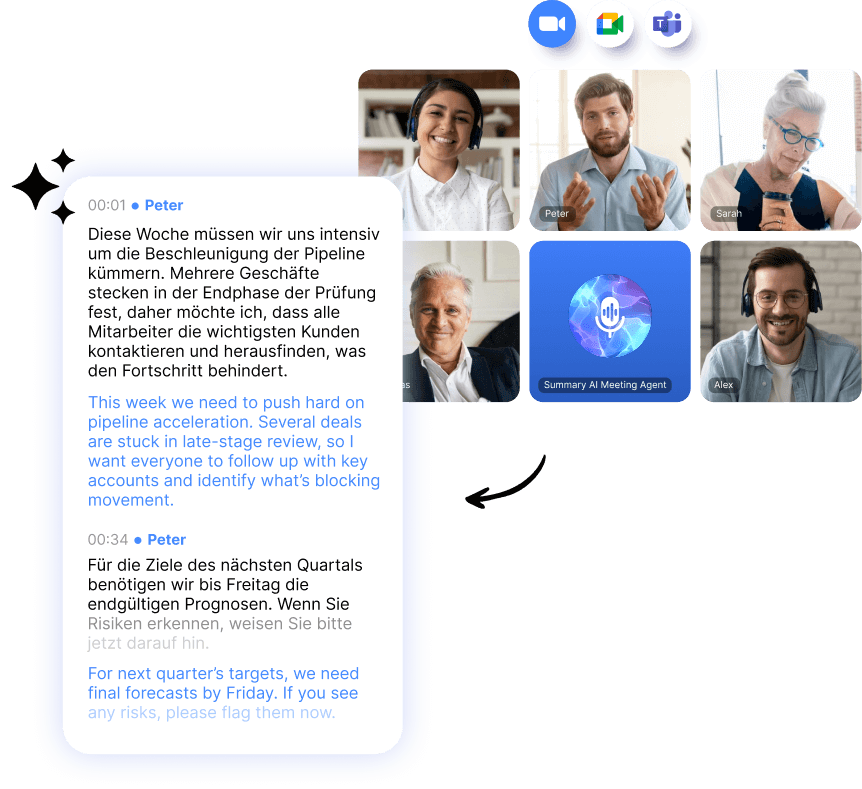







How to use the real time voice translator?
Step 1
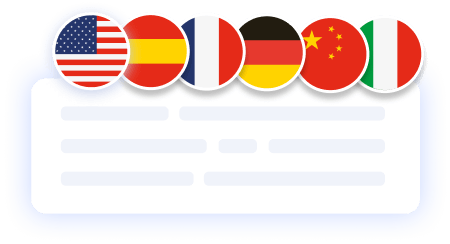
Translate any meeting in real time
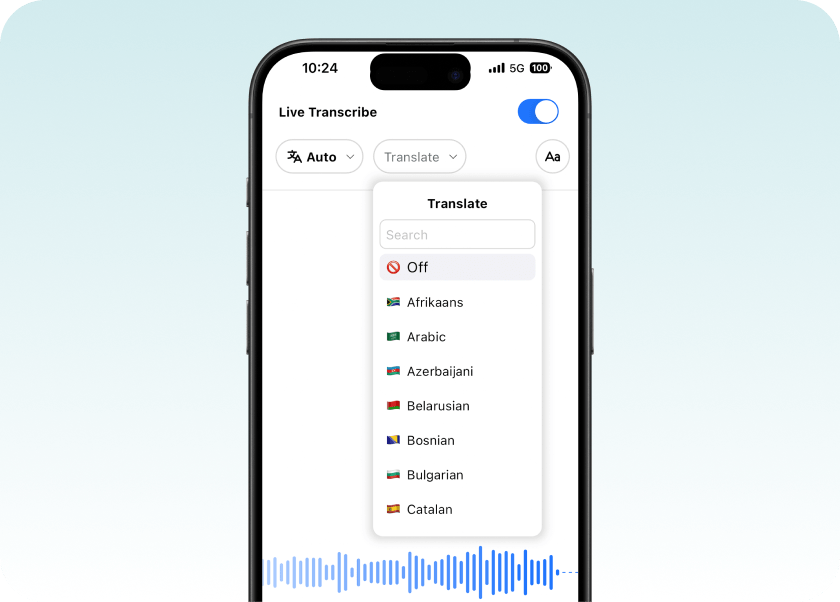
Select your preferred language and watch conversations translate live as they happen. Summary AI supports over 120 languages, displaying each word on screen just 0.1 seconds after it’s spoken — so everyone stays on the same page, no matter where they’re from.
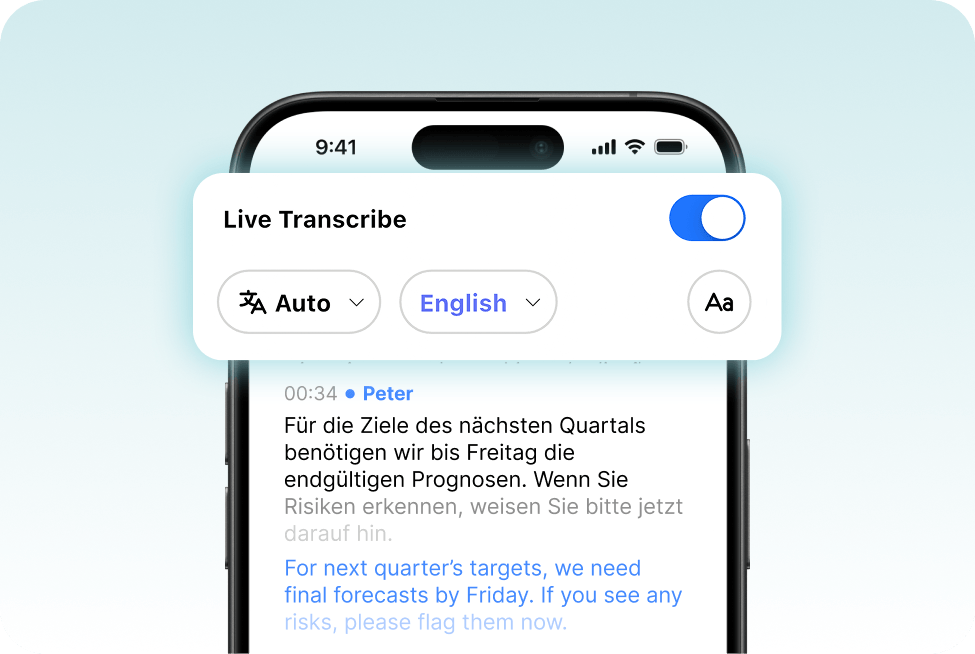
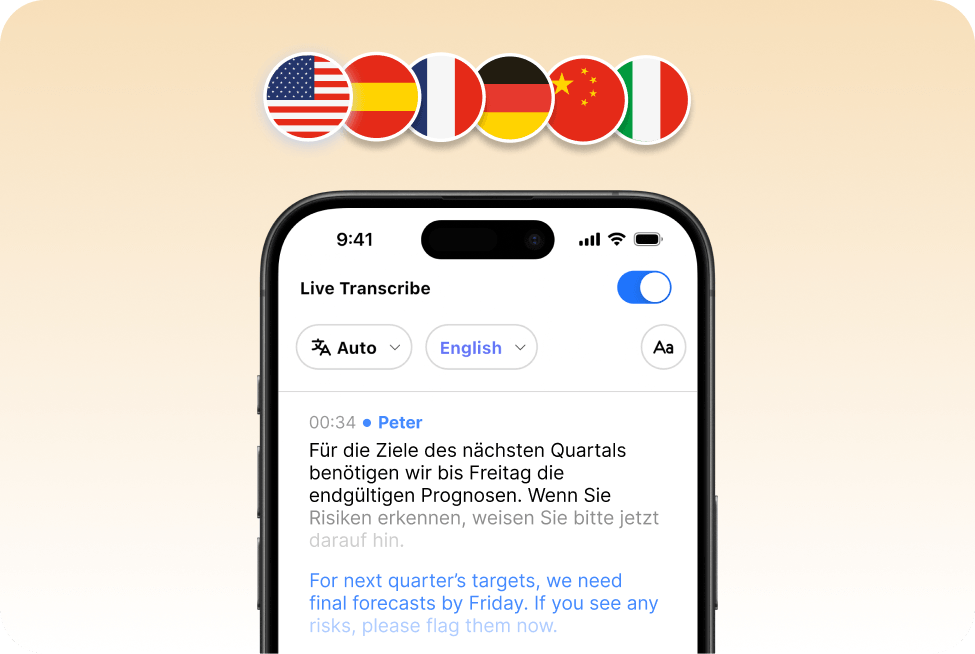
Step 2
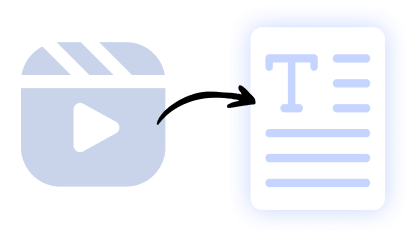
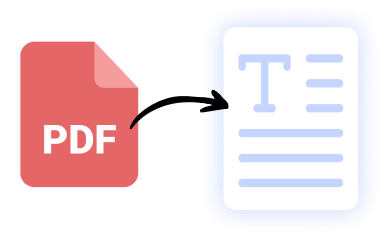
Translate any content in a snap
Step 3
Get instant summaries from your live transcription
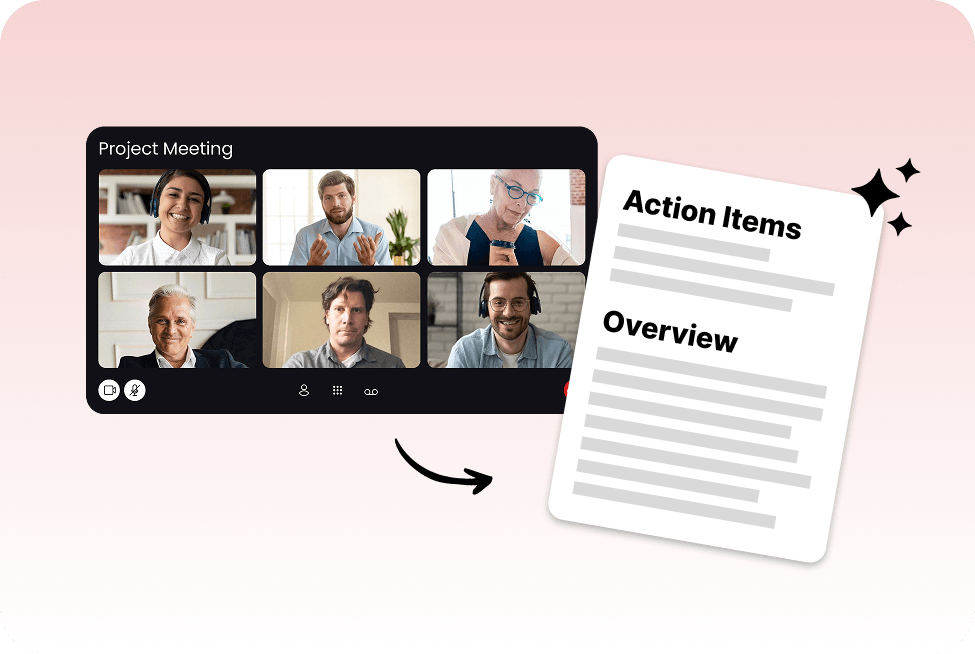
Step 4
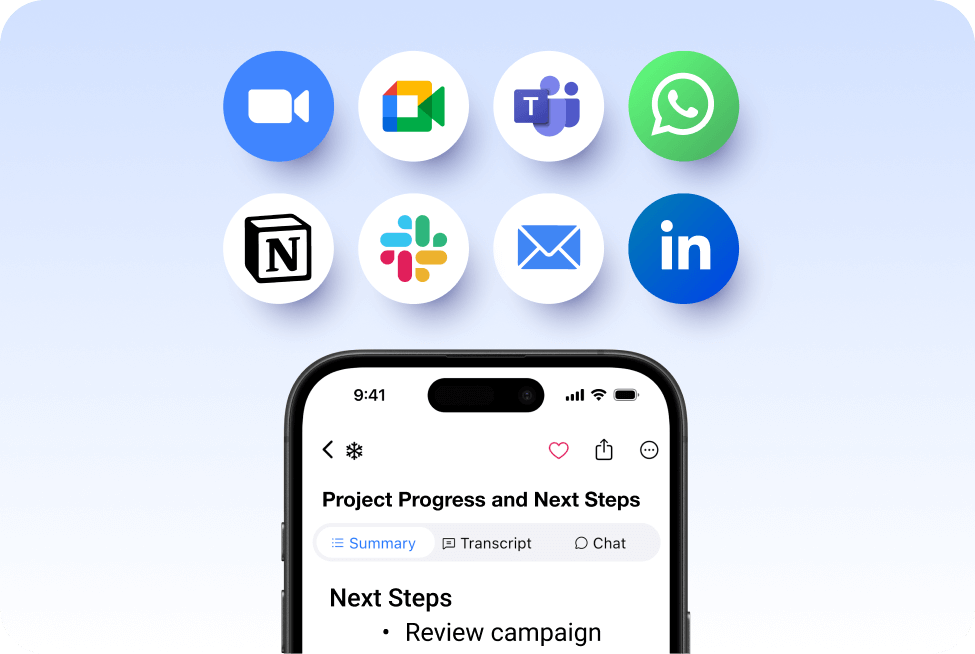
Share live translations and summaries effortlessly
Steps to use the live voice translator:
Step 2: Record & translate your meeting live
Just activate the microphone and Summary AI will do the rest, transforming your words into the language you have chosen in real-time.
Step 3: Review the results
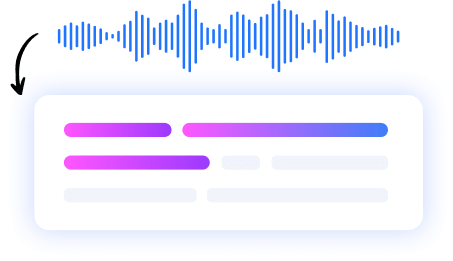
Get your speech translated into text. You can review and edit the text, or download the transcript with translation for your use.
More Features



AI Meeting Assistant
Your AI meeting assistant that assist to meetings, gets action points, and provides answers with AI.
Our results in numbers
+10M
active users
cloud-based
in the App Store
User testimonials


Rated 4.9 out of 5 from +16,000 reviews




Summary AI Learning Hub
Expert advice, tips & how to guides about transcriptions, summaries and productivity. Get the most out of our summaries.
Translate Meetings Live FAQs
How to translate live meetings?
Start a recording in SummaryAI and enable live transcription with translation. Once in the live translation page you can select which language you want to translate to, with over 124 options. The app will translate the conversation in real time as the meeting happens.
What is the best live language translation app for meetings?
SummaryAI is a strong option for live meeting translation, combining real-time transcription, multi-language support, and AI-generated summaries in one app.
Is there a way to translate a live stream?
Yes — you can use SummaryAI to capture the live audio from a stream and see real-time translated text as it plays.
How do I turn on live translate?
While starting a recording in SummaryAI, toggle live transcription ON and then simply select your target language to enable live translation.
Are live captions the same as subtitles?
They’re similar, but live captions are generated in real time during speech, while subtitles are usually added after recording.
Get rid of manual meeting notes & download Summary AI today!
- Take unlimited notes directly from your phone or favorite browser.
- Store all your recordings in one secure & cloud based platform.
- Perfect & detailed summaries made with AI.
- GDPR, ISO & CCPA compliant.

