
Keep your summaries private and organized
Store your summaries securely, decide what to share, and
organize everything into folders that match your workflow.
Your information stays protected, accessible, and easy to manage.









Your meeting data stays private
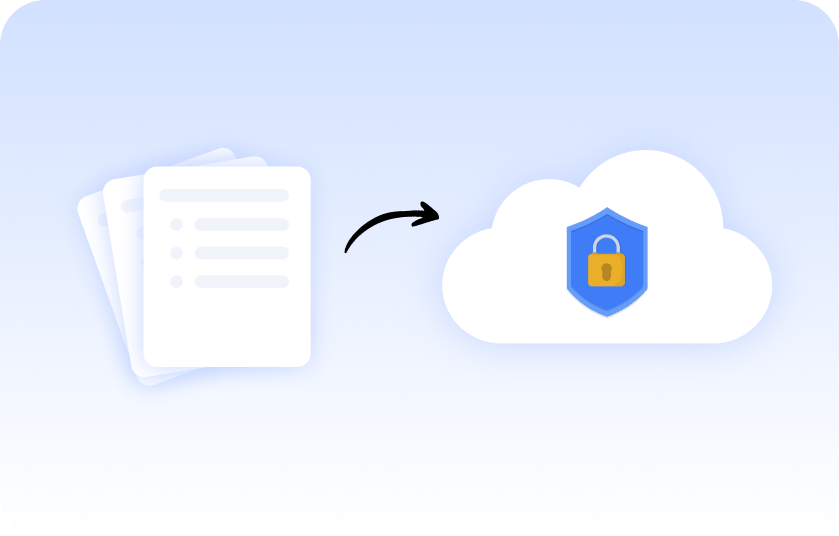
How to store your private meetings in our secure, cloud-based software?
All your summaries and transcripts are stored securely and visible only to you unless you choose to share them. Summary AI protects every file, keeping sensitive conversations safe and confidential.
Share only what you want
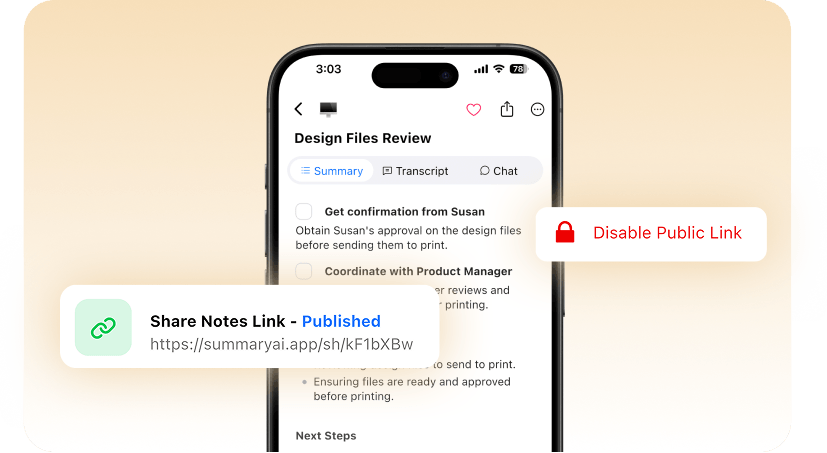
Easily control access to your summaries. Choose specific teammates or clients to share with — or keep them completely private. You decide who sees what, every time.
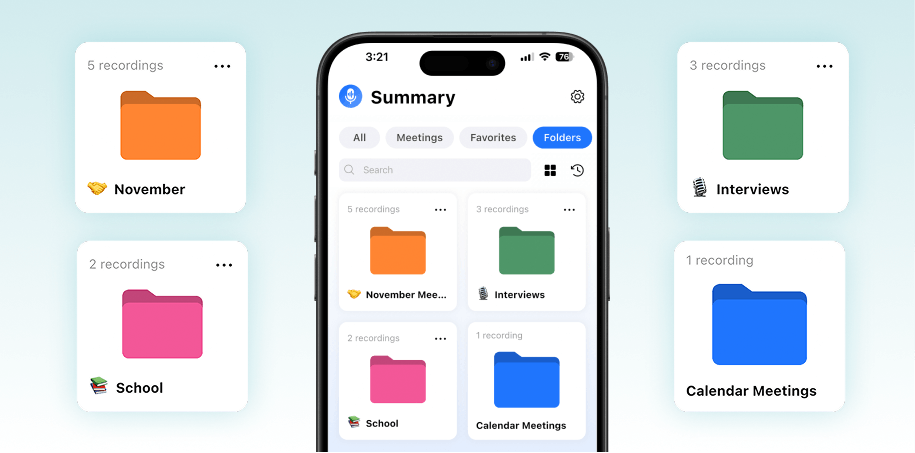
Stay organized with folders
More Features

AI Meeting Assistant
Your AI meeting assistant that assist to meetings, gets action points, and provides answers with AI.

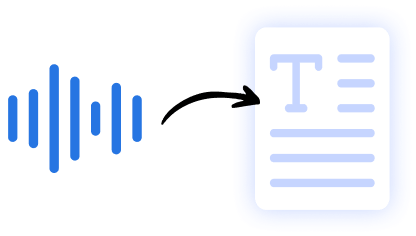
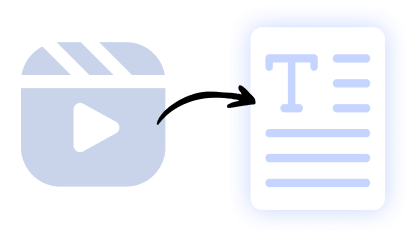
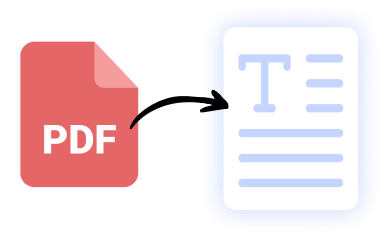
Our results in numbers
+10M
active users
cloud-based
in the App Store
User testimonials


Rated 4.9 out of 5 from +16,000 reviews
“With Summary AI’s background recording, I can keep my phone locked or multitask while the app quietly records everything in crystal-clear quality. No distractions, no interruptions — just reliable, private recordings every time. It’s the perfect tool for staying productive and organized during busy workdays.”




Summary AI Learning Hub
Expert advice, tips & how to guides about transcriptions, summaries and productivity. Get the most out of our summaries.
Private Summaries FAQs
How can I record private summaries?
You can record meetings, lectures, or personal notes in SummaryAI and keep them private by default. Only you can access them unless you choose to share.
Are Summary AI’s private summaries 100% secure?
SummaryAI uses encryption and secure storage to protect your recordings, transcripts, and summaries, ensuring your private content stays protected.
Can I organize my personal notes?
Yes — you can organize summaries and transcripts by title, folders, or templates, making it easy to manage personal notes and important information.
Can I share my private summaries safely?
Yes — you control sharing permissions and can share summaries via secure links, text, or PDF while keeping your original content private
How to make a summary report?
Simply record or upload content to SummaryAI, choose a summary template, and the AI will generate a clear, structured summary report you can edit and export.
Get rid of manual meeting notes & download Summary AI today!
- Take unlimited notes directly from your phone or favorite browser.
- Store all your recordings in one secure & cloud based platform.
- Perfect & detailed summaries made with AI.
- GDPR, ISO & CCPA compliant.

