
Nº1 AI Summary App
Get Instant AI Summaries for Any Meeting
Summary AI is a powerful AI summarizer that turns long meetings into clear, concise AI summaries in seconds — capturing key points, decisions, and action items while saving your team hours every week.


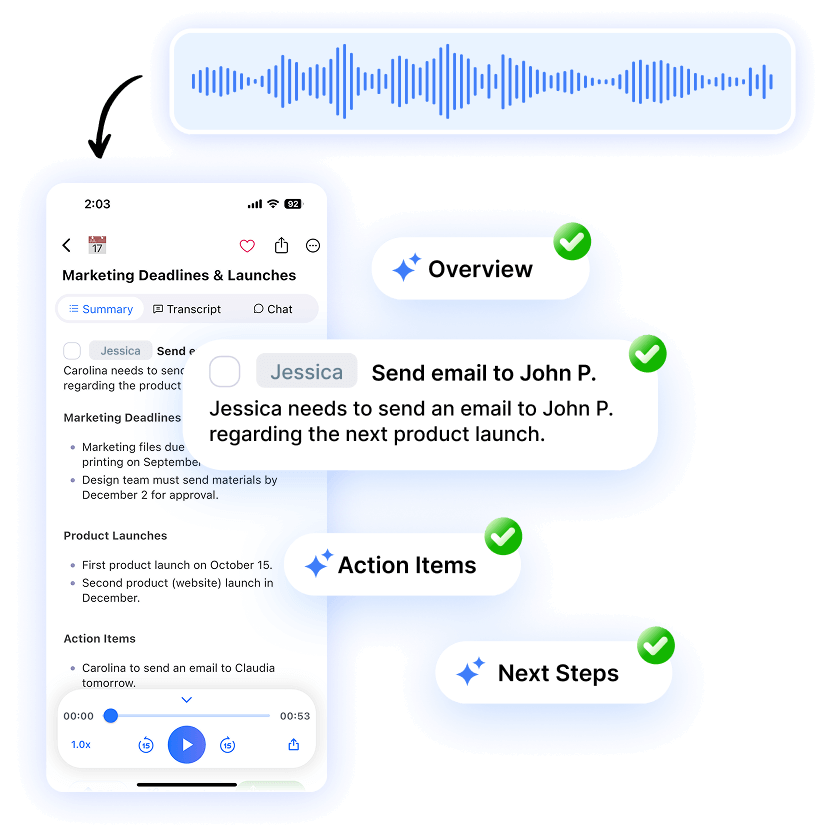







How to use our AI summary generator
Summary AI is your pocket companion for fast AI note-taking, instant recordings, live transcriptions and powerful insights, present in every meeting you attend to.
Step 1
Record or upload
your meeting
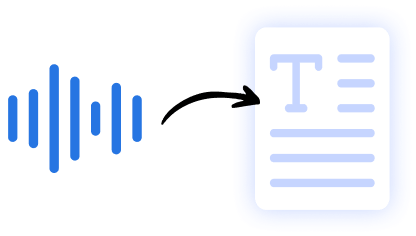
Invite the Summary AI assistant to your live meeting, record or upload a recorded meeting to get a text transcript.

Step 2
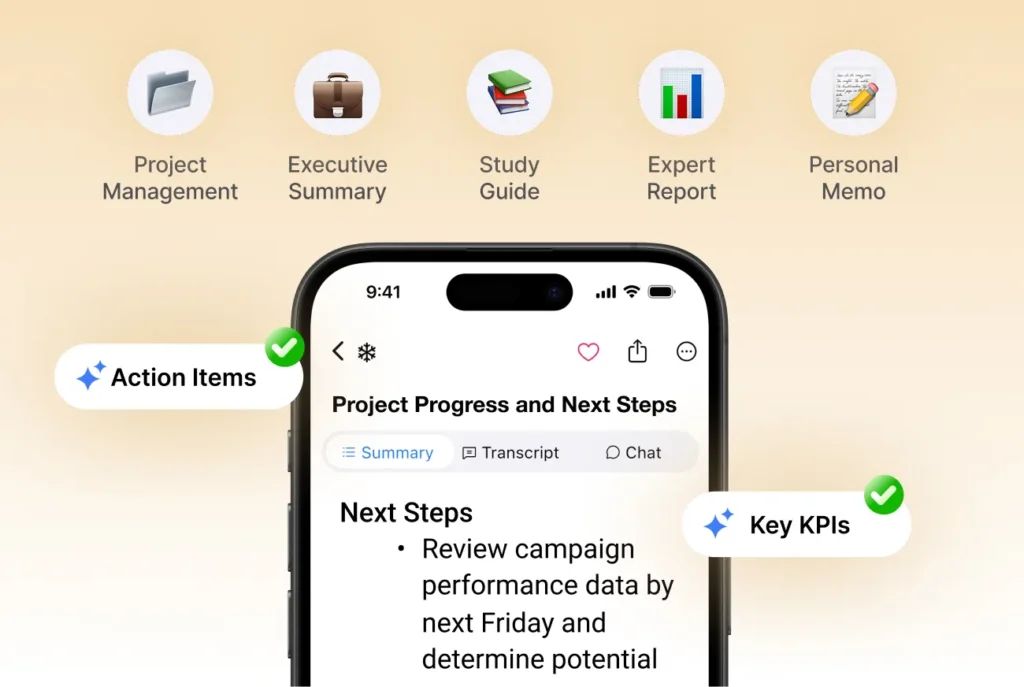
Generate AI notes
Select a default or custom template and SummaryAI will start generating meeting insights immediately.
Step 3
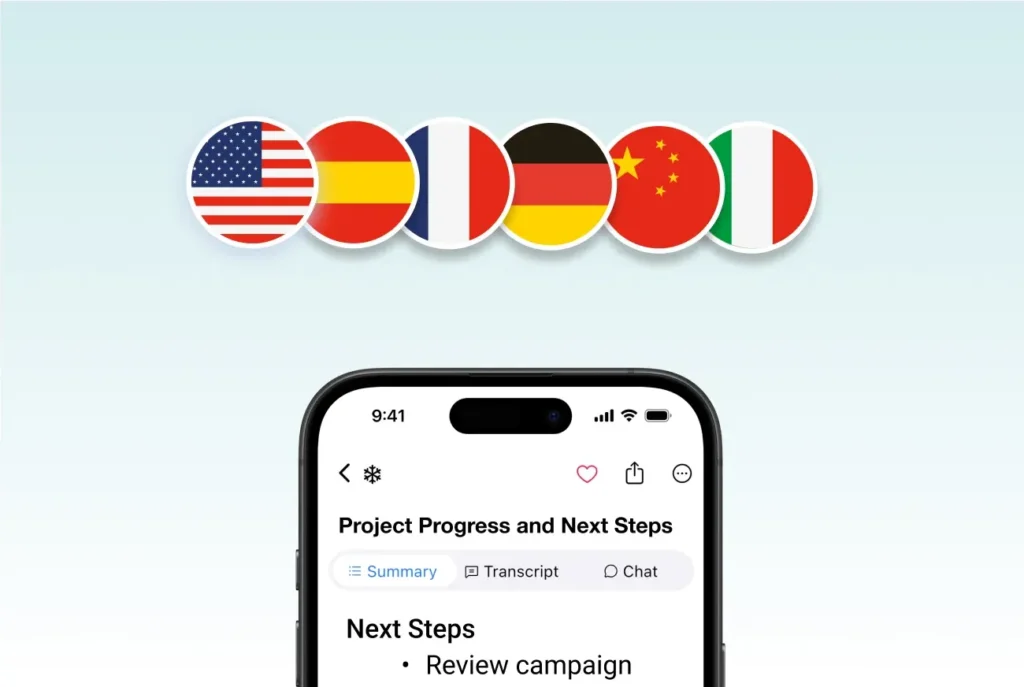
Edit or translate your summaries
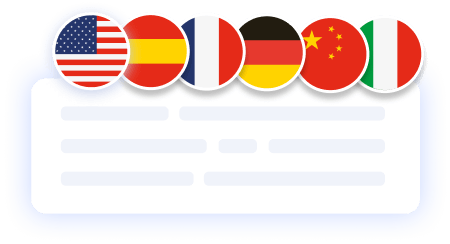
Make any edits your need to the meeting notes and translate them to +120 languages.
Step 4
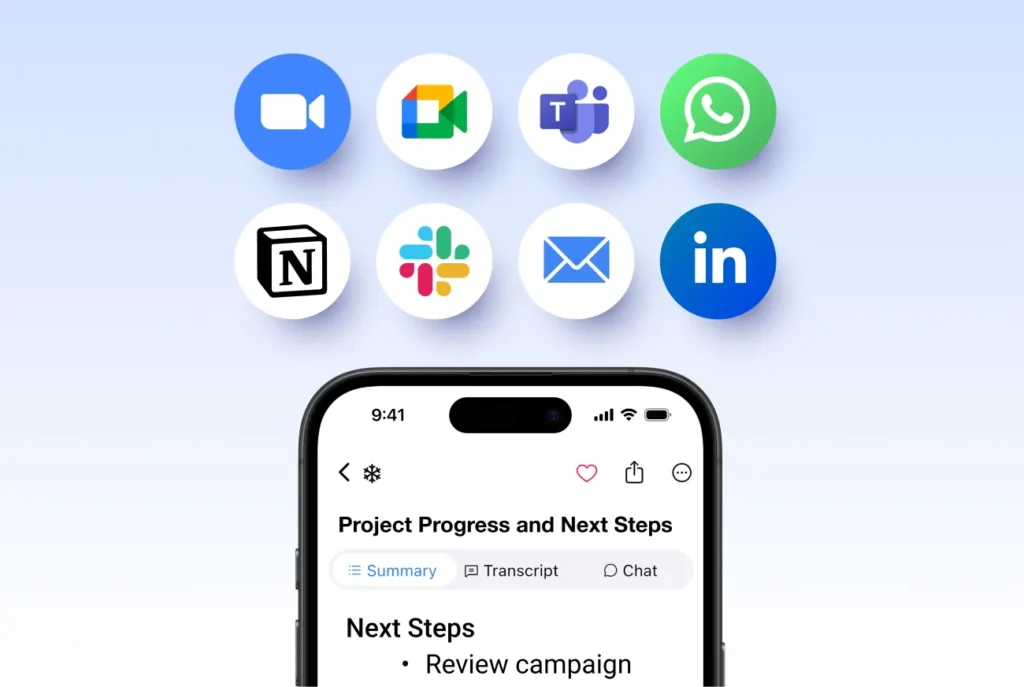
Share your notes with your team
Share your AI summarizations as Link, PDF or Text and export the audio or draft a follow up email. Send it directly to your boss, team, or stakeholders.
Boost productivity by
automating your meeting notes
In today’s fast-paced work environment, every minute counts. Summary AI saves you valuable time by instantly generating clear, well-structured meeting summaries the moment your call ends. Focus on decisions and execution while AI handles the notes.

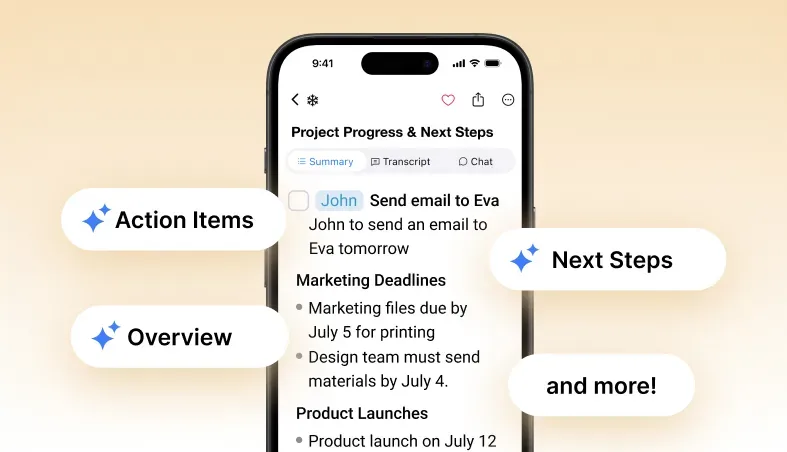
Action items that keep
your team aligned
Once your meeting ends, you’ll get a clear list of next steps and action items assigned to meeting participants.
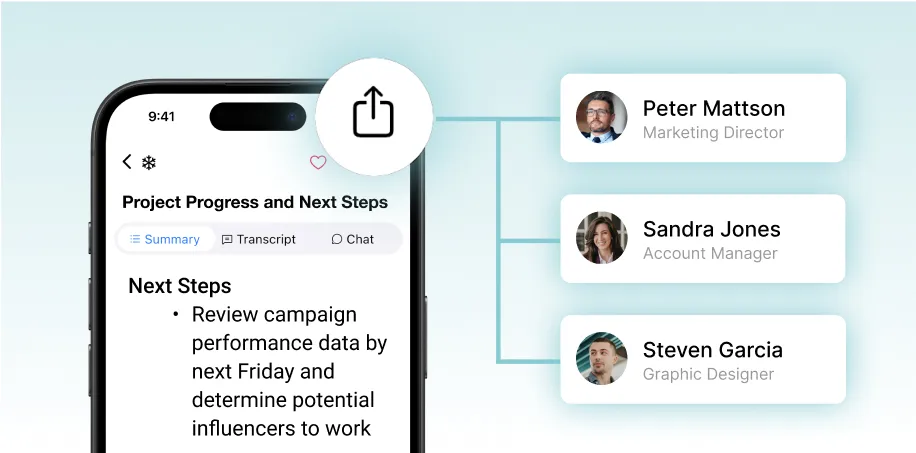
Effortless sharing for better collaboration
Our summary generator makes it easy to share insights and keep everyone aligned.
Instantly export summaries as PDFs, text or email and share them with your team.
More Features
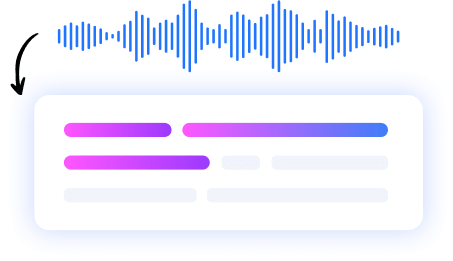

Meeting Assistant
Your AI meeting assistant that assist to meetings, gets action points, and provides answers with AI.



Our results in numbers
+10M
active users
cloud-based
in the App Store
What Users Say About Our AI Summarizer


Rated 4.9 out of 5 from +16,000 reviews
“Summary AI is an excellent app that helps our team gather all the important action points from our company meetings… It’s really helpful when you have an AI agent taking notes from you, so you can really focused on what’s being said and discussing opinions and priorities, instead of having to take manual notes… ”
Senior Graphic Designer, November 2025




Summary AI Learning Hub
Expert advice, tips & how to guides about transcriptions, summaries and productivity. Get the most out of our summaries.
AI Summaries FAQs
How to get AI summaries?
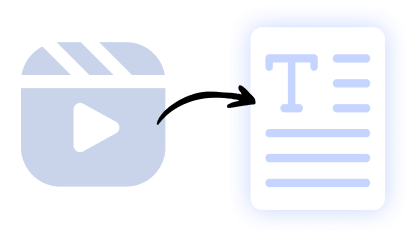
To get AI summaries with the Summary AI app, install it on your phone or browser, then paste or share any text, link, or document you want summarized. Tap “Summarize,” and the app will instantly generate a concise summary in your chosen format. You can also use the Chrome extension or web app to summarize articles, YouTube videos, or PDFs directly.
Can AI write a summary for me?
Yes — SummaryAI automatically generates a clear, structured summary from your recording or upload, including key points, action items, and next steps, saving you time reviewing long content.
How to 100% humanize AI text?
You can edit and customize the AI-generated summary inside SummaryAI, change the tone, format, or template, and adjust wording so it fully matches your personal or professional writing style.
Which AI is best for summarizing?
SummaryAI is built specifically for summarization, combining word-for-word transcripts with AI-generated summaries, action items, and speaker context for more accurate and useful results.
Can AI summarize a PDF or an article?
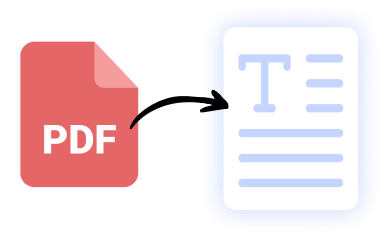
Yes — SummaryAI allows you to upload files or recordings, and the AI can generate a concise summary highlighting the most important information and takeaways.
Get rid of manual meeting notes & download Summary AI today!
- Take unlimited notes directly from your phone or favorite browser.
- Store all your recordings in one secure & cloud based platform.
- Perfect & detailed summaries made with AI.
- GDPR, ISO & CCPA compliant.

