#1 Transcription App 2025.

stars

Rated 4.9 out of 5

  1. Home
  2. »
  3. Features
  4. »
  5. AI Chat

#1 AI Chatbot

Extract key information from every meeting with AI Chat

Get instant insights from every meeting minutes. Summary AI’s artificial intelligence chat helps you search, summarize, and understand meetings across one or multiple recordings.
ai chat wi summary ai
logo-green-life-review
logo-digitech
logo-don-didier
logo-optimex
logo-new-life
logo megalinks
logo pms food

Your recordings hold more value, AI Chat is how you unlock them

Your personal AI assistant for meeting insights
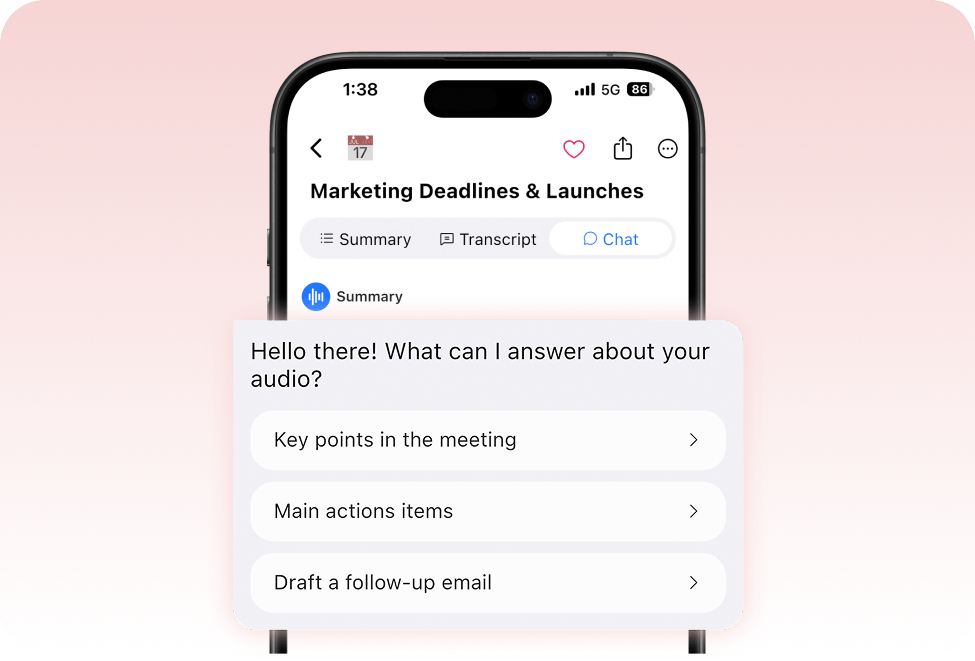
AI Chat is your on-demand assistant built right into Summary. From sales calls to interviews, you can ask questions and get the answers you need quickly and accurately.
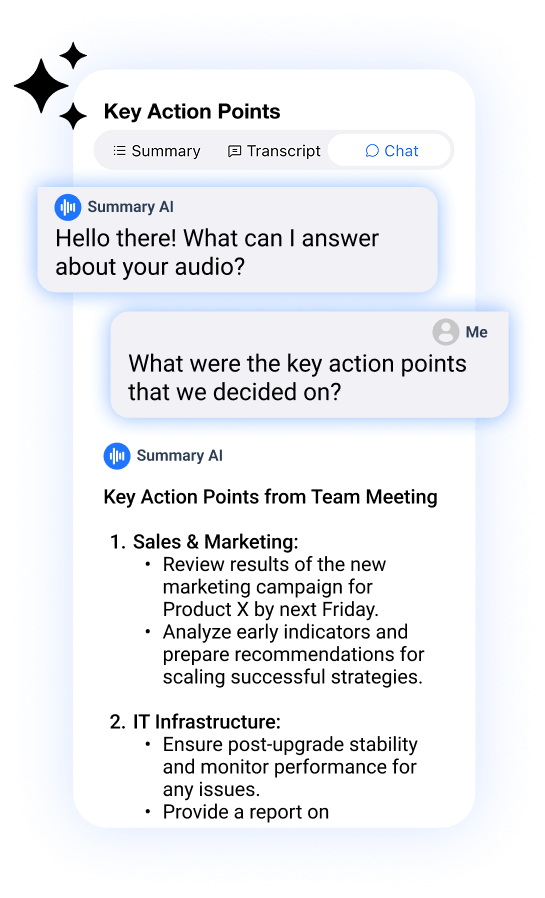
Mobile screen with an AI chat overlay offering quick actions—key points, action items, or draft a follow-up email—on top of the “Marketing Deadlines & Launches” interface.
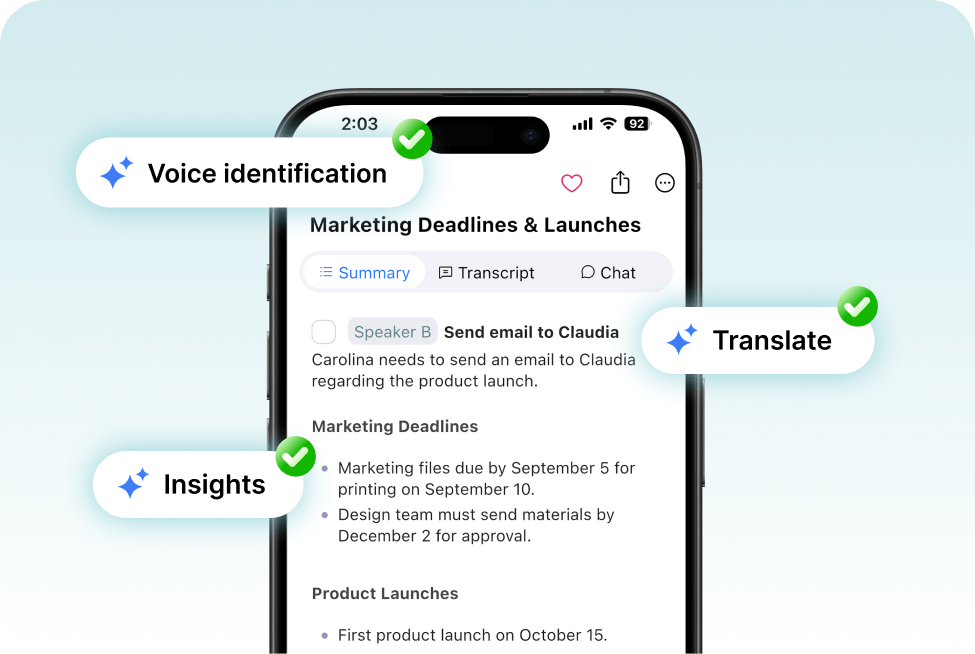
Smartphone screen showing a meeting summary titled “Marketing Deadlines & Launches,” annotated with badges for voice identification, insights, and translation features.

Insight-driven workflows

With AI Chat, you can identify what specific speakers said, clarify decisions made during a conversation, and even translates transcript excerpts. It pulls the information from various sources such as transcripts, bookmarks, titles and comments.

No matter your role, 
Al Chat helps you 
stay ahead
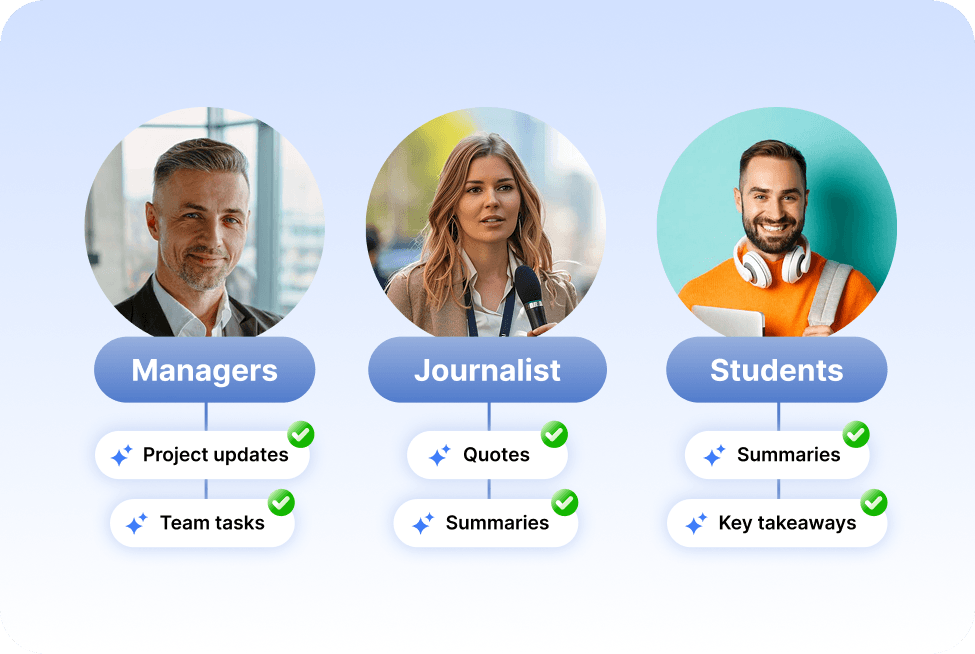
Managers can ask about project updates and team tasks, journalists can pull quotes and summaries from interviews, and students can ask for key takeaways from lectures.
Three circles showing a manager, a journalist, and a student with bold labels. Under each, checkmarked features: Managers get project updates and team tasks; Journalist gets quotes and summaries; Students get summaries and key takeaways.

An AI chatbot online & ready 24/7, right in your pocket
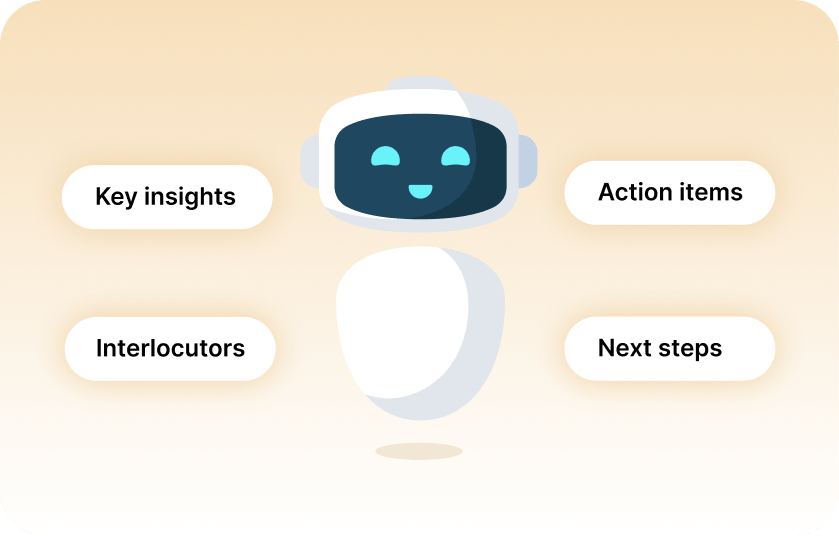
Whether you’re extracting key insights from a sales demo, from a churn request call, or from a school lecture from university or high-school, you can quickly extract the action items, interlocutors, a quick summary or the next steps just by live chatting with our chatbot app.
A smiling robot at center with labels around it reading “Key insights,” “Interlocutors,” “Action items,” and “Next steps.”

What makes Summary AI the best AI chat online?

Summary AI is present in every meeting, conversation, transcription and translation that you need to keep recorded, from professional events to personal notes. You can use it in any scenario you can think of. Plus, the chatbot app is in constant development, meaning new features and improvements are constantly being released to keep you always ahead of technology.

More Features

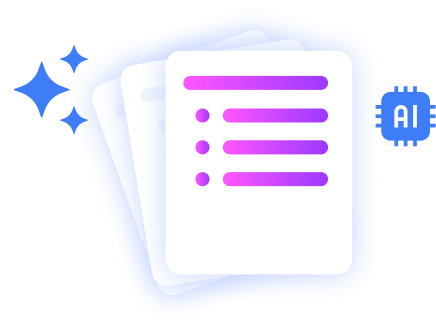
Stacked document pages with a colorful bullet list icon, sparkles, and an AI chip icon, representing AI-powered polished document summaries.

AI Summaries

Generate instant, AI powered notes after every meeting.

voice to text summary

Transcribe Live

Record audio and get live word-for-word transcription.

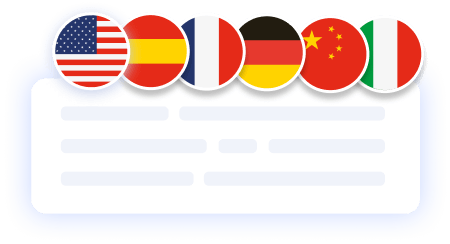
translate the meeting notes in different languages

Translate Meetings Live

Translate meetings in 120 languages.

you can record a voice note and summary ai will transcript the information

AI Chat

Ask AI anything about your meeting.

summary ai feature

Background Recording

Transcribe any video to text.

Illustration of stacked document pages with a shield and lock icon, symbolizing secure, privacy-focused AI summaries.

Private Summaries

Transcribe any video to text.

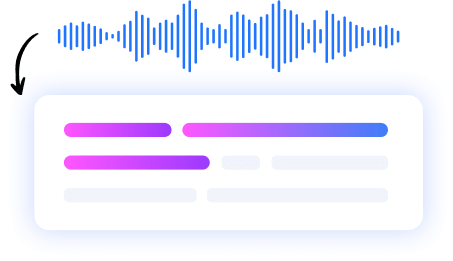
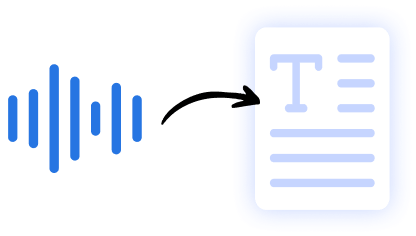
Graphic showing audio waveforms transforming into a text document, illustrating speech-to-text conversion by AI.

Audio to Text

Transcribe any audio to text.

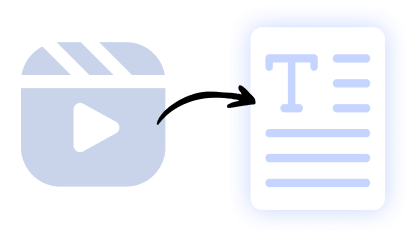
Illustration of a video clip icon converting into a text document, representing AI-powered video-to-text summarization.

Video to Text

Transcribe any video to text.

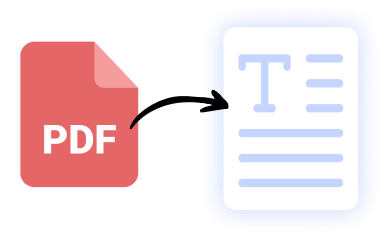
Icon of a red PDF file converting into a text document, symbolizing AI-driven PDF-to-text extraction by SummaryAI.app.

PDF to Text

Transcribe any PDF to text.

Our results in numbers

+10M

active users

+20M
monthly recordings
100%
private &
cloud-based
4.9 / 5

in the App Store

User testimonials

testimonial symbol
app-store
stars

Rated 4.9 out of 5 from +16,000 reviews

“With Summary AI Chat, I can instantly ask questions about past meetings, documents, or transcripts — and get clear, actionable answers in seconds. It’s like having a personal assistant who remembers every detail.
Whether I need to draft follow-up emails, summarize notes, or pull key insights, AI Chat saves me time and keeps my workflow moving effortlessly.”

Natalie Chen, Operations Director

best usability winter 2025 badge G2
leader g2 winter 2025
bagde software advice front runners
capterra badge shortlist top 2025

Summary AI Learning Hub

Expert advice, tips & how to guides about transcriptions, summaries and productivity. 
Get the most out of our summaries.
what is an objective summary

What Is an Objective Summary? The Complete Guide (Examples + AI Tips)

6 mins read.

Virtual Meeting Etiquette: Guide to Professional Online Communication

5 mins read.

How to Download Zoom Video Communications: The Complete Guide (With AI Tips)

6 mins read.

AI Chat FAQs

A: AI chat helps you ask questions, get explanations, and generate insights from your content — in SummaryAI, it’s used to chat directly with your transcripts and summaries to quickly find answers or create follow-ups.

Yes — SummaryAI’s AI chat is designed with security and privacy in mind and only uses the data you choose to interact with.

Unlike general AI chats, SummaryAI’s AI Chat is context-aware — it understands your actual meetings, transcripts, and files, allowing you to ask precise questions and get accurate, actionable answers.

Get rid of manual meeting notes 
& download Summary AI today!

summary ai app in desktop and phone
Scroll to Top