#1 Transcription App 2025.

stars

Rated 4.9 out of 5

  1. Home
  2. »
  3. Features
  4. »
  5. Transcribe live

Nº1 Live Transcription App

Transcribe live any conversation with Summary AI

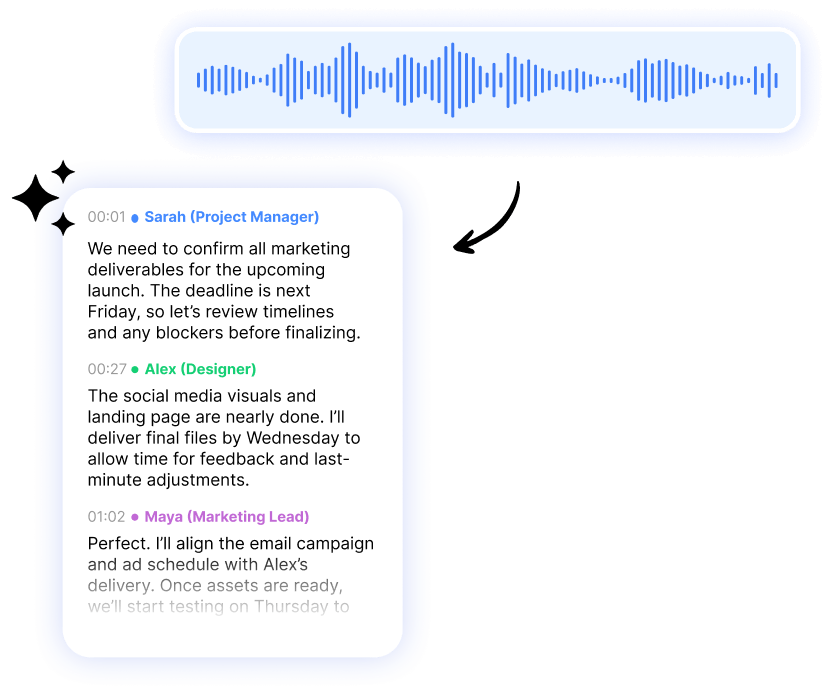
Focus on the conversation and never skip a detail with Summary AI’s live transcription. Forget about note-taking, tap record and get accurate word-for-word AI transcriptions during all your meetings. Works in any language and allows you to translate live.
Blue audio waveform above a chat interface showing an AI prompt (“Hi! What can I answer about your audio?”), a user query, and an AI response listing key meeting points.
freen-life-logo
digitech-logo
don-didier-logo
optimex-logo
logo-hero-new-life
megalinks-logo
pms-food-logo

How to transcribe meetings live using transcription software

Step 1

View real-time
AI transcriptions
during meetings

Record and SummaryAI will generate a real-time transcription of your meetings.

  • Select language: Transcribe meetings in 120 available languages
  • Accurate transcription: Get word for word transcriptions during the meeting
  • Know who said what: Speaker identification breaks down transcripts by participant
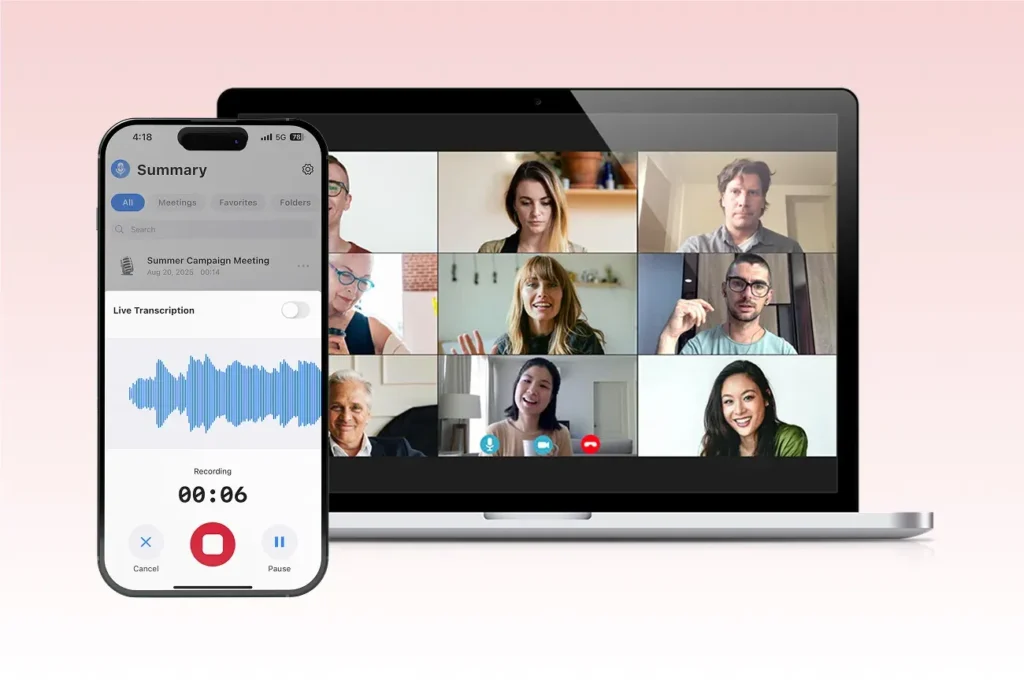
Smartphone showing SummaryAI.app’s live audio recording interface with waveform, timer, stop/pause controls, and a “Live Transcription” toggle, alongside a laptop displaying a multi-participant video conference grid on a soft pink background.
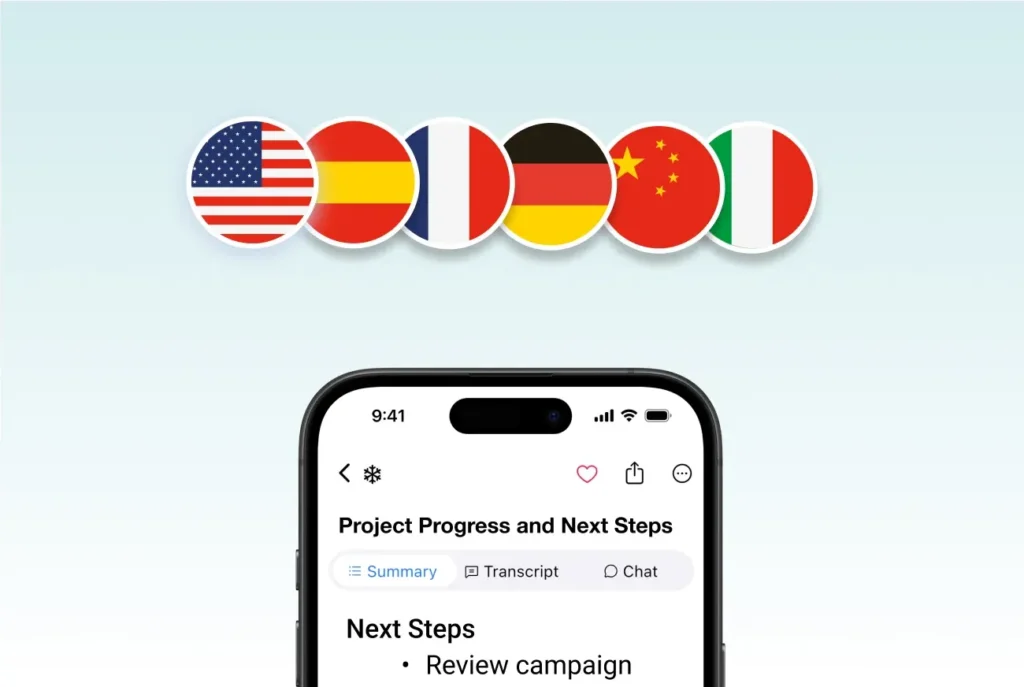
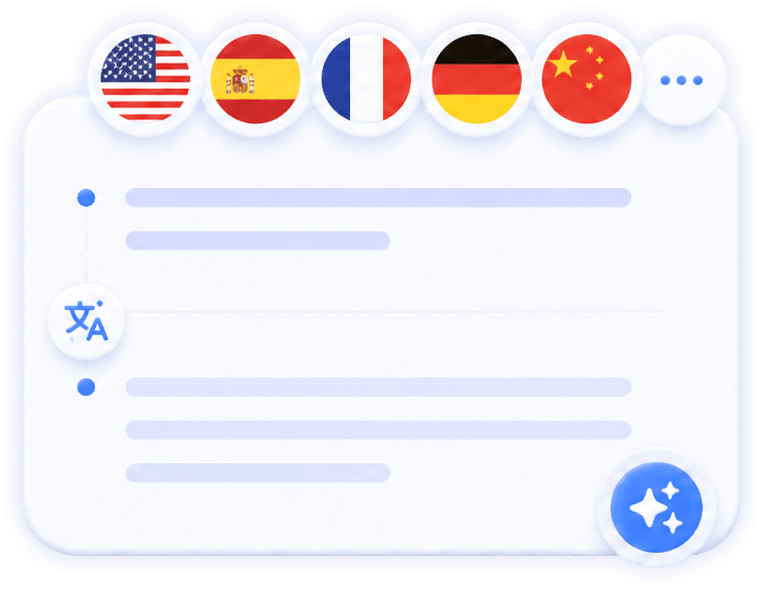
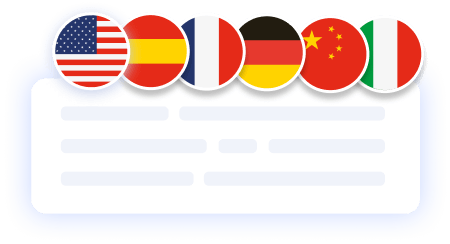
Six circular country flags—United States, Spain, France, Germany, China, and Italy—aligned above a mobile summary screen, illustrating SummaryAI.app’s support for multilingual transcription and translation.

Step 2

Translate meetings live

Choose your preferred language from 120 options and watch your meetings translate in real time — every word appears just 0.1 seconds after it’s spoken.
  • Instant translation: Get on-screen translation almost instantly
  • Multilingual support: Translate between
120+ languages
  • Seamless experience: See and hear your meetings flow across languages

Step 3

Turn transcripts into recaps, summaries, and project progress

Stop doing your post-meeting tasks and follow-up actions manually. Let Summary do the work for you to save time and get more out of meetings.

  • Generate meeting summaries: Get insightful long & short summaries with one click
  • Get assigned action items: notes will include all action items discussed, assigned to the relevant participant
  • Turn meetings into project updates: Keep clients, teams, and stakeholders in the loop by sharing your notes after every meeting
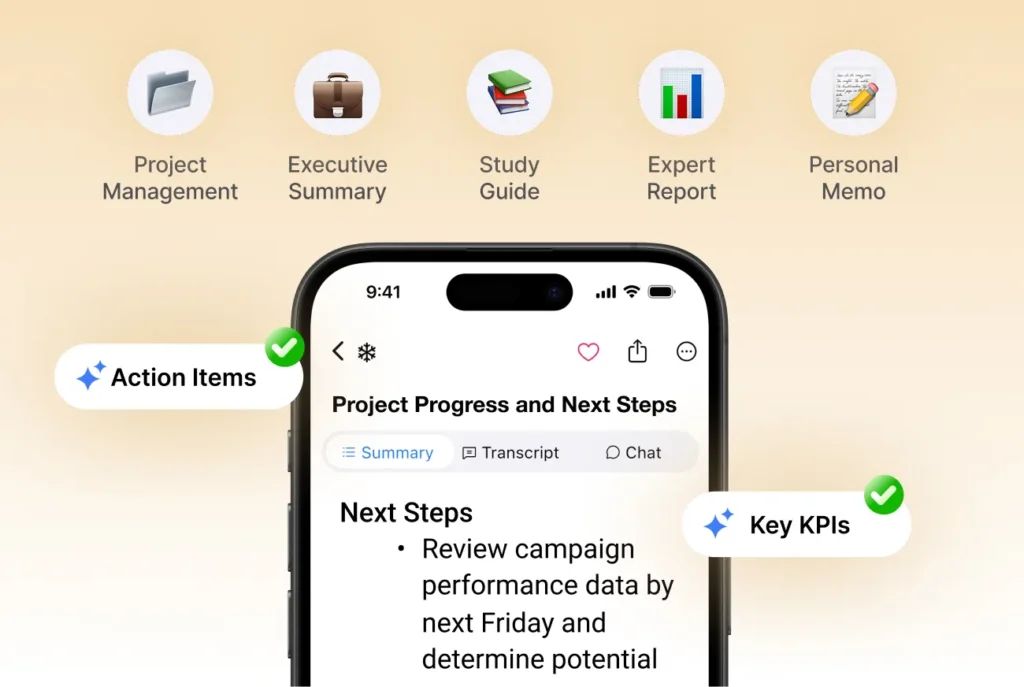
Icons for Project Management (folder), Executive Summary (briefcase), Study Guide (books), Expert Report (bar chart), and Personal Memo (notepad) displayed above a smartphone screen showing SummaryAI.app’s “Project Progress & Next Steps” summary.

Boost productivity with real-time online transcription
Focus is everything. Transcribing with AI lets you stay fully engaged in every conversation while AI transcribes your meetings in real time. Capture every word, idea, and decision instantly — no more switching between listening and note-taking. When the meeting ends, your complete, editable transcript is ready to review, share, or summarize.
Blue audio waveform above a stylized text snippet with colorful highlights on a soft gradient background, illustrating audio-to-text conversion.
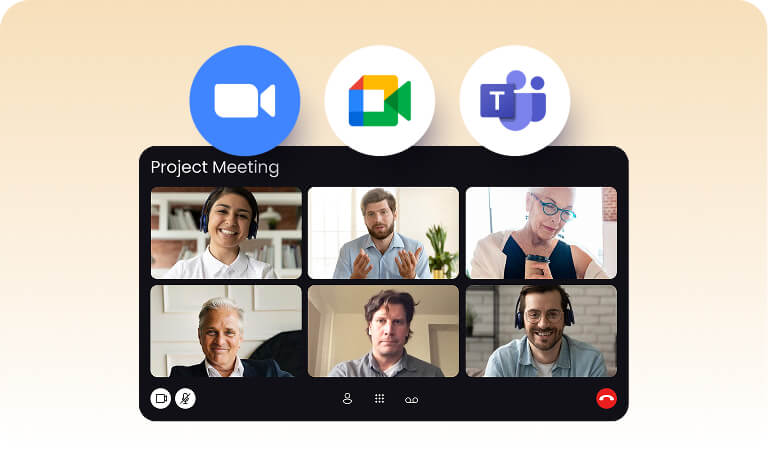
Laptop screen displaying a “Project Meeting” video grid of six participants with Zoom, Google Meet, and Microsoft Teams icons above, illustrating SummaryAI.app’s seamless meeting integrations.

Designed to make remote meetings more productive

Summary AI works with the video conferencing software of your choice and connects with your tech stack to simplify post-meeting actions.
  • Transcribe Google Meet
  • Transcribe Microsoft Teams
  • Transcribe Zoom
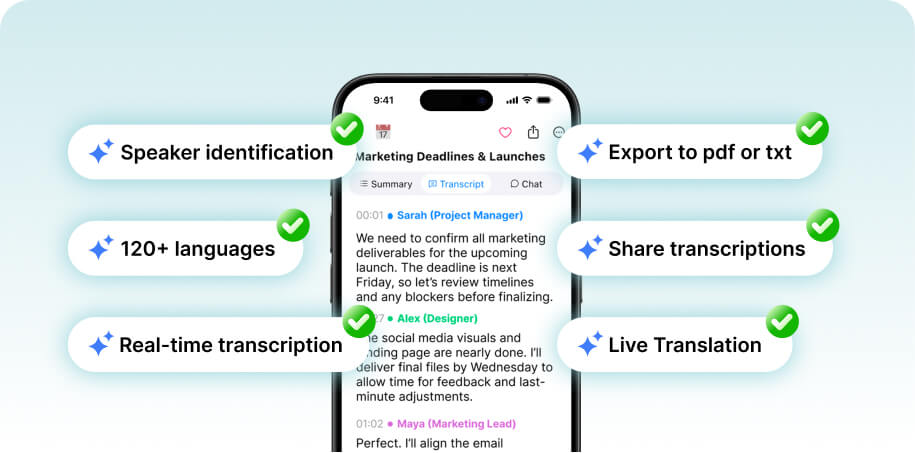
Smartphone showing a transcript screen with badges for speaker ID, 120+ languages, real-time transcription, PDF/TXT export, sharing, and live translation features.

Effortless sharing for better collaboration

  1. Speaker identification
  2. Over 120 languages supported
  3. Real-time transcription
  4. Export to PDF or TxT
  5. Share Transcripts
  6. Live Translation
  7. Fast Search

More Features

Stacked document pages with a colorful bullet list icon, sparkles, and an AI chip icon, representing AI-powered polished document summaries.

AI Summaries

Generate instant, AI powered notes after every meeting.

summary ai in a meeting call

Meeting Agent

Your AI meeting assistant that assist to meetings, gets action points, and provides answers with AI.

translate the meeting notes in different languages

Translate Meetings Live

Translate meetings in 120 languages.

you can record a voice note and summary ai will transcript the information

AI Chat

Ask AI anything about your meeting.

summary ai feature

Background Recording

Transcribe any video to text.

Illustration of stacked document pages with a shield and lock icon, symbolizing secure, privacy-focused AI summaries.

Private Summaries

Transcribe any video to text.

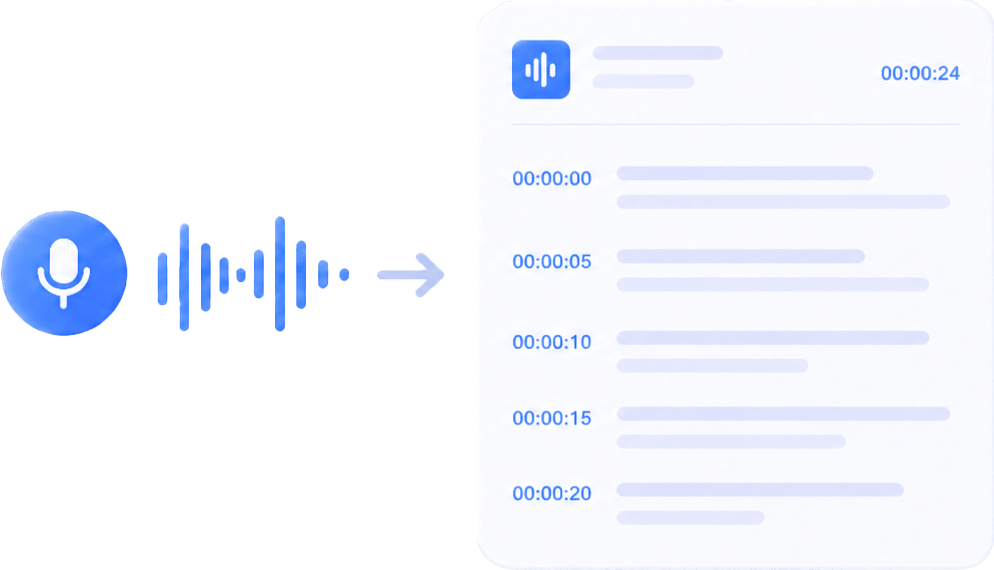
Graphic showing audio waveforms transforming into a text document, illustrating speech-to-text conversion by AI.

Audio to Text

Transcribe any video to text.

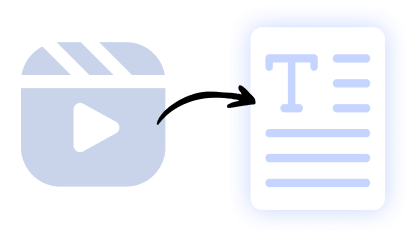
Illustration of a video clip icon converting into a text document, representing AI-powered video-to-text summarization.

Video to Text

Transcribe any video to text.

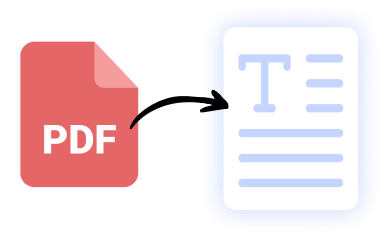
Icon of a red PDF file converting into a text document, symbolizing AI-driven PDF-to-text extraction by SummaryAI.app.

PDF to Text

Transcribe any PDF to text.

Our results in numbers

+10M

active users

+20M
monthly recordings
100%
private &
cloud-based
4.9 / 5

in the App Store

User testimonials

testimonial symbol
app-store
stars

Rated 4.9 out of 5 from +16,000 reviews

“The live transcription lets me focus on clients instead of notes — I get every detail captured in real time, making follow-ups and CRM updates effortless.”

Alex Carter, Senior Account Executive

best usability winter 2025 badge G2
leader g2 winter 2025
bagde software advice front runners
capterra badge shortlist top 2025

Summary AI Learning Hub

Expert advice, tips & how to guides about transcriptions, summaries and productivity. 
Get the most out of our summaries.

what is an objective summary

What Is an Objective Summary? The Complete Guide (Examples + AI Tips)

6 mins read.

Virtual Meeting Etiquette: Guide to Professional Online Communication

5 mins read.

How to Download Zoom Video Communications: The Complete Guide (With AI Tips)

6 mins read.

Transcribe Live FAQs

To get AI summaries with the Summary AI app, install it on your phone or browser, then paste or share any text, link, or document you want summarized. Tap “Summarize,” and the app will instantly generate a concise summary in your chosen format. You can also use the Chrome extension or web app to summarize articles, YouTube videos, or PDFs directly.

Simply start a recording in SummaryAI and enable live transcription. You’ll see the audio converted to text in real time while the recording is still in progress.

You can either record the meeting directly on your device or connect your calendar so SummaryAI’s meeting bot automatically joins and transcribes your online meetings.

Yes — SummaryAI supports live transcription and real-time translation into multiple languages as the audio is being recorded.

Accuracy may vary with background noise, overlapping speakers, or poor audio quality, and live transcription may use more battery and data than standard recording.

Get rid of manual meeting notes 
& download Summary AI today!

summary ai app in desktop and phone
Scroll to Top