#1 Transcription App 2025.

stars

Rated 4.9 out of 5

Trusted by 100,000+ users worldwide

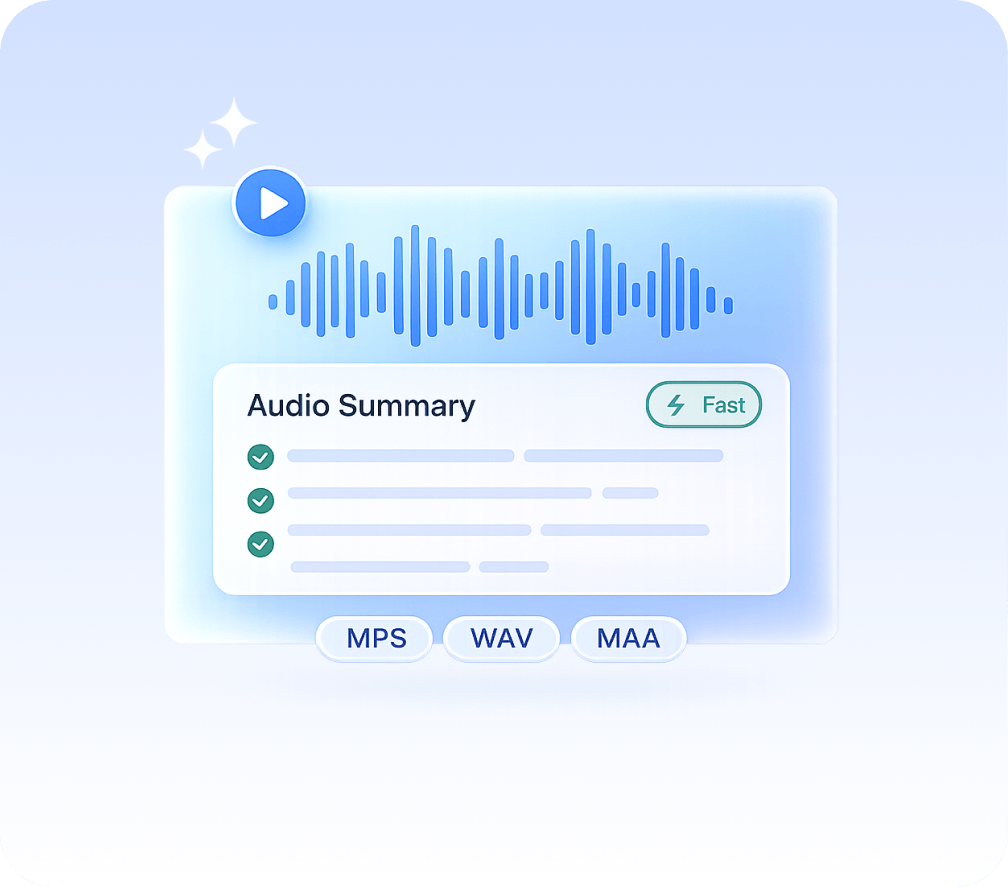
Audio Summarizer with AI

Turn audio files and voice recordings into clear, usable summaries in seconds.
 No replaying. No guesswork. Just the insights that matter.

Audio to Text

Convert speech and audio recordings to text

Drag & drop your file here or browse to upload

Accepted formats: MP3, WAV, M4A, OGG, FLAC · Max 200MB

Mode

+ 50M

Minutes
transcribed

100K +

Happy
users

95% +

Accuracy
rate

100 +

Languages
supported

Summarize audio recordings faster with our AI audio summarizer

Convert audio files into structured text, transcripts, and AI-generated summaries so you can quickly understand key ideas and insights

Save Time

Summarize long audio recordings in minutes instead of hours

Extract Key Insights

AI identifies the most important points from your audio content

Understand Faster

Turn voice recordings into clear, readable text

Stay Organized

Keep transcripts and summaries structured and easy to access

How to use an AI audio summarizer

Use speech recognition and AI endpoints to convert audio files into text and generate accurate summaries automatically

1. Upload or paste audio

Upload an audio file from your device or paste a link from YouTube, Google Drive, or other platforms

2. AI processes audio

Our AI tool converts audio into text and analyzes the contentt

3. Get your audio summary

Receive an AI-generated summary with key insights and structure

How an AI audio summarizer converts audio into summaries

This AI tool uses speech recognition and AI endpoints to convert audio files into text and generate accurate, AI-generated summaries

Audio Input

Upload audio files in multiple formats or paste links from supported platforms

Speech Recognition

Convert audio into accurate text transcripts using advanced speech recognition

AI Summarization

Generate structured summaries with key insights, themes, and important details

audio-summarizer

AI audio summarizer free for fast, accurate results

Use an AI-powered summarizer tool to convert audio files and voice recordings into clear summaries and transcripts instantly

Summarize audio recordings for real-world use cases

Use speech recognition and AI endpoints to convert audio files into text and generate accurate summaries automatically

Students & Learners

Turn lectures and study audio into clear summaries and structured notes

Professionals

Summarize meetings, calls, and voice recordings into key decisions and insights

Content Creators

Convert interviews and audio files into summaries for content, scripts, and ideas

Complete AI audio summarizer for accurate results

A powerful summarizer tool that converts audio files into text, transcripts, and AI-generated summaries with speed, accuracy, and security

High quality

Generate reliable summaries using advanced AI models

Low cost

Start free and scale as you need

Fast processing

Start free and scale as you need

Easy to use

Upload audio or paste a link, no setup required

Accessible

Works across devices with no installation

Secure

Your audio files and transcripts are protected end-to-end

Real results from using an AI audio summarizer

See how users convert audio files, voice recordings, and meetings into summaries, transcripts, and actionable insights

stars

“I use it to summarize audio recordings from lectures. It helps me focus on key points without replaying everything.”

MS

Maria Santos

YouTuber

stars

“This AI audio summarizer is a game changer for meetings. I get clear summaries and action items instantly.”

JW

James Wilson

Product Manager

stars

“Fast and accurate. I turn long audio files into summaries in minutes and reuse them for content.”

EC

Dr. Emily Chen

Researcher

More than just an audio summarizer

Explore AI tools to summarize, transcribe, and convert audio files, videos, and text into usable content

Transcribe video to text

Convert video files into accurate text transcripts.

Youtube video summarizer

Get AI-powered summaries of YouTube videos instantly.

Transcribe audio to text

Transform audio recordings 
into written text.

Speech to text

Convert spoken words into written text in real-time.

Podcast summarizer

Get quick summaries and key takeaways from podcasts.

Audio summarizer

Generate concise summaries from any audio content.

Subtitles generator

Automatically generate accurate subtitles for your videos.

Online video compressor

Compress video files while maintaining quality.

Online audio compressor

Reduce audio file size without
losing quality.

Audio Summarizer FAQs

Our Audio Summarizer supports a wide range of popular audio to text file formats, including MP3, WAV, M4A, and more. This ensures you can easily upload recordings from podcasts, meetings, interviews, or any speech-to-text use case.

Yes. Our AI-powered audio to text transcription supports multiple languages and accents. Whether you’re transcribing podcasts, interviews, or videos, the tool can accurately convert speech to text across different languages.

Yes. The tool includes timestamps in your speech-to-text transcription, making it easy to navigate, edit, and create subtitles or captions for videos and podcasts.

Audio Summarizer can handle both short and long recordings. Limits may depend on your plan, but the platform is designed to process everything from quick voice notes to full-length podcasts and long-form audio content.

Our AI delivers highly accurate audio to text transcription using advanced speech recognition technology. Accuracy is highest with clear audio, minimal background noise, and distinct speakers. You can also edit transcript to refine results.

Yes. We prioritize security by using encryption and secure storage to protect your audio files, transcripts, and summaries. Your data remains private and accessible only to you or authorized users.

Start summarizing
audio today

Join thousands who save time and capture insights with AI-powered audio summaries

No credit card required · Instant results

summary ai app in desktop and phone
Scroll to Top

Start for free

To download the mobile app, point your smartphone camera at the QR code