
In this article we will be comparing Gemini vs Google Assistant. The two are quite similar. In this article we will be going through some major differences. Google now offers two “helper” apps.
These may look similar at first, but are developed for different functions are work in different ways.
In Google Assistant spoken word is prioritized. Similar to how an assistant works, it’s great for fast, routine tasks. For example setting timers and reminders and other smart home controls. Google Gemini is a new helper that’s based on generative AI for when looking for longer conversations, or when you need help in writing and research. It also works well with more complex requests.

So I would say in summary the main difference between Google Assistant and Gemini is mainly the type of help you get and how you use it.
This guide will look at what each one does best and where each one struggles. And how to decide which is better for you.
What is Google Gemini?
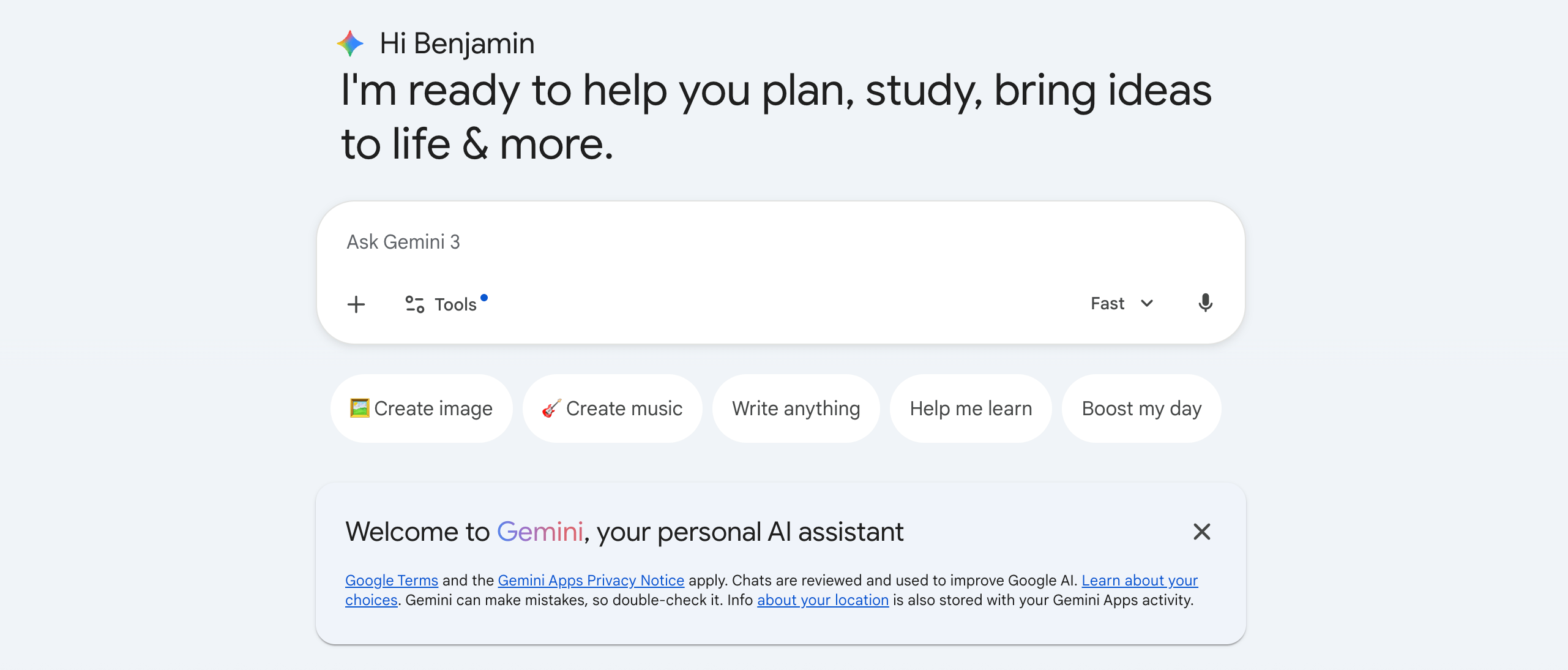
Google Gemini is Google’s newer AI assistant. Google’s new Generative AI chatbot is developed to understand natural language and handle more complex requests. It can help in multi-step tasks and you can have longer conversations. Google plans to have Gemini as the main assistant tool over time.
A classic voice assistant mainly executes commands. Gemini is not like this. It’s closer to a “virtual assistant” that can help you think through a problem. You can talk to it in your native tongue or write to it. Or you can use it as a guide in the Gemini App. It is focused on AI tools like drafting texts and summarizing information. Another feature of the assistant is that it reasons through questions.
On the Gemini page there’s an official overview where you can read more about this feature.
Features and capabilities of Google Gemini
Here are some of the main features which Gemini is built for:
1. Generative AI help in writing and rewriting
One of the leading reasons people choose gemini ai vs google assistant is that it can help with writing longer texts, like emails or messages. It also gives you outlines or short summaries when asked about a topic. Another task it can understand is brainstorming ideas or drafting plans.
2. Better for multi-step requests
Gemini is designed to handle longer tasks. So it works best when given longer instructions and plans with steps or comparisons. It also understands when given a set of options.
3. Better conversational context
Gemini is better than a classic command tool, because it’s built to follow a conversation. It can keep track of your conversation and can remember what you have already asked and what it has already answered. This is a major difference between google assistant vs gemini.
4. Deeper Google Workspace support
Gemini is positioned as an AI layer that can work with other apps and files within the Google family. It can work well with apps like Gmail, Docs, and Drive. But keep in mind that accessibility can differ depending on your device, your settings or where you are located.
5. Expanding to more places
Another thing to keep in mind is that Google has been developing Gemini to fit into more Google Apps. This user experience will include the assistant model on mobile and other platforms with further development time.
There are other AI tools designed specifically for specialized productivity tasks. So if one of the reasons you want Gemini is to save time spent on writing, you should also consider tools built for specific functions. For example, you can bring in the AI Meeting Assistant from Summary AI to your Zoom or Google Meet. It can help in joining the call automatically and capturing what was said. After the call is over it sends you a clean summary.
What is Google Assistant?
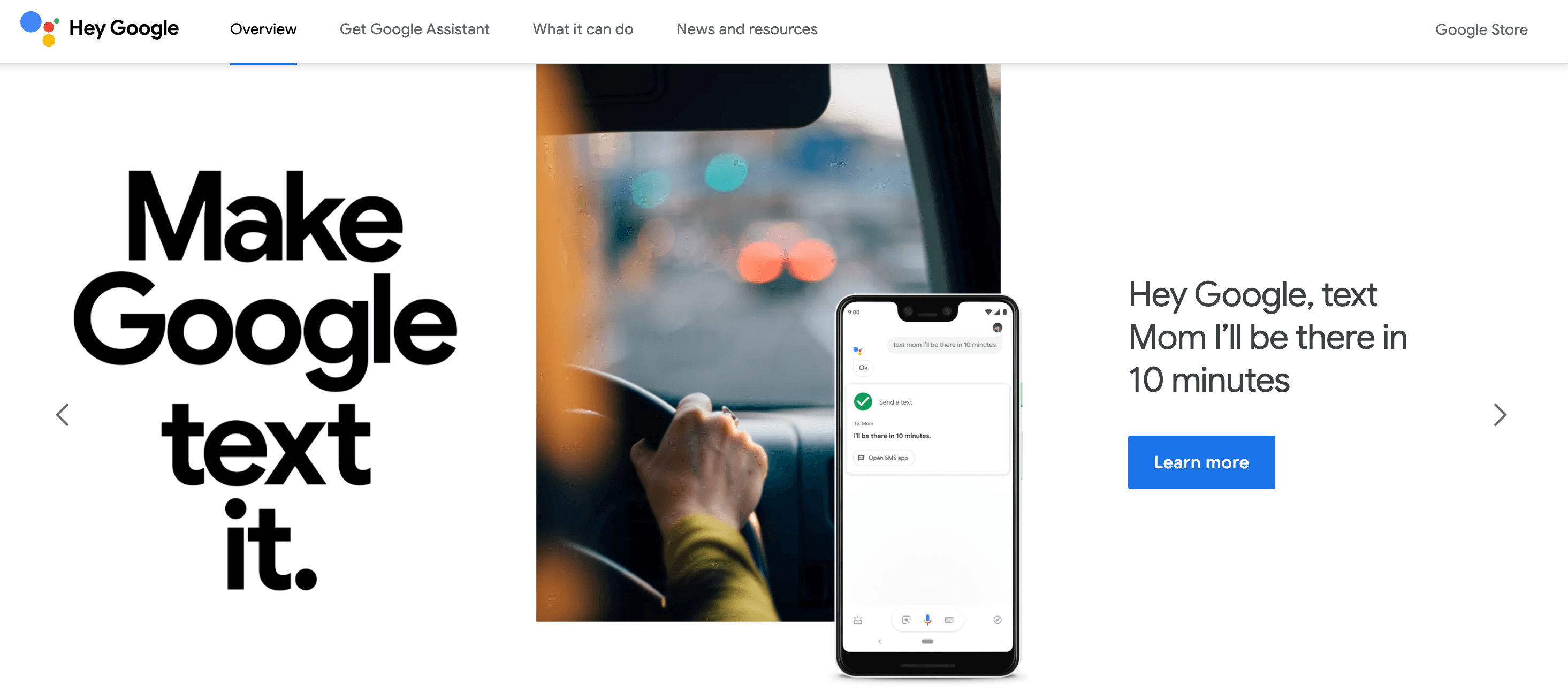
Google Assistant is specifically designed to understand quick commands. It also provides hands-free help. It’s Google’s more classic voice assistant. Google Asisstant works best when you want a fast reaction and are not looking for a long conversation. So for example if you want to set a timer, call someone, or play your favorite song, your best choice is to use Google Assistant.
Google Assistant is known for actions like timers, reminders and other similar quick tasks. Similar to ones like the actions found on Google’s own capabilities page.
If you want to see Google’s official pages, visit Google Assistant or the Learn page.
Features and capabilities of Google Assistant
Here is a list of some of the actions Google Assistant is still powerful in:
1. Fast voice commands
For daily use Assistant is still preferred by many. Because it’s made for voice recognition and understands short commands.
2. Smart home control
Through the Google ecosystem Google Assistant has strong integration with smart home devices. Like when using smart home actions like turning on lights, thermostats or playing songs or other media.
3. Routine tasks and reminders
Fast tasks are still a core Assistant strength. Like timers, alarms, calendar checks and many other similar functions and simple reminders.
4. Hands-free help across devices
One of the main reasons people use Assistant is because it can easily control other devices used through Android phones. For example smart speakers and smart displays.
What are the main differences between Google Assistant and Gemini?
So the question that everybody is asking ultimately is about the difference between Google Assistant and Gemini. Depending on who you ask, the biggest difference would be:
- Gemini is designed for complex and longer thinking tasks. It summarizes texts and essays better than Google Assistant
- Google Assistant is designed for fast actions and routines tasks through voice activation
In this next section I will be explaining some of the other key differences that matter most, besides the two obvious answers above.
Capabilities: content vs commands
While Gemini can generate content and help with writing, it can also handle more detailed prompts and hold longer and detailed conversations.
But when using Google Assistant for direct commands, especially when wanting a quick action with no extra explanation, it works better than Gemini.
Context and understanding
So when looking at how the two follow context, Gemini is more conversational and can clearly follow a longer chat better. And Assistant is best when you speak in short phrases and want an immediate execution.
Speed and reliability
When you are doing simple tasks, Google Assistant often feels faster. This is because it’s optimized for short spoken requests. Gemini can sometimes feel slower because it is running a more complex Generative AI model.
Integration: Workspace vs smart home
Google Assistant has a superior integration with smart home devices. It ‘s more compatible with devices that use hands-free control and smart displays. And Gemini is better when using it with other Google Workspaces, like Docs, Gmail and other similar apps.
Availability: where you can use them
According to Google the assistant experience on mobile is upgrading to Gemini. You can read on Google’s support pages where they explain that switching to Gemini can replace Google Assistant as the primary assistant on your Android device.
Gemini vs Google Assistant: Pros and cons
If you are asking “which is better, Gemini or Google Assistant,” the honest answer is that it depends on what you need it for.
Pros of Gemini
- Best for writing longer texts, summarizing summarizing them and brainstorming ideas
- Better for multi-step questions and deeper explanations, so more complex texts
- More conversational, especially if you use it inside the Gemini app
Cons of Gemini
- This assistant can feel a bit slower for quick commands
- It sometimes gives longer answers than needed, especially if you just want a quick explantation
- Gemini is still under development, so it might not be available across all devices
Pros of Google Assistant
- Google Assistant is best for quick voice commands, because it executes them very quickly
- It’s integrated with other devices, so it has strong smart home support
- It has a familiar “Hey Google” feel to it and great device support
Cons of Google Assistant
- This assistant isn’t designed for long-form writing and doesn’t work well when wanting deep research
- Compared to Gemini it’s also less flexible for requests with multi steps

How do I switch from Google Assistant to Gemini?
A question often asked by Android users is how they should move from one assistant to the other.
Especially when using a specific device, like a Google Pixel or another Android phone.
In Google’s support instructions you can read that when switching to Gemini, Google Assistant may be replaced as the primary assistant on your device.The function “Hey Google” may still work to access Gemini, if you unable it in the settings. It’s also possible to use the same access methods you used for Assistant.
Here is a simple and practical process of switching from one assistant to another:
- Install or open the Gemini app
On Android you can access Gemini through the Gemini app the availability is not accessible yet in every region and device. - Follow the prompts to switch
Inside Assistant or Gemini you will get a prompt asking you to switch. - Check your default assistant setting
After switching Gemini will become the primary assistant on supported devices. - Test your voice commands
You should try a few basics like, “Set a timer for 5 minutes,” “Turn off the lights,” or other simple commands. This can help you see what still works as the way you expect. - Know your wake word options
Another common question is what do I say, “hey google or hey gemini?” According to Google’s support guidance if you want to use “Hey Google” for Gemini access, you can if you enable it. But wake word behavior can vary depending on what model and what device you use, so to really understand what works and what doesn’t I recommend testing it on your phone after switching applications.
Have more productive meetings with Summary AI
Meetings are a special cases where you often want a tool that can do all in one: to join the call, capture every word and in the end to send you a clean summary automatically. This where Summary AI’s AI Meeting Assistant comes in to the picture. You can invite it to Zoom, Google Meet, or Microsoft Teams. It joins automatically, records everything that was said and sends your summary right after the meeting ends.
If your main goal with using an AI assistant like Gemini or Google Assistnat is being more productive then try a dedicated tool for calls and summaries like AI Meeting Assistant to capture your meetings and send you clear notes automatically.